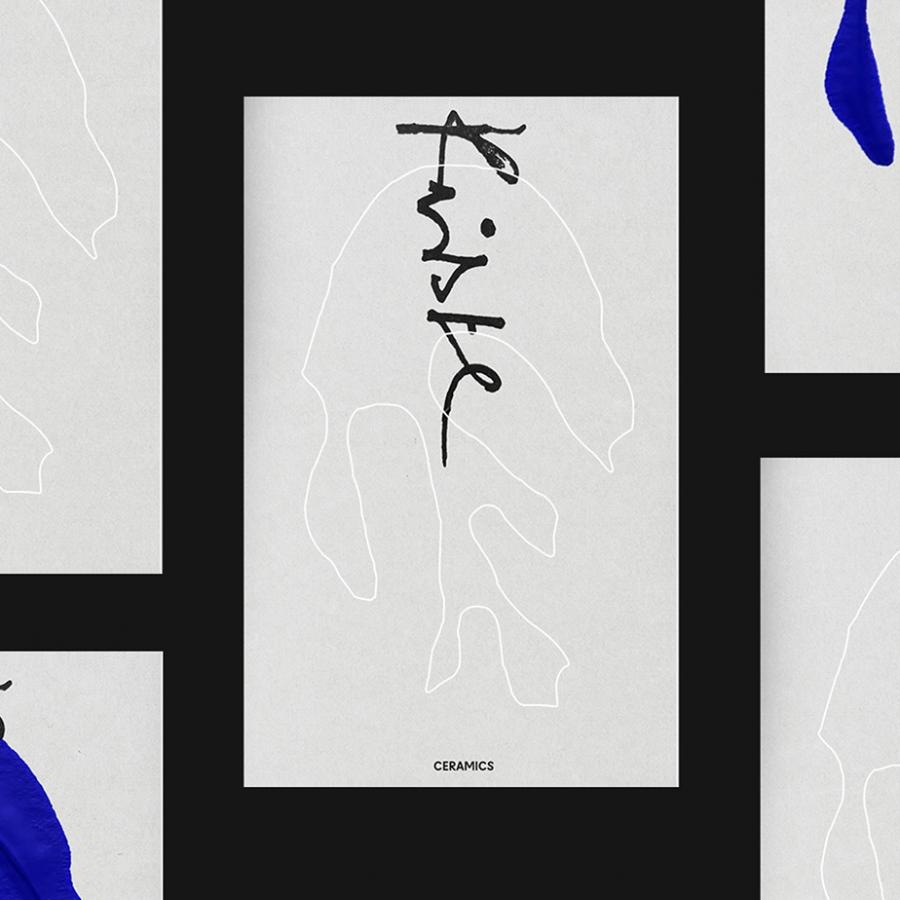

A few weeks ago we posted a tutorial showing how to create a hipster text effect using Pixelmator. Now we decided to show you the same effect using Photoshop CS6. As we had said, we will be doing that in Fireworks and CSS as well. So stay tuned.
So in this tutorial we will show you how to create a simple text effect with a very trendy hipster look. We will use just basic filters and layer styles to achieve the effect. The whole process won't take you more than 30 minutes.
The wallpaper of this week is from Giovanni Tabolacci a great designer and illustrator from São Paulo Brazil. Brazil. Giovanni uses a Wacom tablet to create the basic sketch then Illustrator and Photoshop to add colors and textures producing some simply amazing illustrations. Below we can take a look at his design process.
For more information visit Giovanni Tabolacci's website at http://www.tabolacci.blogspot.com/
The book suggestion of this week is for those out that love posters, I believe everyone. The book is calledWar Posters: Weapons of Mass Communication and as the name says it's all about war posters. It is divided by wars and you can get tons of inspiration from it.