
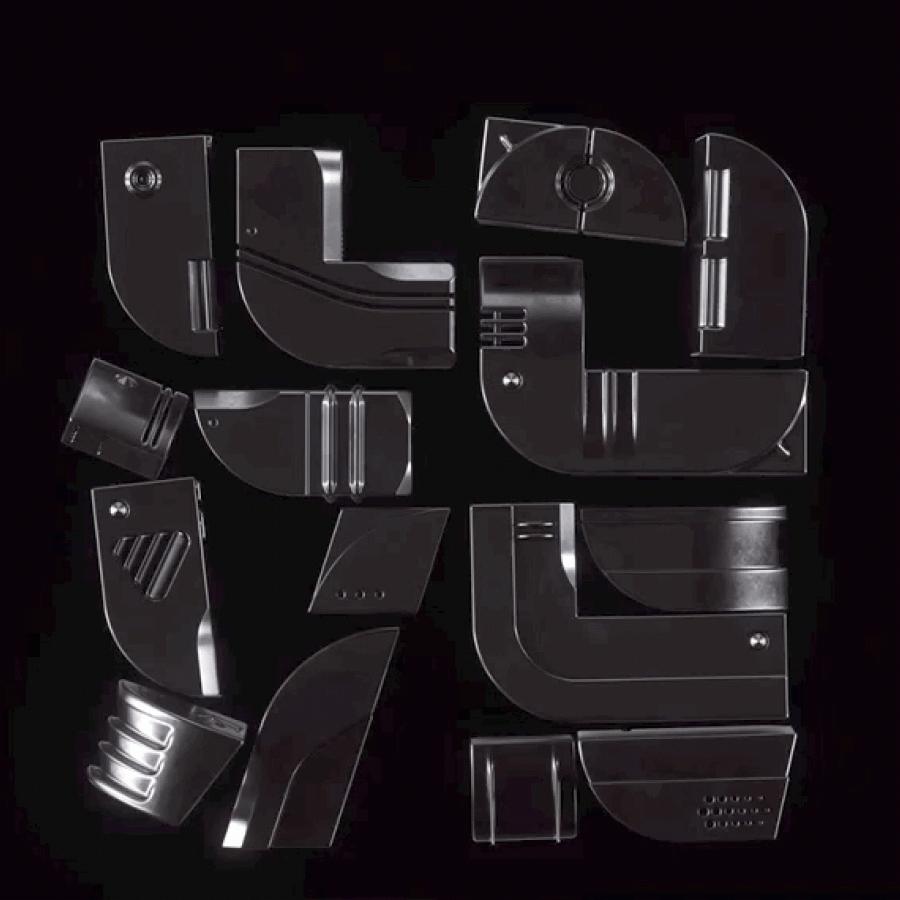
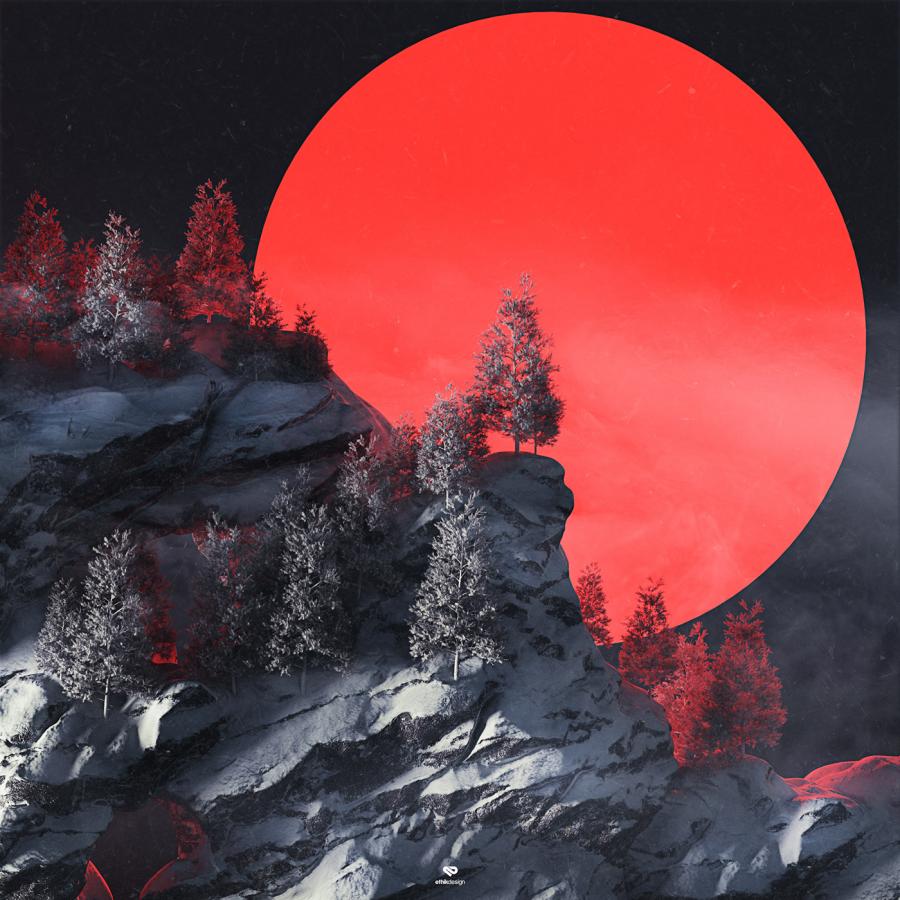


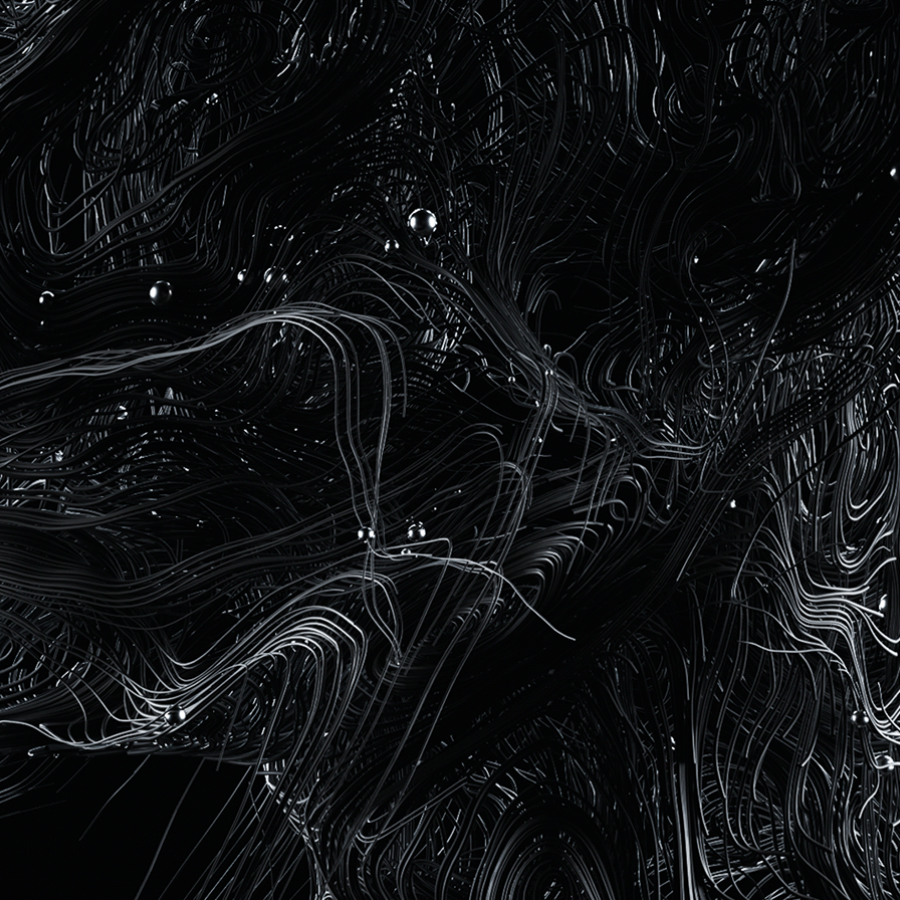


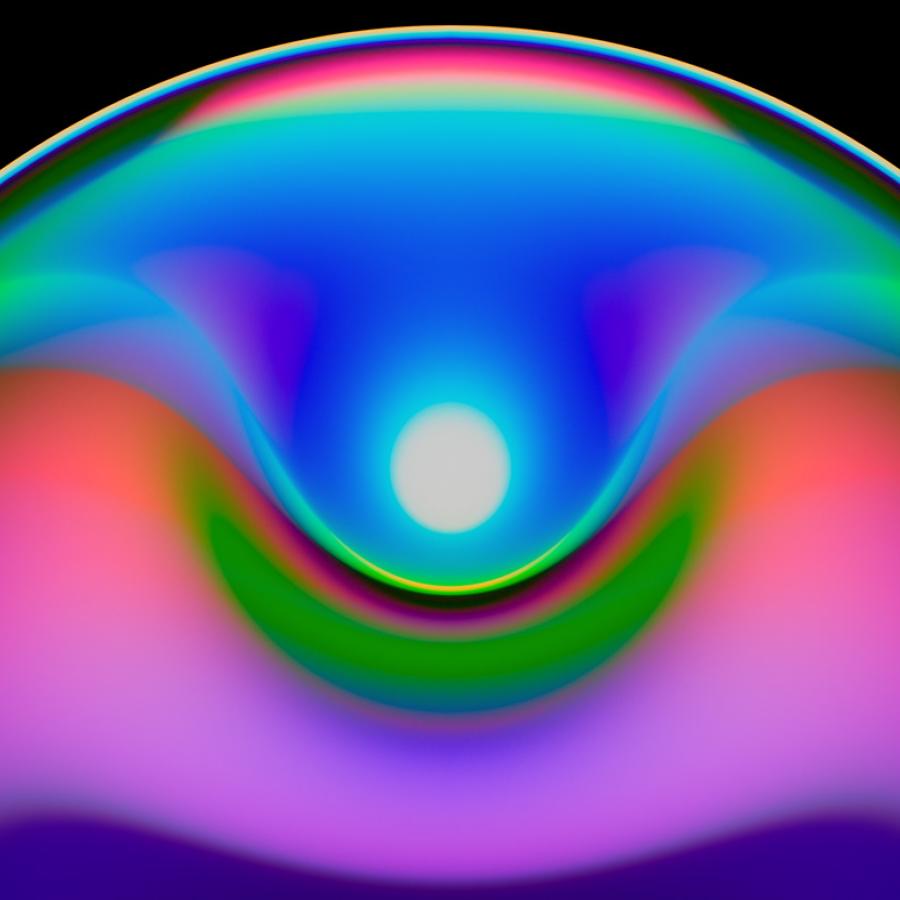



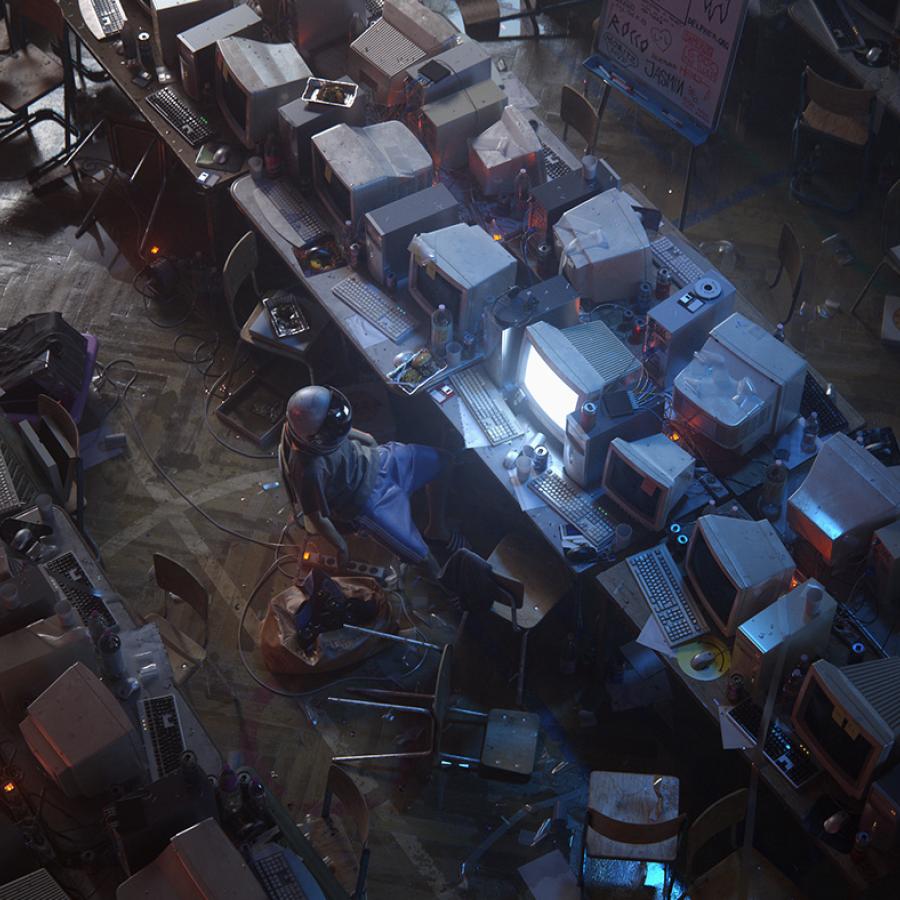

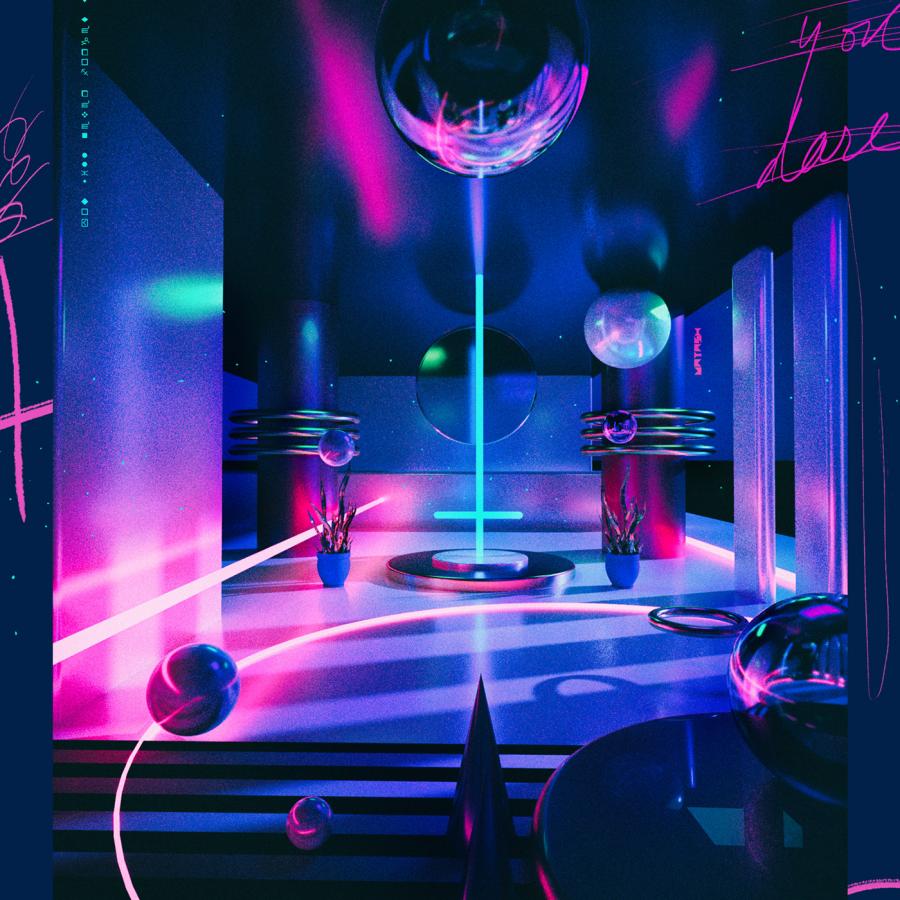




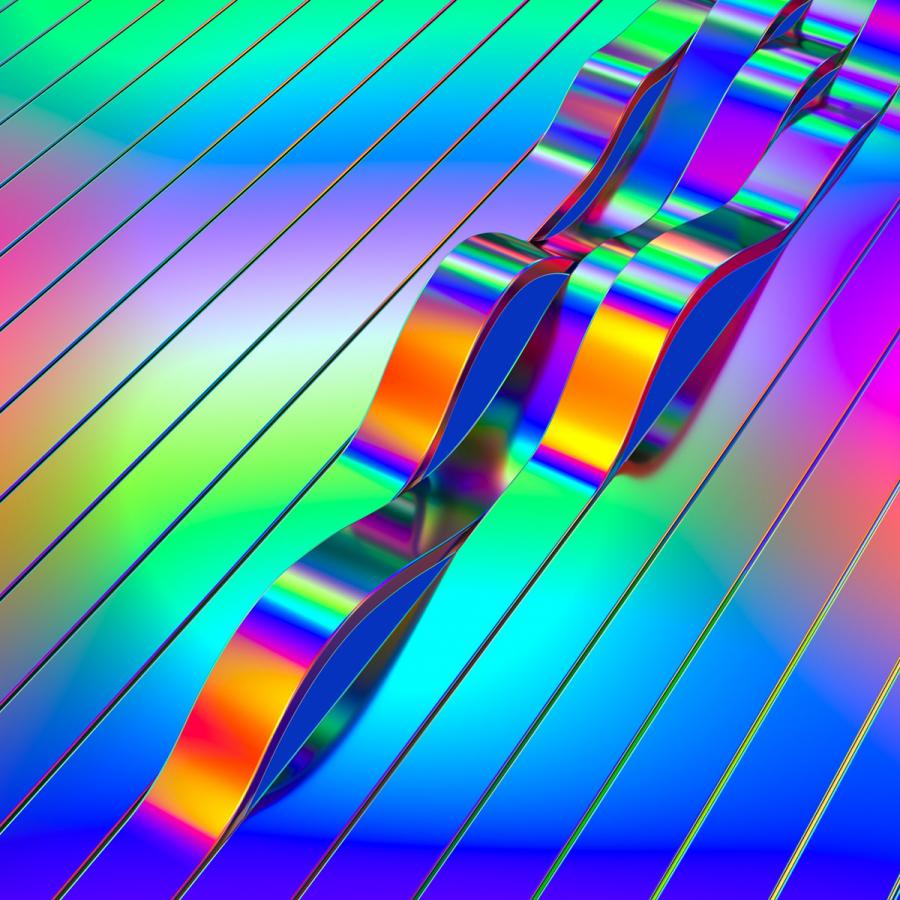










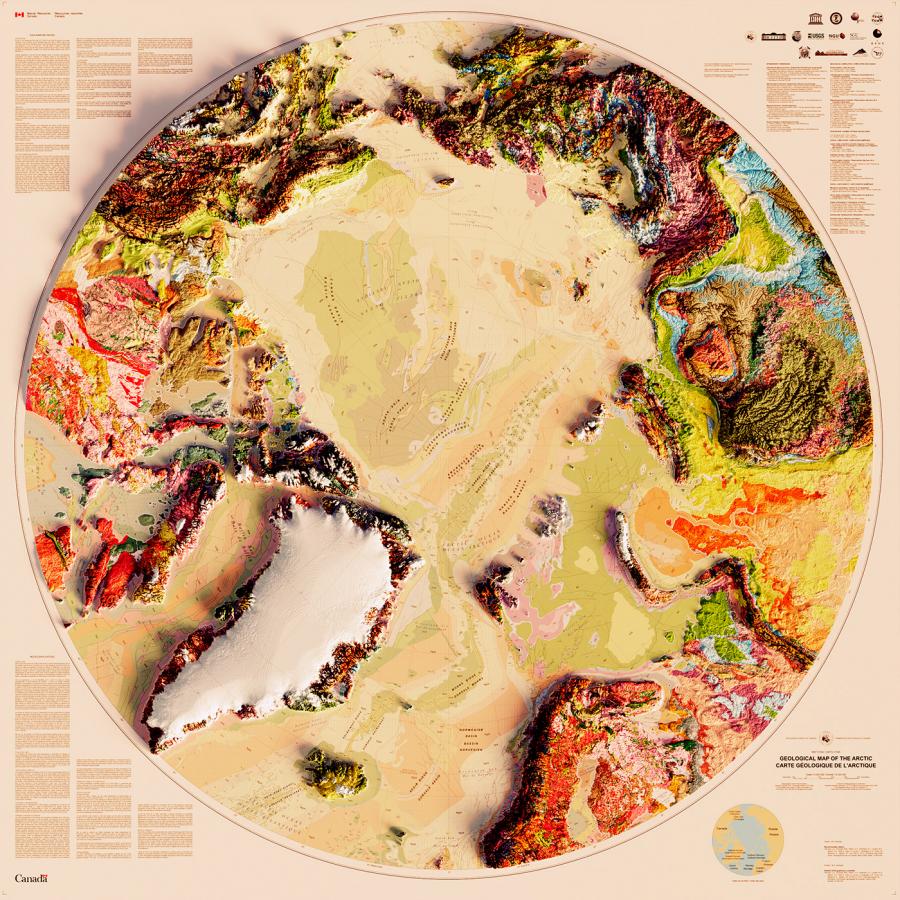




We have a great tutorial sent by one of our readers, Chanito from Panama. In this tutorial he will show you how to create a good 3D type explosion with Adobe Illustrator, Cinema 4D and Adobe Photoshop. We will use basic tools to make this artwork. Good Luck!!!
For more information visit Chanito's Deviantart at http://chanito.deviantart.com/
Following my Cinema 4D tranining I started playing with lights and illumination. It's amazing what we can do using Global Illumination. We can turn a simple scene into a very realistic render with complex light and shadows. Also, I've used Adobe Photoshop to add some post production effects.
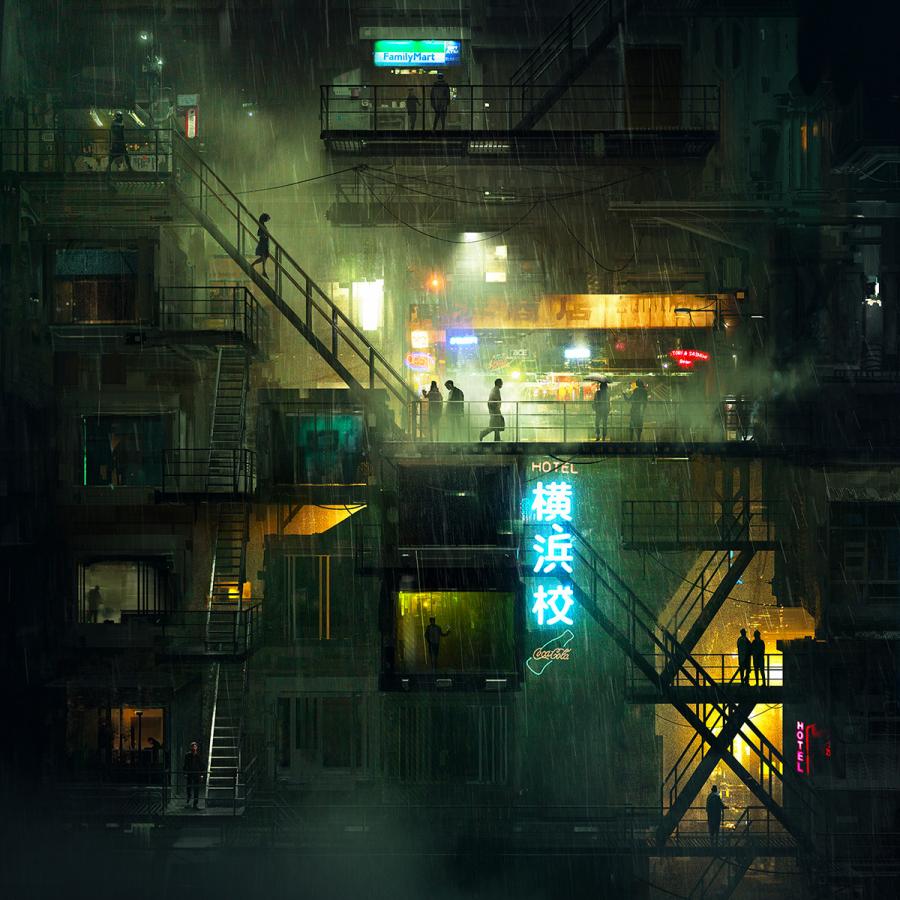
Yesterday it was raining and I decided to create a water effect. I didn't know what to do then I saw the desktop wallpaper I'm using, a image from the depthCORE Heist chapter created by Sumeco that we used of the Wallpaper of the Week 43. To create the effect, I had to use Adobe Photoshop, Illustrator and Maxon Cinema 4D.
A few weeks ago, I created an image for the Halloween Wallpaper of the Week. It was an image of a ghost flying around, and that ghost I did when I was playing with Maxon Cinema 4D, a 3D app from Maxon, very cool and kind of easy to learn.