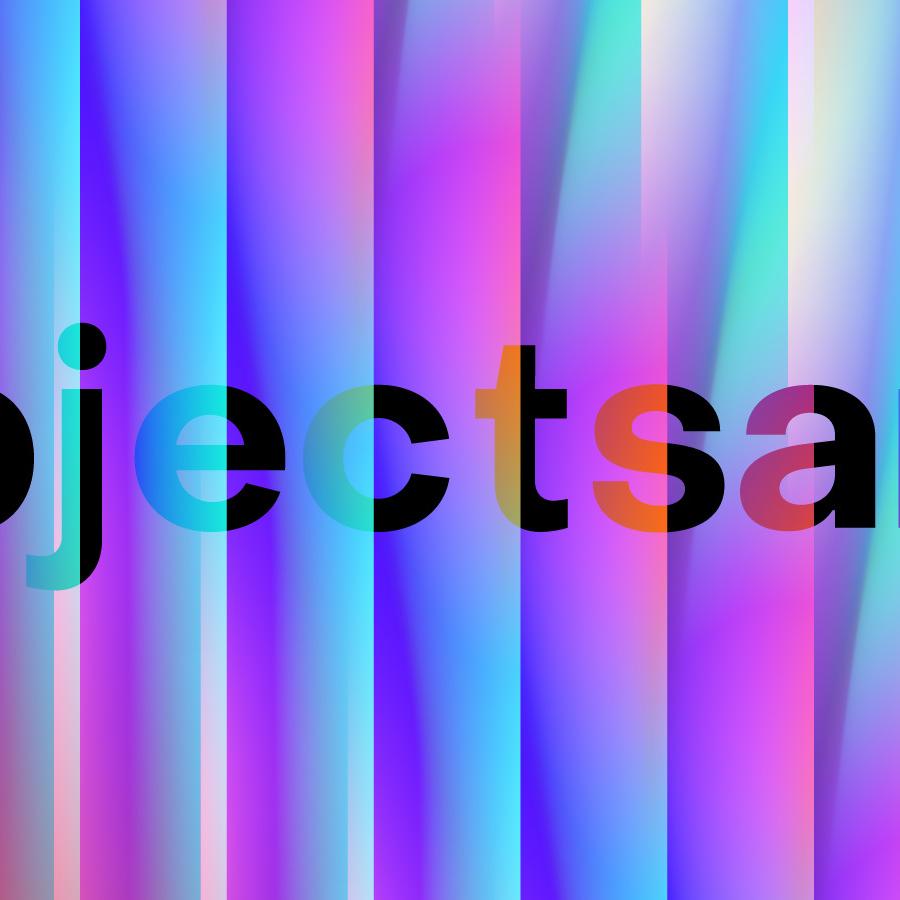
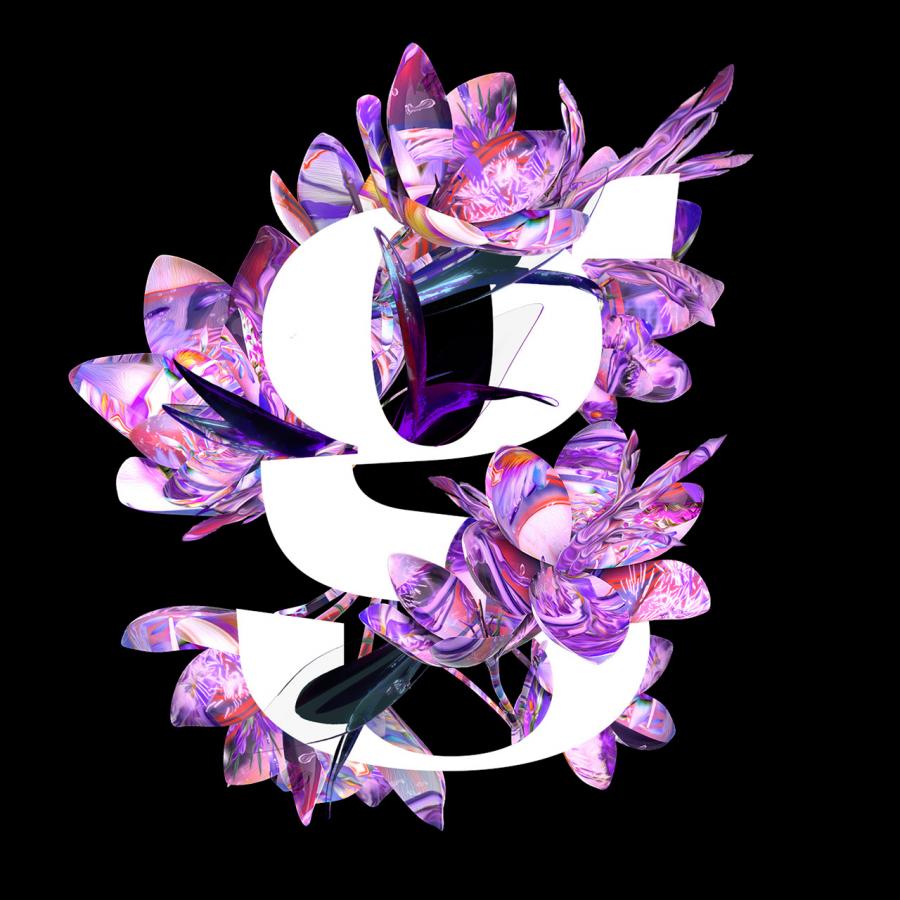
Last week I was checking out some of the Typography Mania posts, and got really inspired to try something new. So I decided to create an abstract composition with light effects and apply that as a texture of a text, everything done only using Photoshop.
So in this tutorial I will show you how to create an easy and super quick text effect in Photoshop. We will play with Brushes, Blend Modes, basic filters like Blur and Liquify, and also text.
The wallpaper of this week is a design created by Alexander "Diftnorm" Otto called Trust in Magic, and it was done fore the Keystone Design Union (KDU). Look closer and you'll find a lot of detailed objects in it.
For more information about Diftnorm visit his web site at http://www.diftnorm.com/
Desktop Version
The book suggestion of this week is really interesting especially for us designers that have to reach audiences with our work by trying to understand their needs. The book is called 50 Psychology Classics: Who We Are, How We Think, What We Do; Insight and Inspiration from 50 Key Books.