In this tutorial I will show you how to create little planets using a regular photograph or a panoramic one and Photoshop. It's very a very simple technique but with a really cool end result.
Before we start let's take a look at the final result!
Step 1
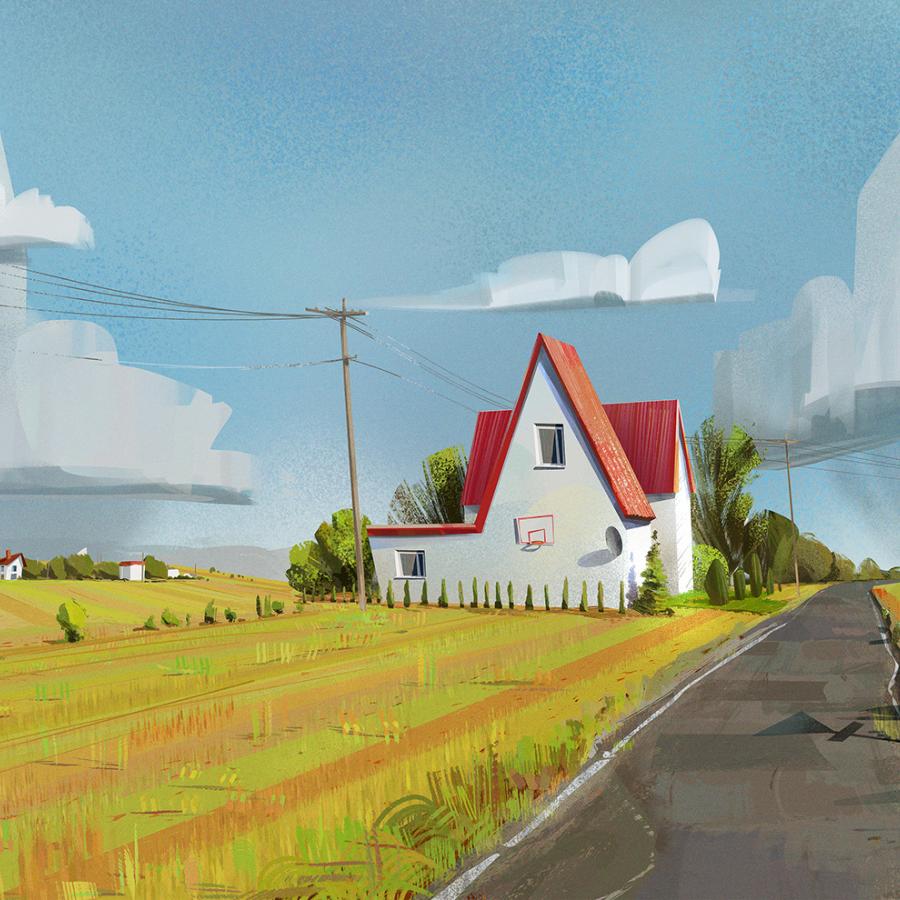
Let's start with a regular picture. Just open it at Photoshop.
The wallpaper of this week is an image I created for a tutorial a few weeks ago to play and learn how to create some metalic buttons in Photoshop. I also used some textures and apply a chrome text effect.
For more information and to learn how to do this effect check out the Awesome Amp Controls in Photoshop tutorial.
Desktop Version