Many people have been asking me how to create a nice, Apple-style UI in Pixelmator with bevels and letterpress effects. I have also received some inquiries about creating rounded corners. So, I created this tutorial to explain some efficient, helpful tips.
Step 1
Open Pixelmator and create a new document. I used 1000×1000 pixels. Then, fill the background with grey. On the menu, select File>Stylize>Noise. Select 1 as the amount.
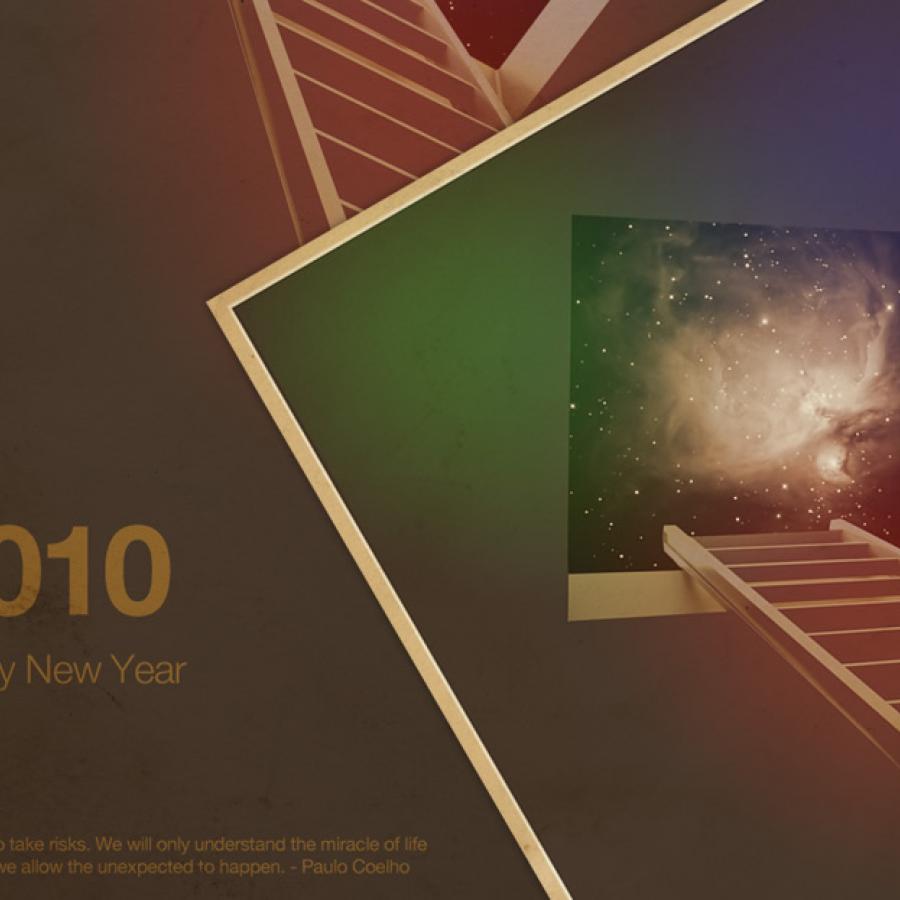
The wallpaper of this week is an awesome image created by Emeric Trahand also known as Takeshi, a New York based art director and artist from Saint Etienne, France. Emeric's illustrative work is renowned for its surreal feel, the quality of its photomontages as well as the light treatments and colourful compositions.
For more information visit http://cargocollective.com/stillontherun
Desktop Version
The book of this week is not a design book per se but it's an incredible book. I have just finished it and I got so much valuable information that can be applied in my day to day job as designer. The book is called Why We Buy: The Science of Shopping--Updated and Revised for the Internet, the Global Consumer, and Beyond by Paco Underhill.