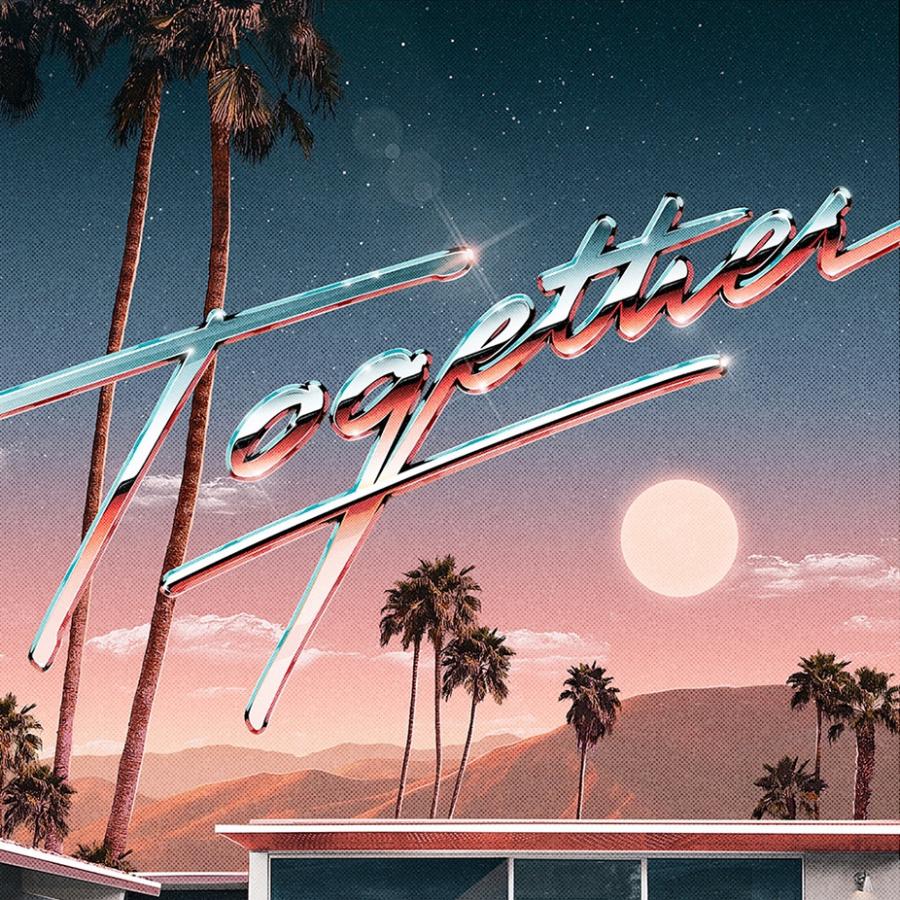
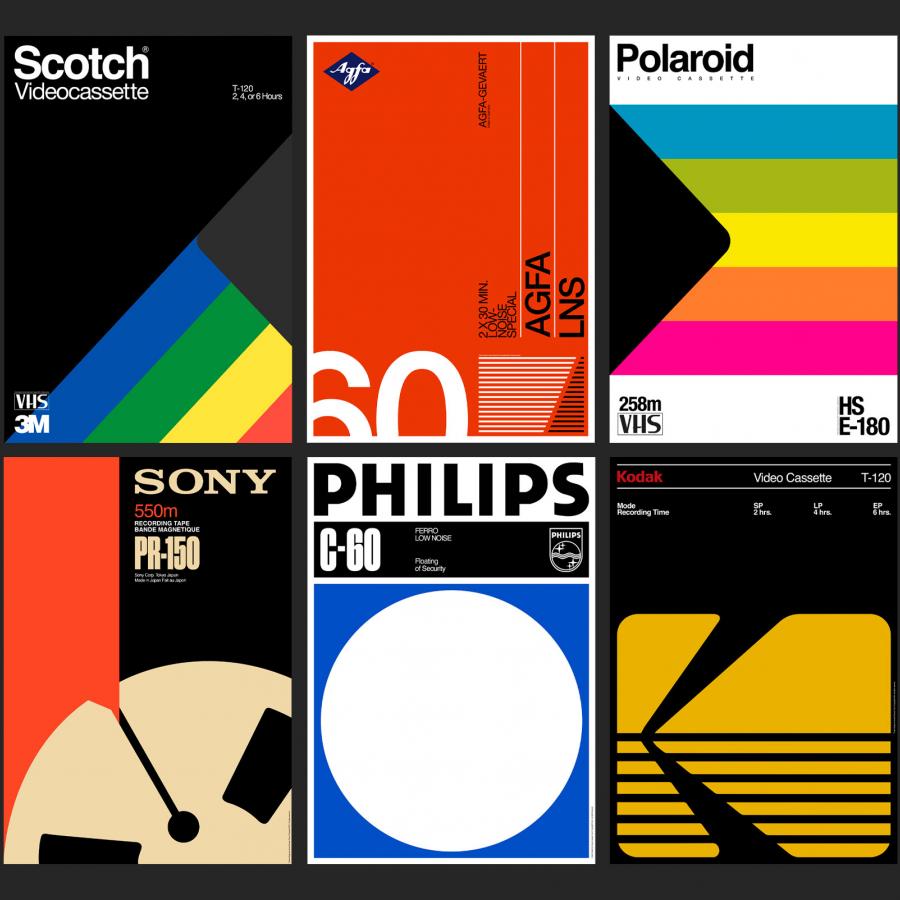
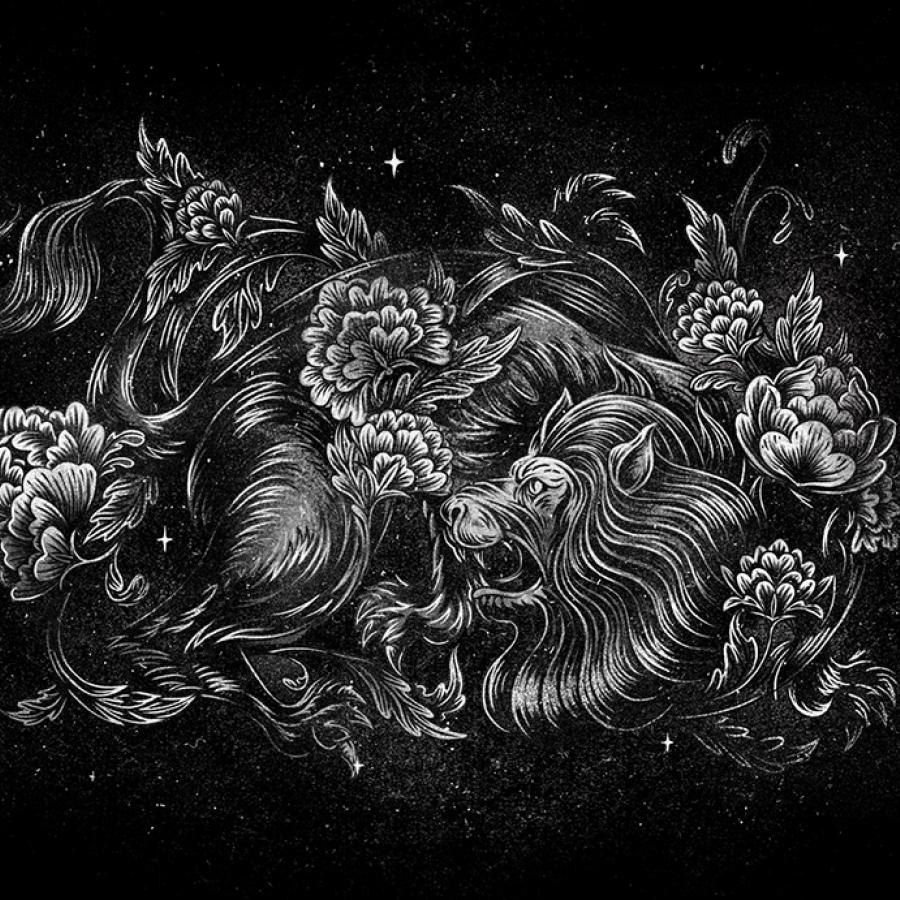
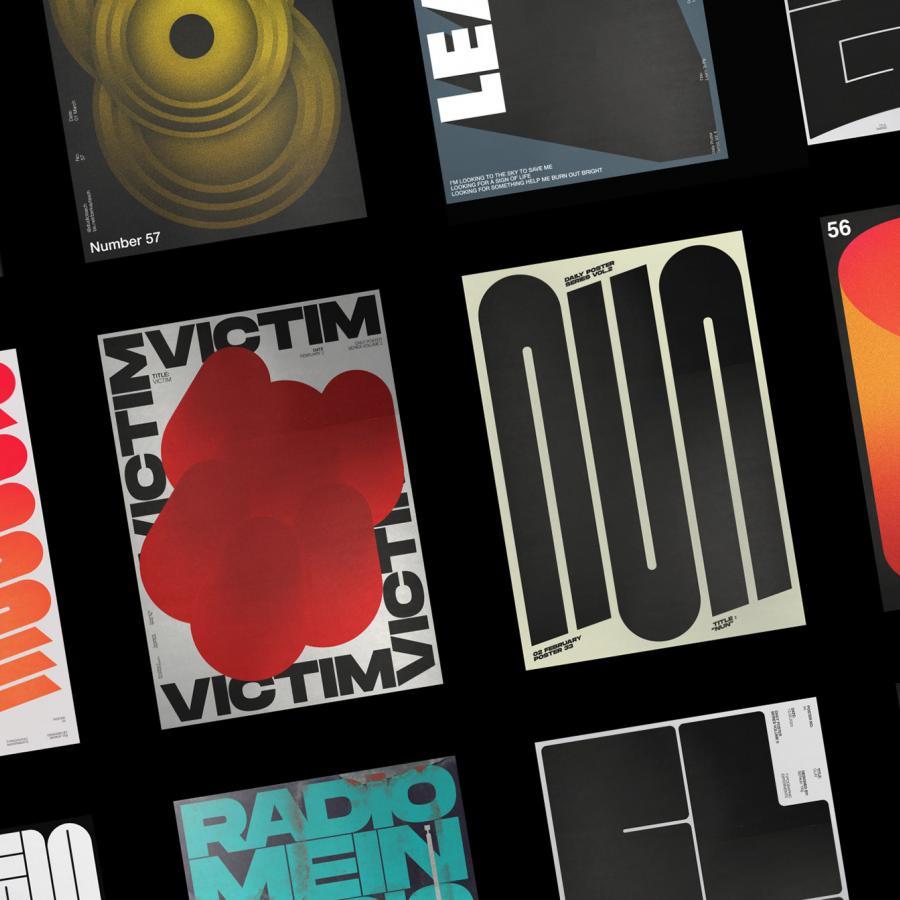
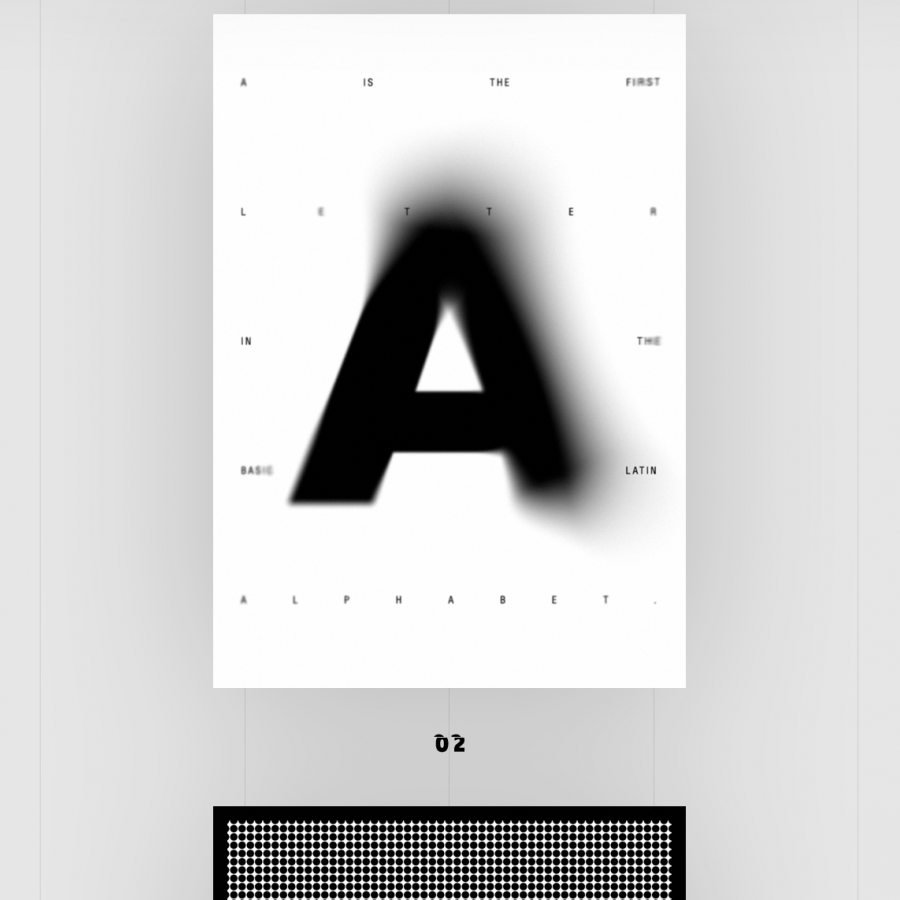
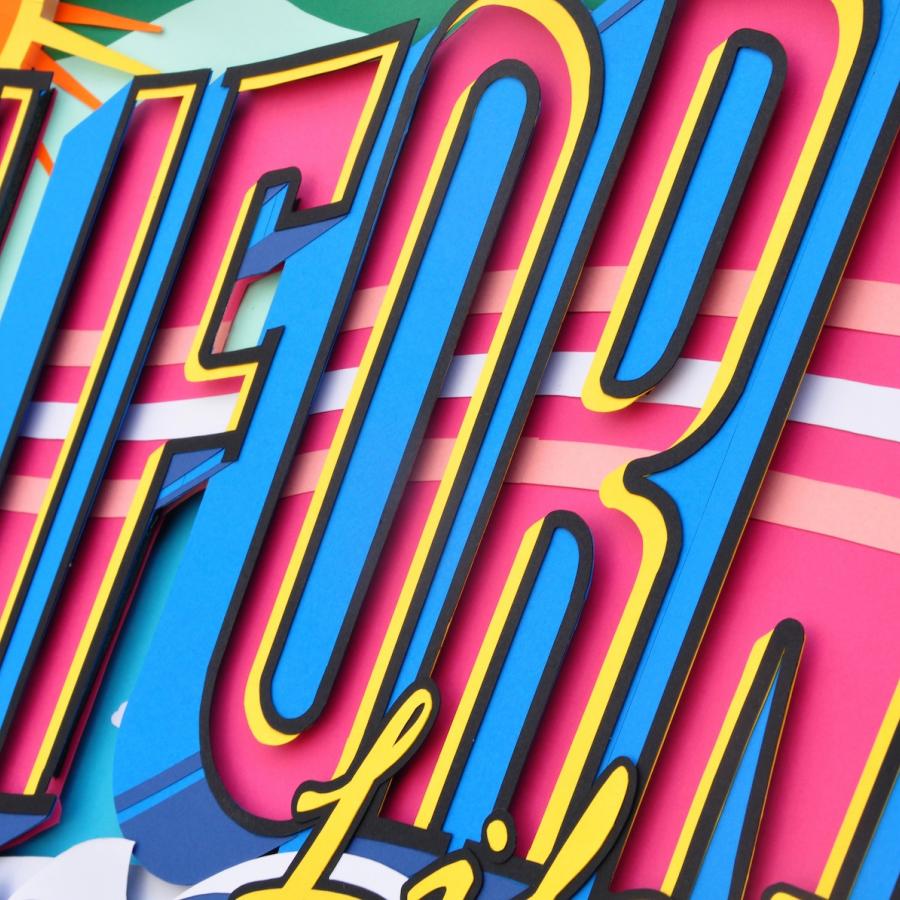
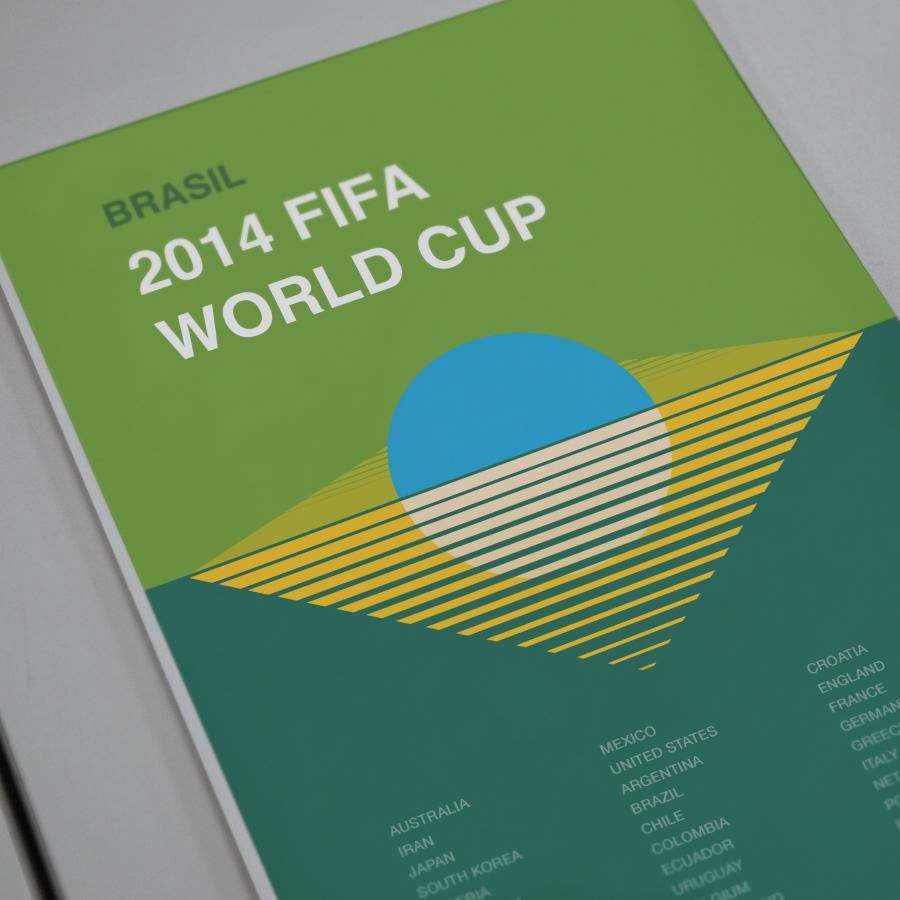
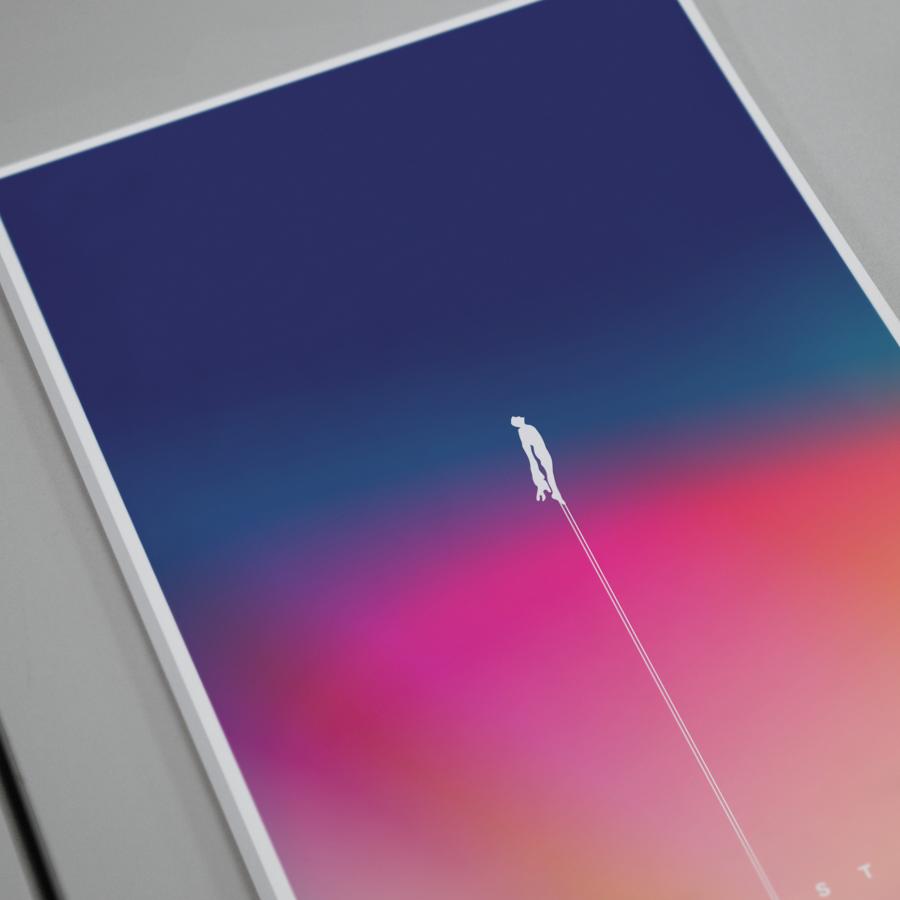

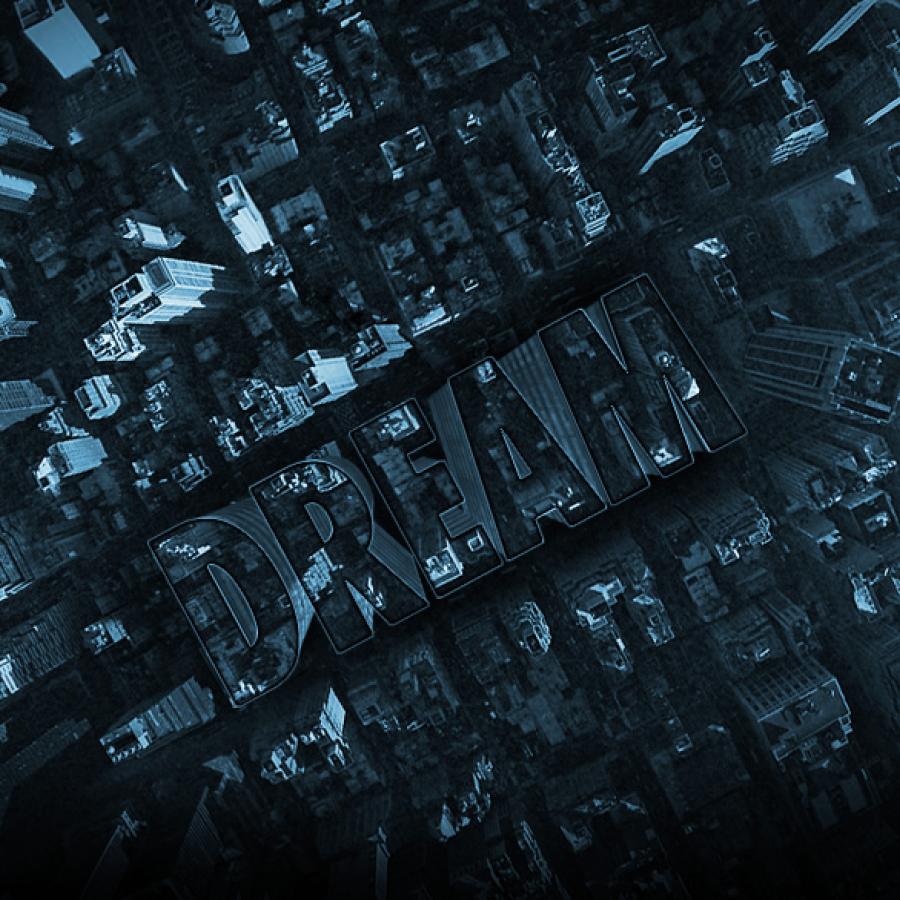
Last week I was checking out some of the Typography Mania posts, and got really inspired to try something new. So I decided to create an abstract composition with light effects and apply that as a texture of a text, everything done only using Photoshop.
So in this tutorial I will show you how to create an easy and super quick text effect in Photoshop. We will play with Brushes, Blend Modes, basic filters like Blur and Liquify, and also text.
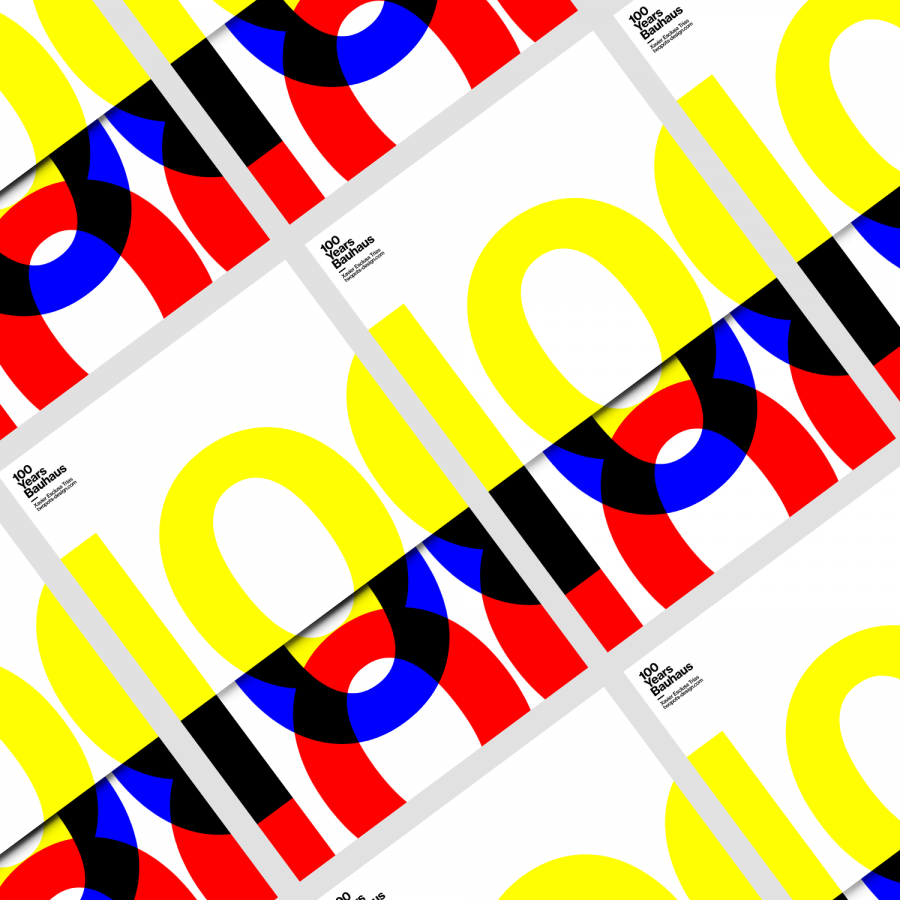
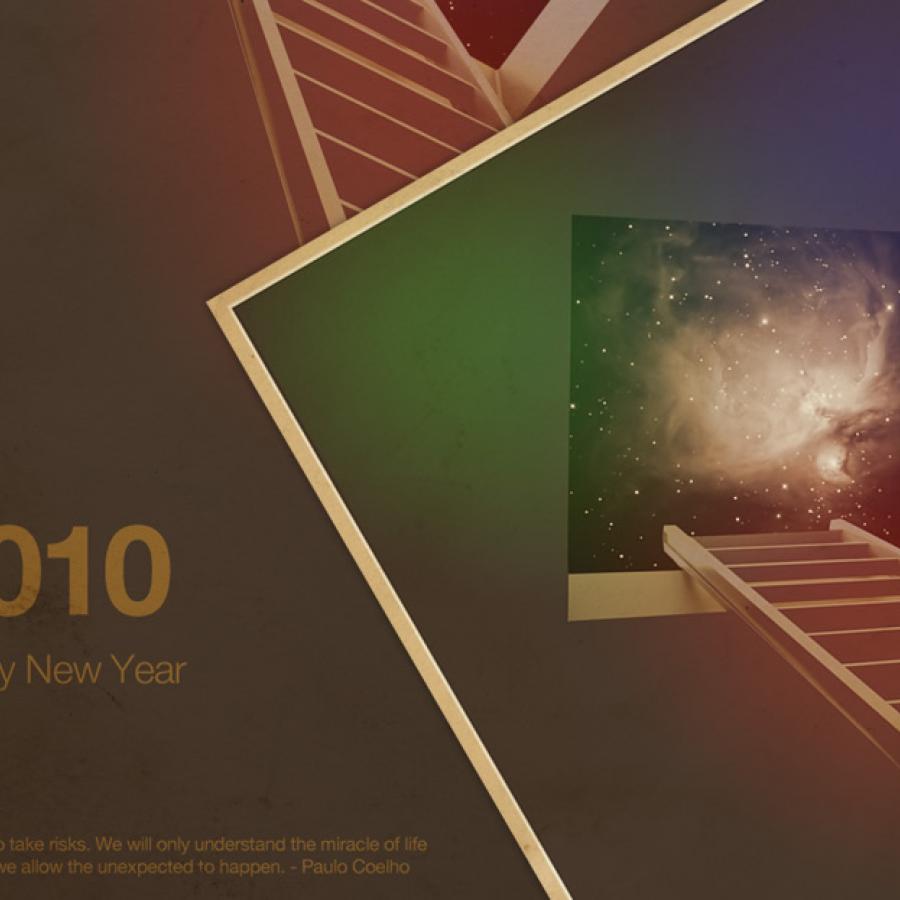
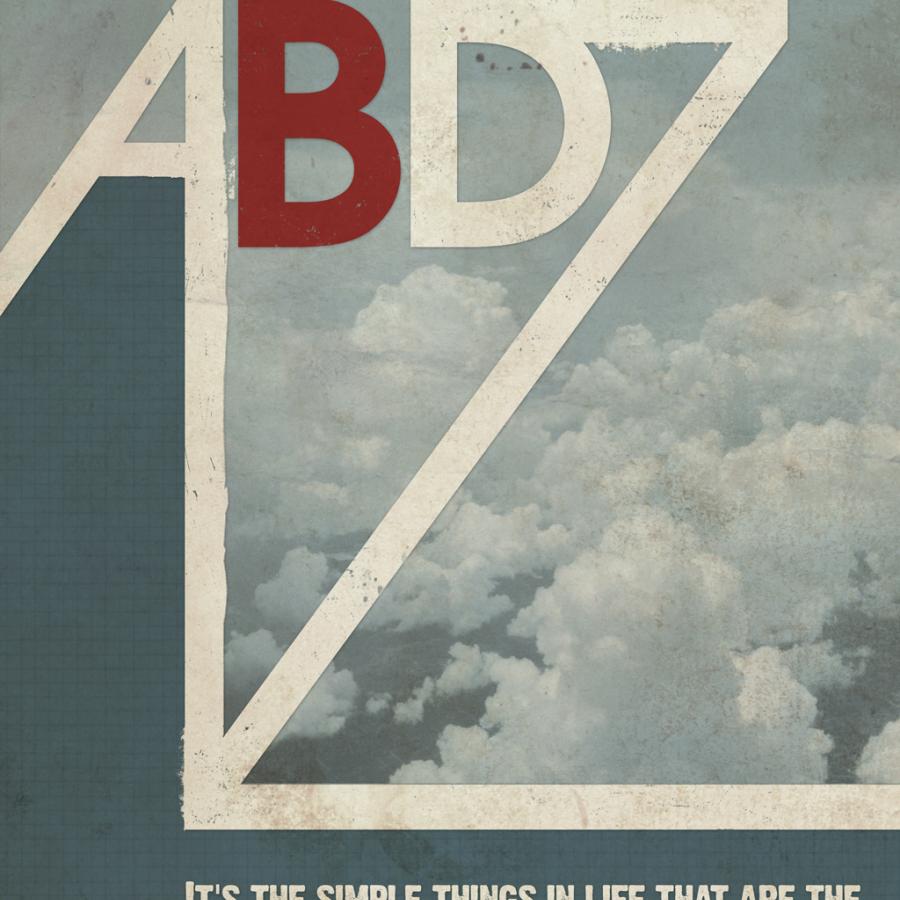
The wallpaper of this week is an image I created for a poster and also a tutorials for the upcoming Abduzeedo book. The book will be available soon and we will keep you posted, so stay tuned.
The idea behind this image was create a vintage style poster playing with the word ADBZ. It was sort of inspired by Mondrian from my earlier sketches.
Desktop Version