photoshopListThumbs

Lost in Space Typography in Photoshop

Lost in Space Typography in Photoshop

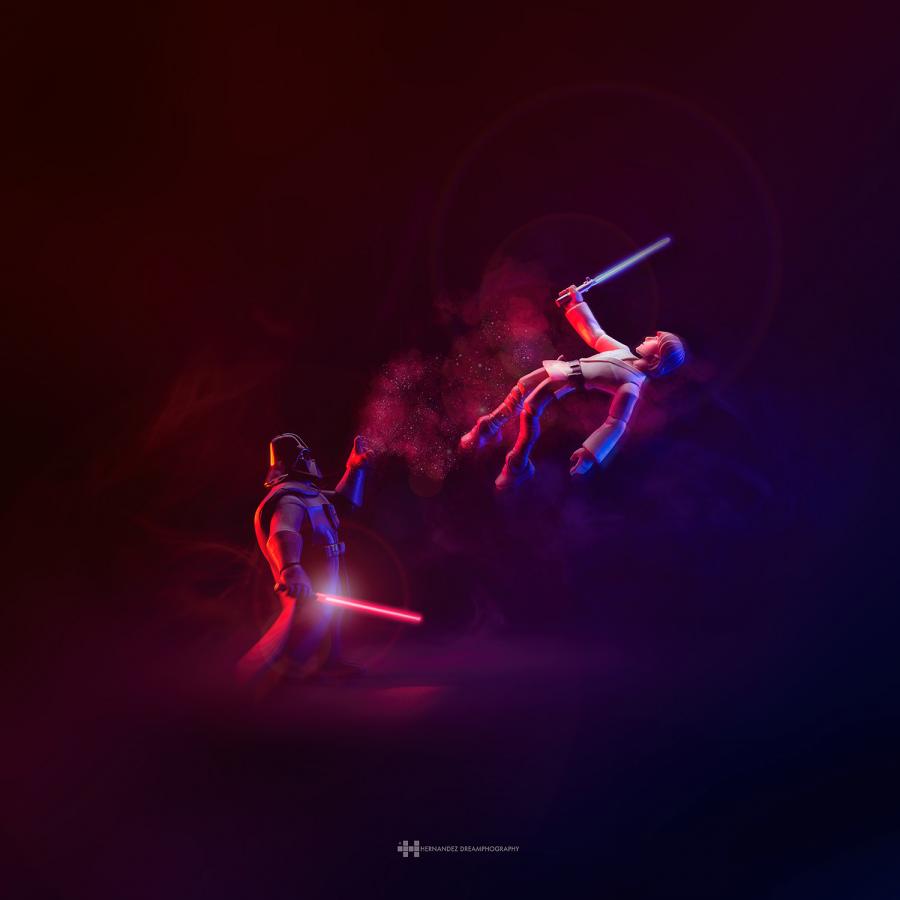
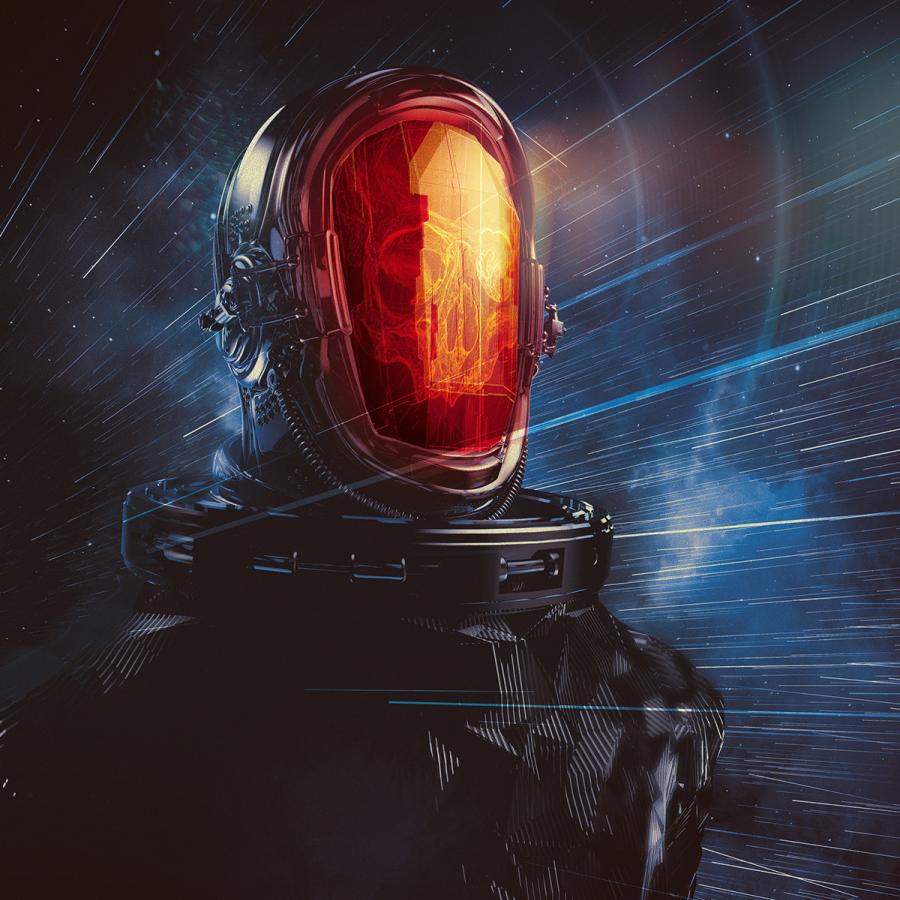
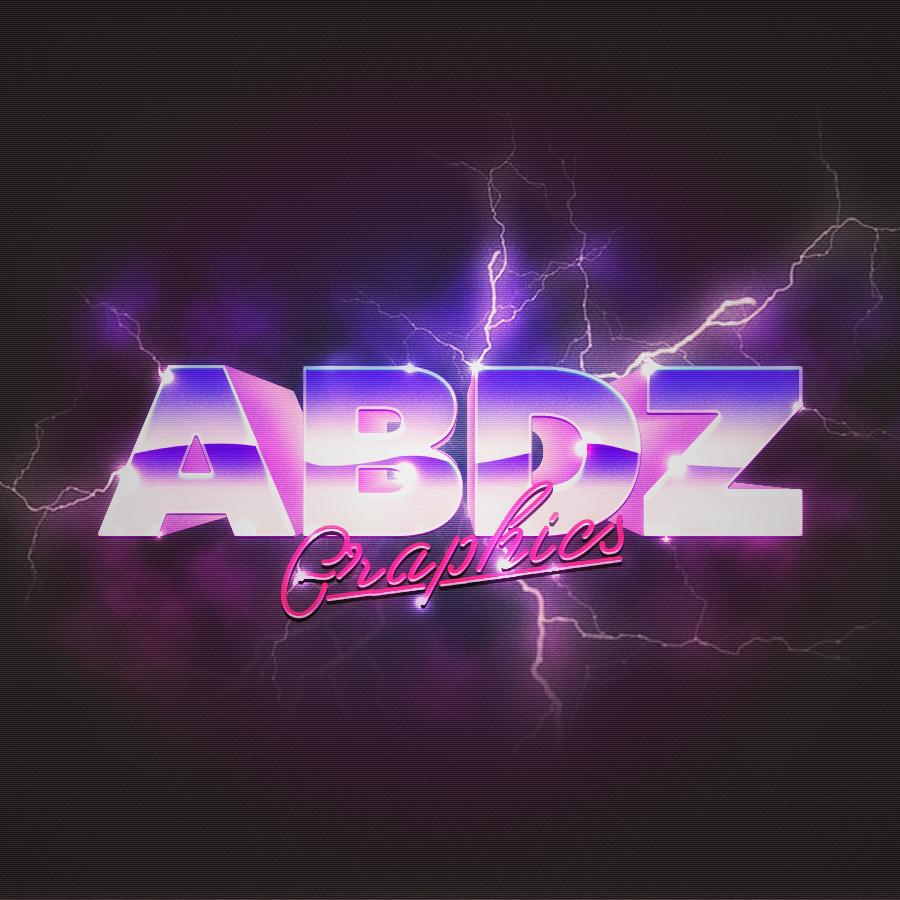
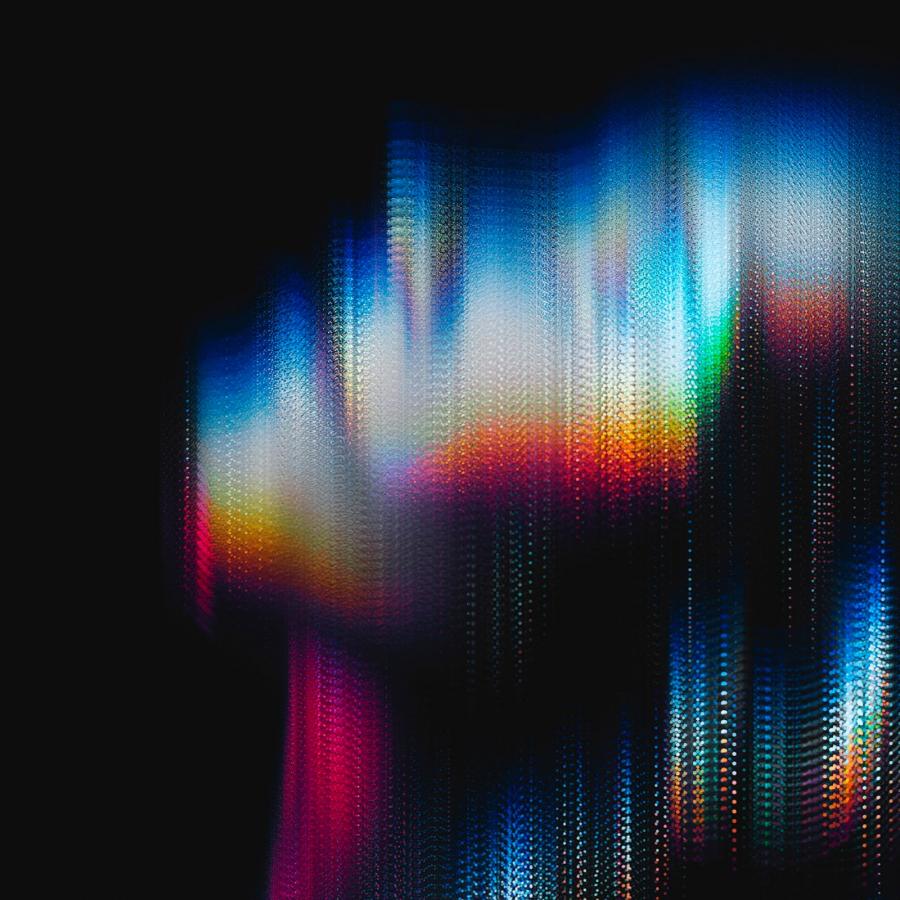
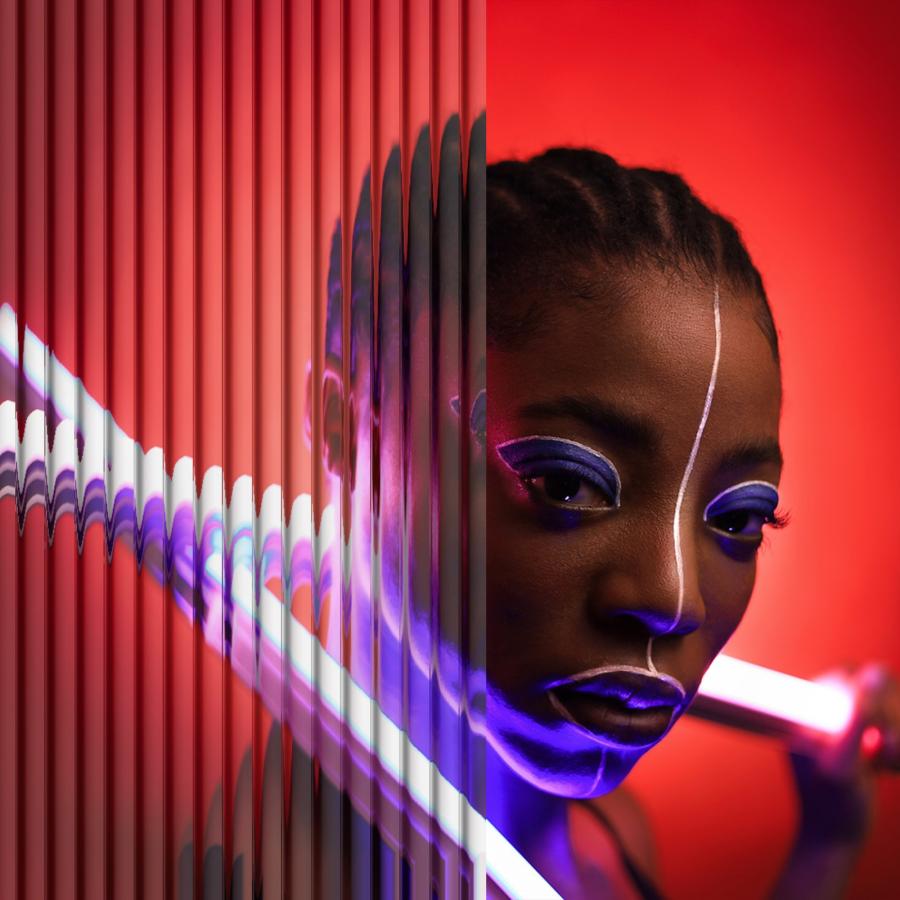
Last week I was checking out some of the Typography Mania posts, and got really inspired to try something new. So I decided to create an abstract composition with light effects and apply that as a texture of a text, everything done only using Photoshop. So in this tutorial I will show you how to create an easy and super quick text effect in Photoshop. We will play with Brushes, Blend Modes, basic filters like Blur and Liquify, and also text.
Reader Tutorial: Easy Digital Painting Illustration in Photoshop

Reader Tutorial: Easy Digital Painting Illustration in Photoshop

This tutorial will walk you through the simple steps used to turn a regular photograph into an interesting digital painting illustration, using Photoshop's Filter Gallery and the Smudge Tool. Depending on the photograph you choose, it shouldn't take you more than a couple of hours to complete.

Reader Tutorial: Easy HDR Technique by Cristian Iancu

Big shout out to Trey Ratcliff for clearing things up for me with HDR’s--he has a great tutorial and I will always be a fan of his amazing work--to Nicalai, for taking this wonderful picture and, last but not least, to Abduzeedo for making this public. We start from this original picture, that my good friend Nicalai took on a night in Milano. First, we want to add some cool night tint to this. So, we lower the Temperature a bit, let’s say -32 and play with the other sliders as you see fit.
Abduzeedo 2010 Light Effects in Photoshop

Abduzeedo 2010 Light Effects in Photoshop

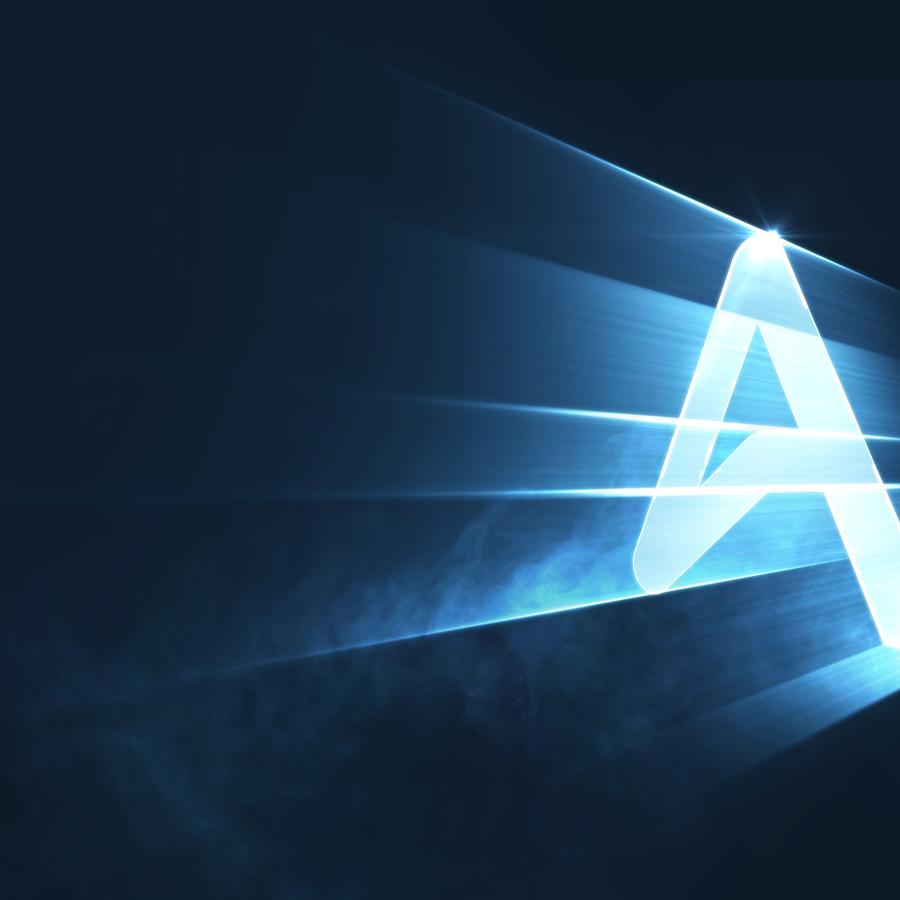
A few weeks ago I posted a tutorial showing how I created the new Abduzeedo's 2010 symbol, which will be used for icons, posters, t-shirts and other gears. That tutorial was about the Illustrator walk-through process and in the end there was the light effect version of the symbol that I created in Photoshop.
Reader Tutorial: Wind Blow by Francesco di Pietro

Reader Tutorial: Wind Blow by Francesco di Pietro

Francesco di Pietro is an illustrator from Italy and he has created this really cool video tutorial or a sort of time-lapse video showing you how to draw a cool face illustration in Photoshop from scratch. The tutorial is called "wind blow tutorial" and it's definitely worth checking out. For more information about Francesco, visit his DeviantArt profile. His portfolio is full of really cool illustrations.
Very Easy Heroes Eclipse in Photoshop - Screencast

Very Easy Heroes Eclipse in Photoshop - Screencast

If you've ever seen the show Heroes then you'll no doubt remember the stunning eclipse intro. It's only a few seconds long, but in my opinion it's one of the best intros on television, mainly due to its simplicity and its stunning design. In this tutorial, we learn how to recreate that solar eclipse image in a slightly retro style using nothing but photoshop.
Minimalistic Poster Design in Photoshop

Minimalistic Poster Design in Photoshop

It's the end of the year and for the last tutorial of 2009 I will show you how to create a poster inspired by the amazing work of Simon Page, especially those beautiful posters for the International Year of Astronomy. I created this design first for the Abduzeedo 3rd Anniversary poster but I changed it a little bit for this Photoshop tutorial.
Beautiful Xmas Wallpaper in Cinema 4D and Photoshop

Beautiful Xmas Wallpaper in Cinema 4D and Photoshop

Last night I was watching TV and decided to create an image for a Christmas tutorial. I was willing to work a little bit more with Cinema 4D, and as I have seen some Christmas designs with candy canes, I decided to try and design my own candy cane typeface. I also used Photoshop to create the background and the whole composition.
Digital Bokeh in Photoshop - Screencast by Photo Guides

Digital Bokeh in Photoshop - Screencast by Photo Guides

One of the most popular tutorials I've ever written was the one for the image I use on my Twitter profile, that is a digital Bokeh effect created in Photoshop.

Hard Candy Case Study by Adam Spizak

The great Illustrator Adam Spizak strikes again with his awesome work that we love so much to see. In this case study you will be able to take an inside look step by step on how his last illustration Hard Candy was done. Enjoy!

Icon Ads Wall

  • Openjobs - Oportunidades de Emprego para Profissionais de Talento
  • Zee - Irrezeestível Design Digital
  • Tradd.us - Contextual Translator
  • DesignFlavr, Inspirational Art and Design served daily
  • Signalnoise.com | The art of James White
  • Alberto Seveso - Illustrator
  • Description: Award Winning Portfolio and blog of Web Developer Anthony Woods

Do you want to advertise here?