by jeff
Creative developer Mael Ruffini built Webflow 3D page transitions that feel like gliding through one continuous world using Three.js, GSAP, and Barba.js.
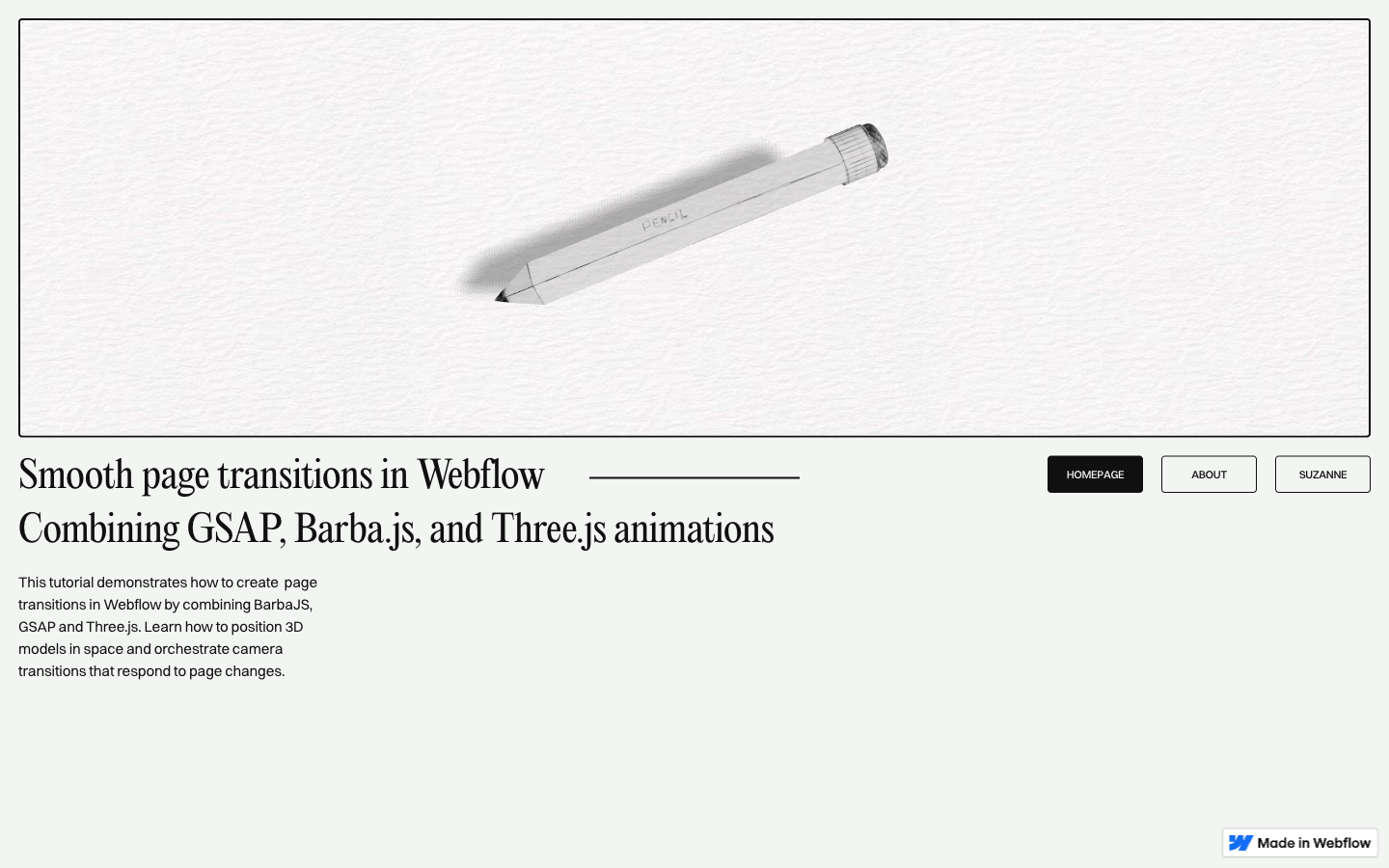
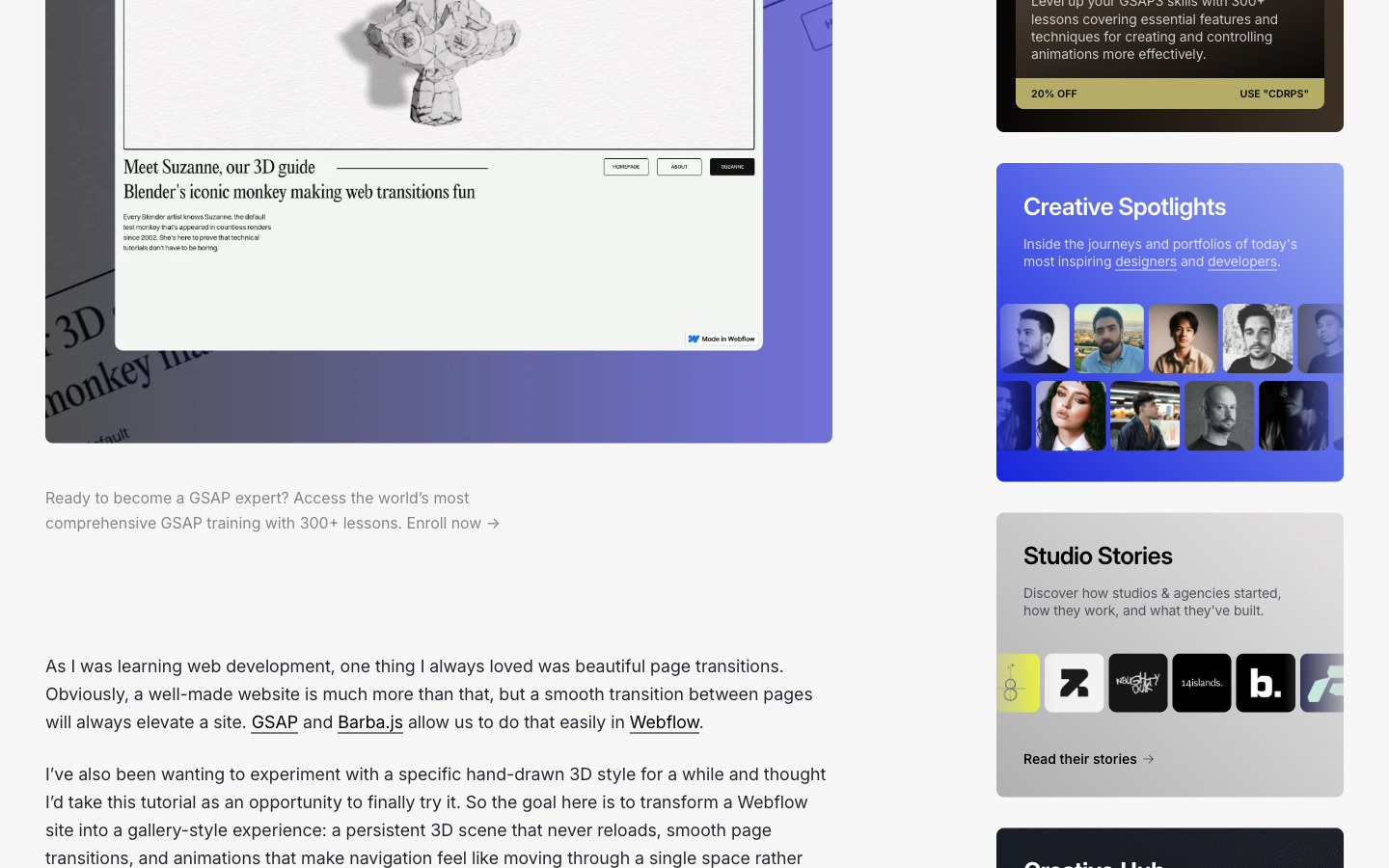
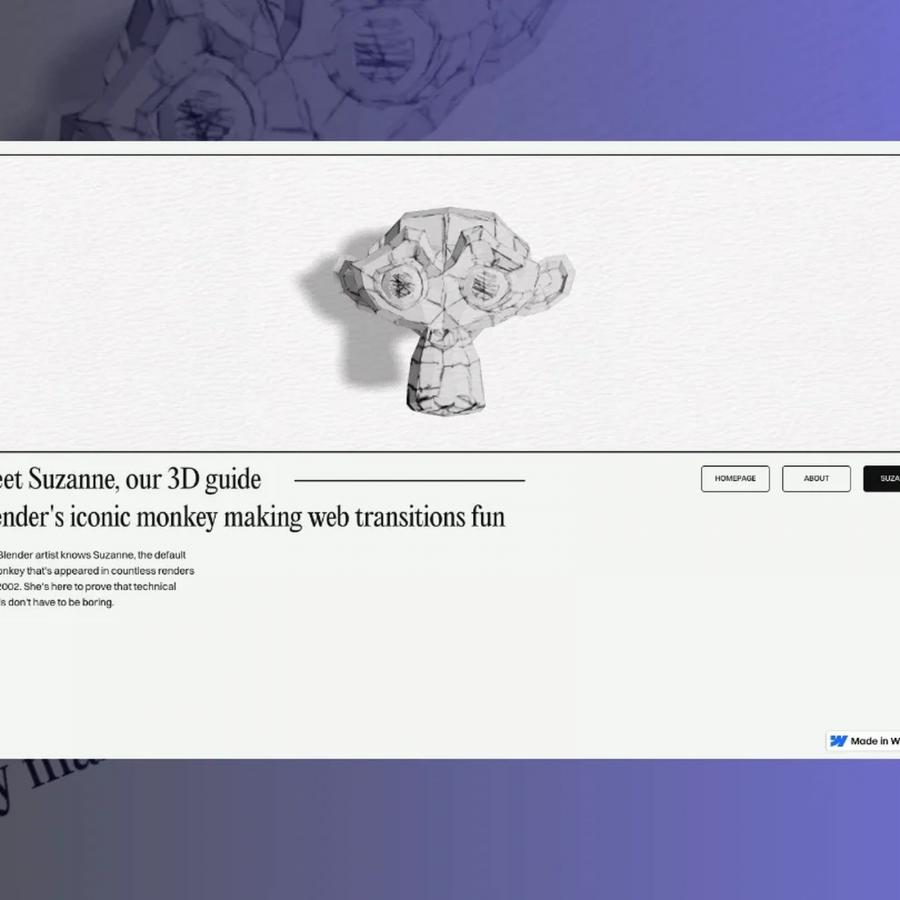
The tutorial, published on Codrops, walks through a technique where a Three.js canvas persists across Barba.js page navigations. Instead of destroying and recreating the 3D scene on each page load, the canvas stays alive. As users click between pages, the camera slides along the X-axis from one 3D model to the next. The result is a single spatial environment, not a sequence of separate pages. Ruffini puts it plainly: a smooth transition between pages will always elevate a site.
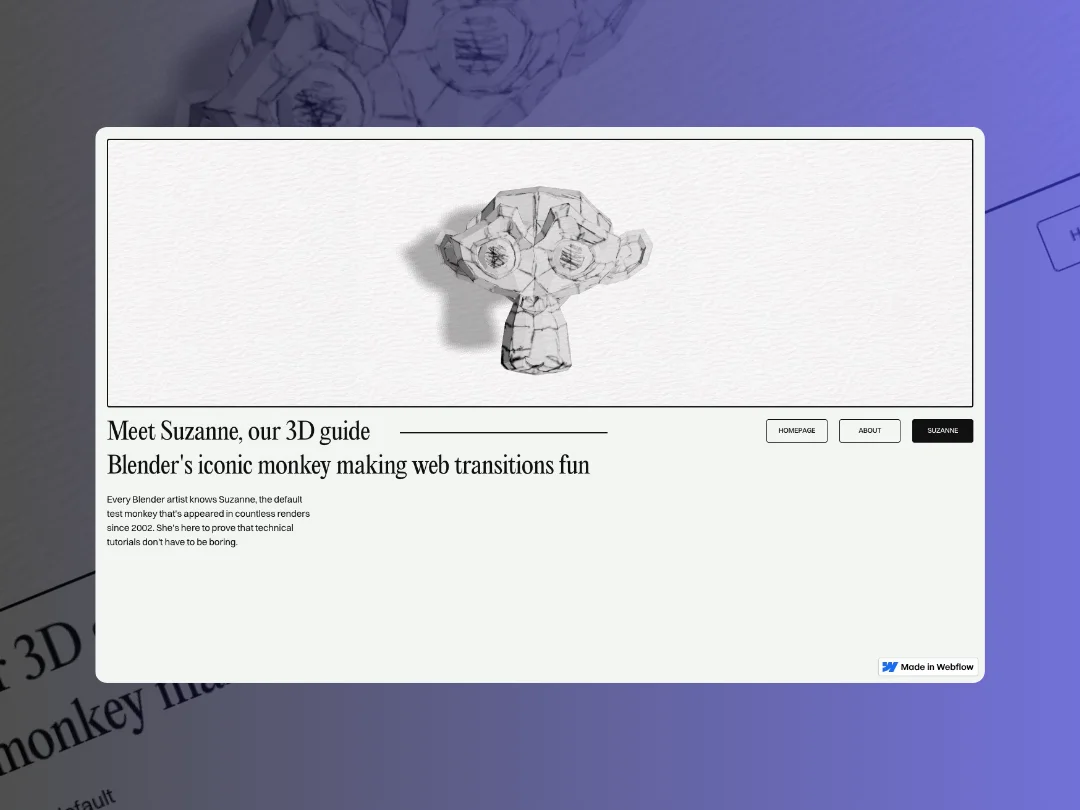
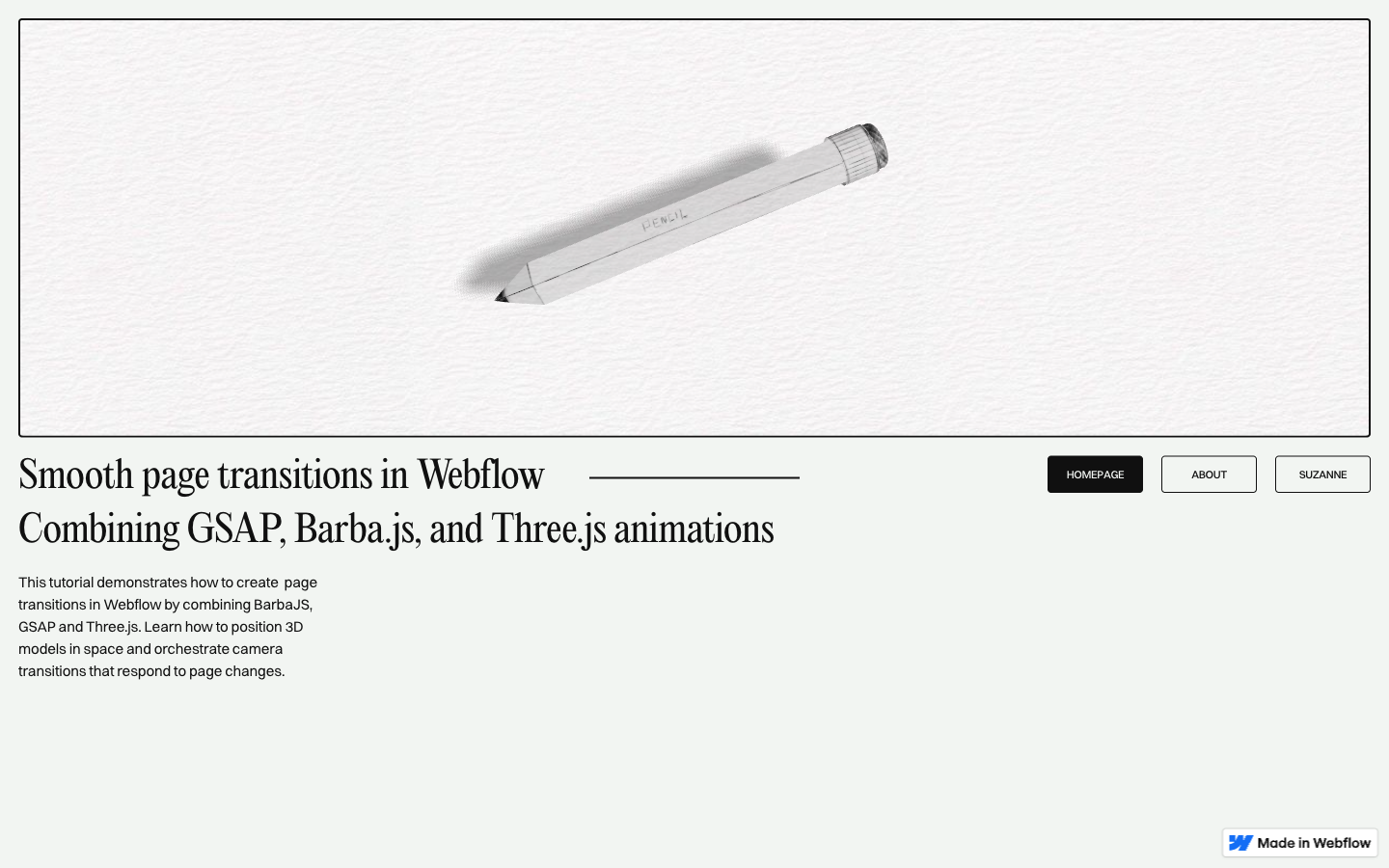
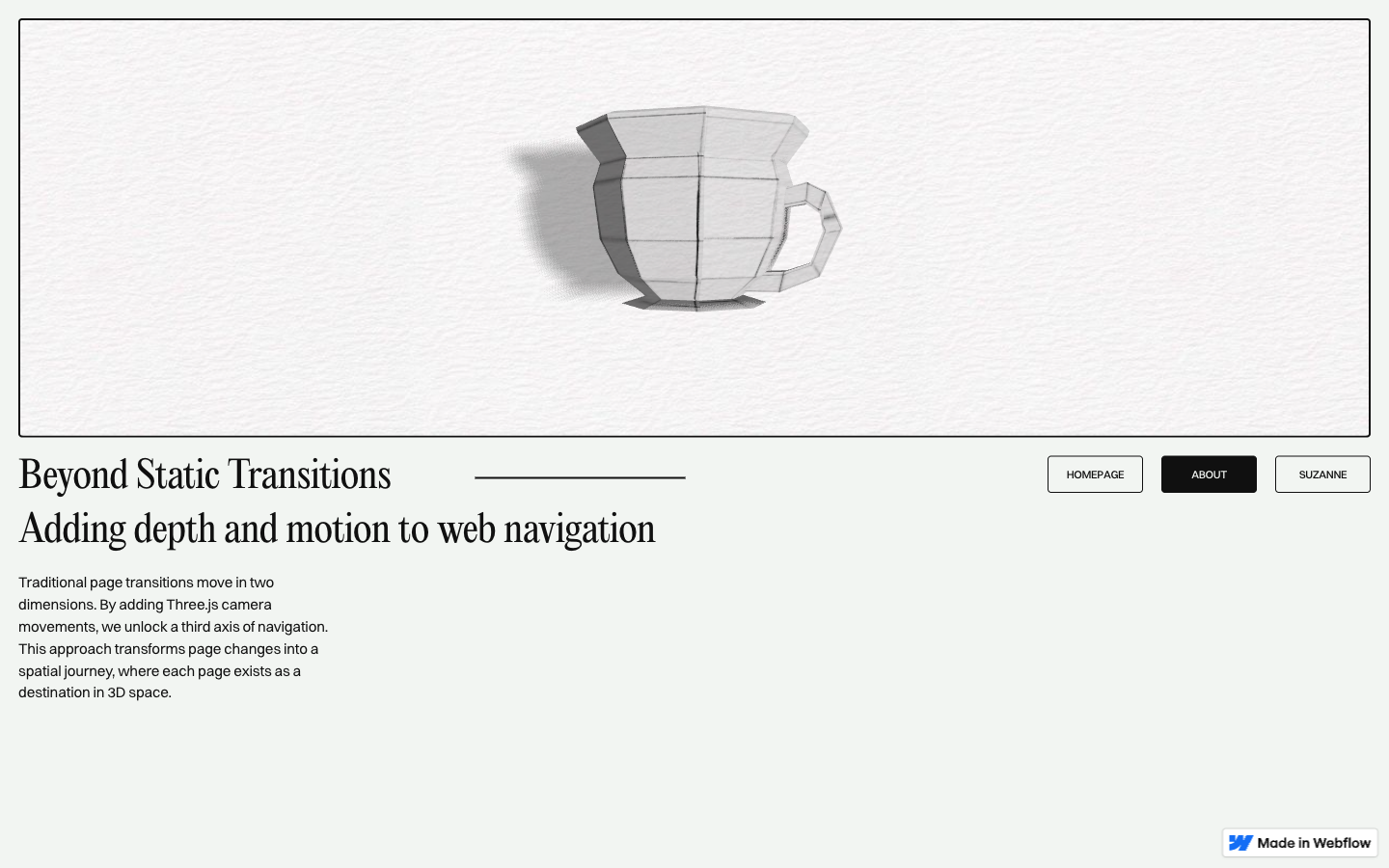
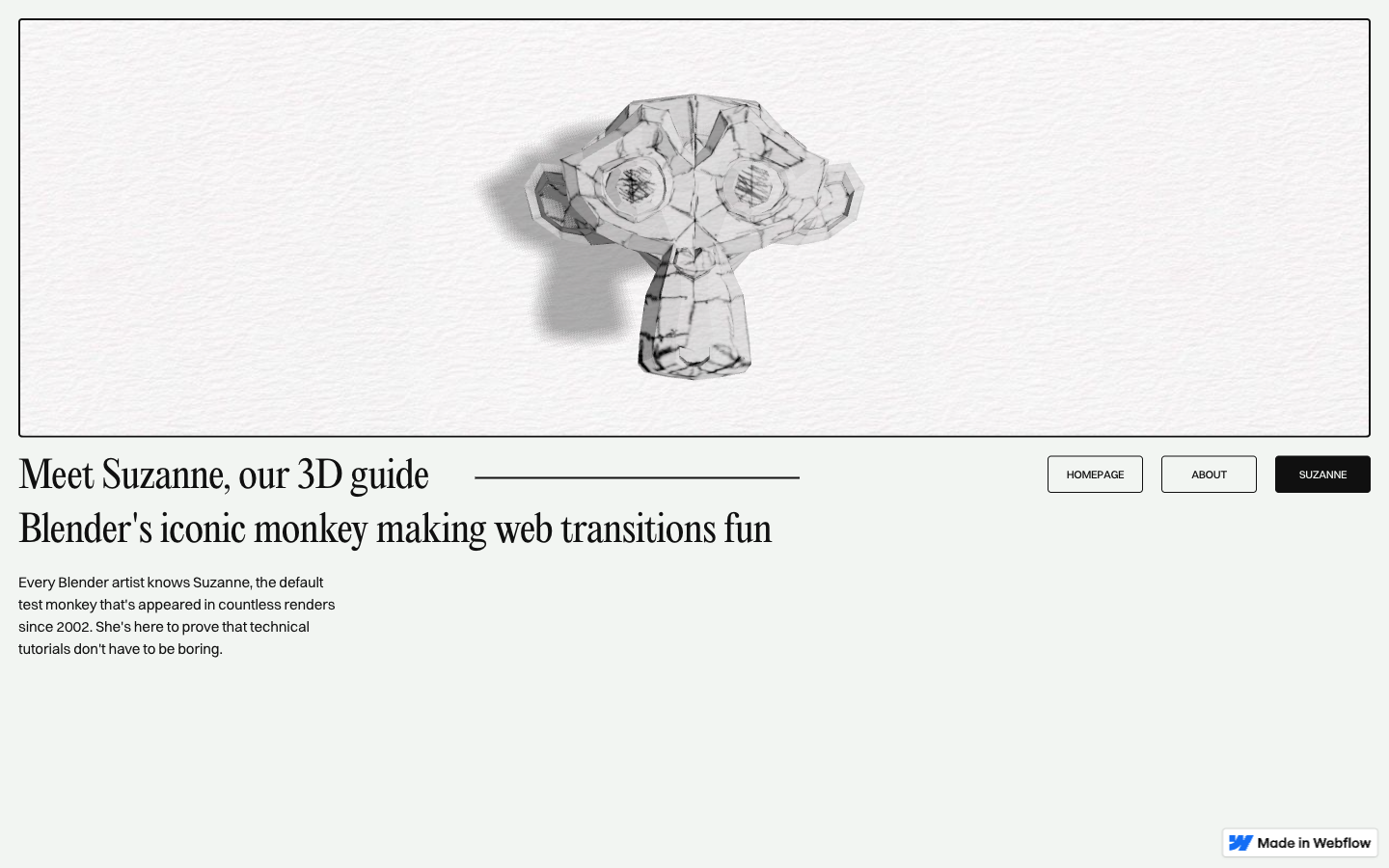
The objects in the scene carry their own visual weight. A pen, a ceramic cup, and a Suzanne head all appear in the Blender-modeled scene. Each object wears UV maps drawn entirely by hand in Photoshop, giving the surfaces a loose, sketch-like quality. A paper texture applied in multiply mode settles over the whole composition, softening the renders into something that feels hand-made rather than digital. The stack includes Vite for the build system, SplitText from GSAP for animated typography, and custom shaders to handle the organic material look.
How Ruffini's Webflow 3D Page Transitions Work
The core architecture keeps the Three.js renderer outside of Barba.js's content-swap lifecycle. When a navigation event fires, Barba intercepts the browser's default behavior, fades the DOM content, then triggers a GSAP timeline that moves the camera and swaps the visible model. The 3D canvas never reloads. These Webflow 3D page transitions unlock creative possibilities for any project that needs a sense of spatial continuity across views.
Ruffini, who is building Rhumb Studio, shares the full code and a live demo where the hand-drawn aesthetic and seamless Webflow 3D page transitions can be explored directly. For creative developers looking to push Webflow beyond its defaults, this is a clear and thorough reference.