by jeff
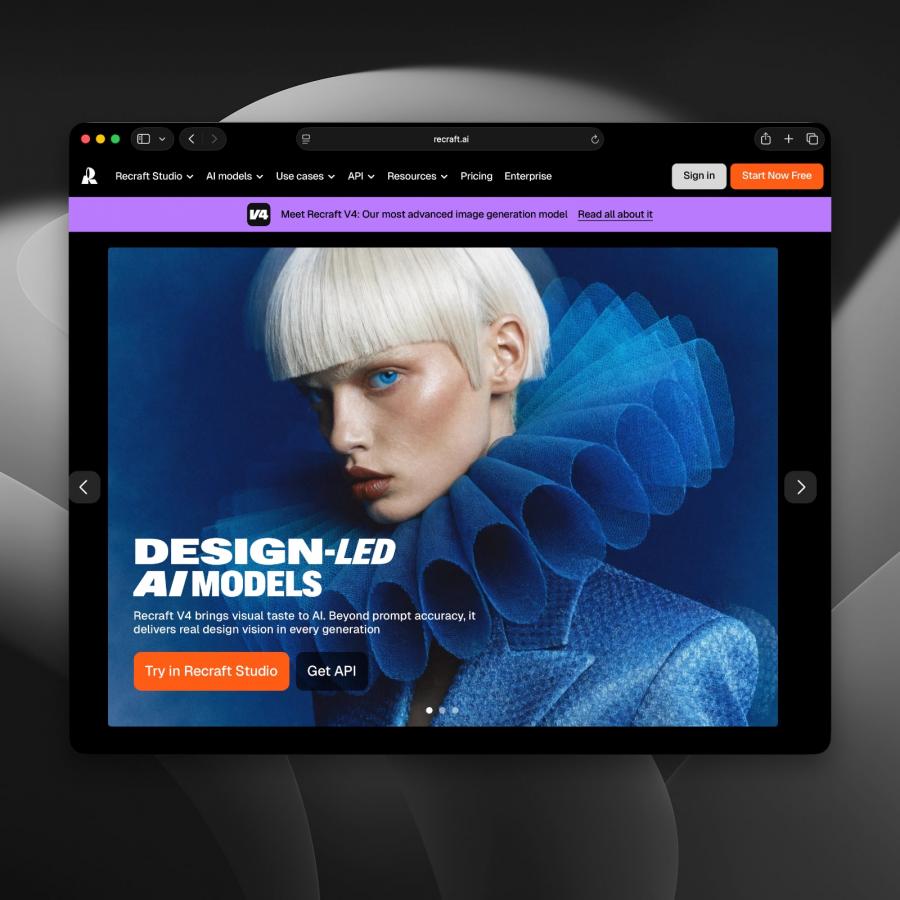
Recraft V4 is the only AI tool that makes real SVG vector files from text prompts. It is built for designers who need clean, editable, production-ready output.
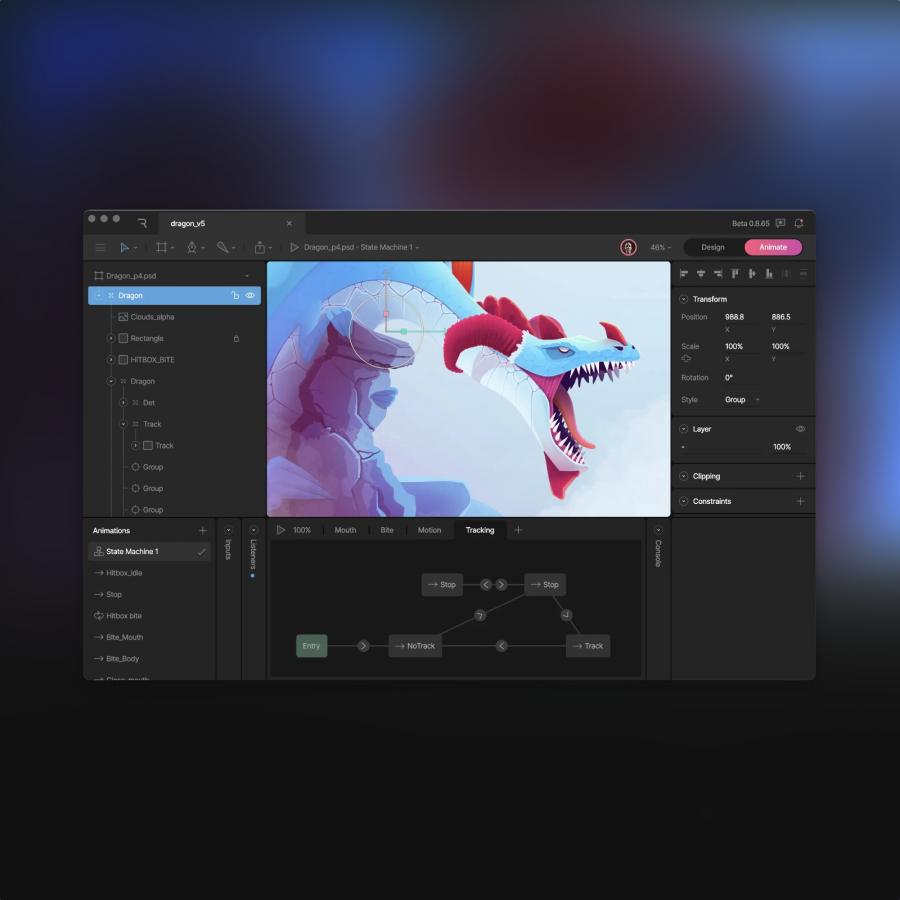
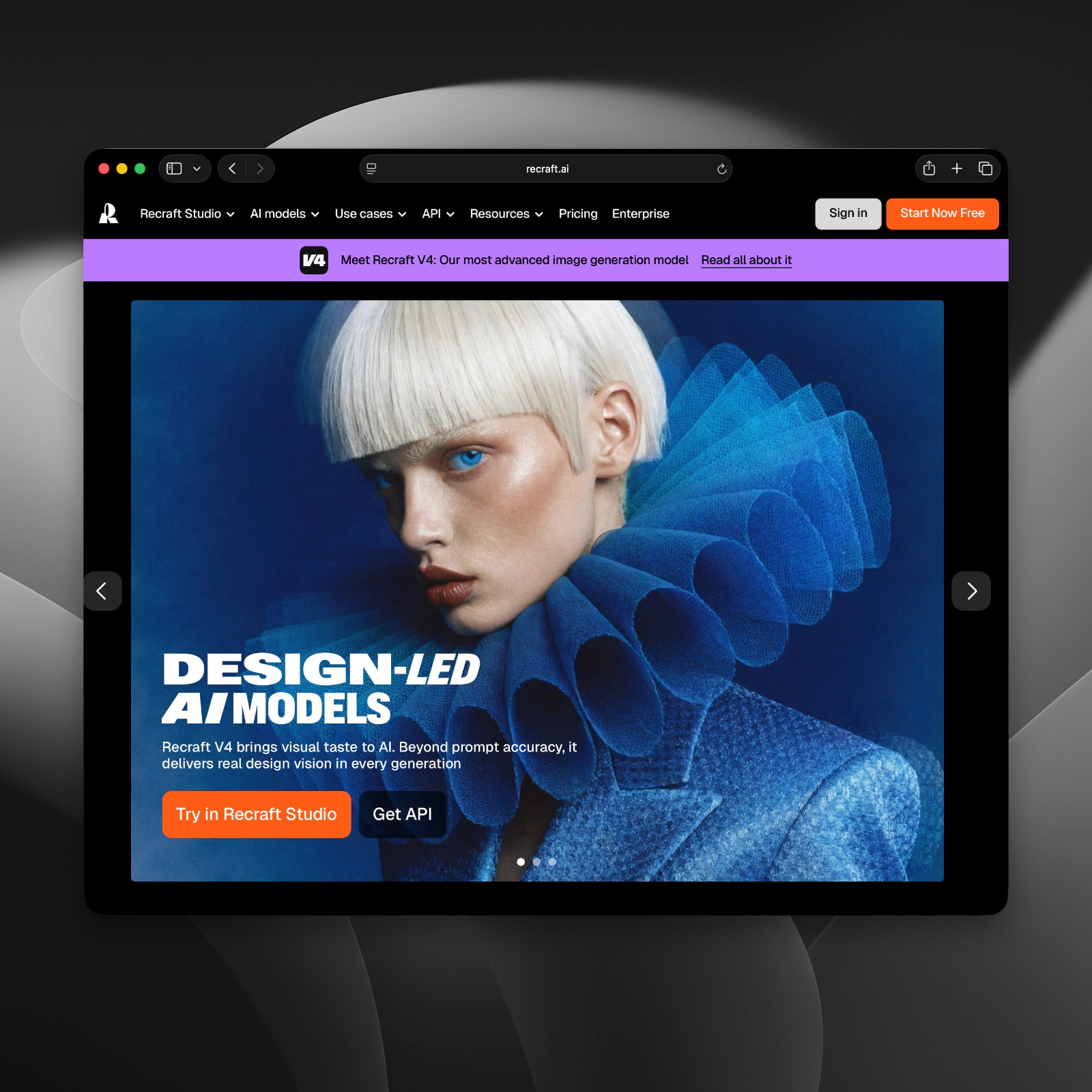
Recraft V4 launched on February 18, 2026. It changes how graphic designers work with AI. Most AI image tools give raster pixels. Recraft V4 does more. Its SVG models make real vector files with clean paths and editable shapes. A designer can open the file in Illustrator or Figma and edit each path directly. No tracing. No cleanup. No extra steps. That is a first in AI image tools, and it matters for any design team that ships production assets.
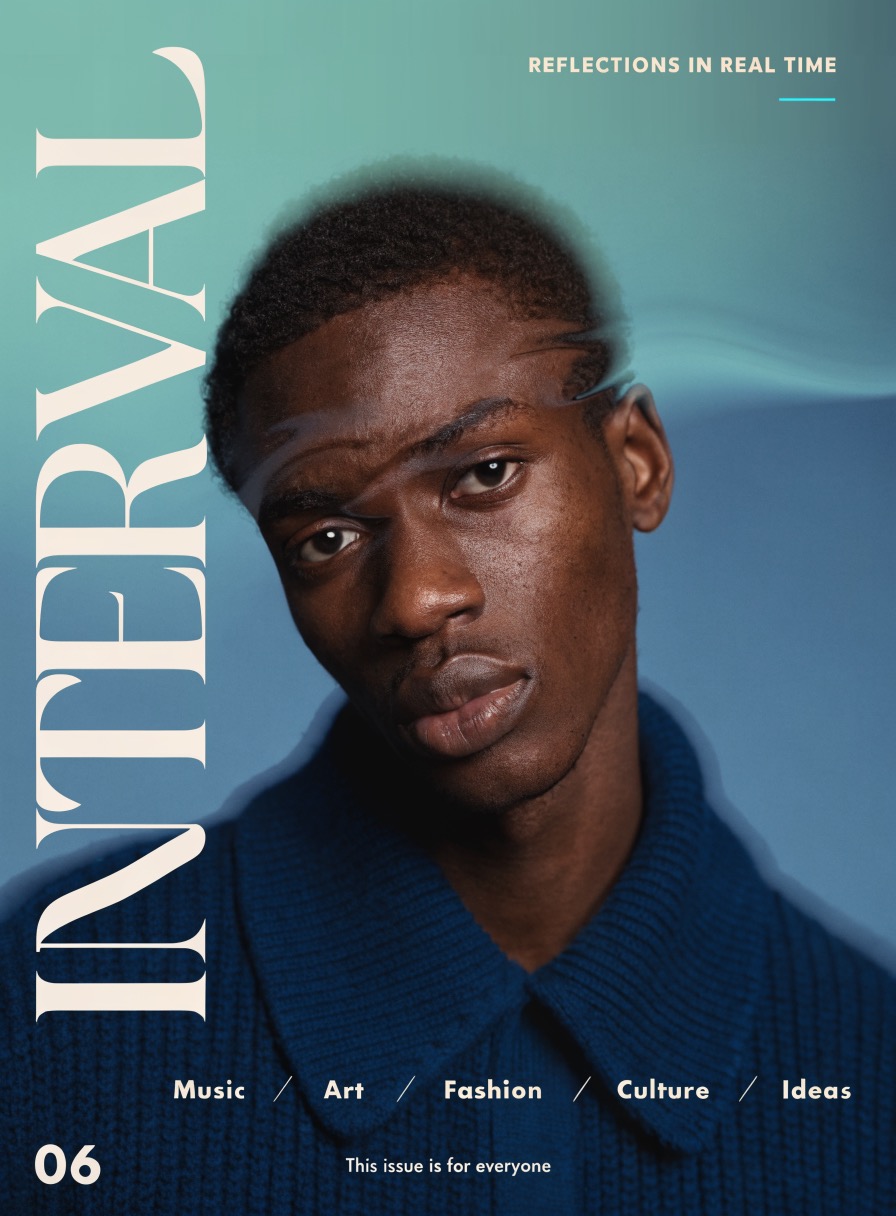
The model also has what the Recraft team calls design taste. Recraft V4 makes choices about layout, light, and color. The output looks art-directed, even from a short prompt. Text is treated as part of the design, not an add-on. Type works within the scene and fits the visual flow. This is key for posters, packaging, and editorial layouts where type and image must feel like one thing.
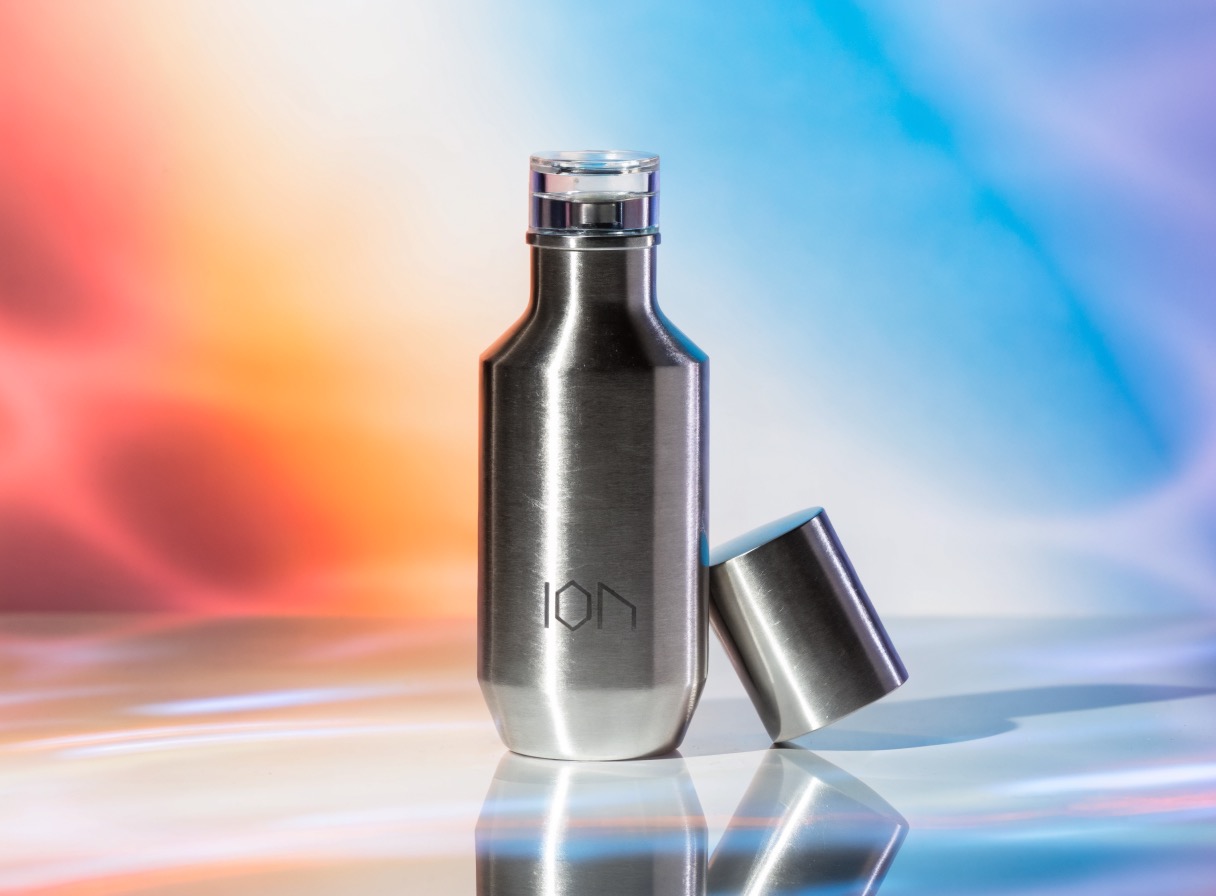
What Recraft V4 Offers Designers
Recraft V4 comes in four versions. The standard model makes 1024px images in about ten seconds. The pro model outputs at 2048px. The SVG model makes standard vector files. The Pro SVG model makes high-res vectors for large print and design systems. All four share the same design taste and prompt accuracy. Each model takes prompts up to ten thousand characters, so designers can be as precise as they need to be.

The use cases are broad. Recraft V4 works well for logos, icons, brand art, editorial posters, and product visuals. All output is cleared for commercial use. Designers on Illustrator, Figma, or Sketch can drop the SVG straight into a project and start editing. That direct workflow is what sets Recraft V4 apart from other AI image tools on the market today.