by abduzeedo
Discover why I swapped Adobe for Pixelmator to create digital art. A look at Mac optimization, lightning-fast rendering, and a showcase of my latest 90s-inspired minimalist grunge designs.
I have been spending more time creating images lately, looking for a way to relax and get back to being hands-on with fun creations. For this latest exploration into digital art, I am using Pixelmator.
I recently decided to cancel my Adobe subscription after years of paying for it and realizing I wasn't using it enough to justify the cost. While I admit I still miss having access to the full Creative Cloud suite, for now, I am incredibly happy with Pixelmator and the versatility it offers for my workflow.
A Long History with Pixelmator
My first experience with Pixelmator goes back to 2007, or perhaps even earlier. I remember reaching out to the team after seeing some of their early previews on Twitter. I loved the interface then, and I still do today.
Pixelmator is one of those rare pieces of software that actually makes you want to use it. You can tell that the folks behind it put a lot of care into the UX/UI, making the experience of creating digital art feel intuitive and polished.
Optimized for Mac Performance
One of the biggest advantages is that Pixelmator is Mac-only and fully optimized for the hardware. Blurs, displacements, and all sorts of complex effects render instantaneously. You can quickly preview exactly what is happening to your image in real-time. This is a stark contrast to Photoshop, which often feels like it relies on legacy code that can bog down performance during intensive tasks.
The Series: 90s Gritty Minimalism
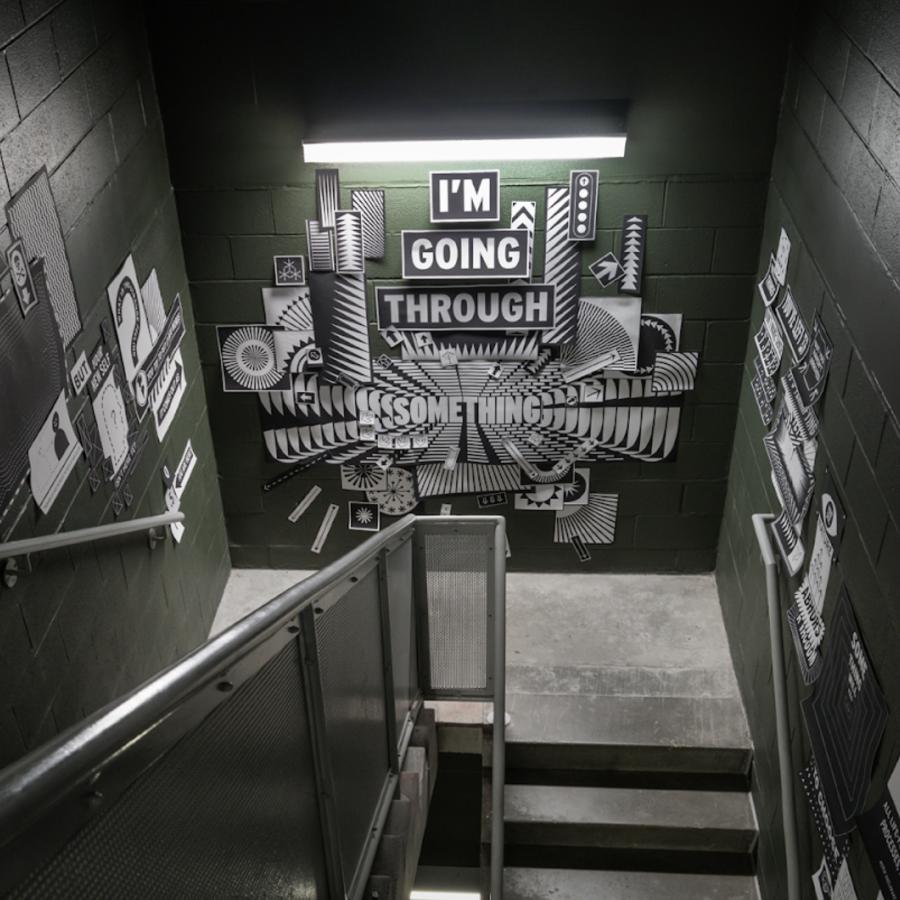
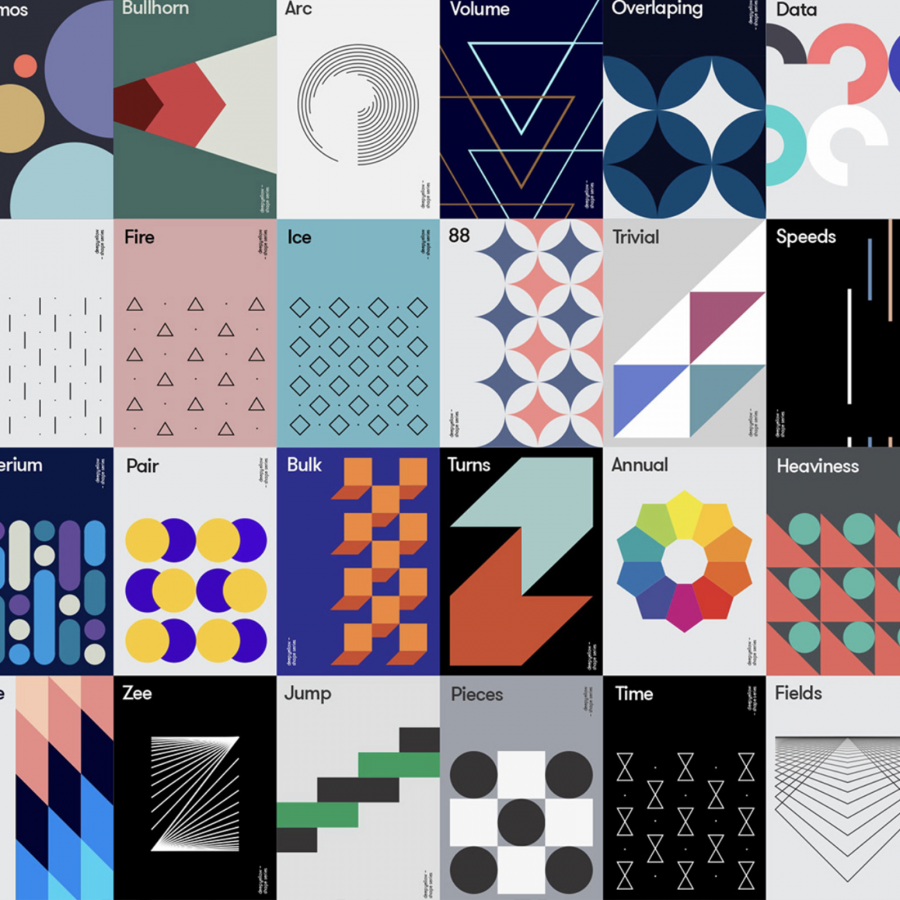
For this post, I wanted to share some of the latest images I created using this powerful tool. These pieces are heavily inspired by CD covers from the 90s, blending a mix of minimalism with a gritty, grunge style.
It has been refreshing to step away from the industry standard and rediscover the joy of design with a tool that feels built for creativity.
Digital art samples