by jeff
Figma MCP tutorial for designers: connect Claude Code, Cursor, or VS Code to Figma files to automate design tokens, component variants, and style guides.
MCP stands for Model Context Protocol, an open standard letting AI tools act inside Figma. Think of it as a universal translator: the AI asks a question, MCP converts it, and Figma responds with real data. This Figma MCP tutorial covers three concrete workflows designers can run today.
MCP is not a Figma plugin or chatbot. It is a communication protocol. Figma built a server that speaks it. Claude Code, Cursor, VS Code with Copilot, and Windsurf each built clients connecting to it. Remote MCP works on all Figma plans; the desktop server requires a Dev or Full seat on a paid plan. A terminal command or JSON config points your AI tool at the Figma MCP endpoint.
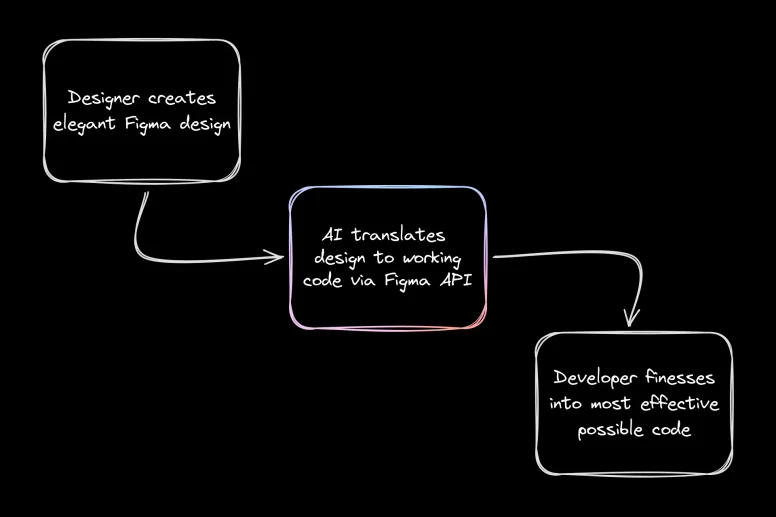
Three Figma MCP Tutorial Workflows
Workflow one
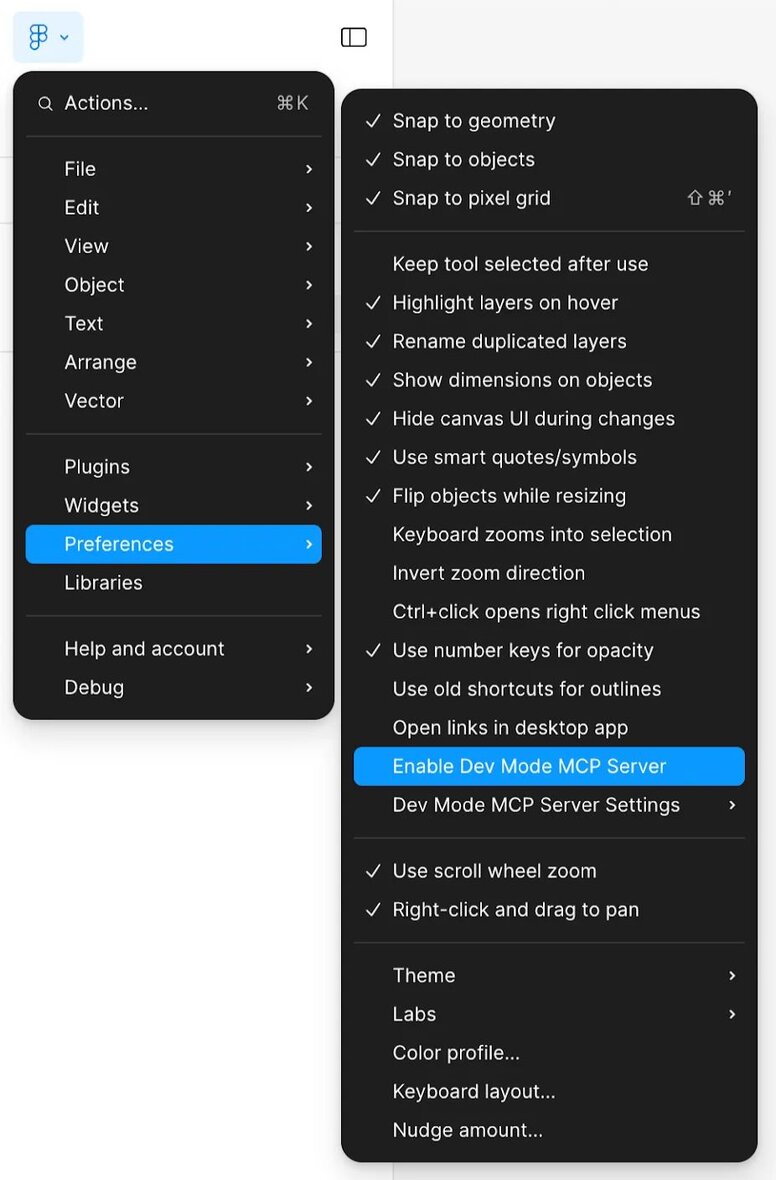
Extract design tokens. Enable the MCP server in Dev Mode, select a frame, copy the selection link, paste it into Claude Code, and ask it to list all color and spacing tokens. The response is structured JSON from the actual file.
Workflow two
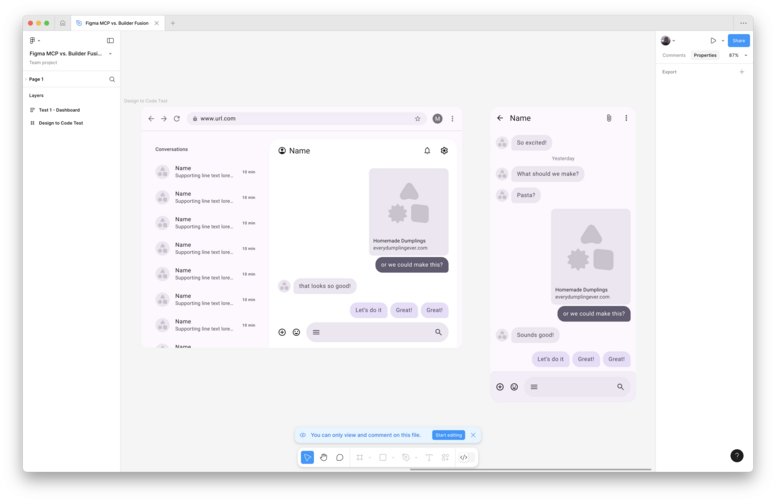
Generate component code. Select a card or button layer, copy the link, paste into Cursor with a prompt to write a React component. Cursor queries Figma via MCP and returns code reflecting real spacing and color values.
Workflow three
Generate a style guide. Select the design system page and prompt Claude Code to document it as Markdown. The output maps components to visual rules and can go directly into a repository.
Output quality depends on file organization. Unlabeled layers produce weak results; well-named components produce useful output. The live UI capture feature, remote-server only, is supported in Claude Code, Codex, and VS Code. Full Figma MCP documentation is at help.figma.com. For designers who live in Figma, this shortens the path from design to working code.