4301
Playing with Timeline in Photoshop CS6
tutorial
Photoshop CS6 has some great features, one of them is the new timeline for basic animations and this time Photoshop gets a little bit of the After Effects taste.
Photoshop CS6 has some great features, one of them is the new timeline for basic animations and this time Photoshop gets a little bit of the After Effects taste.
A few weeks ago we posted a tutorial showing how to create a hipster text effect using Pixelmator. Now we decided to show you the same effect using Photoshop CS6.

Every time I checked Dribbble I see a bunch of posts with this sort of vintage typography style. It's a very interesting look and very trendy nowadays.
We always try to publish tutorials based on effects we like especially from movies, posters and other sources of inspiration.


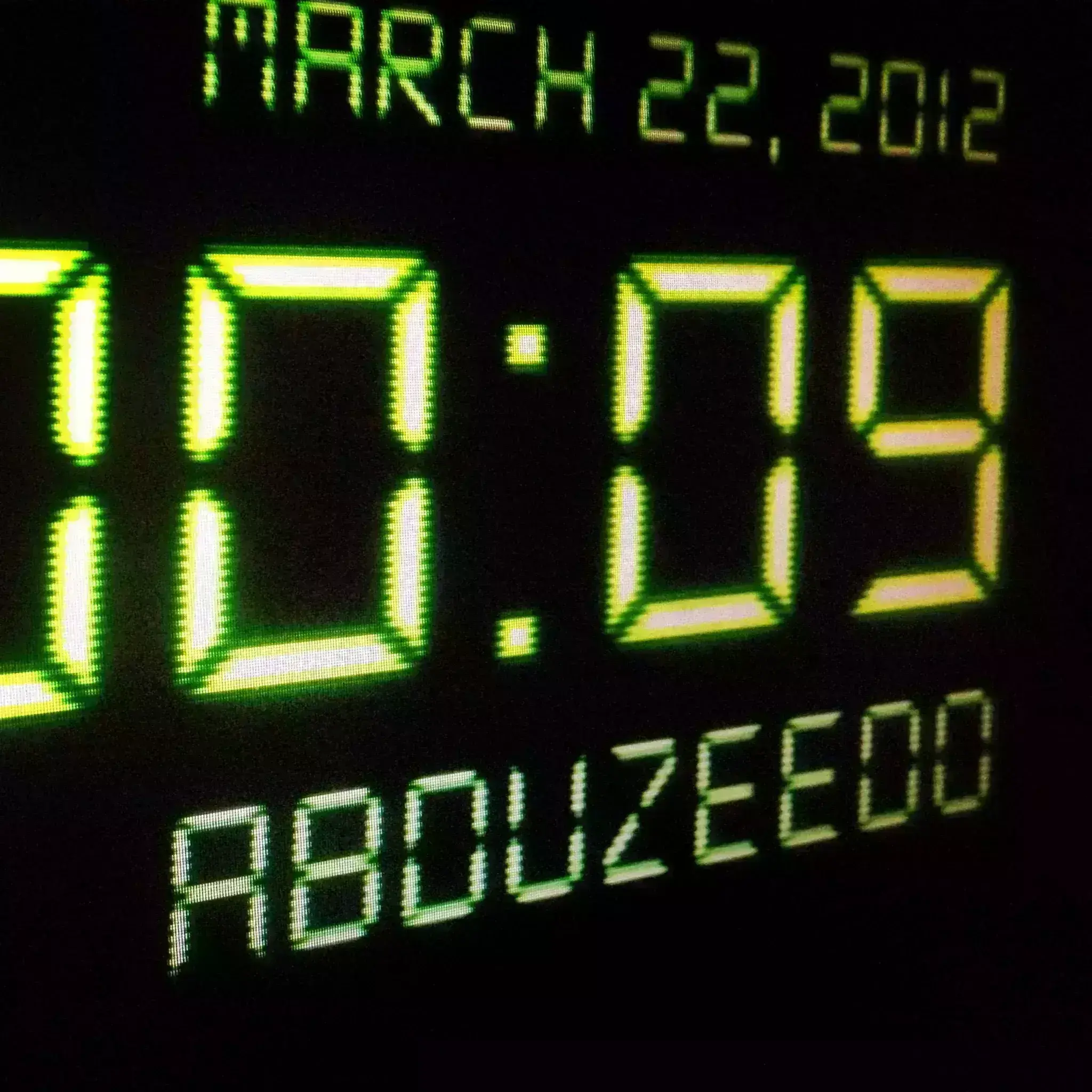
Digital LCD effects are very common but they still impress me especially in terms of light effects. The way the light gets blurry on the edges and super strong in the center is simply amazing.


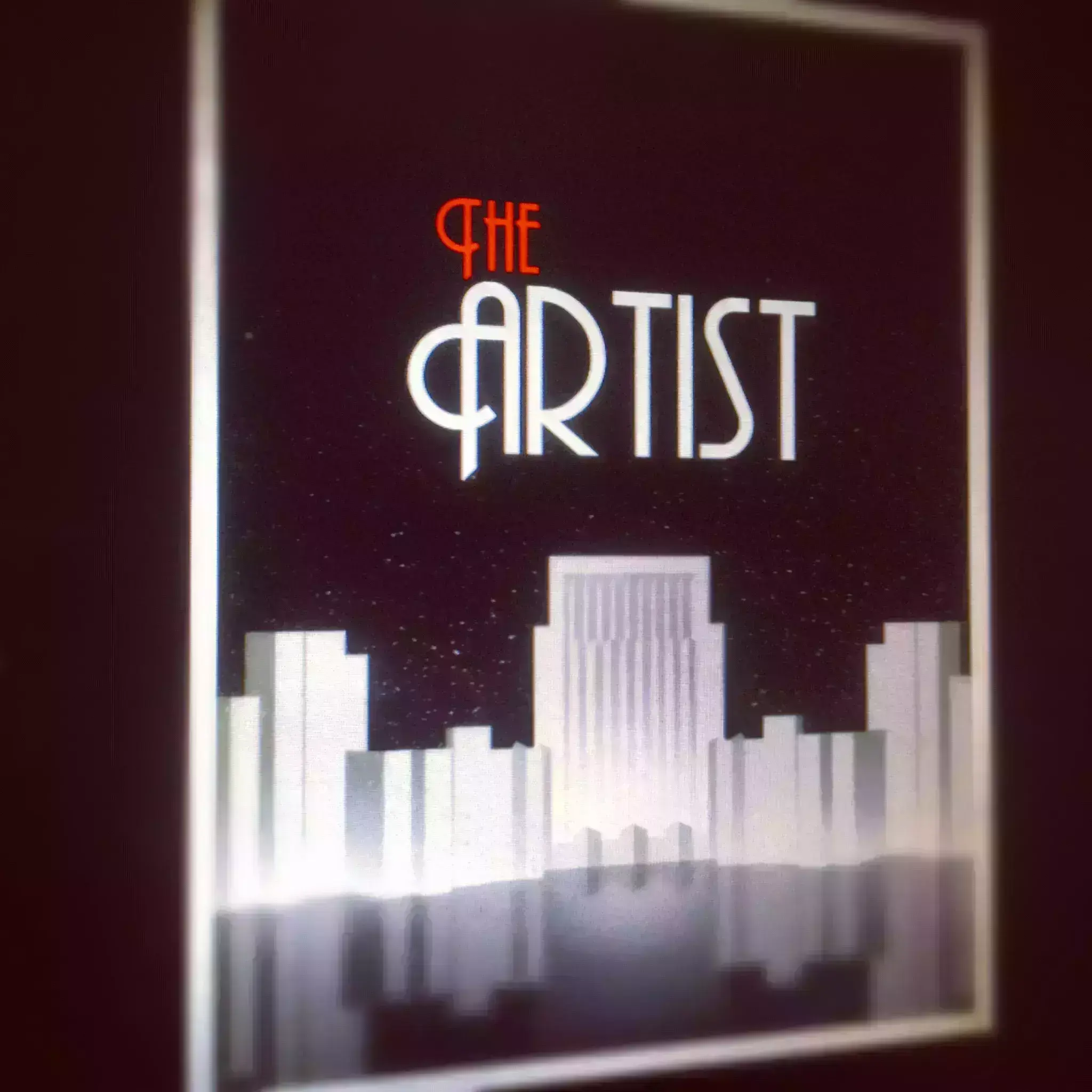
A few weeks ago I watched The Artist. Since the first time I saw and read about the movie, I got curious about it, especially because it was a black and white movie.
Send your project to be featured on the blog. Follow the instruction on the template and good luck. Ah, make sure you add the images and credits that are due.