4141
Easy 3D Globe in Photoshop
3d
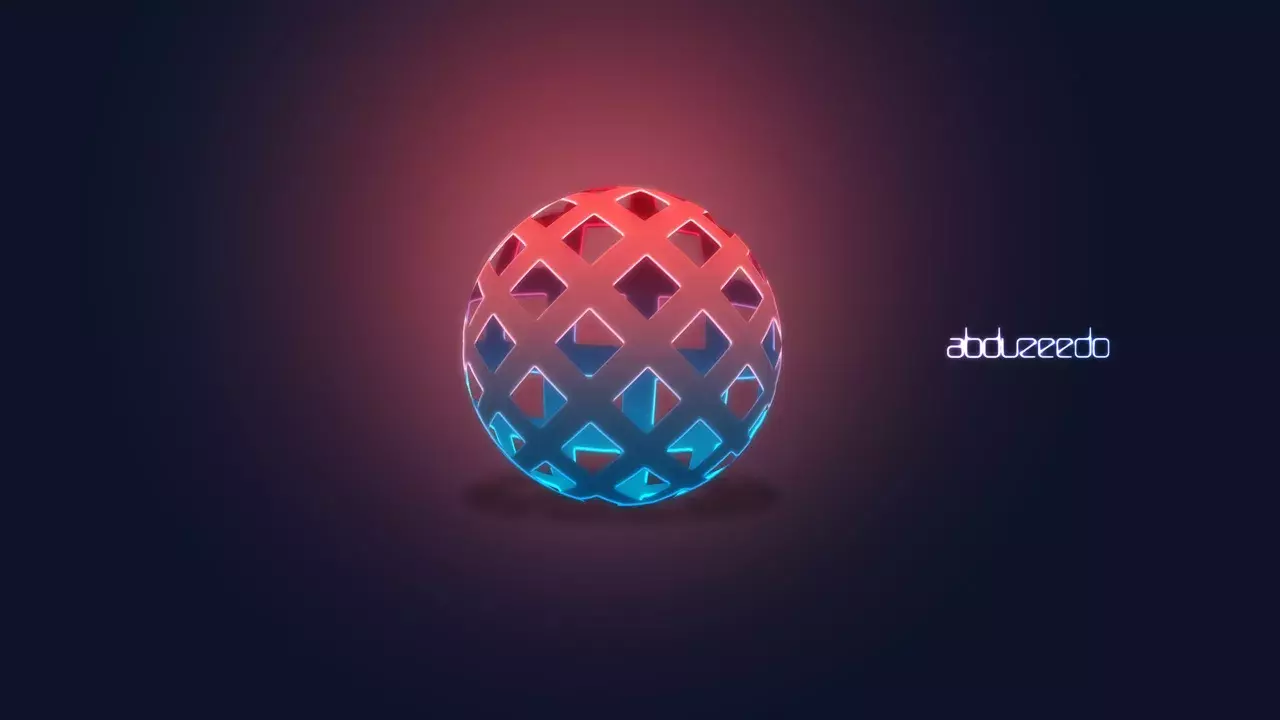
A few weeks ago a friend of mine wanted to know how to create a sort of 3D globe effect using Photoshop.
A few weeks ago a friend of mine wanted to know how to create a sort of 3D globe effect using Photoshop.
I have received quite a few emails asking me how to create an embroidery effect in Photoshop. It is a really nice effect and I had no idea how to do that in Photoshop.
I love some apps that recreate amplifiers with leather and those controllers.

Sunday is the day to play with Photoshop and try some new ideas. As usual I went through some books and Web sites to find some inspiration.

A few weeks ago I wrote a tutorial showing how to create a stylish metallic button effect using Photoshop. In that tutorial I posted to conclusions and one of them had a light effect in the text.
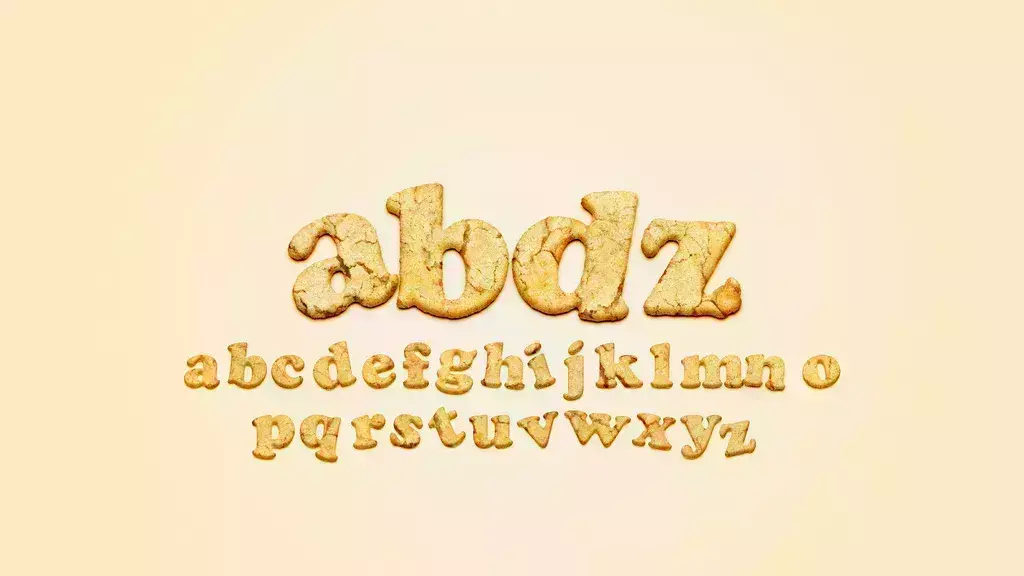
I woke up this morning thinking about an idea for a tutorial, then I remembered that last week I saw a really nice text effect that the characters were made of bread if I am not making any mistake.
Last Saturday I was checking Dribbble for some inspiration when I came across this beautiful design created by a Portuguese designer called Emanuel

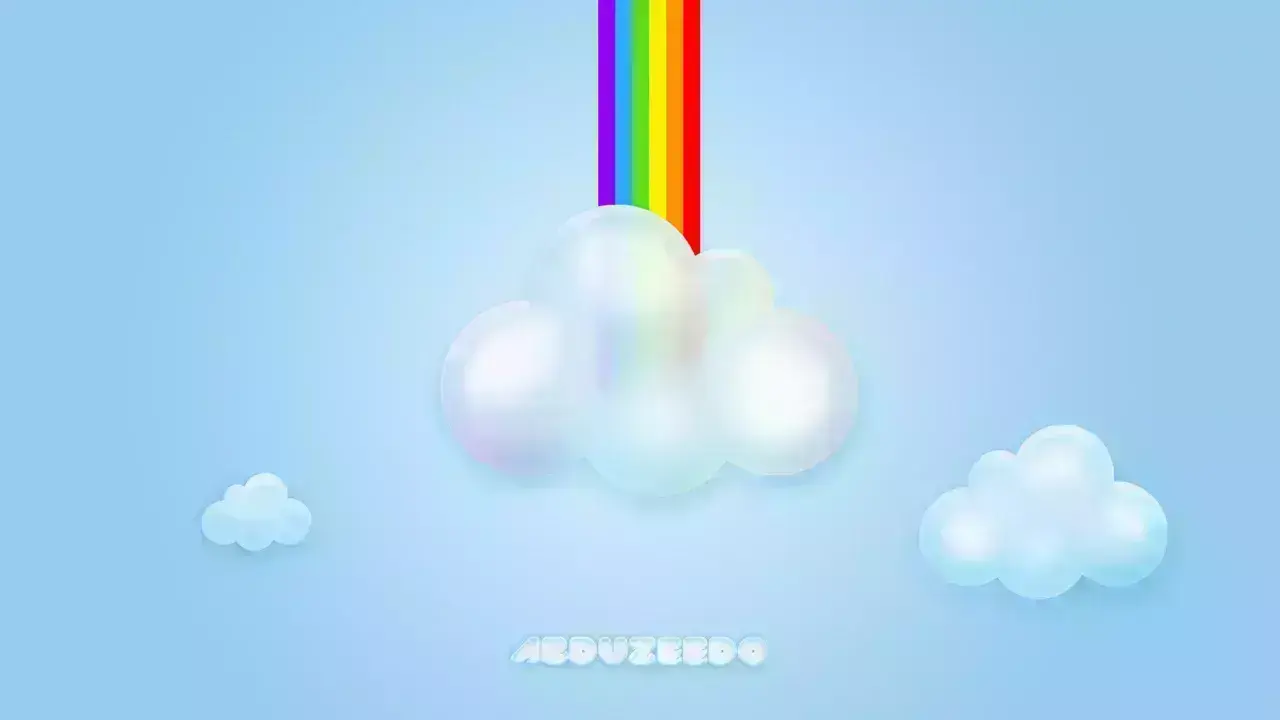
Last Saturday while chatting with a friend of mine he asked me how to create some fluffy style clouds, he told me that he has been seeing that quite often on Dribbble.
Send your project to be featured on the blog. Follow the instruction on the template and good luck. Ah, make sure you add the images and credits that are due.