4121
Hotel Love: NYC's MADE Hotel Inspired by Maker Movement
We scooped the news of MADE Hotel launching in NYC from our trusty friends over at Coolhunting and couldn't resist sha
We scooped the news of MADE Hotel launching in NYC from our trusty friends over at Coolhunting and couldn't resist sha
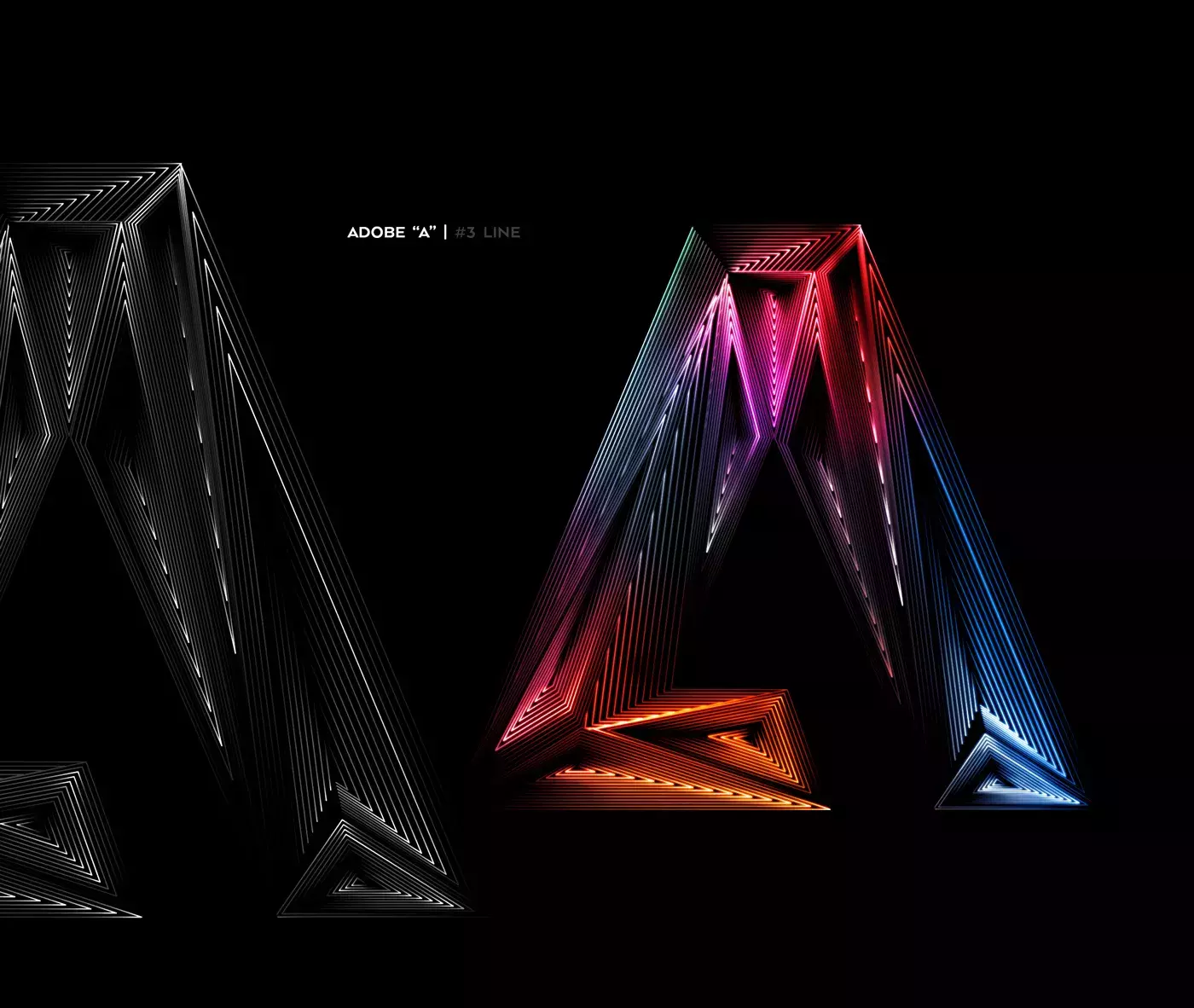
After a long time of flat design with solid colors it's always good to share something different. Adobe and their Instagram account are exploring Light & Shadow in graphic design.
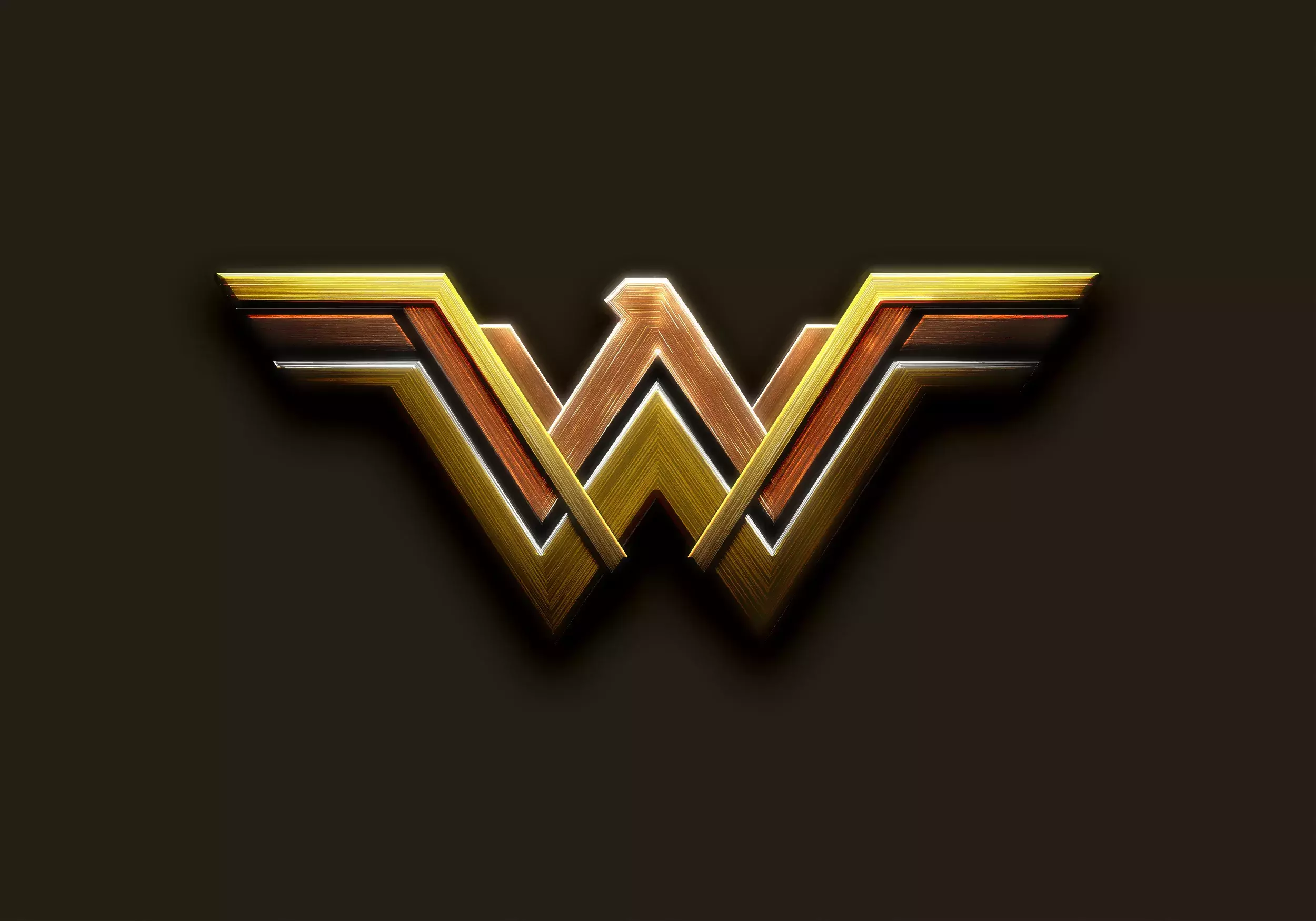
It's been a long time since the last time I wrote Photoshop tutorials. A lot of things have happened as I probably mentioned in the past.
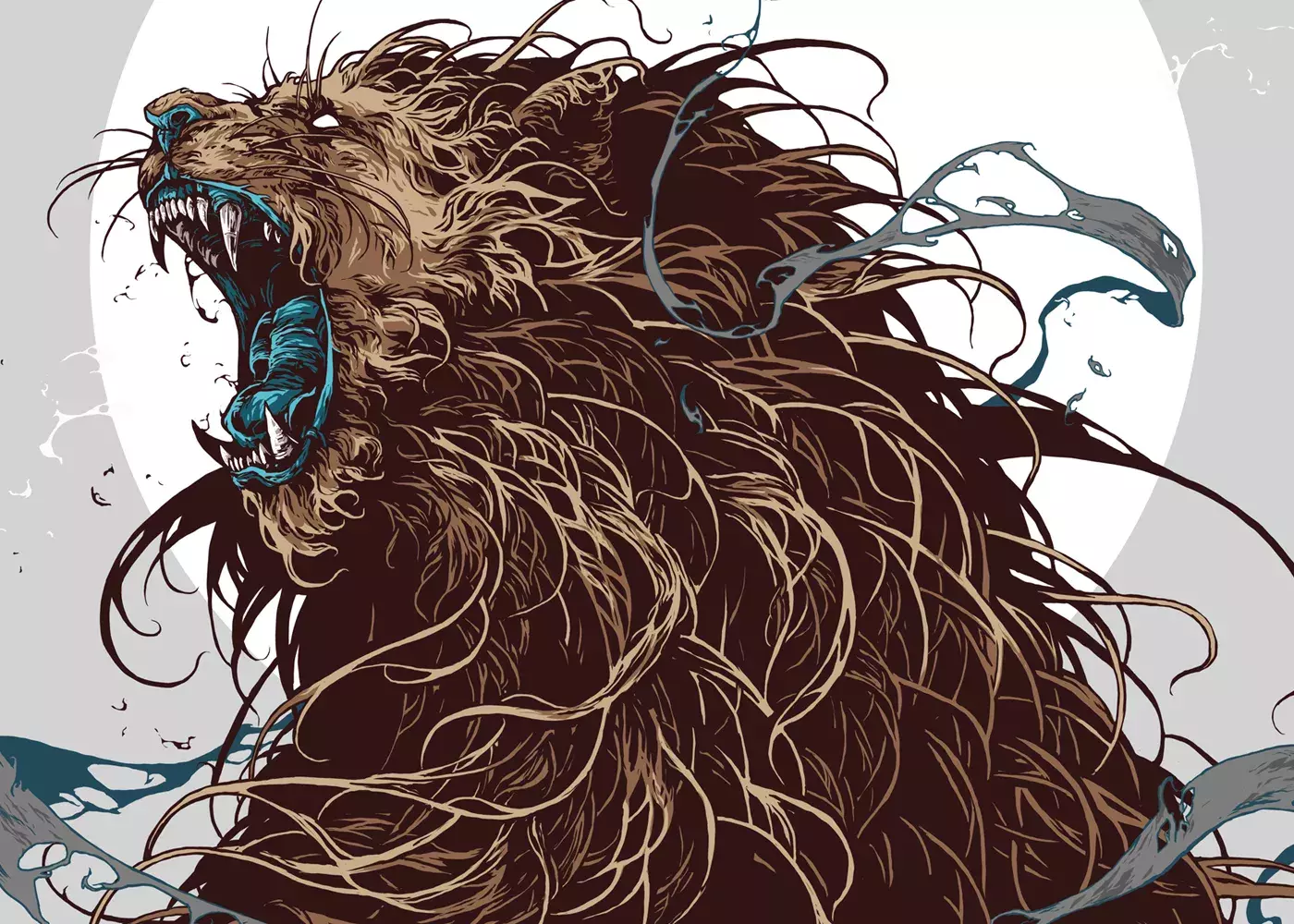
Creatures 2 is a graphic design project that consists of a compilation of recent personal illustrations about creatures and coats of arms guardians.
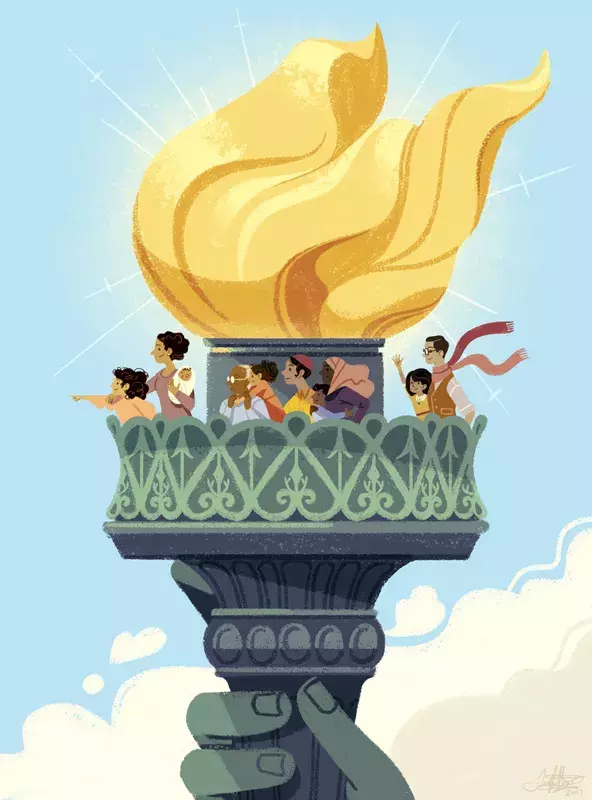
I Lift My Lamp Beside the Golden Door is an illustration created by Jennifer Hom.
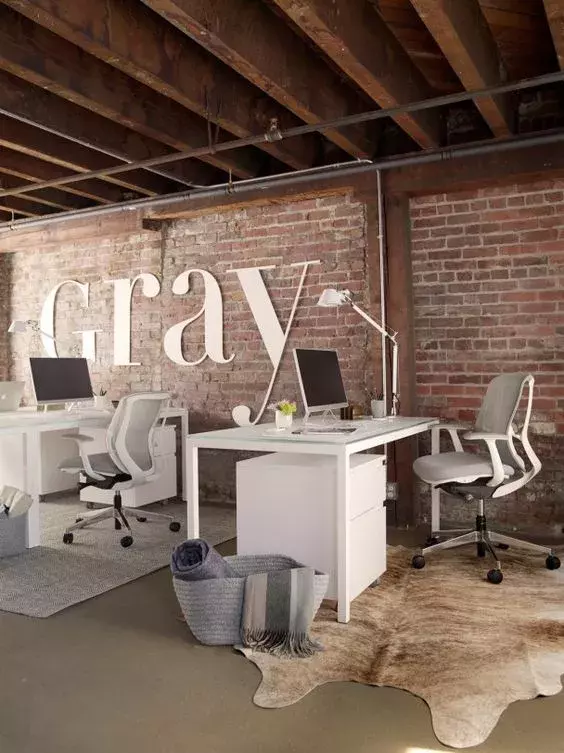
We've seen some great gadgets and equipment for designers. So many cool stuff, that we could actually assemble infinite perfect office spaces!

Prototyping has become a very important part of the UI/UX design process.
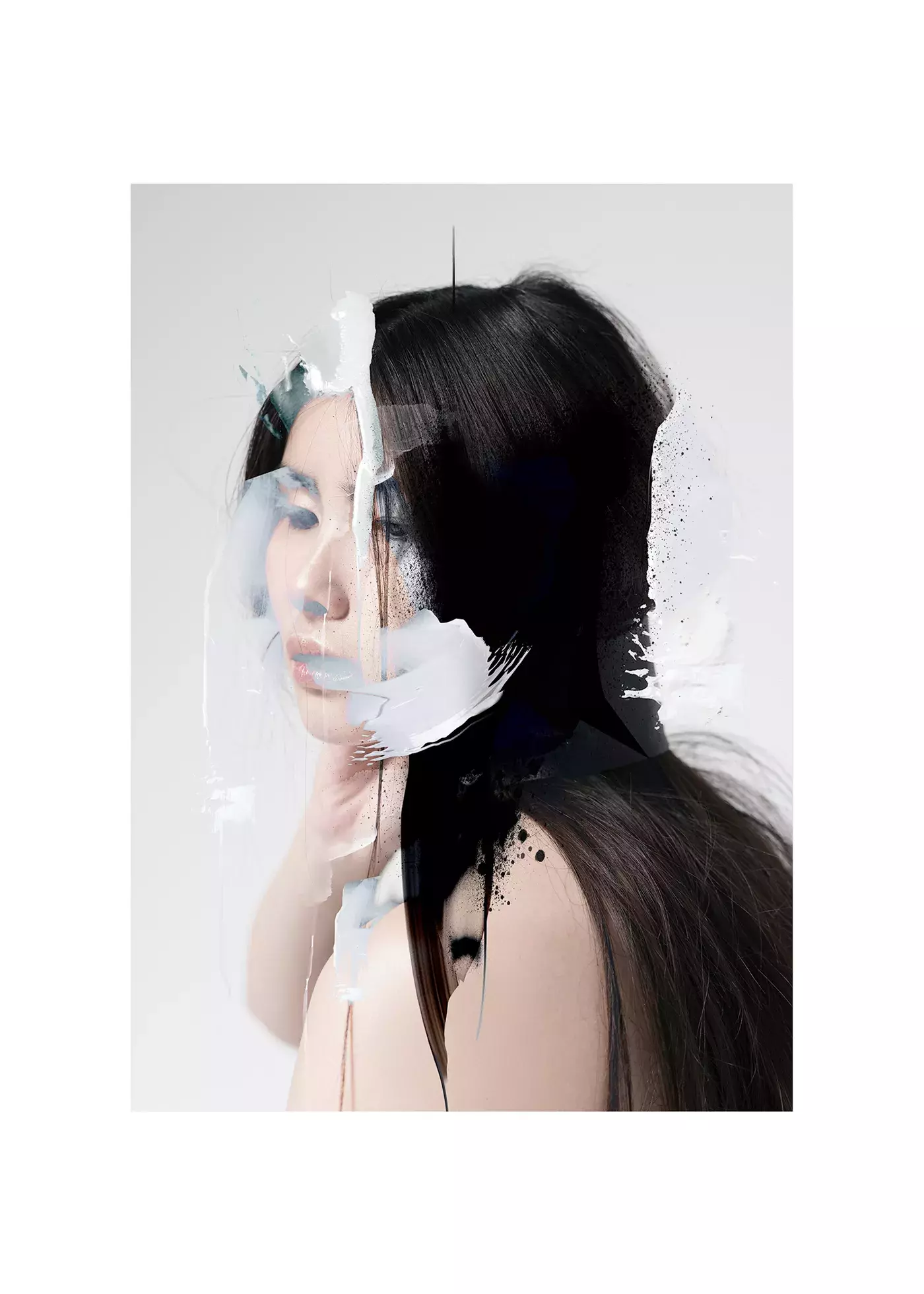
Part of the Daily Inspiration series that started it all on Abduzeedo.
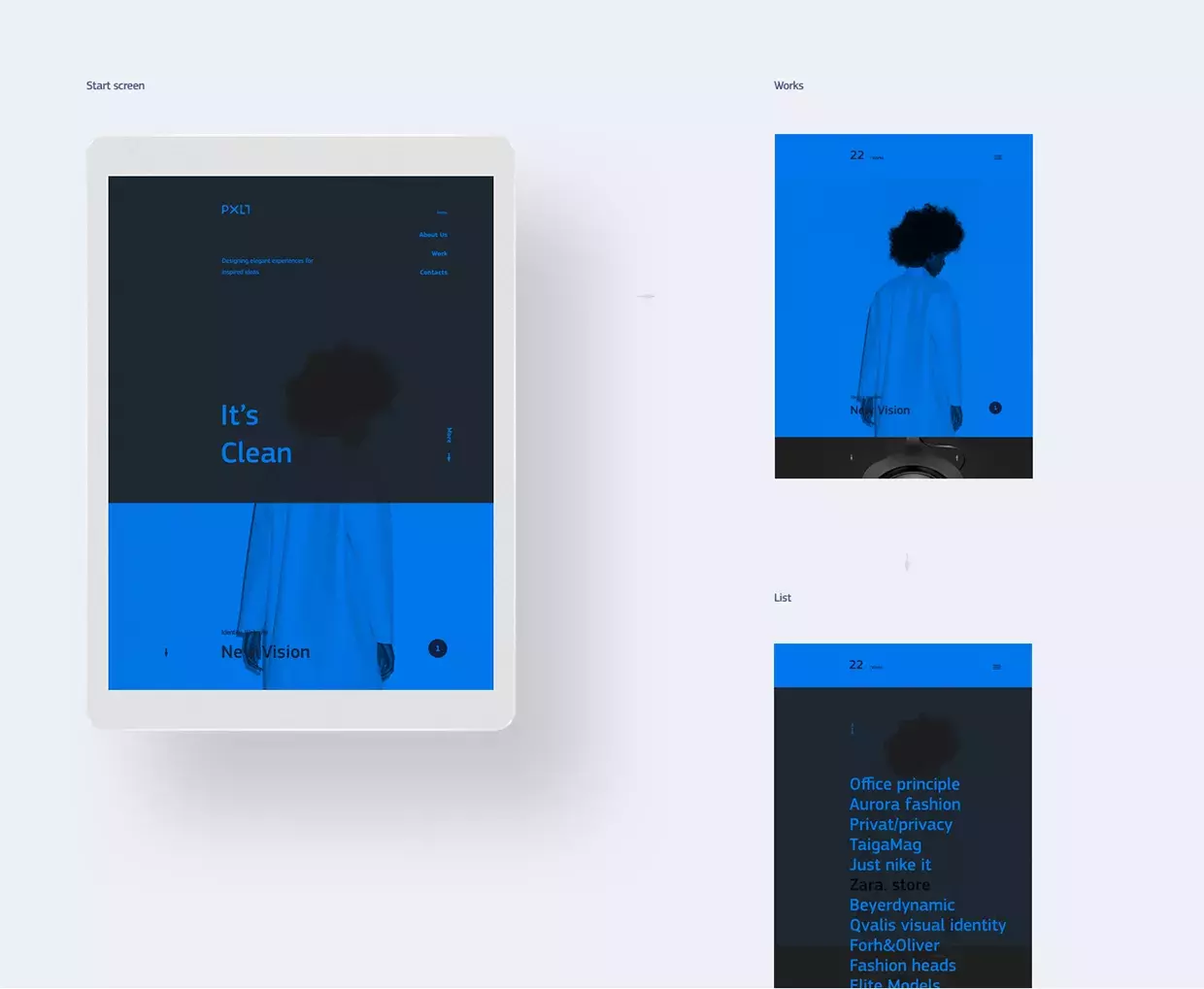
Part of the Daily Inspiration series that started it all on Abduzeedo.
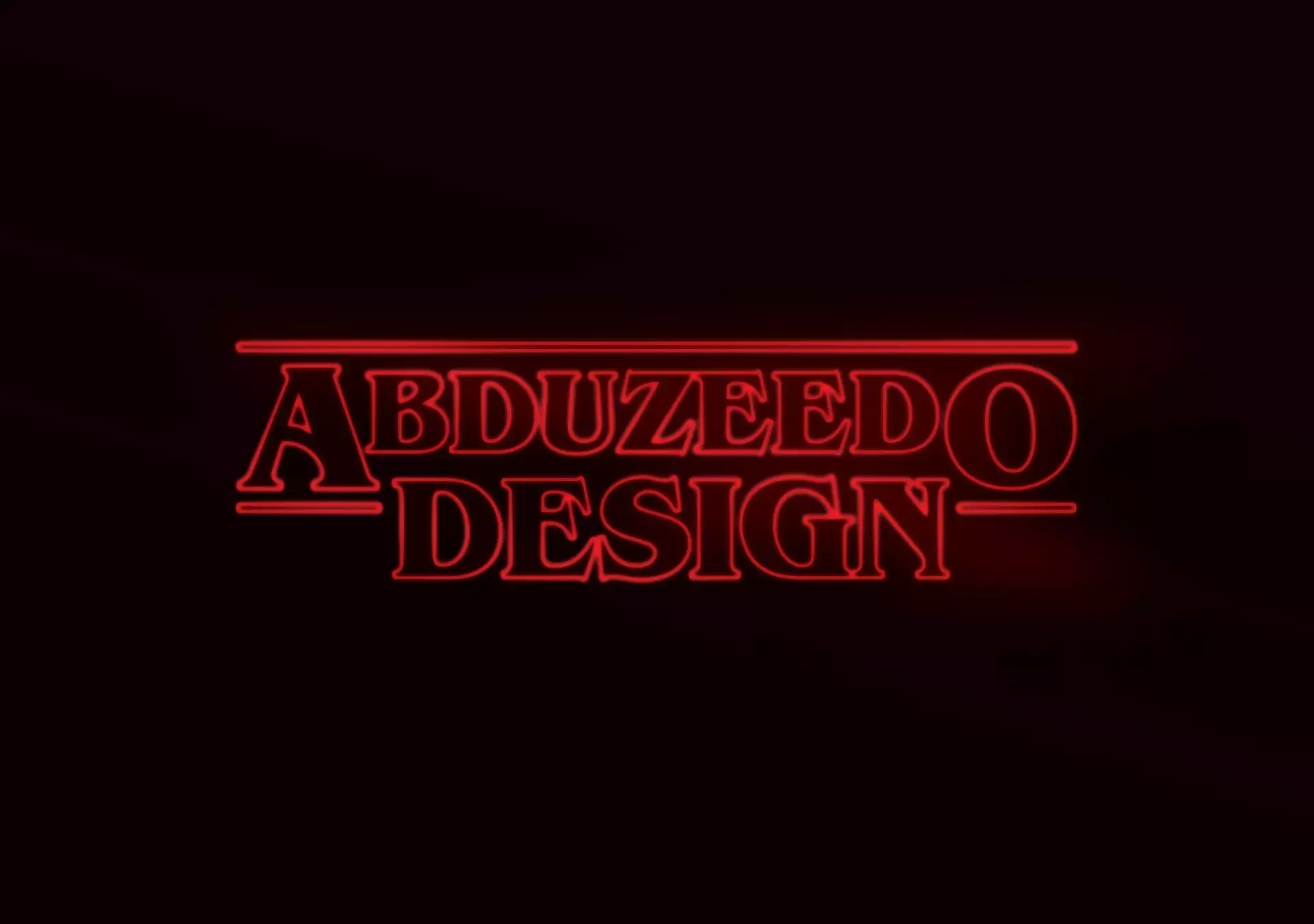
80's revival is stronger than ever. With Netflix's Stranger Things we're seeing people going crazy about 80's culture which is shown in the show thru its style and easter eggs.
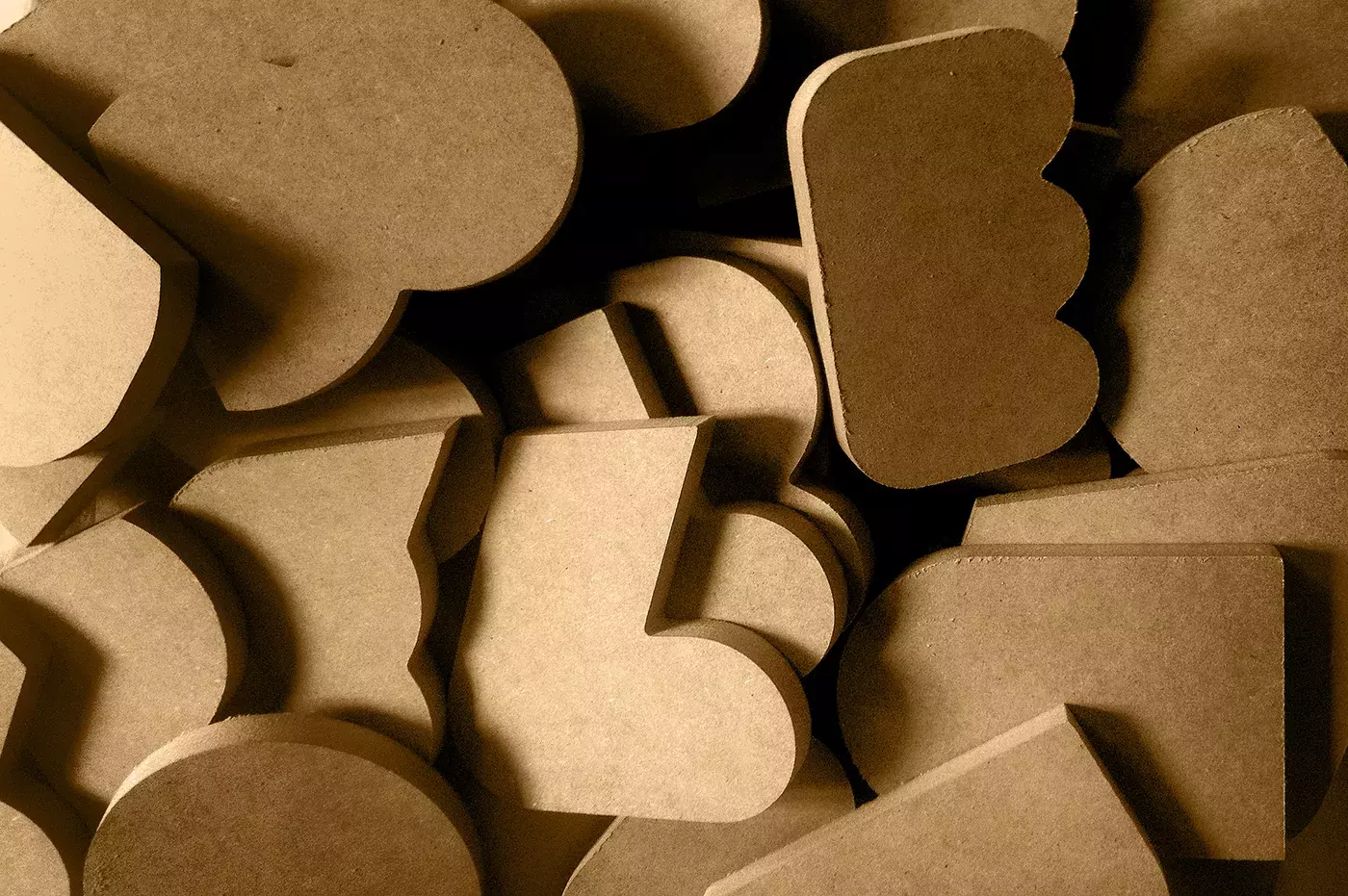
Most of the projects we share area always digital, usually illustrations, editorial design and UI/UX.
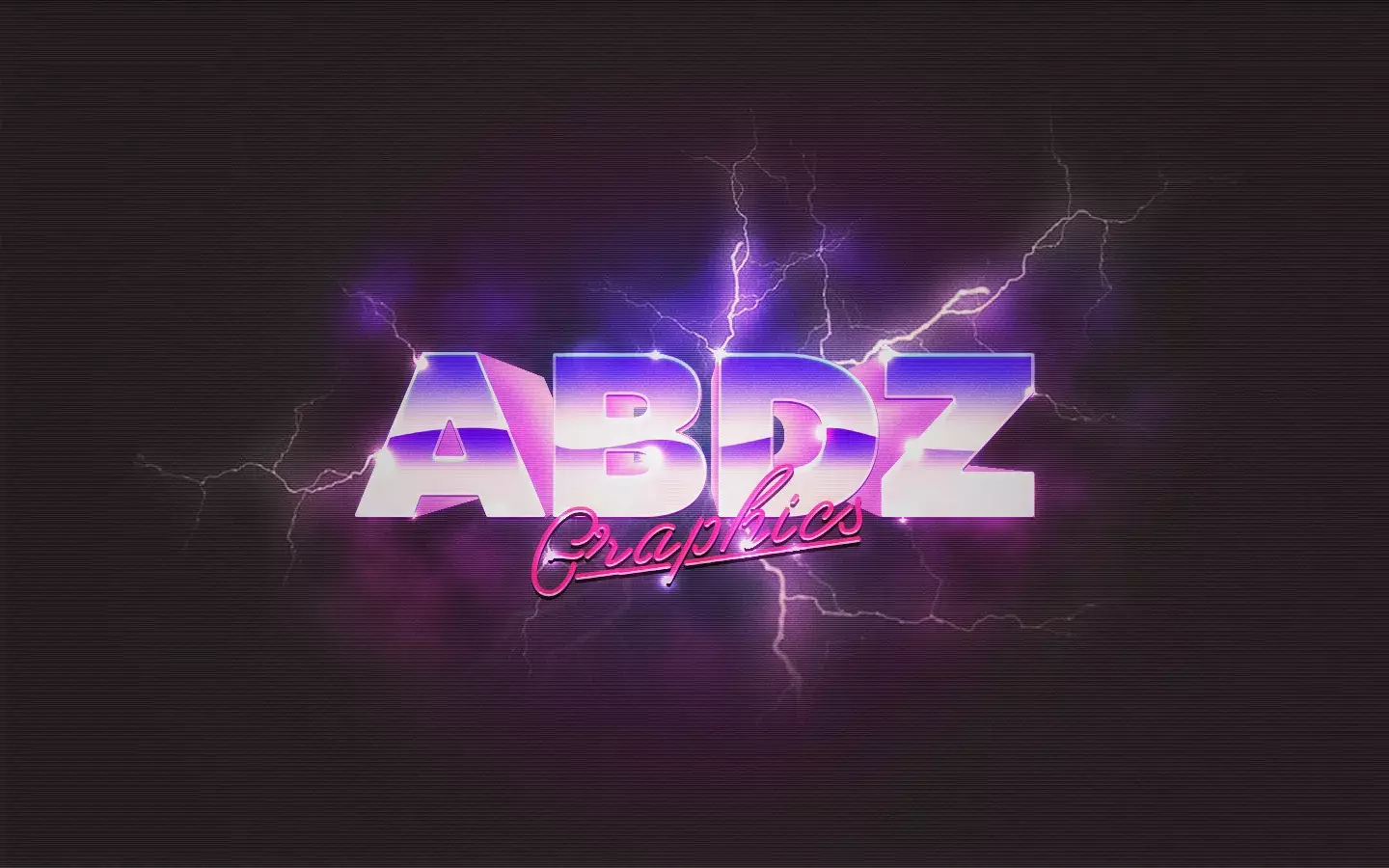
Last weekend while surfing the web I discovered this image of a classic 80s style logo.
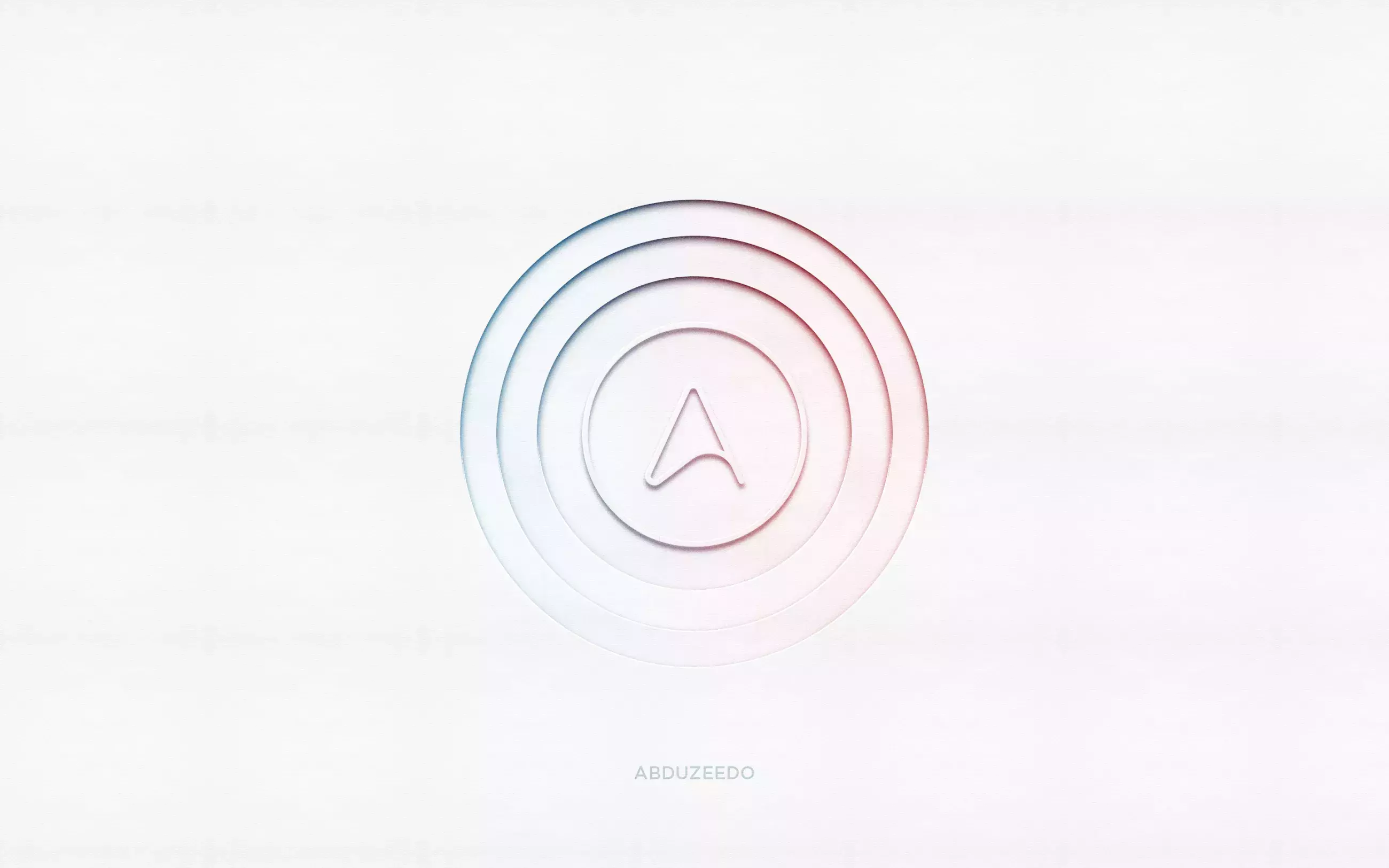
It is been quite a long time since the last time I posted a tutorial. I haven't for some reason stopped.
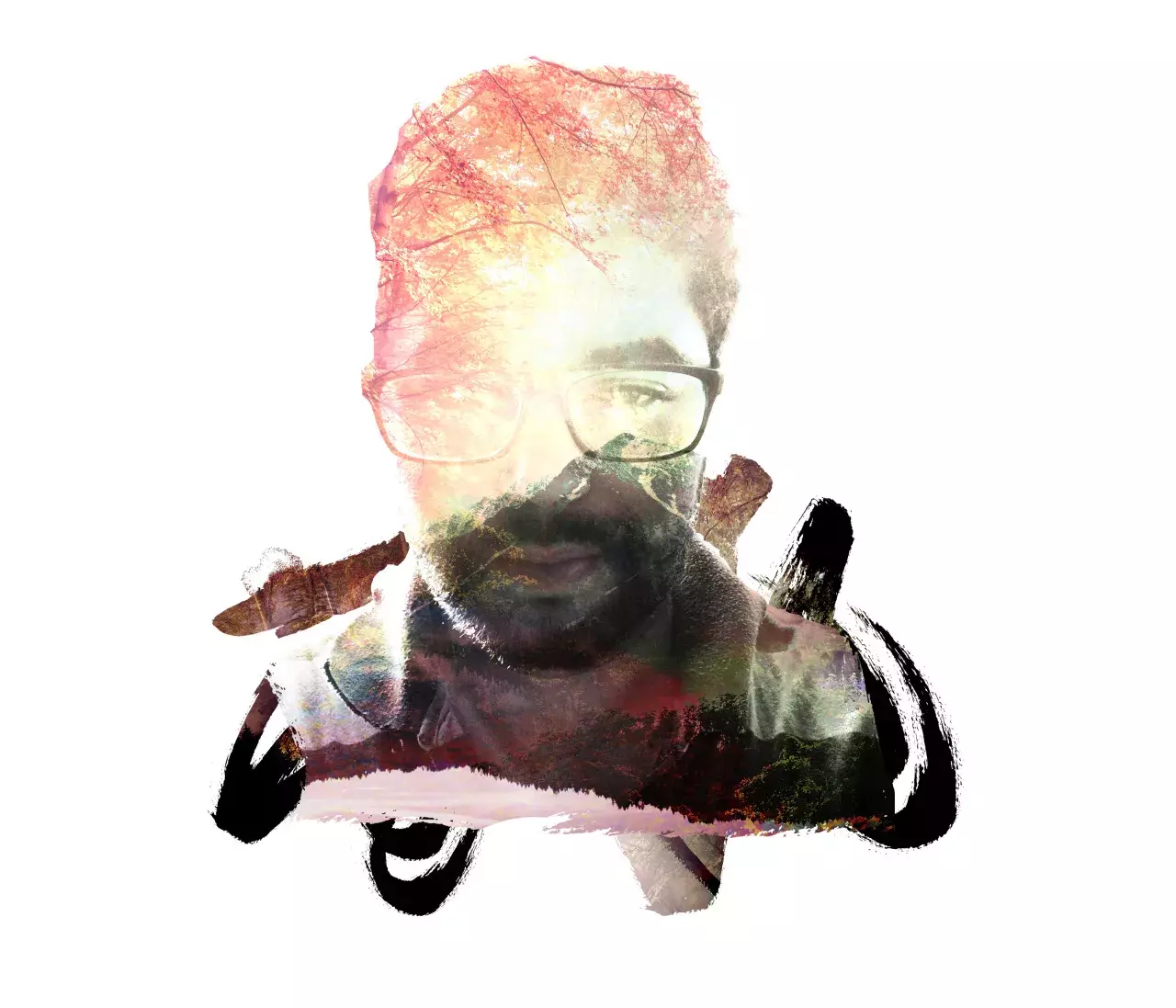
This post is part of our daily series of posts showing the most inspiring images selected by some of the Abduzeedo's writers and users.
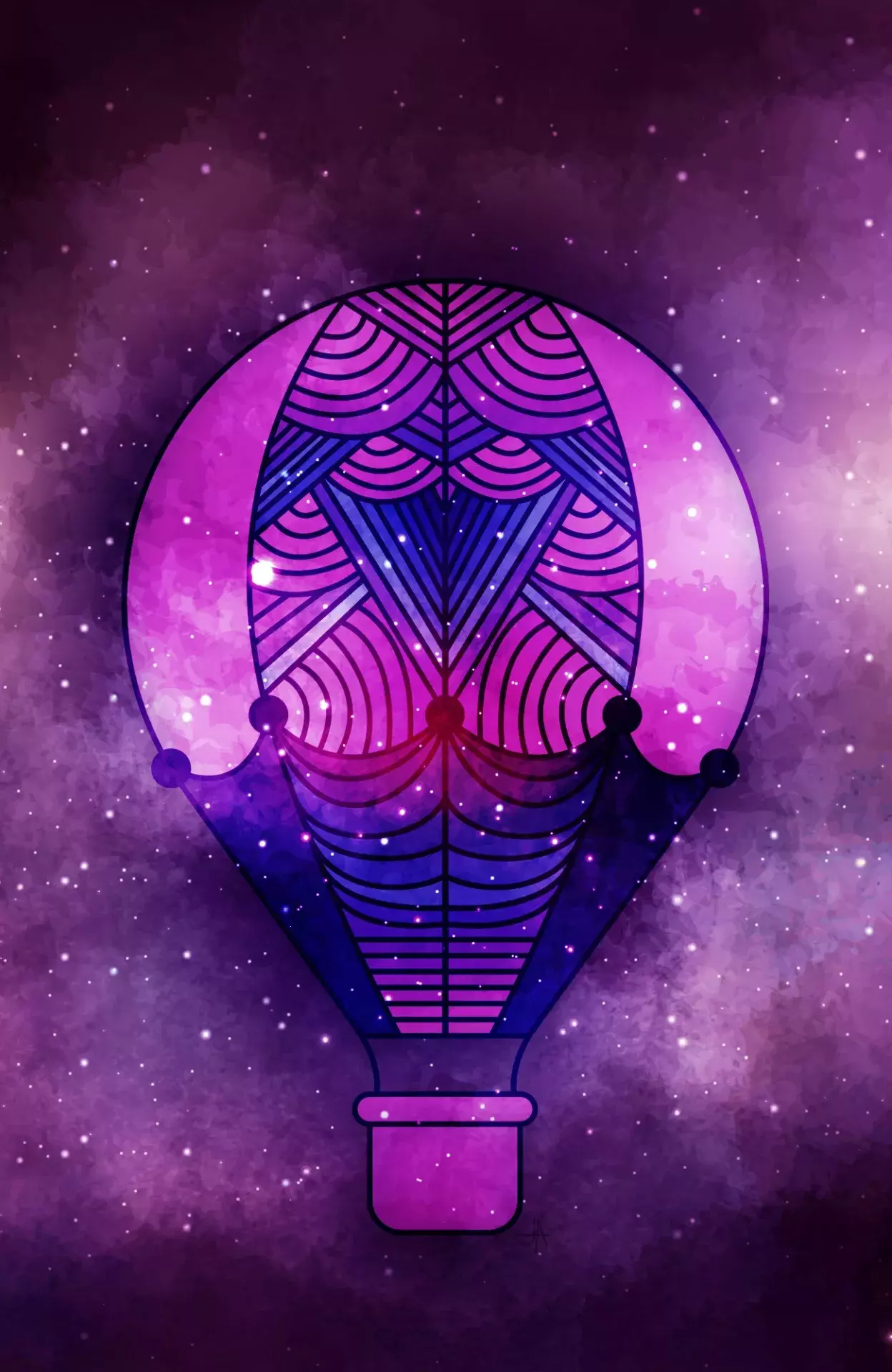
This post is part of our daily series of posts showing the most inspiring images selected by some of the Abduzeedo's writers and users.
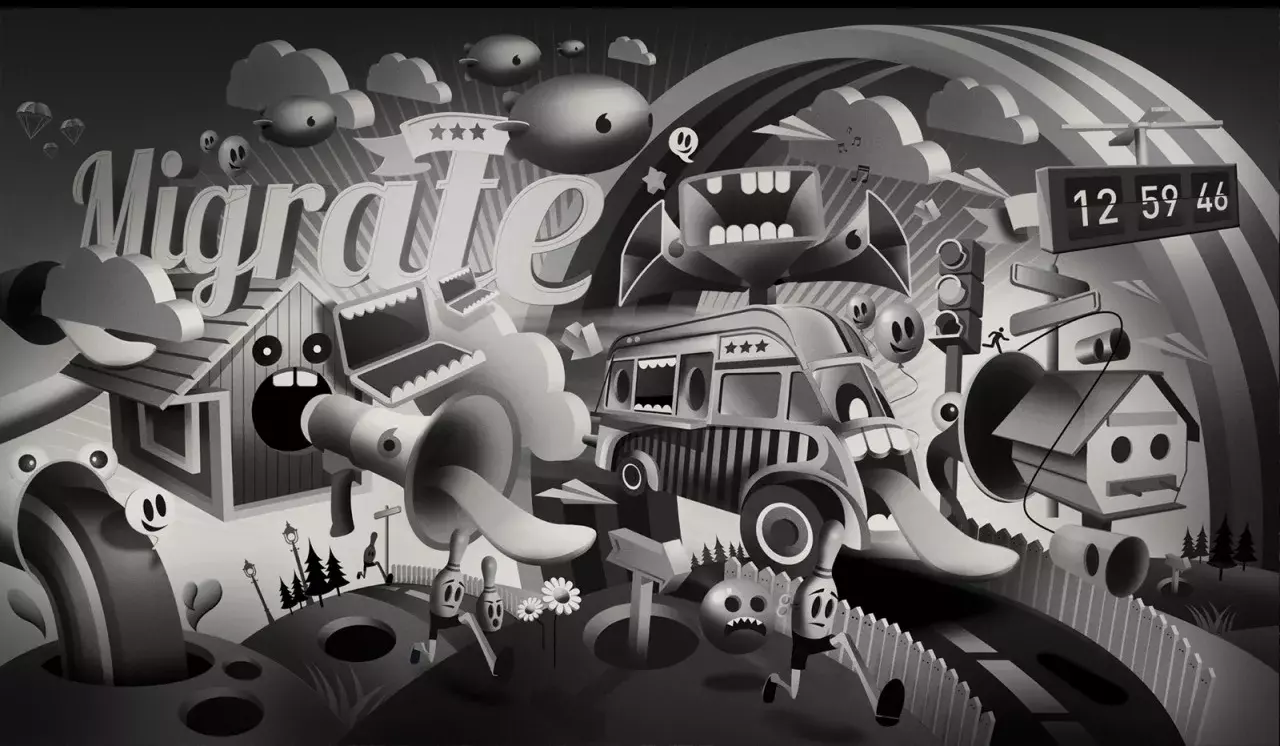
This post is part of our daily series of posts showing the most inspiring images selected by some of the Abduzeedo's writers and users.
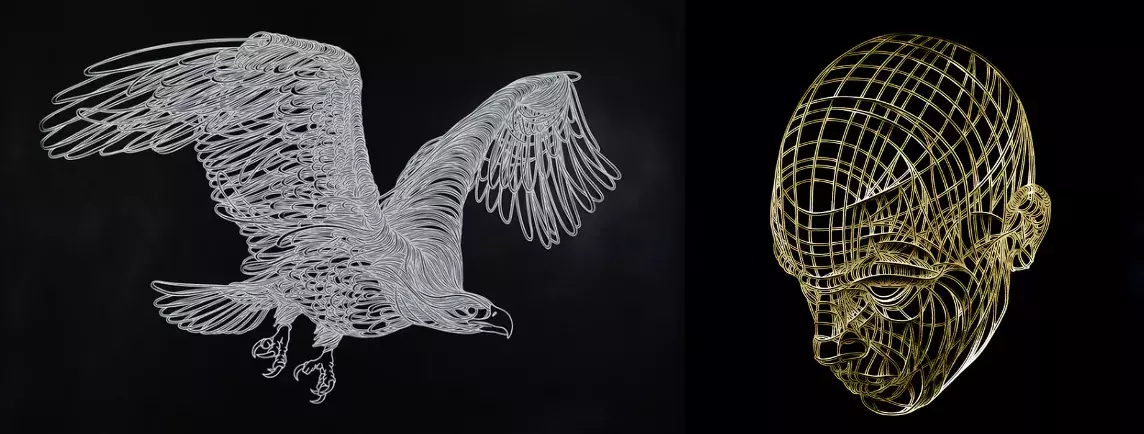
Paper-cuts are a really interesting media, although it might look a pretty flat media at first glance, the layers and details of paper can cast shadows that enhance the artwork, creating depth and
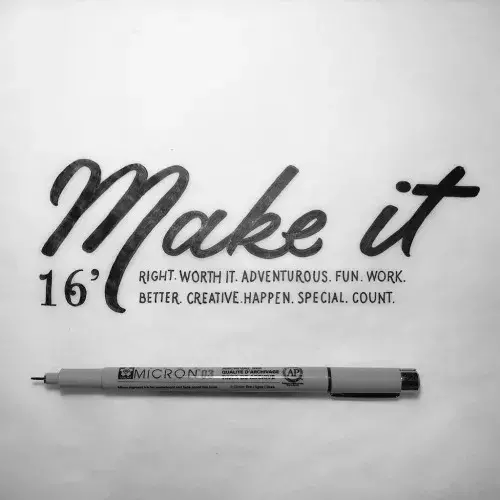
Send your project to be featured on the blog. Follow the instruction on the template and good luck. Ah, make sure you add the images and credits that are due.