Recordly: Free Open-Source Screen Recorder with Auto-Zoom
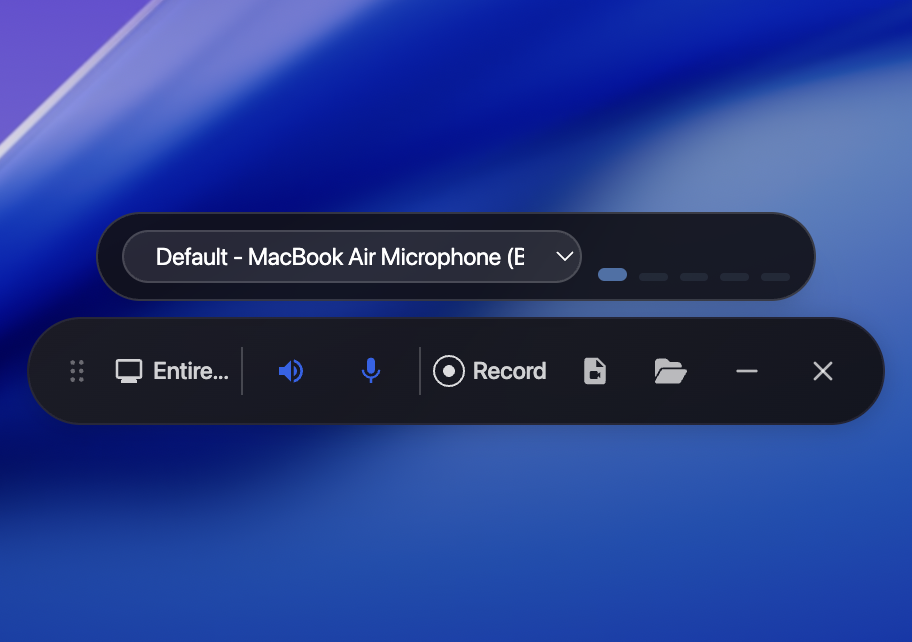
Recordly is a free, open-source screen recorder that adds auto-zoom and smooth cursor motion to transform raw captures into polished product demo videos.
Most screen recording tools dump raw footage and leave the rest to you. Recordly, an open-source screen recorder built by developer webadderall, takes a different approach. It handles the visual polish automatically, so the gap between recording and shipping is much smaller.
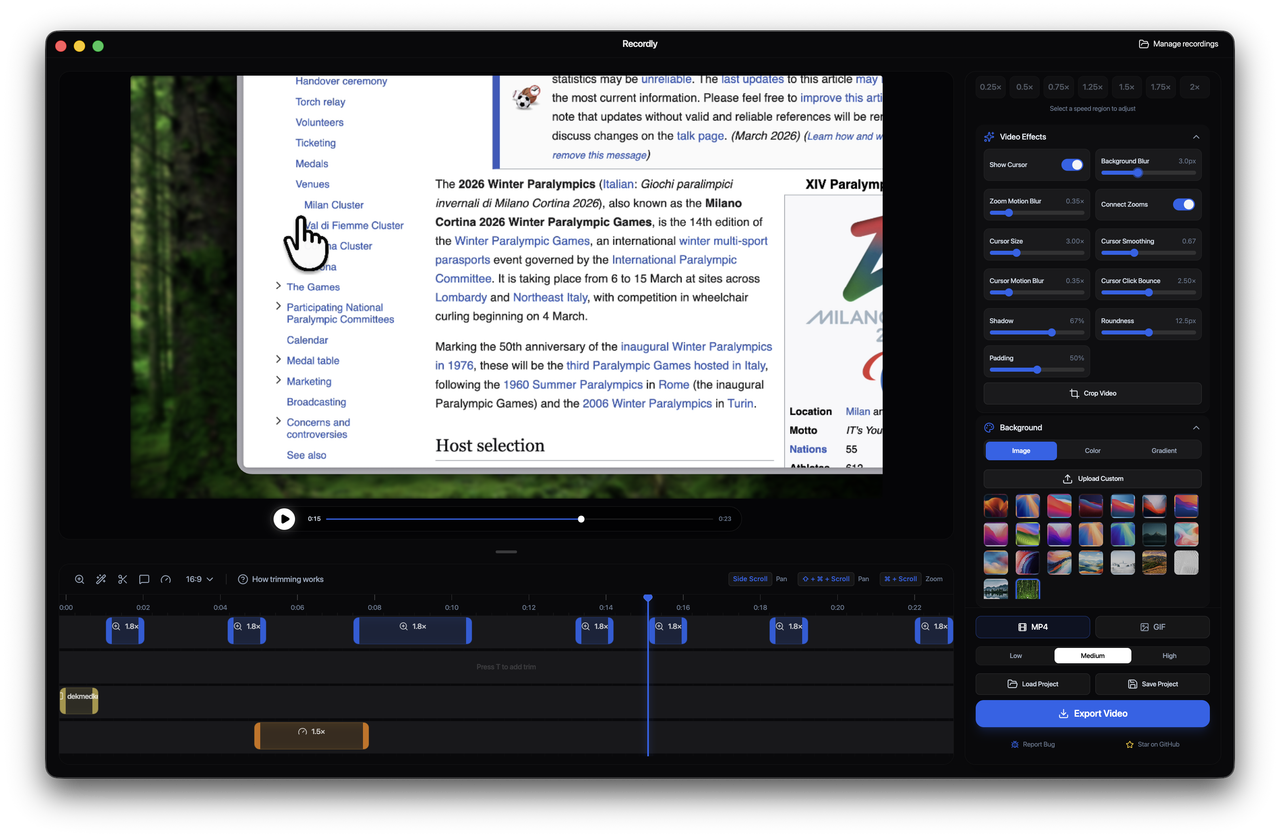
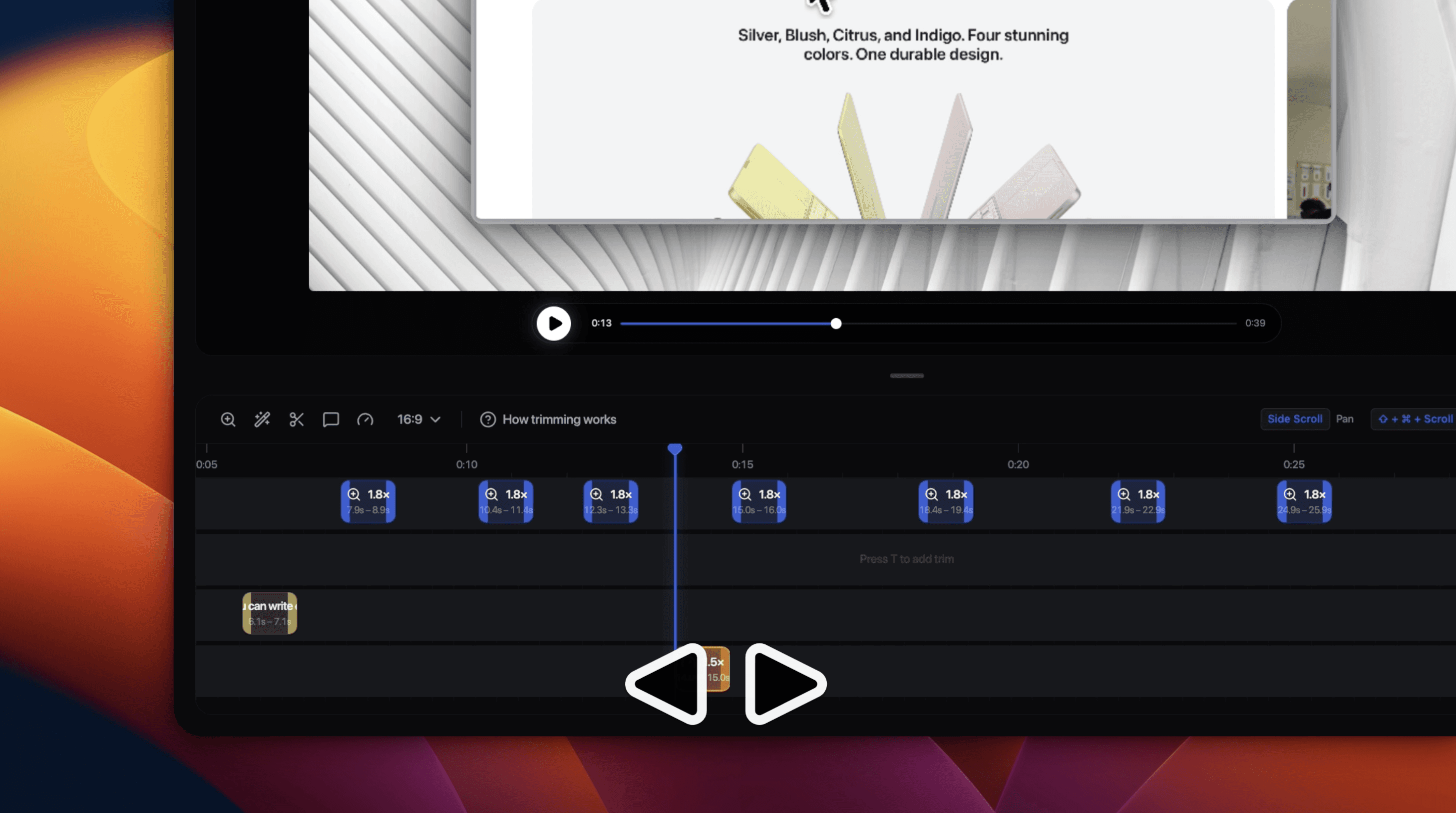
The most distinctive feature is the auto-zoom system. Recordly analyzes cursor activity and suggests zoom regions based on where the action actually happens. It mirrors the Apple-style zoom animations that make professional product demos feel considered rather than captured. Users can accept suggestions or define manual zoom regions, then control pan transitions on a drag-and-drop timeline. The cursor gets the same treatment — smoothing and motion blur make it look rendered in motion software rather than grabbed from a live session.
A screen recorder built for design and presentation quality
The timeline editor is where the real control lives. Speed regions, zoom spans, annotations, and trim points stack as discrete pieces. Projects save as .recordly files, so demos can be set aside and returned to without starting over. Export covers MP4, GIF, and a range of aspect ratios and quality settings.
Frame styling wraps the recording in a presentation layer. Background wallpapers, gradients, rounded corners, drop shadows, and padding all ship as built-in options. The result is a demo that looks designed rather than just captured. This screen recorder runs natively on macOS via ScreenCaptureKit, on Windows via WGC, and on Linux via Electron.
Recordly is fully open-source under the MIT license and available on GitHub. Homebrew cask support makes macOS installation straightforward. For anyone shipping product demos regularly, it replaces the combination of a screen recorder and a separate video editor with one focused, free tool.
