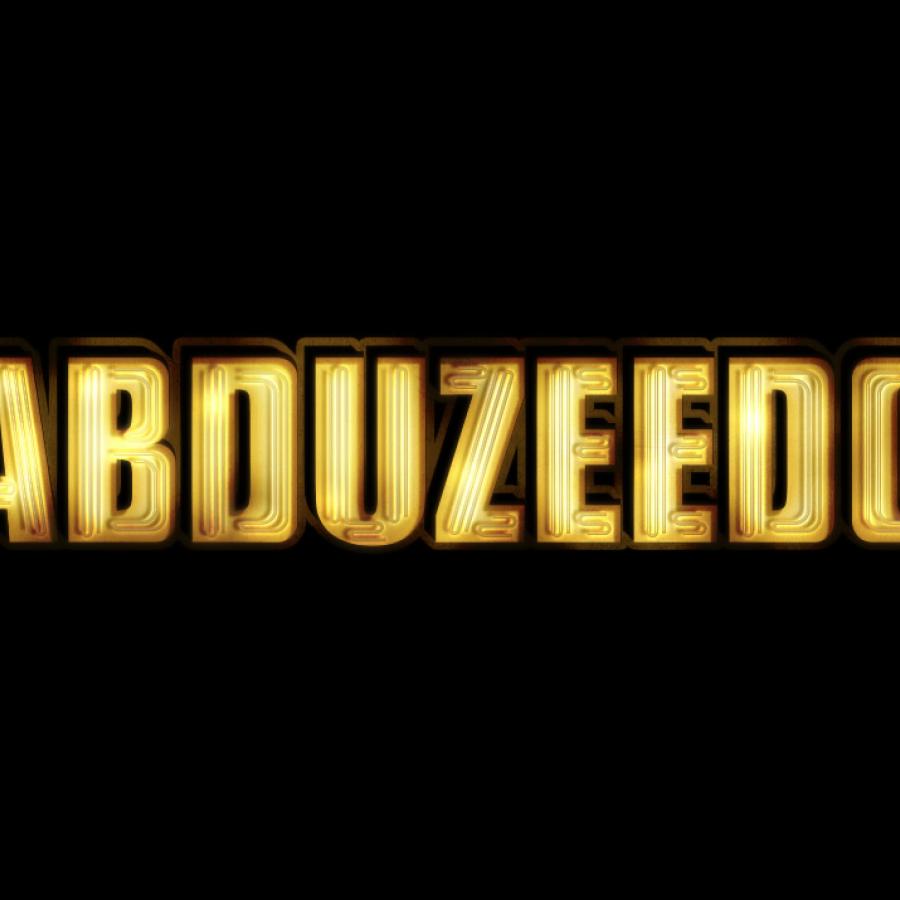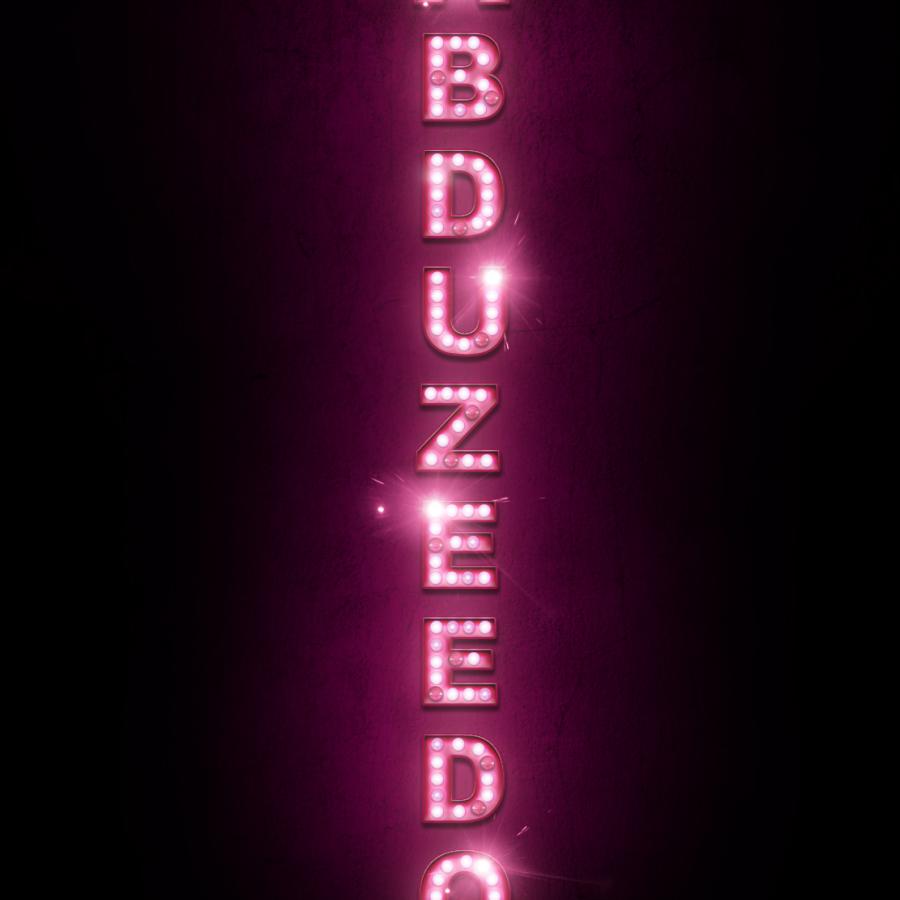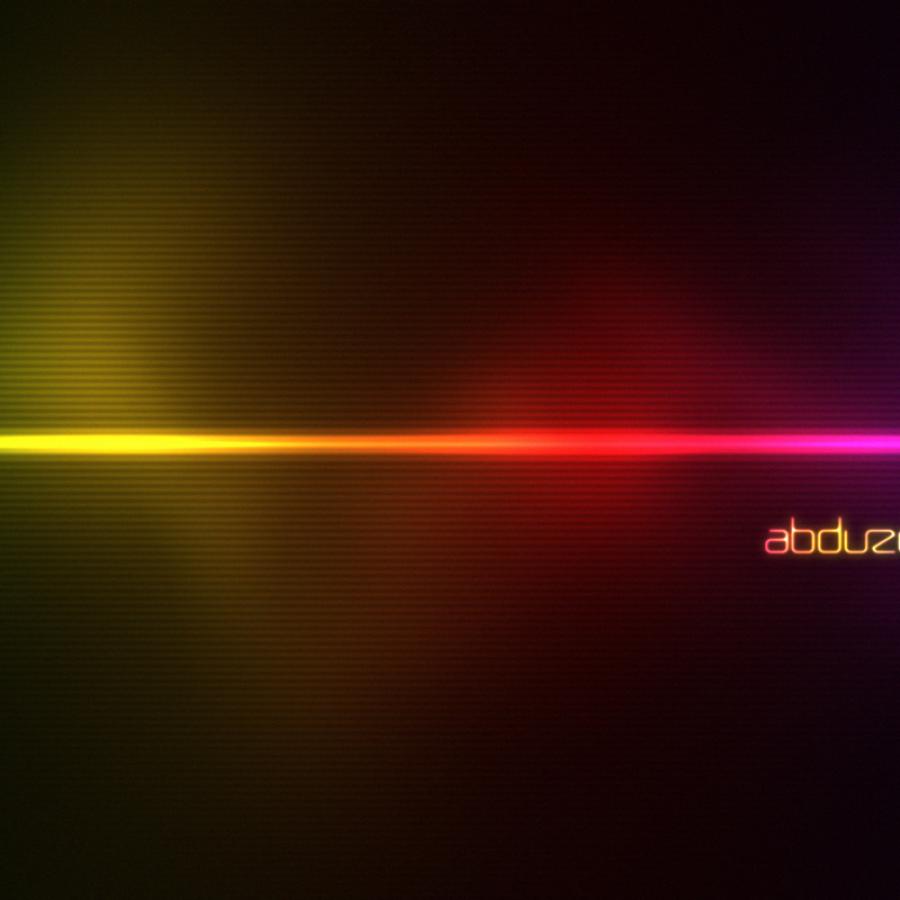
I have posted about how to create the neon effect in Photoshop a couple of times, however I still get emails from readers asking me how I did the light effect I use on the Abduzeedo logo. So I decided to simplify the process and show you how to create the this effect in very simple steps using basically Layer Styles and a few brushes.
Step 1
Open Photoshop and create a new document. I'm using 1920x1200 pixels. Fill the background with black.
The wallpaper of this week is an image created by Timothée Mathelin. A graphic designer from France. His influences are from everywhere, from skies to David Lynch and The Designers Republic to Baroque.
My main influences come from everyday’s life. Just a bird on a wire or a falling leaf from a tree... Every living motion gives me an inspiration of what is life and the wish to illustrate it. Lately, I’ve been really inspired by futuristic times and the imagination of new civilizations.
For more information visit http://www.futurorg.com
As the name implies, this book (but I dare call a Bible) tells the story of graphic design in Brazil in a very intelligent way and brings a wealth of incredible images and with a touch of nostalgia for most Brazilians.