Featured Content
4382
Happy New Year in Pixelmator
tutorial
In this tutorial, I will show you how to create a design inspired by the Dreamworks logo, with fluffy clouds and some light effects.
4383
Eclipse Super Fácil da Abertura do Heroes no Photoshop
4384
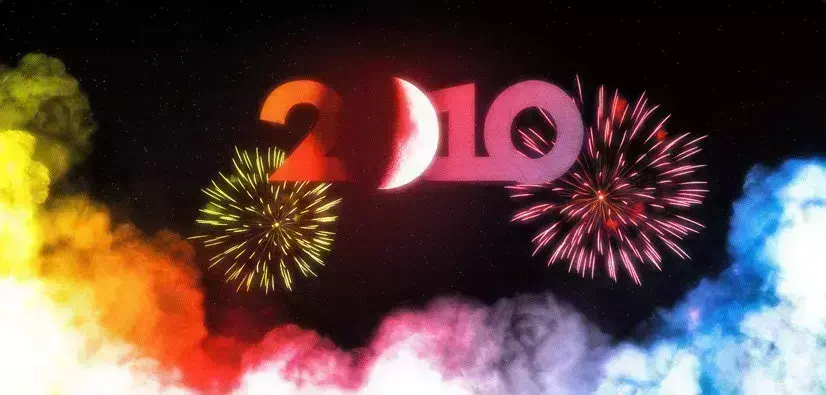
Abduzeedo 2010 Logo Design
4385
Abduzeedo 2010 Logo Design
tutorial

Every new year I like to try new things with the Abduzeedo logo. In 2009 I changed the typography a little bit, but now that it's 2010 I decided that the blog needed a symbol.
4386
Poster Minimalista no Photoshop
4387
Minimalistic Poster Design in Photoshop
tutorial
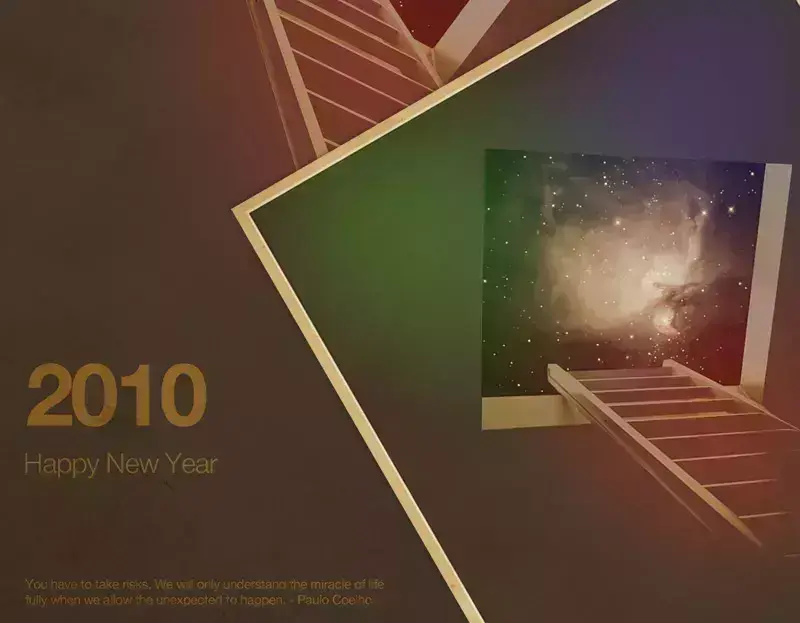
It's the end of the year and for the last tutorial of 2009 I will show you how to create a poster inspired by the amazing work of Simon Page, especially
4388
Wallpaper de Natal Lindo com Cinema 4D e Photoshop
4389
Texto em Ouro Realista no Pixelmator
4390
Beautiful Xmas Wallpaper in Cinema 4D and Photoshop
tutorial

Last night I was watching TV and decided to create an image for a Christmas tutorial.
4391
Realistic Golden Text in Pixelmator
Typography

In this tutorial I will show you how to create a beautiful golden text in Pixelmator. It might be useful for your next Christmas design.
4392
Digital Bokeh no Photoshop - Screencast by Photo Guides
4393
Stern Lichteffekt in Photoshop
4394
Playing with CSS3
web design
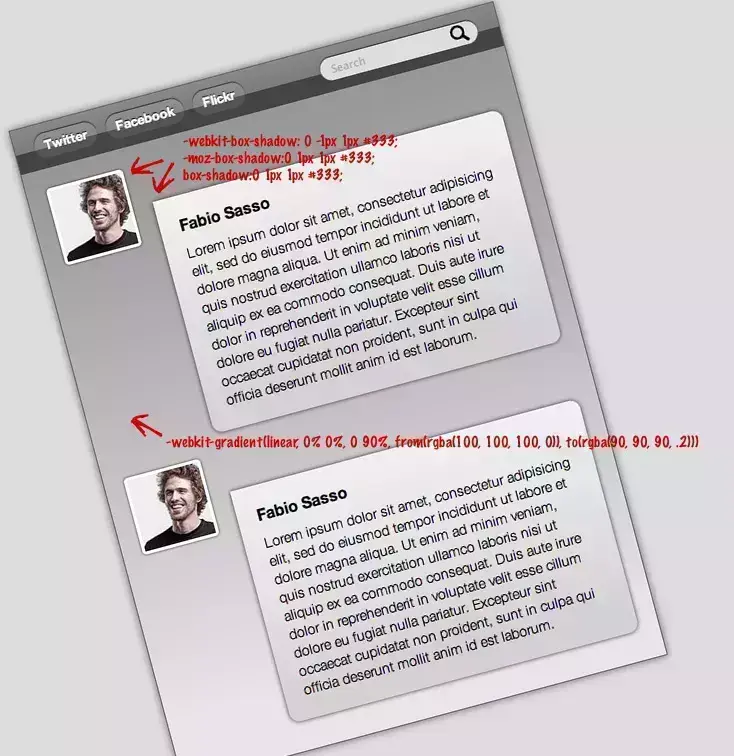
When I was working on the new version of Abduzeedo, the current one, I decided to learn and use CSS 3 to enhance the visual of some elements.
4395
Wallpaper Estiloso no Pixelmator
4396
Processo Criativo: Site Zee
4397
Web Design Process: Zee Site
case study
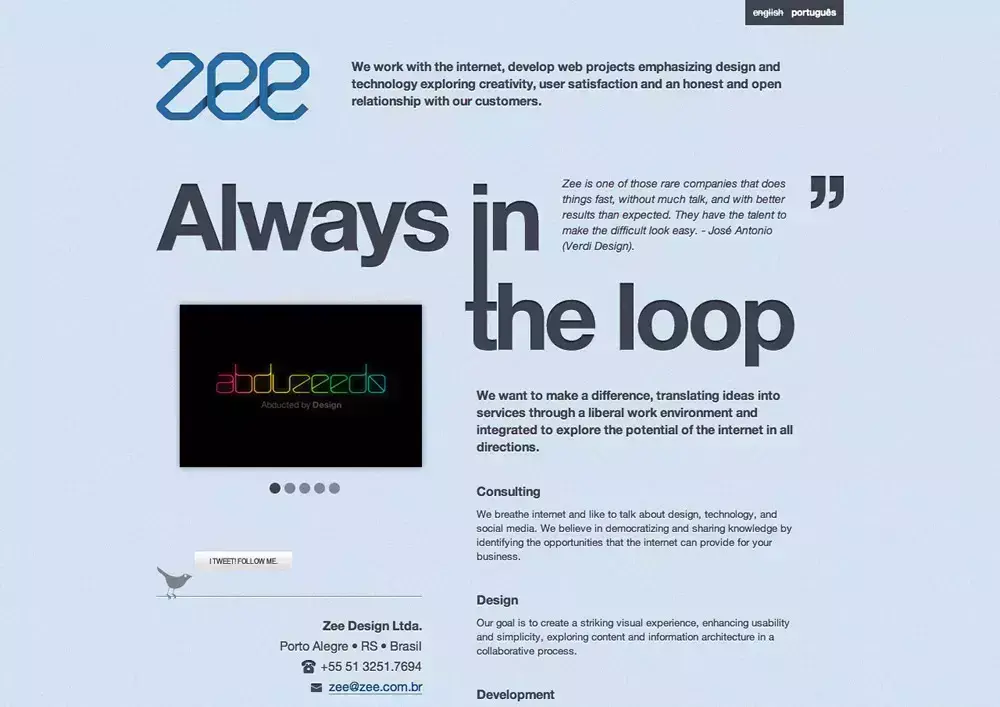
I started Zee back in 2004 with a friend of mine, Fabiano Meneghetti.
4398
Creating a Colorful Light Effect with Pixelmator
tutorial
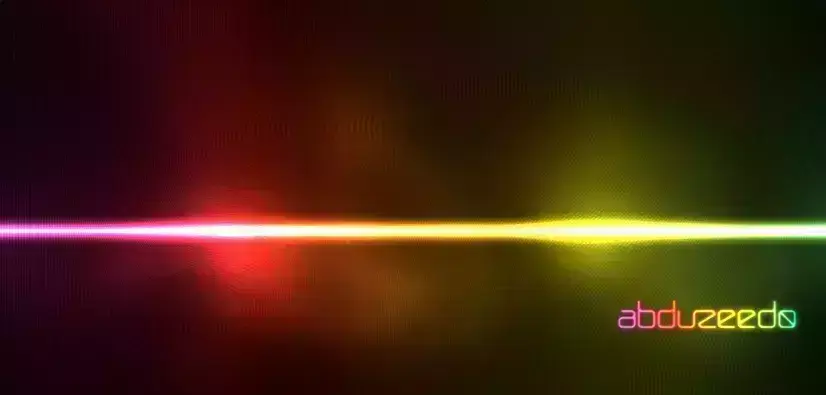
We have already published tutorials on how to create a really cool light effect in Photoshop and GIMP, now In this tutorial, I will show you how to create this super, simple light effect inspired
4399
Inspiração Diária #363
4400
Tägliche Inspiration #363
Tutorials


Get Featured
Send your project to be featured on the blog. Follow the instruction on the template and good luck. Ah, make sure you add the images and credits that are due.