by prya
shadcn/studio is a design toolkit for building shadcn UI components faster, with an AI theme builder, 700+ copy-paste blocks, and a Figma-to-code plugin.
For designers and developers working in React, shadcn UI components have become a standard building block. The shadcn distribution system lets teams own their code entirely. shadcn/studio adds a visual layer on top. Builders can move faster without hand-coding every Tailwind class.
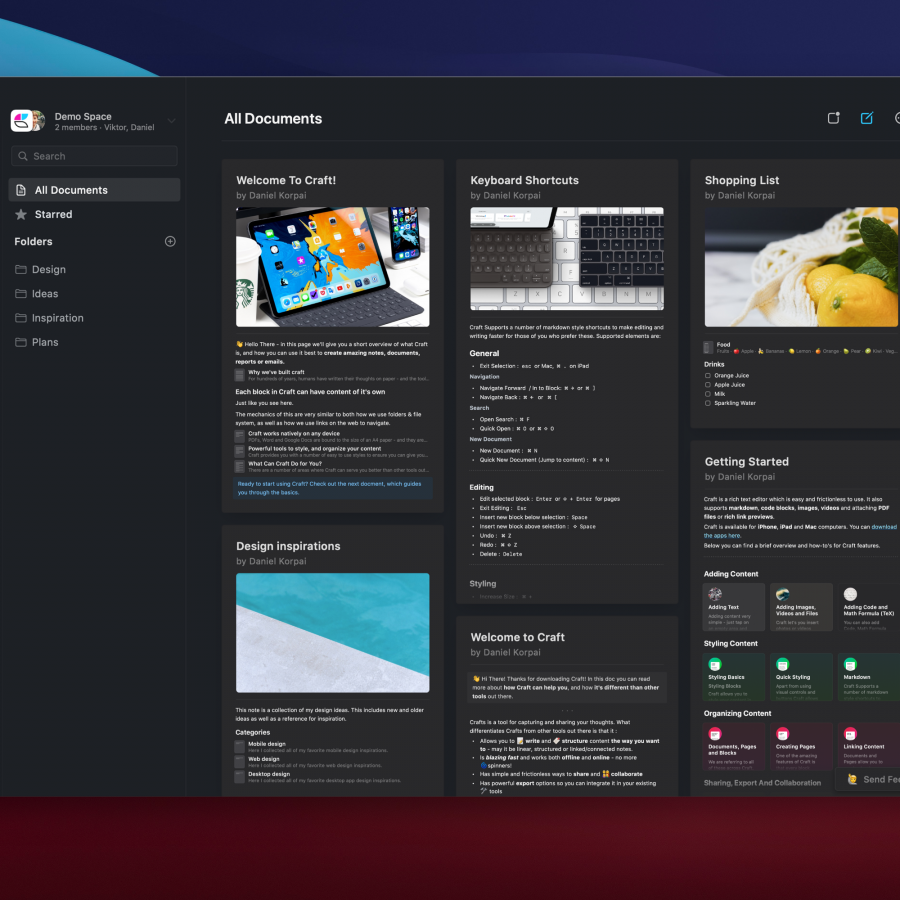
The toolkit ships with over 700 free and pro blocks. These cover dashboards, marketing pages, e-commerce layouts, and SaaS interfaces. Each block is copy-paste ready or installable via the CLI. The card grid, data tables, hero sections, and auth flows make it easy to scan the library. All entries install as clean shadcn UI components with full code ownership and zero vendor lock-in.
AI Theme Builder for shadcn UI Components
The standout feature is the AI theme builder, powered by Claude 3.7 Sonnet. Designers describe a visual style in plain text. The tool generates a complete theme with light and dark mode tokens in seconds. The demo shows a manga-inspired palette request, delivering high-contrast blacks, crisp whites, and sharp shadow values. Tokens cover backgrounds, foregrounds, popovers, cards, and destructive states.
Beyond theming, shadcn/studio connects to an MCP server that integrates directly into IDEs like Cursor. This lets AI agents generate shadcn UI components and full page blocks from the premium library. A Figma-to-code plugin converts Figma frames into clean component code. The Copy Prompt feature sends any block to v0, Bolt, or Lovable for further iteration.