Web Shaders: The Next Big Trend in UI Design
Web shaders are reshaping what UI design can feel like. Shaders.com brings GPU effects to React, Vue, and Svelte — no GLSL knowledge required to ship it.
For years, web design relied on the same toolkit. CSS gradients, box shadows, blur filters — all static. What live-action video is to a photograph, GPU-powered web shaders are to CSS effects. They move. They breathe. They respond. They arrive in the browser faster than most designers realize.
WebGPU is the driving force. Available across major browsers since 2023, it gives the browser direct access to the device's GPU. Effects once confined to game engines now run at full frame rate inside a webpage. The gap between native apps and React pages is narrowing fast.
The challenge has always been the learning curve. Writing web shaders in GLSL or WGSL requires a different way of thinking — pixels, math, vectors. Beautiful results, steep entry. That barrier is what Shaders.com removes.

Web shaders as composable UI components
Shaders.com is a component library for WebGPU effects. Every visual effect is composable — like a button or a card, but GPU-rendered. The Stainless Steel preset delivers a luminous brushed texture. Chroma Chrome shifts iridescent color across polished surfaces. Pixel Beams cuts diagonal light rays through dark fields. Geogrid renders a perspective-receding lattice with ambient glow. Each ships as a component for React, Vue, Svelte, or Solid.
The API is declarative. Composing <RadialGradient /> with <SineWave /> and <Dither /> inside a <Shader> wrapper is all it takes. A visual editor lets designers build web shaders by eye, then exports clean production code — no GLSL required.

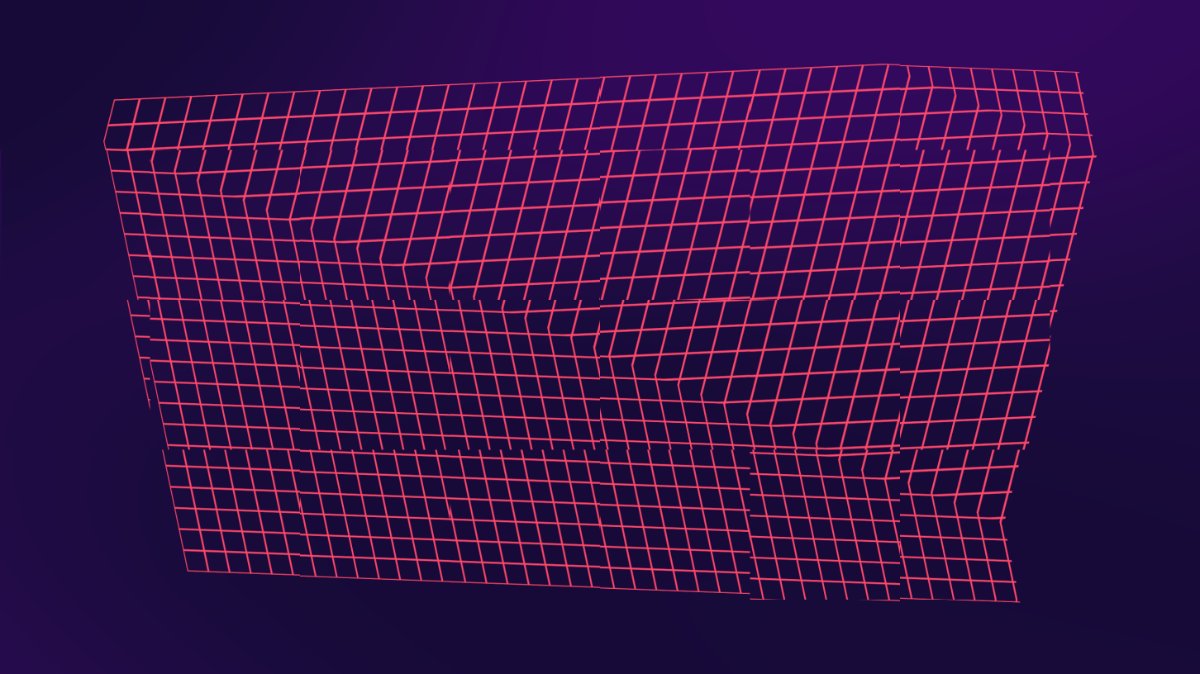
The library holds 90 components and over 400 preset effects in named collections, each with variants, blending modes, and controls.
Web shaders are where UI aesthetics are heading. Motion, material, light — GPU-driven from one npm install. The question is not whether this shift matters. It is how soon to start.
Live web shader — animated GLSL neural noise running in your browser via WebGL: