Hue Generates a Design System from Any Brand URL
Hue is a free Claude Code skill that reads a brand and generates a full design system — 40 components, 95 tokens, dark and light mode, no account needed.
Dominik Martin built Hue as a solo side project to fix a specific gap in AI-assisted UI work. Claude Code generates functional interfaces fast. But without brand memory, every screen defaults to the same generic aesthetic — neutral greys, system fonts, no identity. Hue closes that gap. Drop a URL or screenshot from the target brand, and Hue captures it as a structured design system: color tokens, typography scales, border radii, elevation, spacing. After that, every component Claude builds pulls from that system instead of defaulting to nothing.
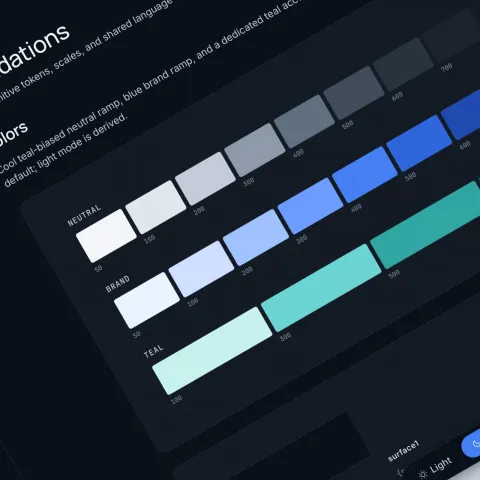
The output is eight generated files. The centrepiece is a browseable component-library.html — 40 components across 156 variants, wired to 95 design tokens. The five showcase brands on the site each demonstrate a different register. Velvet runs on deep purple with editorial type weight and dense card layouts. Atlas uses slate blue with tight data tables and status badges for Shipped, Active, Pending, and Failed states. Fizz pushes high-chroma pink and yellow for a consumer-facing energy. Halcyon lands on clean teal with analytics widgets — MRR figures, uptime percentages, user counts — all rendered in the same token system. Each design system ships with dark mode from the start, not as an afterthought.
Why the Design System Output Matters for AI-Generated UI
The component library is not a Figma file or a PDF spec. It is a live HTML document that renders the design system in a browser right now. That distinction matters. Most AI UI output requires a designer to interpret it before a developer can use it. Hue skips that step. The design system lives in code, not in a hand-off document. For solo developers or small teams shipping with Claude Code, that means brand consistency without a dedicated design resource. Martin keeps the skill free and open-source. There is no API key, no subscription, no account creation — just a git clone into the skills folder and a single prompt.