by prya
Pencil launched Code on Canvas, turning its AI design tool into a space where Claude and Codex agents build custom tools, interactive components and art.
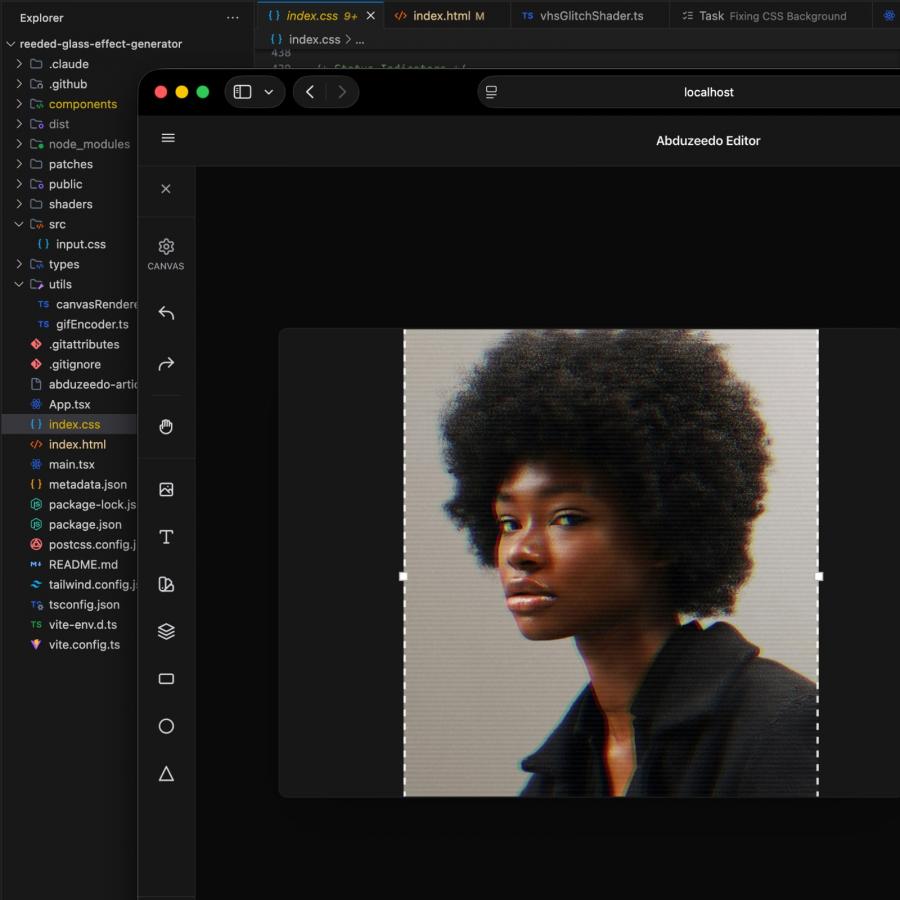
Pencil, built by Tom Krcha, runs on one architectural idea: .pen design files live in the codebase, readable by AI agents. Code on Canvas extends that. The AI design tool's canvas stays fully editable by hand. But now Claude or Codex agents can build new instruments inside it on demand — a generative pattern brush, a live data component, a color tool. The agent builds directly on the canvas. Most tools have agents output designs. Pencil has agents extend the AI design tool itself.
Code on Canvas: AI Design Tool Gets Live Agent-Built Tools
Introducing Code on Canvas in @pencildev
AI design tool for Claude and Codex.
Design & Code are officially in a relationship, opening new ways to create on canvas.
Ask agent to generate custom design tools inside Pencil on the fly, create interactive components, generative art and more, but still keep the full manual design control.
This is just the beginning. Let us know what you think. And let's take it to the next level together.
Download the new Pencil update today.— Tom Krcha (@tomkrcha) April 15, 2026
The MCP-driven architecture makes this possible. Claude reads and writes the same open .pen files that sit in the repo next to app code. No handoff step. Design and code stay in sync because they share one file. The canvas stops being a static artifact — agents and designers work in the same live space.
Pencil crossed 100,000 users in February 2026 after SWARM mode — parallel agents designing in concert. Code on Canvas is the next layer: not agents designing, but agents building the tools that design. For vibe-coding workflows with Claude Code, the AI design tool sits at the center of the stack.