by prya
Claude Design AI prototyping tool from Anthropic Labs converts text prompts into interactive prototypes and marketing assets, sending Figma stock down 7%.
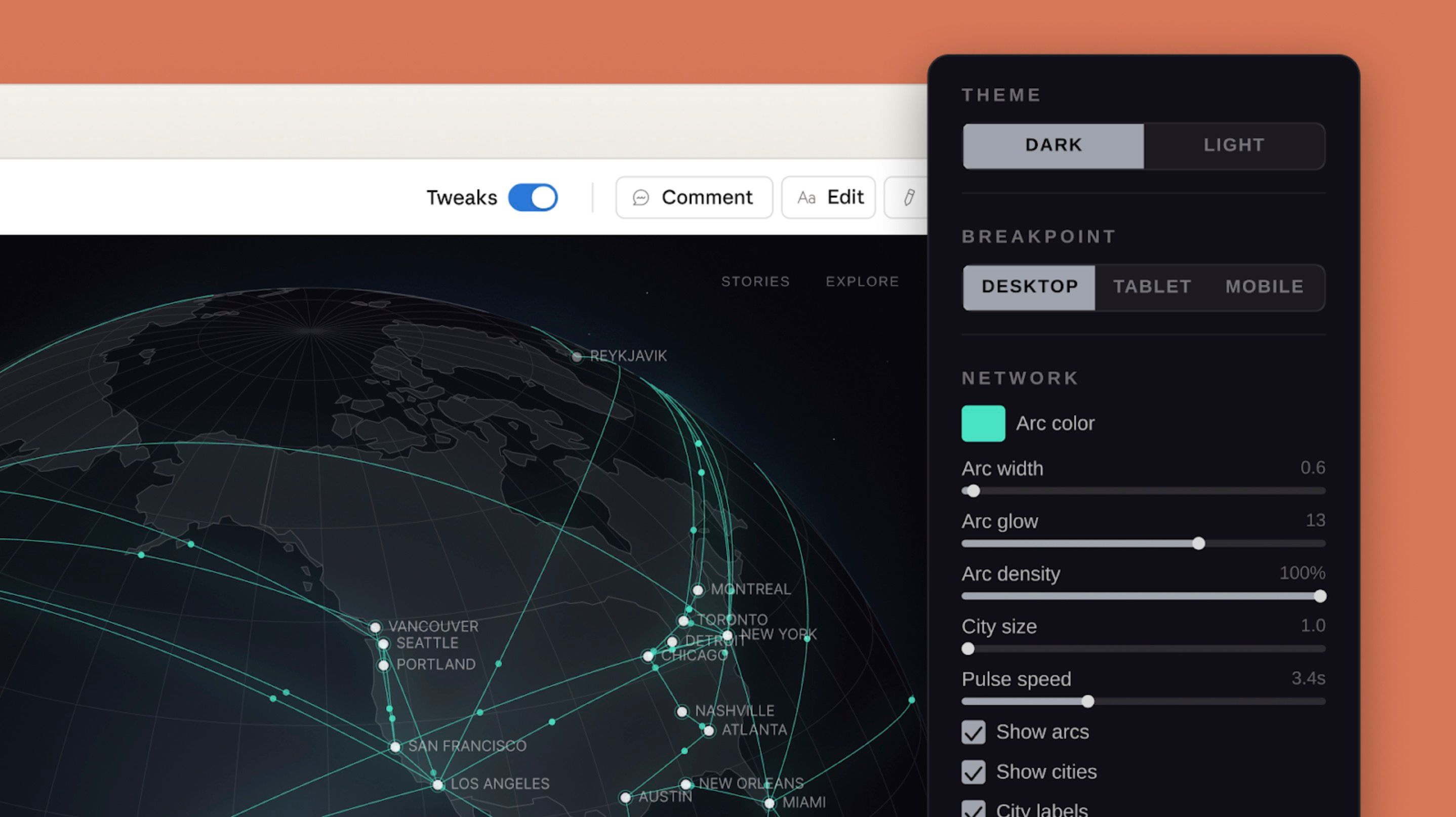
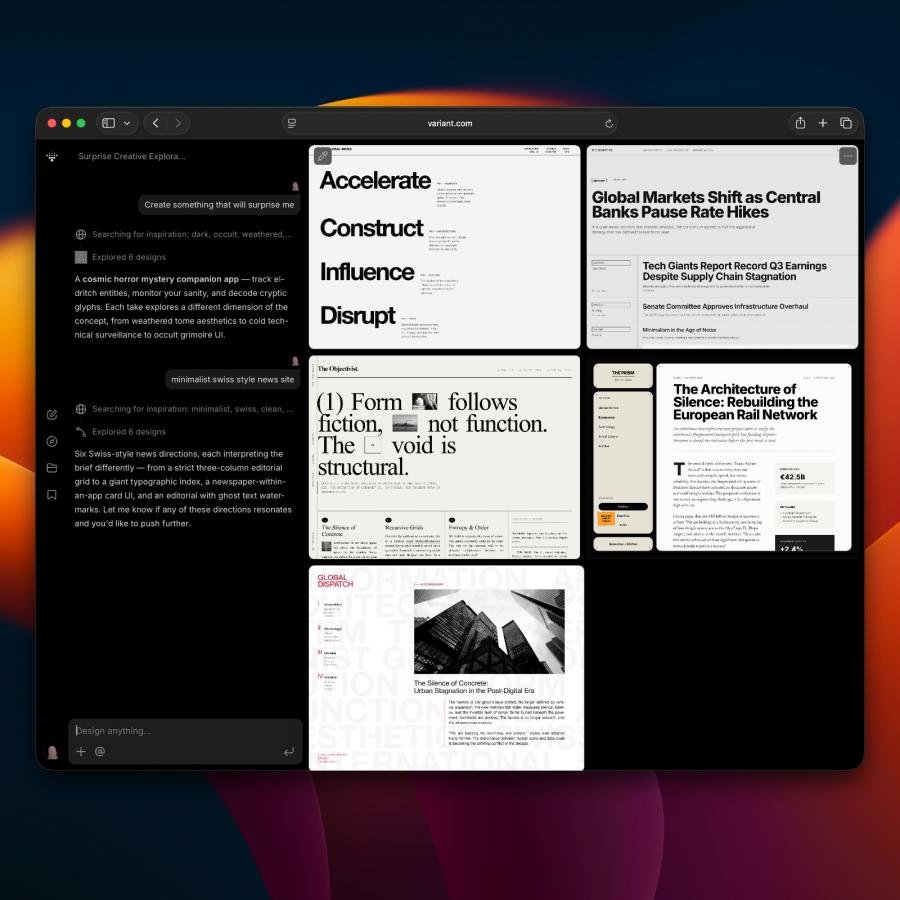
Launched on April 17, 2026, Claude Design is an Anthropic Labs product powered by Claude Opus 4.7, the company's most capable vision model. Available to Claude Pro, Max, Team, and Enterprise subscribers, the tool lets designers and non-designers describe what they need and receive a polished first draft in seconds. Teams refine through conversation, inline comments, or direct edits, with Claude applying brand colors, typography, and components from the team's existing design system automatically.
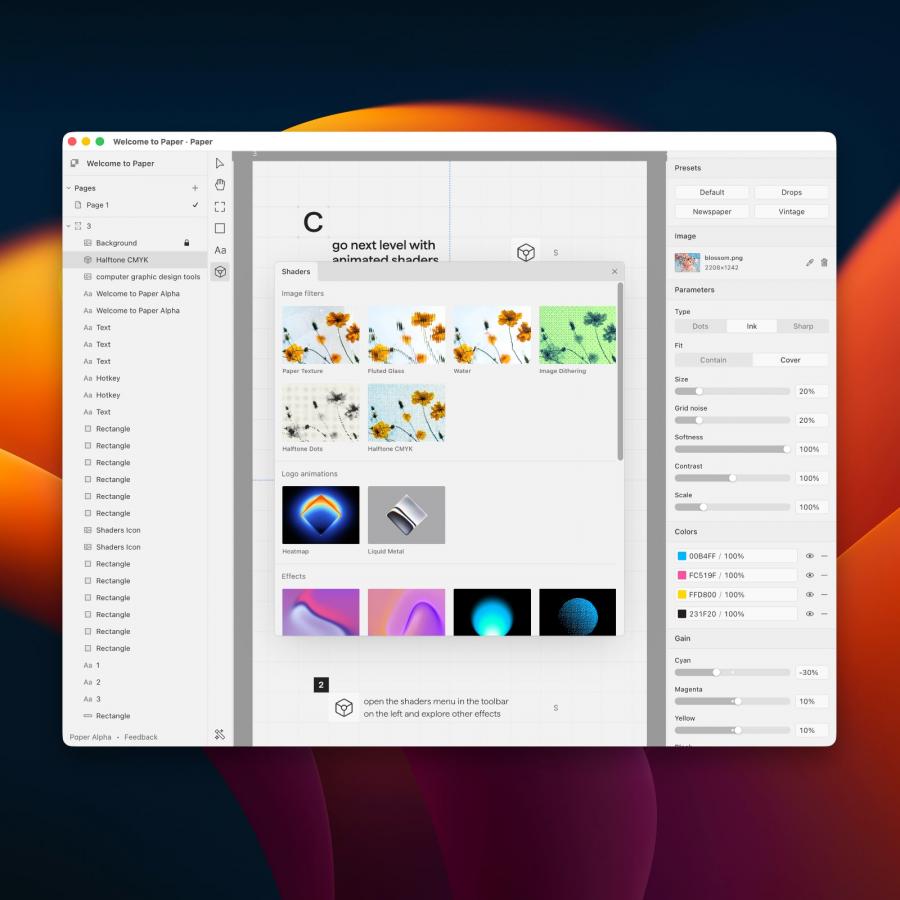
The use cases span the full design workflow. Designers convert static mockups into interactive prototypes with voice, video, shader, and 3D support. Product managers sketch feature flows and route them to Claude Code for implementation. Marketers produce landing pages, social assets, and campaign visuals in minutes. Pitch decks export as PPTX or route directly to Canva, where Melanie Perkins, co-founder and CEO, called the partnership a natural step in bringing ideas to life collaboratively.
Claude Design AI Prototyping Challenges Figma and Adobe
The market response was immediate. Figma stock fell 7% on launch day, Adobe dropped 1.5%, signaling that investors view Claude Design AI prototyping as a serious competitor to established creative platforms. For working designers, the real story is speed and depth. Teams at Brilliant report complex pages that required 20-plus prompts in other tools needed only two in Claude Design. Export formats include HTML, PDF, PPTX, Canva, and a handoff bundle for Claude Code, making the leap from idea to production seamless. The tool is in research preview now at Anthropic Labs.