Paper.design: GPU Shaders, MCP and Vibe Coding for Designers
Paper.design blends GPU shaders, HTML/CSS canvas, and MCP agent integration to create a design tool built for the age of vibe coding and AI workflows.
Design tools have spent decades optimizing for the handoff — that painful moment when a design leaves Figma and lands in a developer's lap as a static spec. Paper.design is built on a different premise entirely: what if the design was the code from the start?
What is Paper.design?
Paper is a design tool built on web standards. Its canvas speaks HTML and CSS natively — every artboard you create is already a step closer to shipping code. The layout engine understands padding, gap, flex direction, and all the properties that actually matter on the web. There's no translation layer, no export step that breaks your spacing.
Unlike traditional tools that output flat exports or disconnected specs, Paper creates a continuous loop between design and code. You design in Paper, agents sync your tokens and components to your codebase, and changes in code can flow back into the canvas — a genuinely bidirectional relationship that most tools only dream of. Paper also connects to real data through its MCP integration, so an AI agent can pull content from Notion, Figma, or any API directly into your design.
The Shaders: Paper's Visual Superpower
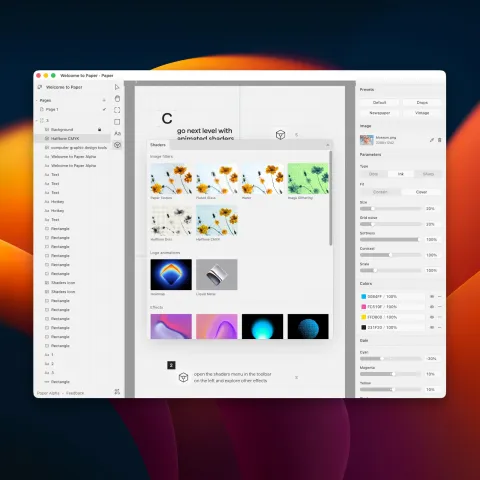
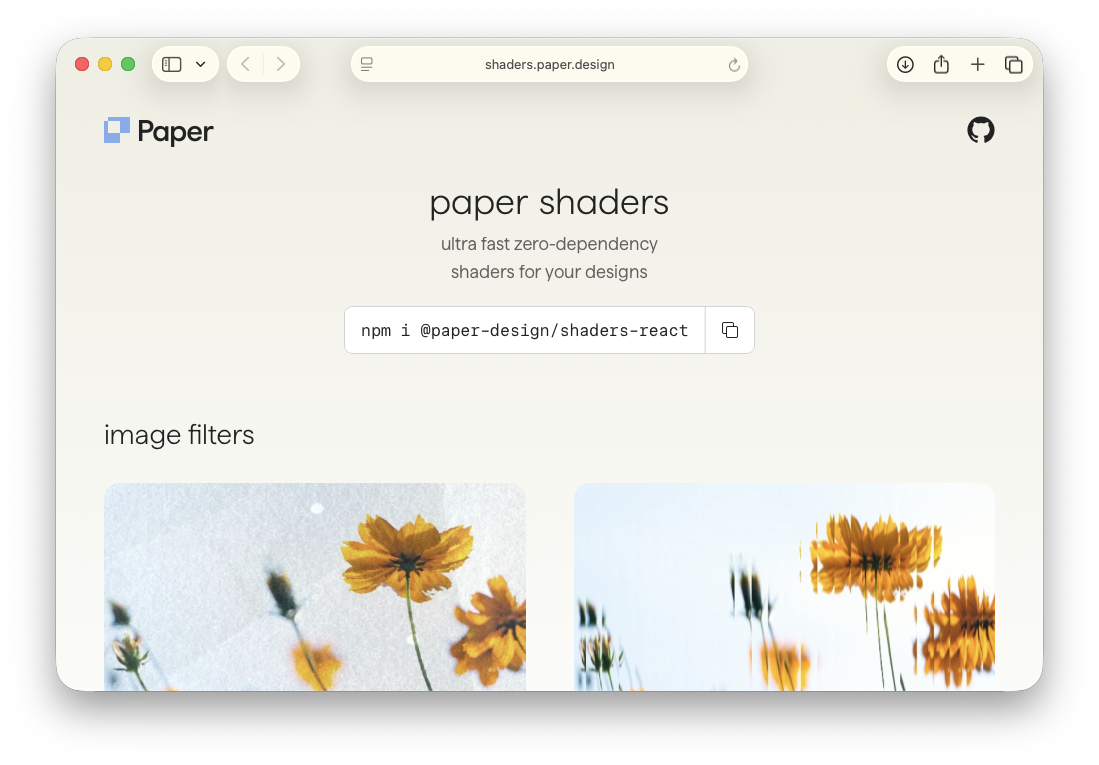
If Paper's agent integration is its brain, the shaders are its heart. Paper has been building one of the most impressive collections of GPU-accelerated visual effects available natively inside a design tool. These aren't Photoshop filters or clunky plugins — they're real-time shaders that run on the GPU, with deep parameter control and live preview.
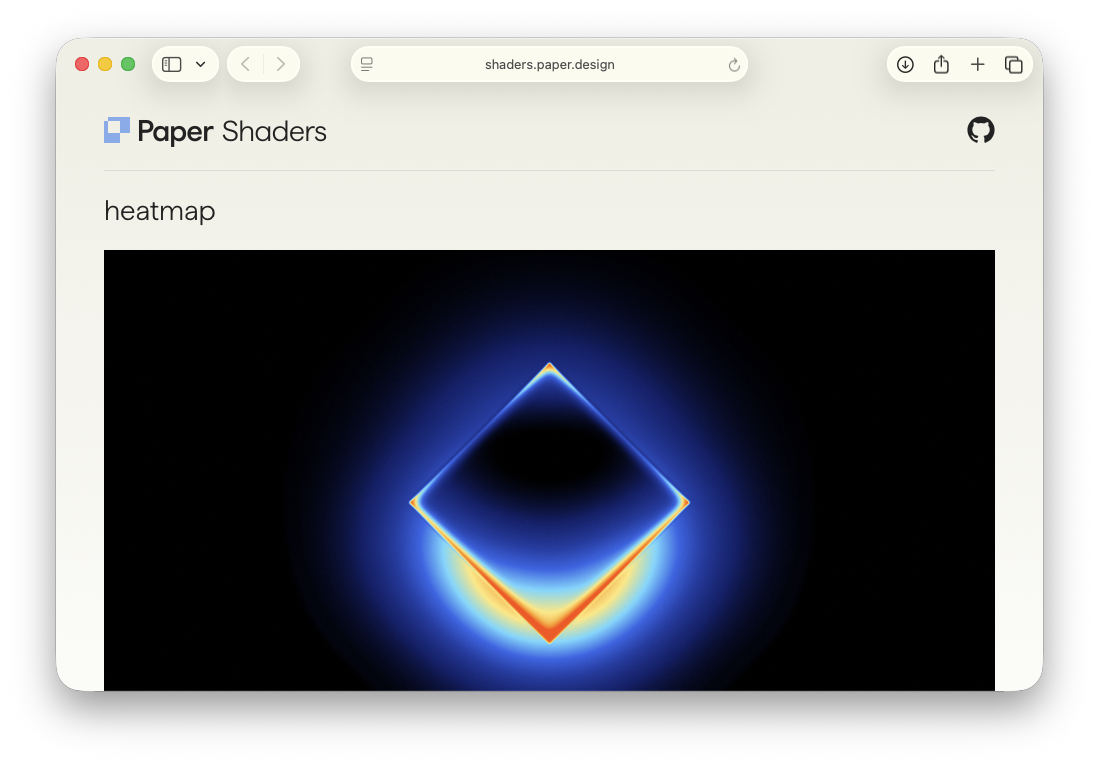
The lineup includes Halftone CMYK (print-style halftone with full CMYK color control), Grain Gradient (organic noise on gradient fills), Fluted Glass (convincing reeded-glass surfaces with highlights and shadows), Liquid Metal (chrome-like surfaces with shape and angle control), Halftone Dots (vintage pop-art dot patterns), plus Mesh Gradient, Swirl, Water, Image Dithering, Paper Texture, and more. Every effect is GPU-rendered, deeply controllable, and native to the canvas. What makes this remarkable is that AI agents can read and manipulate these shaders through the MCP layer — meaning you can ask Claude to adjust your grain gradient or swap a halftone pattern entirely through conversation.
MCP Integration: Vibe Coding Meets Design
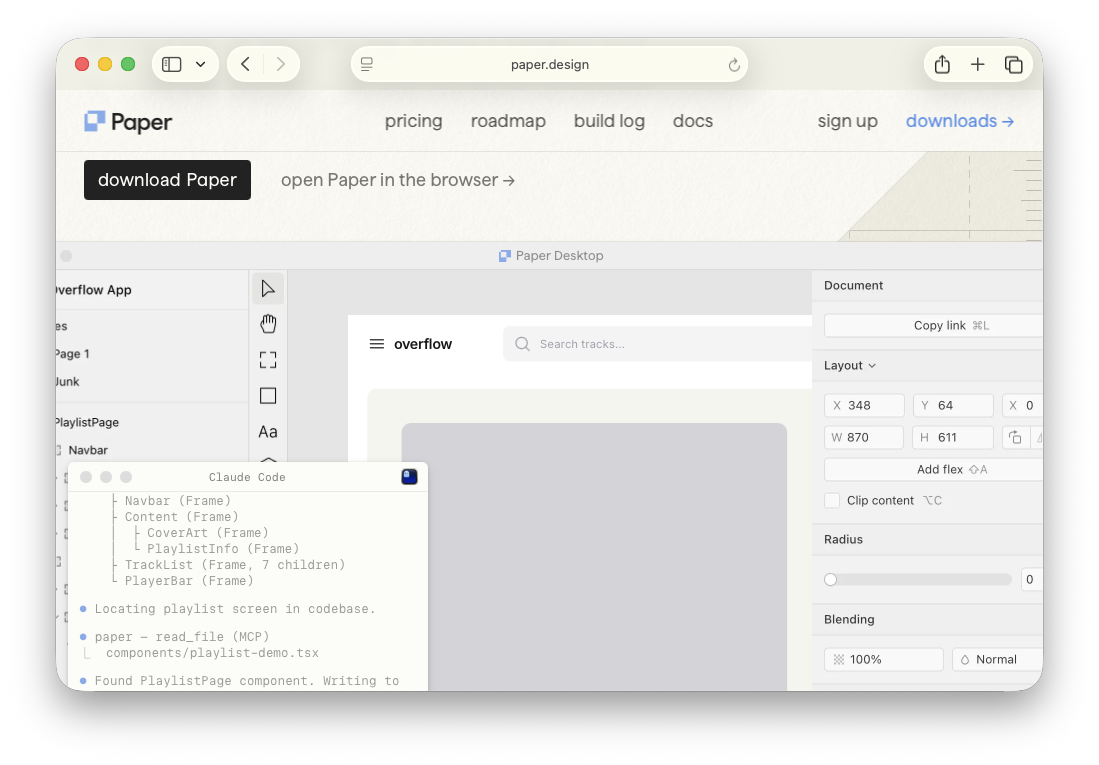
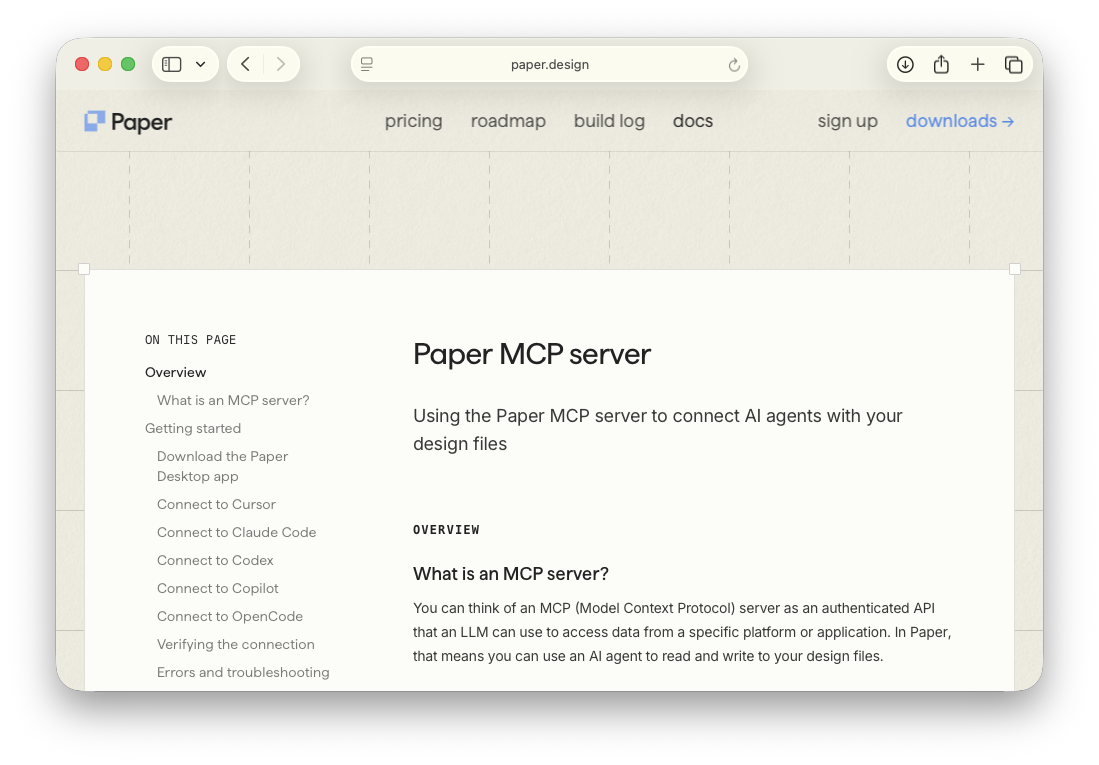
Paper.design exposes 24 tools through an authenticated MCP (Model Context Protocol) server — and unlike most tool integrations that only let AI agents read your work, Paper supports full bidirectional access. An AI agent running in Claude Code or Cursor can not only inspect your design, it can modify it. Read tools include get_selection, get_jsx, get_screenshot, and get_computed_styles. Write tools include create_artboard, write_html, set_text_content, and update_styles.
Setup in Claude Code is a single terminal command: claude mcp add paper --transport http http://127.0.0.1:29979/mcp --scope user. Cursor users get a one-click deeplink. VS Code Copilot, Codex, and OpenCode also work out of the box. The practical workflows this unlocks are genuinely new territory — an agent can sync design tokens from Figma directly into your Paper canvas, populate a UI with real Spotify API data, or convert a Paper design into responsive React/Tailwind and commit it to GitHub.
Paper.design vs. Figma
It's impossible to talk about Paper without addressing Figma. Figma is the industry standard, used by virtually every professional design team on the planet. But they're solving different problems — Paper isn't trying to replace Figma so much as reimagine what a design canvas can be in an agent-first world.
Figma's SVG-based canvas is optimized for precision, components, and mature design systems — and it wins on maturity, ecosystem, and collaboration for large production teams. Paper's HTML/CSS canvas is closer to the web and built for agent manipulation from the ground up. Figma has MCP support, but Paper's is bidirectional by design: agents write back to the canvas, not just read from it. For visual effects, Figma relies on plugins while Paper's shaders are native GPU effects. The ideal Paper user today is a designer-developer hybrid, solo founder, or small team building AI-first workflows with Claude Code or Cursor.
Getting Started
Paper.design is available as a macOS desktop app (Paper Desktop) and as a web app. The free tier includes 100 MCP calls per week — enough to properly explore the agent integration. Pro is $20/month and unlocks 1 million MCP calls per week, which is effectively unlimited for most workflows.
Download it at paper.design, add the MCP server, and see what it feels like when your design tool actually understands your codebase. This is what design looks like when it finally catches up to where development has been heading for the last two years.