pixelmatorListThumbs

Playing with Watercolor Brushes and Masks in Pixelmator
Playing with Watercolor Brushes and Masks in Pixelmator
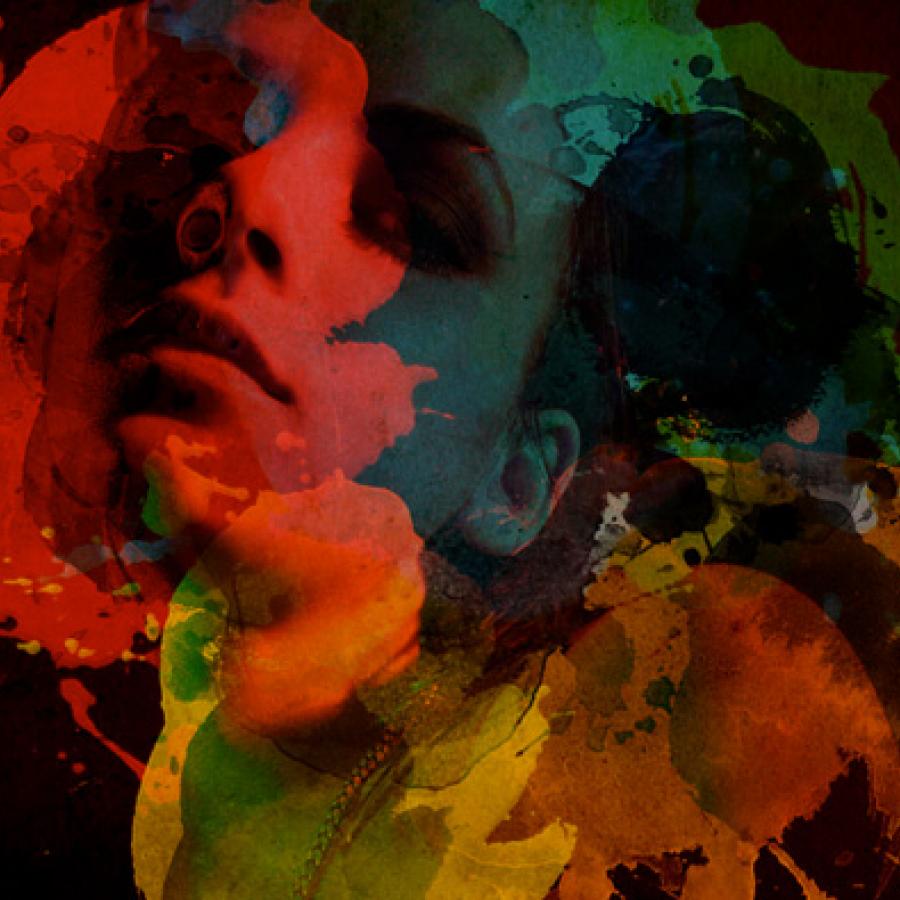
I have already created some tutorials about watercolor effects; however, I also want to create a workflow that is extremely simple but that produces a beautiful result. Therefore, I invented this tutorial, which uses only basic watercolor brushes, a photo, and a layer mask. This tutorial is part of a series of tutorials I have been writing for Pixelmator and posting over at http://www.pixelmator.com/learn/
Creating a Typographic Portrait in Pixelmator

Creating a Typographic Portrait in Pixelmator
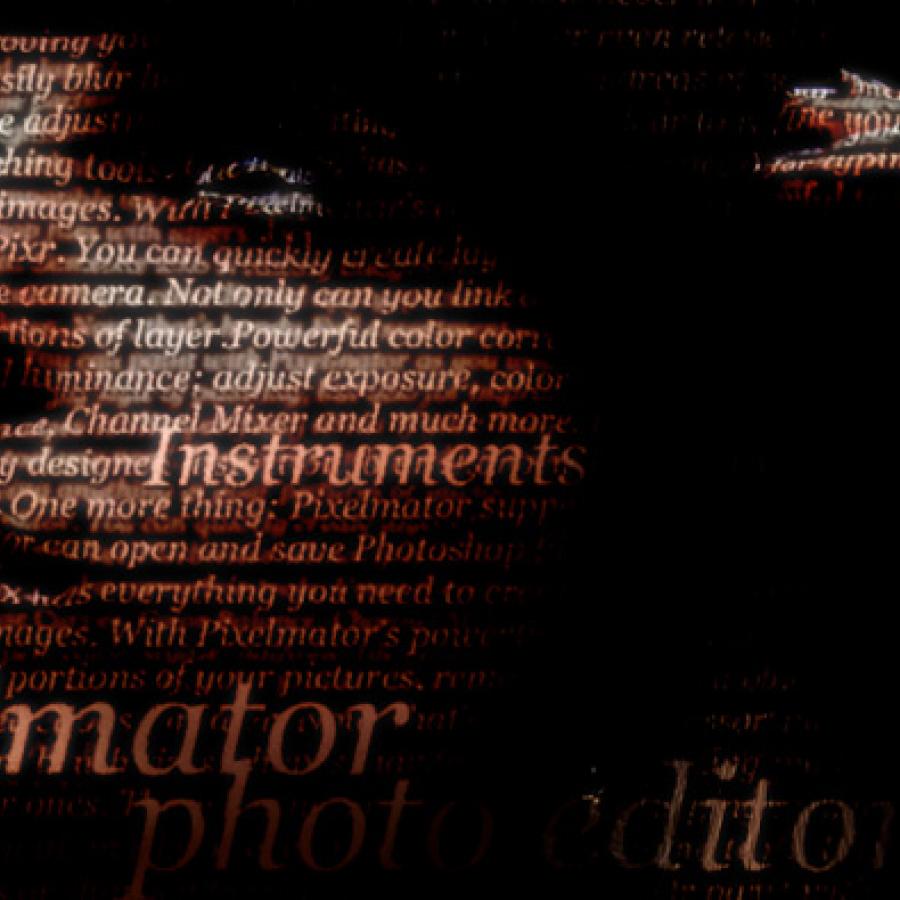
In this tutorial, I will show you how to create a typographic portrait using only Pixelmator. But what does that mean? A typographic portrait is a portrait composed of text. The technique is pretty simple. We will also play with Blending and basic filters. Step 1 Open Pixelmator and create a new document (The size I used was 1440×900 pixels). Then fill the background layer with black.
Lost in Space Typography in Pixelmator

Lost in Space Typography in Pixelmator

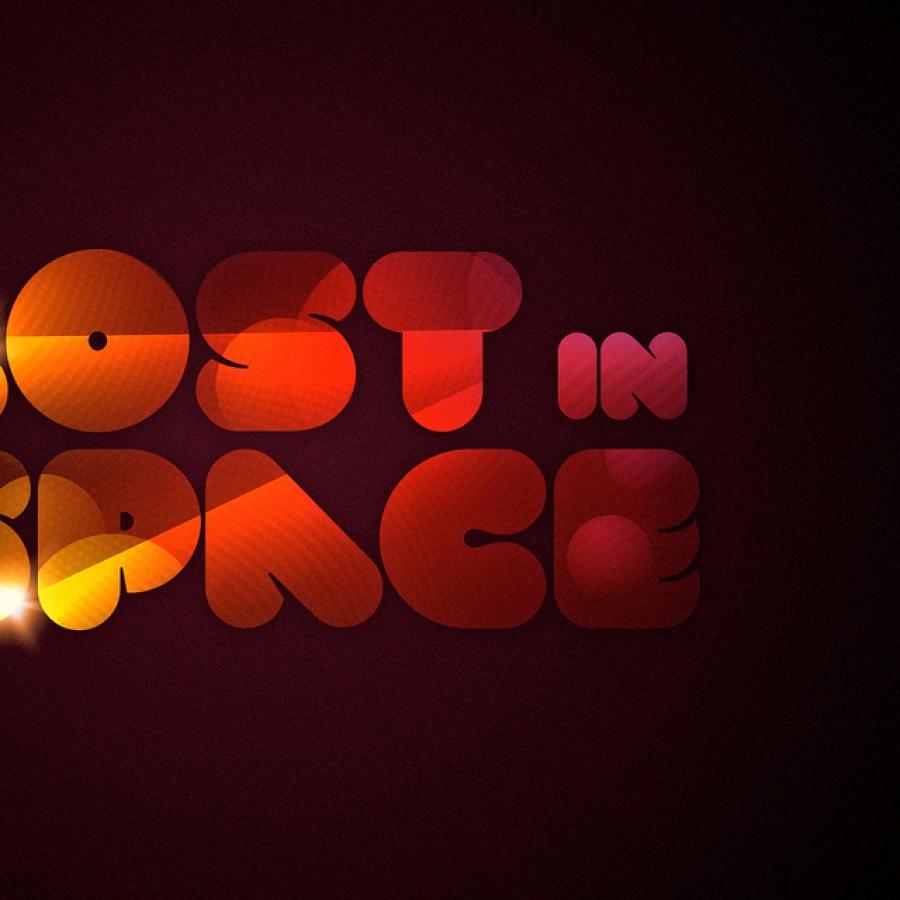
At Abduzeedo, we have a posting place called “Typography Mania,” where we feature many amazing designs that were created by playing with Types. Inspired by that, I decided to use Pixelmator to create an abstract image made up of spheres and lights. I then used Blendings to mix this abstract effect within a text area to achieve the effect I wanted. In this tutorial, we will play with brushes, blendings, hues, and saturation, as well as a few basic filters.
Hell of a Tutorial in Pixelmator

Hell of a Tutorial in Pixelmator

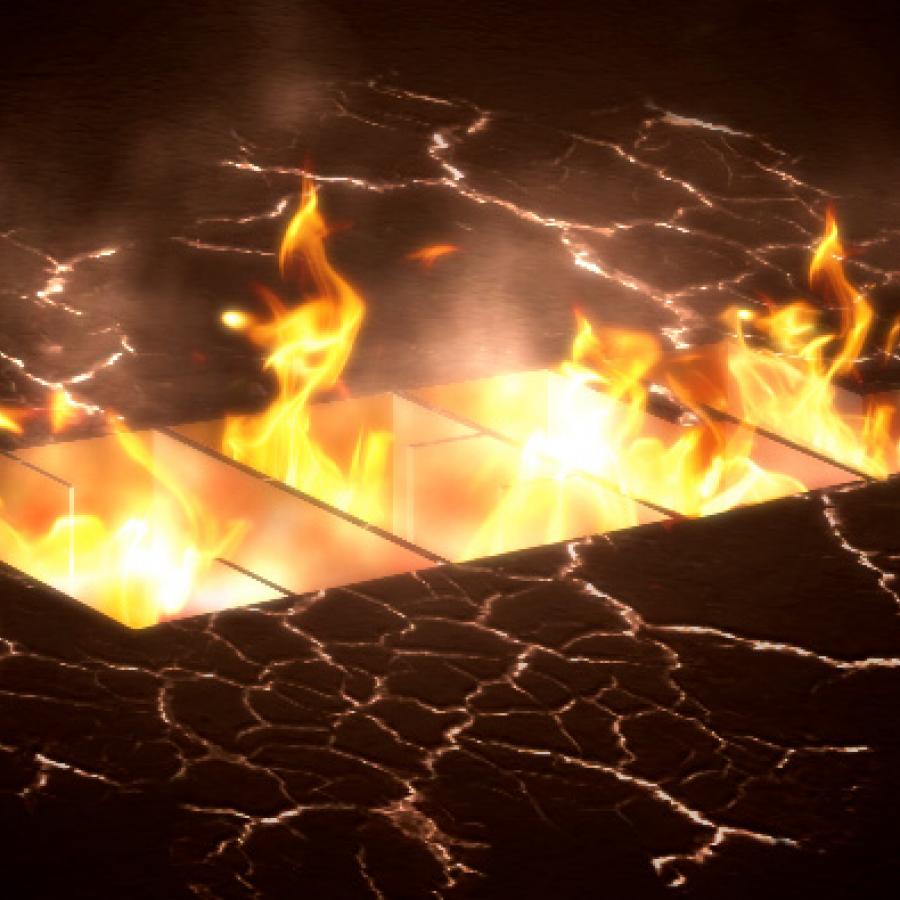
In this tutorial I will show you how to create a really cool effect. First, we will use basic filters to create a 3D text effect; then, we will blend some stock photos and textures to produce one hell of a wallpaper. Step 1
UI Tips in Pixelmator

UI Tips in Pixelmator

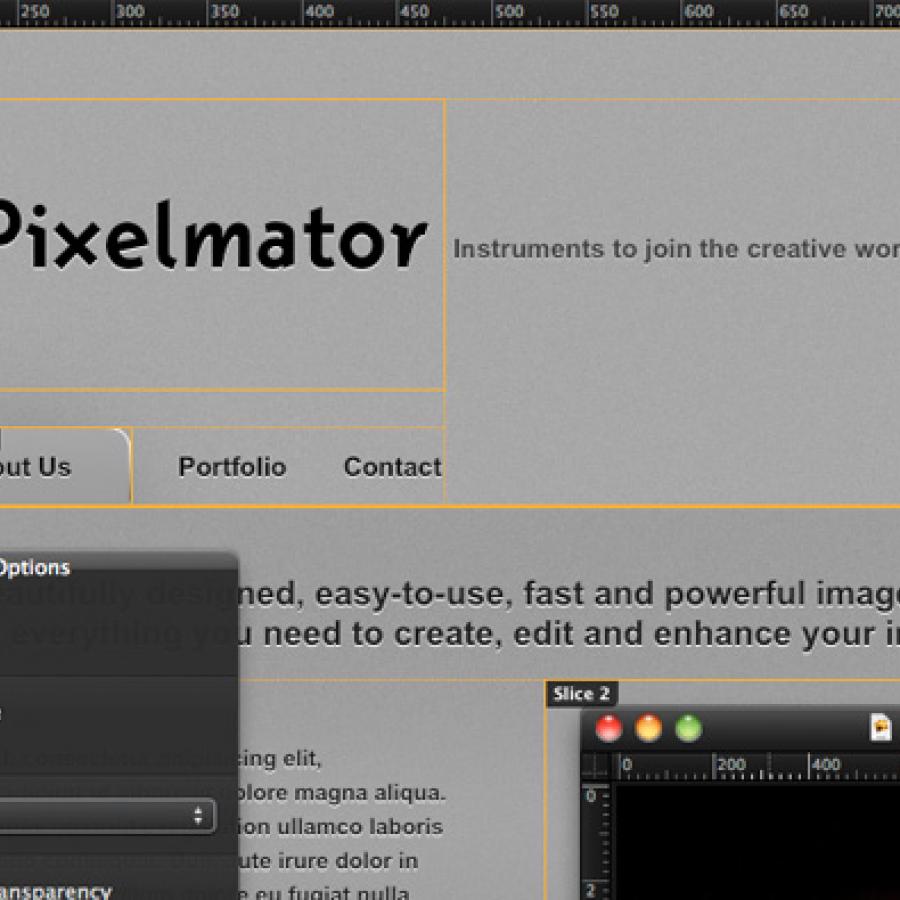
Many people have been asking me how to create a nice, Apple-style UI in Pixelmator with bevels and letterpress effects. I have also received some inquiries about creating rounded corners. So, I created this tutorial to explain some efficient, helpful tips. Step 1 Open Pixelmator and create a new document. I used 1000×1000 pixels. Then, fill the background with grey. On the menu, select File>Stylize>Noise. Select 1 as the amount.
Happy New Year in Pixelmator

Happy New Year in Pixelmator

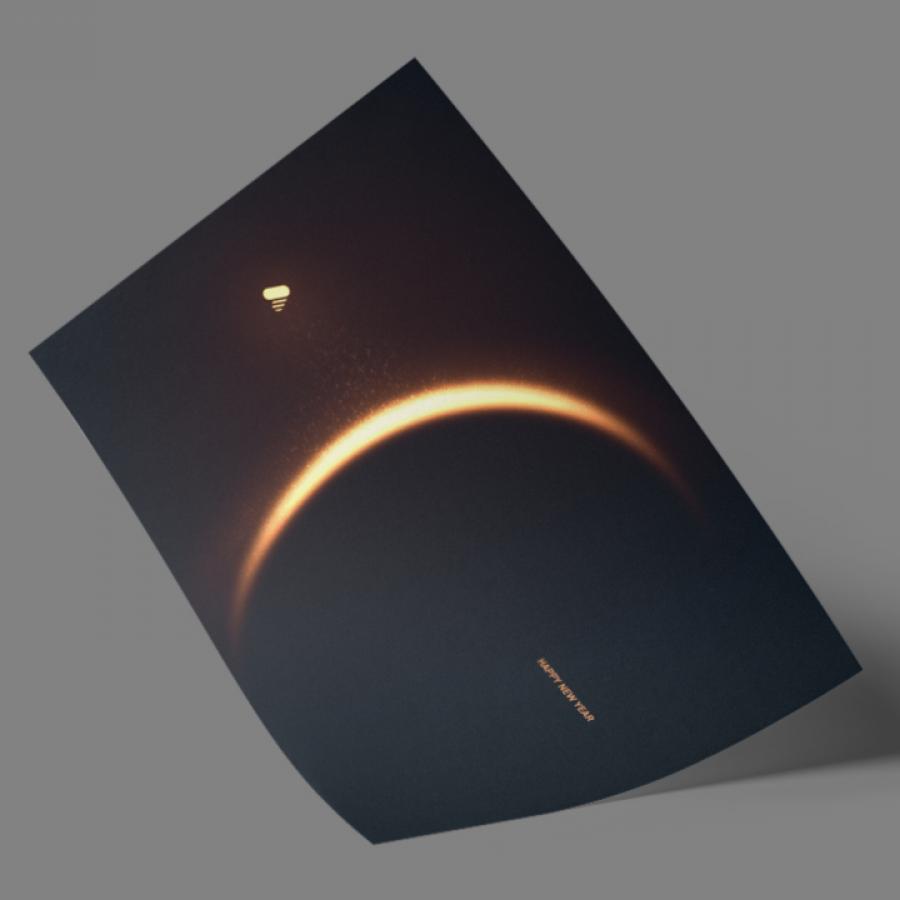
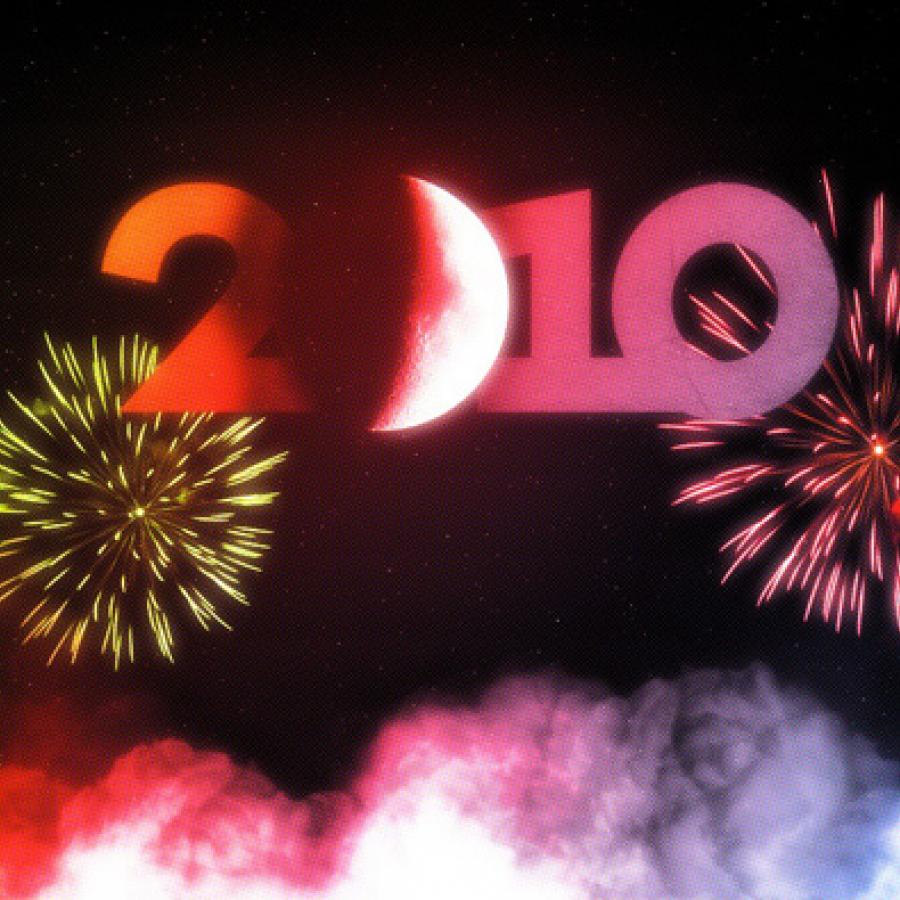
In this tutorial, I will show you how to create a design inspired by the Dreamworks logo, with fluffy clouds and some light effects. We will use the clouds brush that comes with Pixelmator and some stock photos. The whole process will take about one hour. This tutorial is part of a series of tutorials I have been writing for the Pixelmator Learn site.
Realistic Golden Text in Pixelmator

Realistic Golden Text in Pixelmator

In this tutorial I will show you how to create a beautiful golden text in Pixelmator. It might be useful for your next Christmas design. We will use basic tools and gradients to mimic gold with this super easy technique. I also have writen a tutorial showing how to create the same effect but for Photoshop, you can find it at PSDTUTS.
Sleek Wallpaper in Pixelmator

Sleek Wallpaper in Pixelmator

In this tutorial, I will show you how to create an aluminum texture and a 3D pattern effect, using very simple techniques. This method is useful for designing modern and stylish interfaces or simply fashioning a mockup for the next MacBook Pro or an aluminum iPhone.
Creating a Colorful Light Effect with Pixelmator

Creating a Colorful Light Effect with Pixelmator

We have already published tutorials on how to create a really cool light effect in Photoshop and GIMP, now In this tutorial, I will show you how to create this super, simple light effect inspired by a design that I saw recently in a Sony advert. Step 1 Open Pixelmator and create a new document. Select 1440×900 pixels and then fill the layer with #121212.
Torch Man in Pixelmator

Torch Man in Pixelmator

In this tutorial, I will show you how to create a “human torch” effect. I created this effect a few months ago in Photoshop for a tutorial for Digital Arts Magazine, and I have decided to try it in Pixelmator. The process is very similar, and the result is equally beautiful. Step 1