3941
Playing with Triangles in Photoshop
tutorial
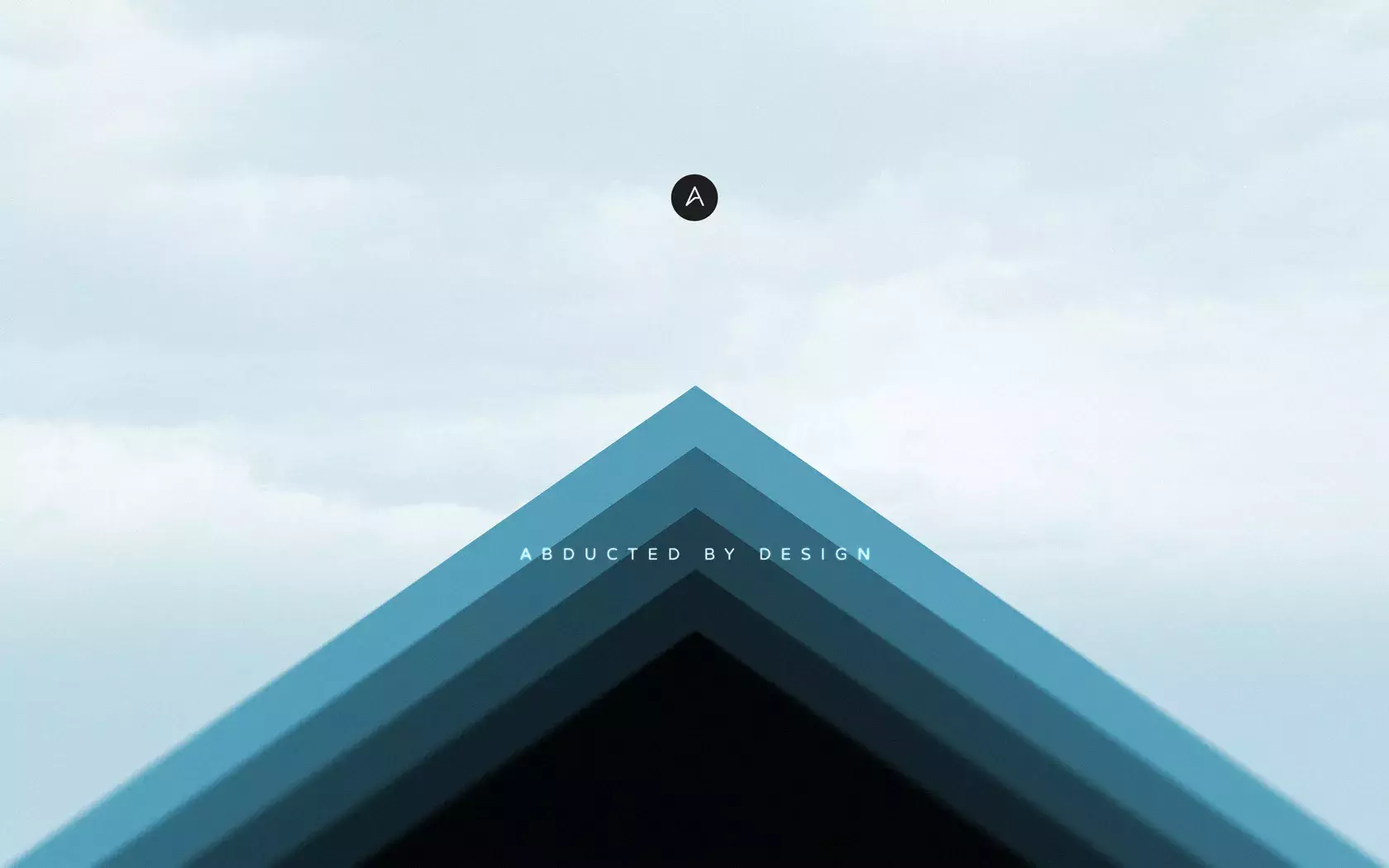
It's been quite some time since I've experimented with new ideas.
It's been quite some time since I've experimented with new ideas.

Last Friday I bought the game Monument Valley and got hooked an an instant.

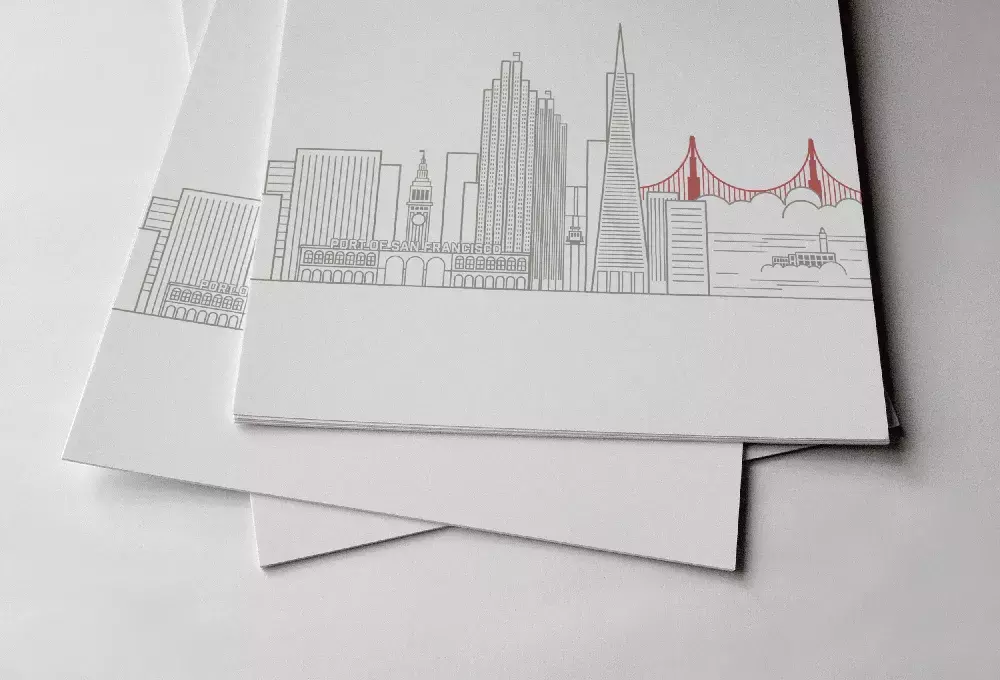
A couple of weeks ago I decided to practice my Illustrator skills to create a simple skyline of San Francisco for a print material I am working on.
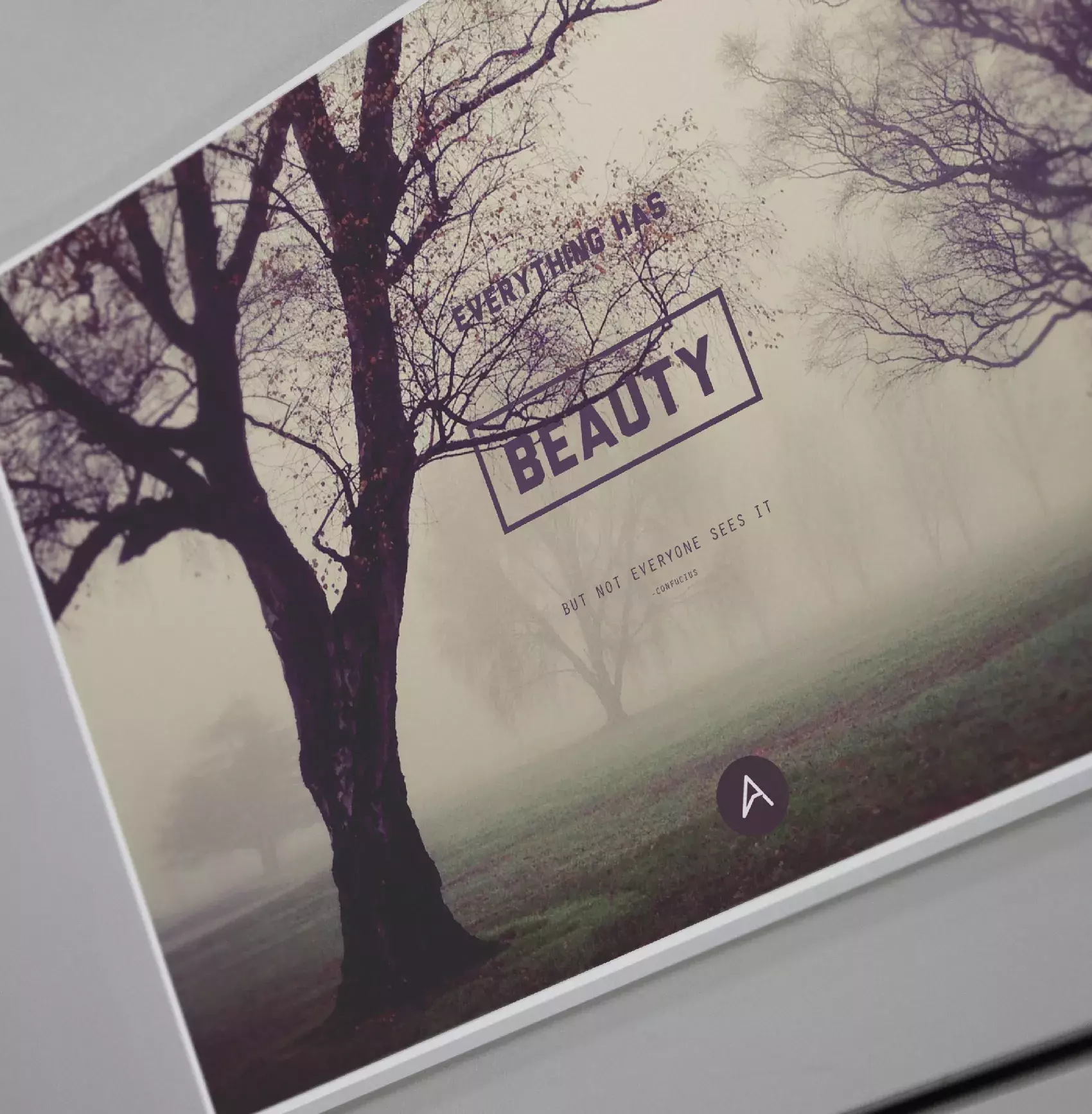
Following our new series of positive thinking wallpapers today we will show you how to create a simple and soothing image using Photoshop.
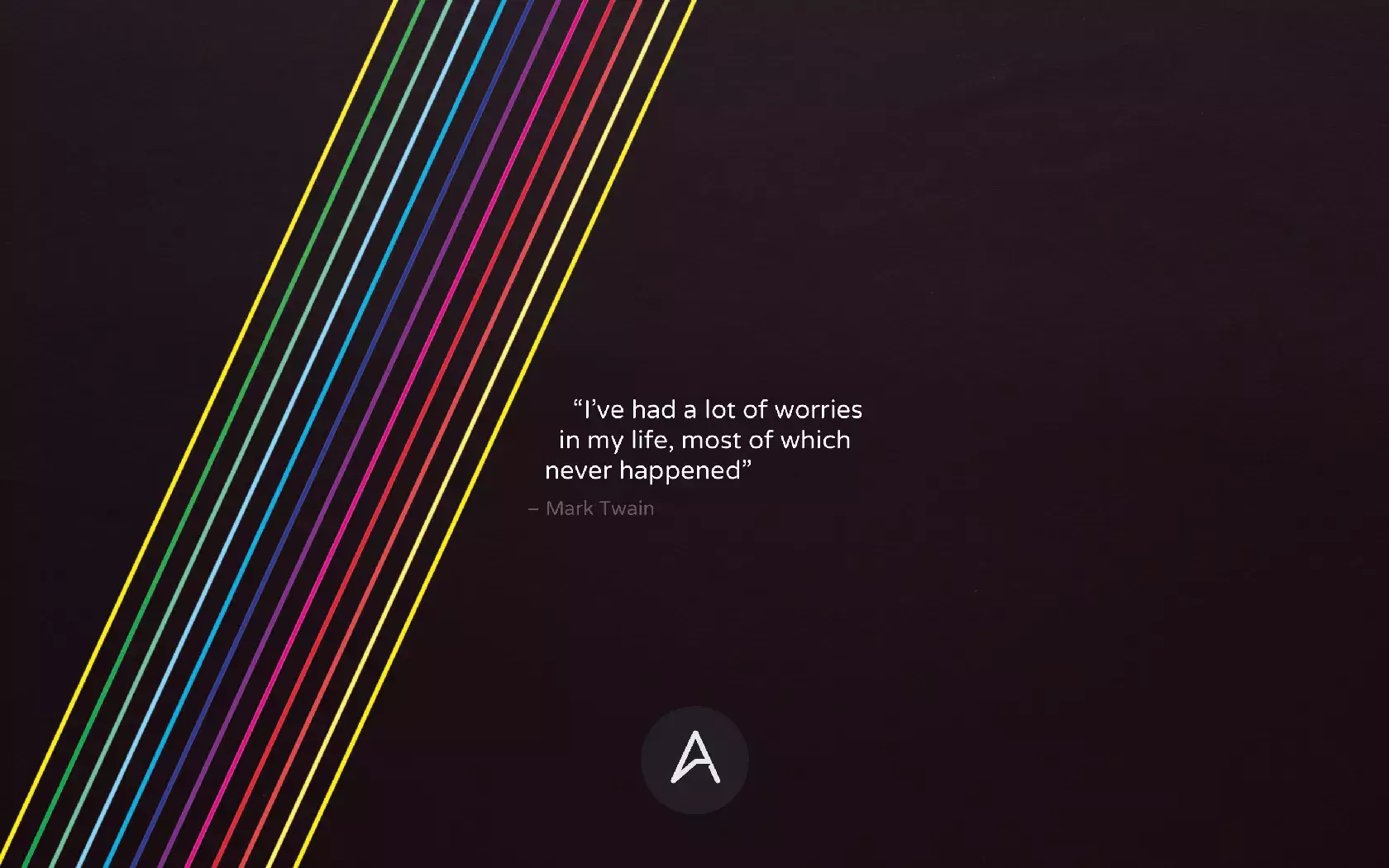
I always change the wallpaper of my computer, not so much on my mobile devices, I don't know why. The only thing I know is that I look at my wallpaper quite a lot because of the second monitor.

The Voyager artwork was created as a Ten Dollar Fonts showcase for a brilliant font designed by Maarten Van’t Wout.

I have been taking a lot of pictures since I decided to do a photo a day project this year. I got a good camera and started taking pictures of pretty much everything that inspired me.

I have been playing more with simple stencil style logos in my spare time, especially because it requires a lot of practice and attention to detail.

Last week Adobe release some new updates in the Creative Cloud apps, including Photoshop and Illustrator. The best new feature for me was the live corner effects in Illustrator.

Last week we posted a tutorial showing how to create simple artwork in Illustrator and then in Photoshop we added a few effects to make it look old and with that vintage/hipster feel.
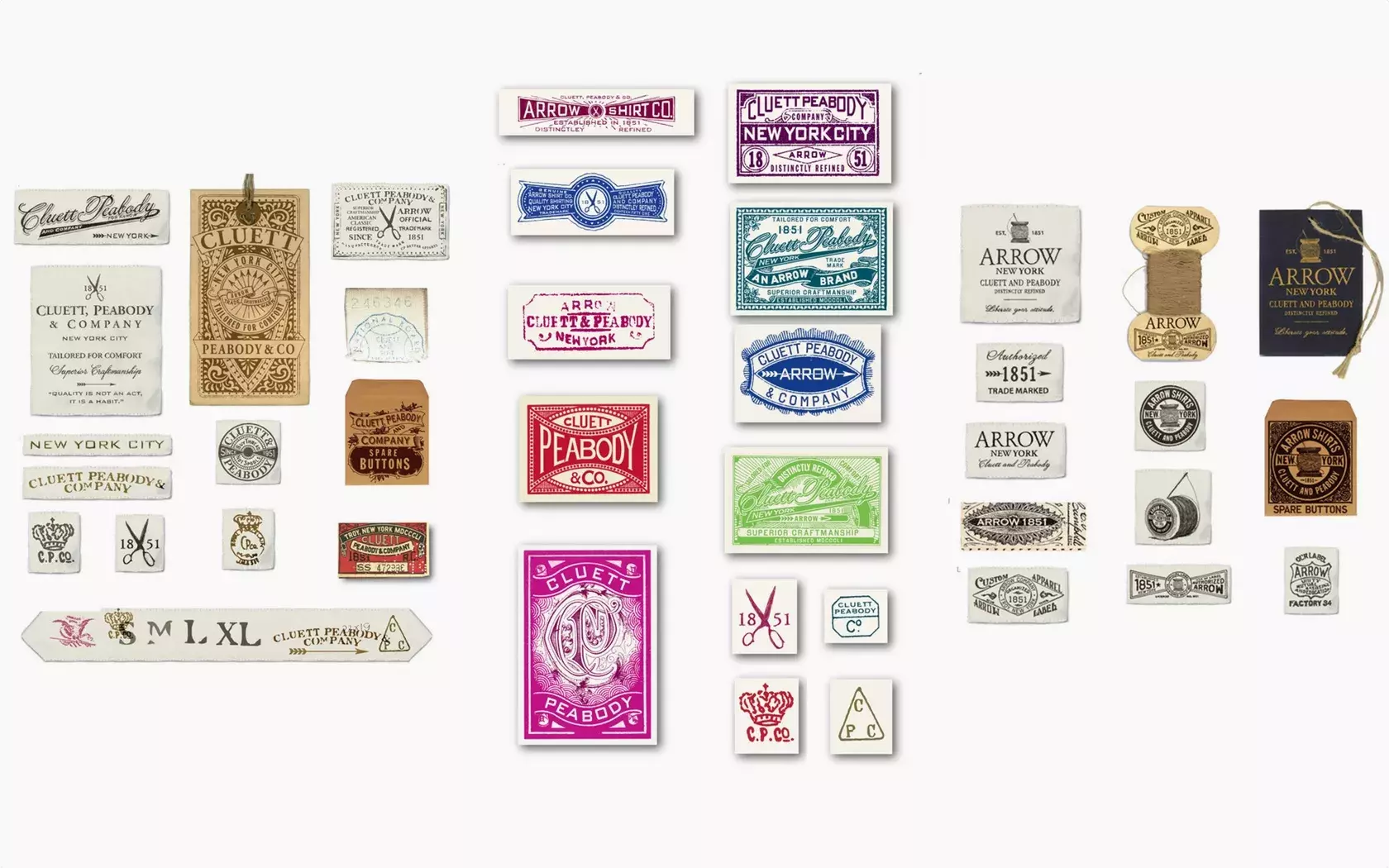

One of the best ways to learn is by practicing and trying to recreate styles and effects that you like.
Send your project to be featured on the blog. Follow the instruction on the template and good luck. Ah, make sure you add the images and credits that are due.