4081
LCD Style Effect in Pixelmator
tutorial
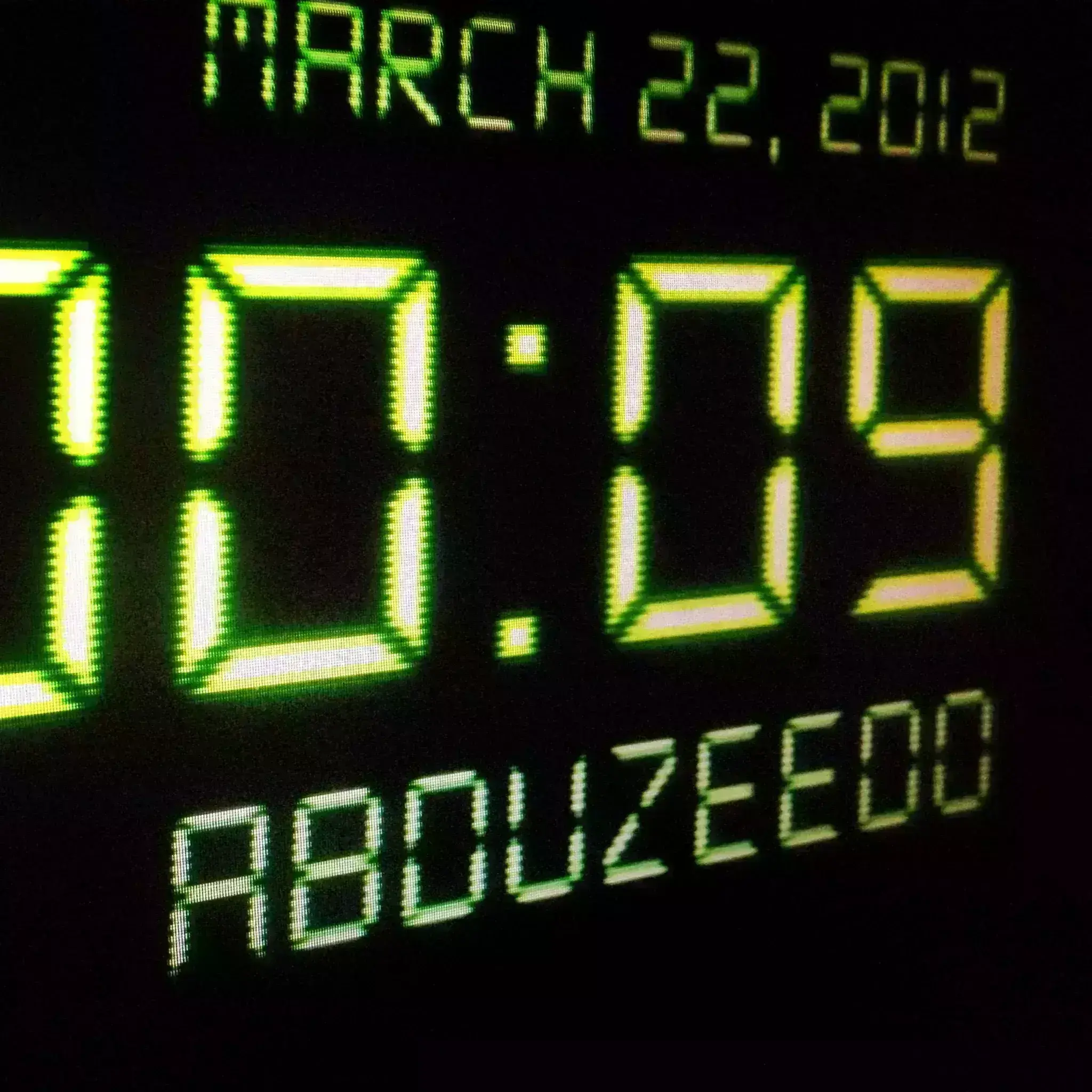
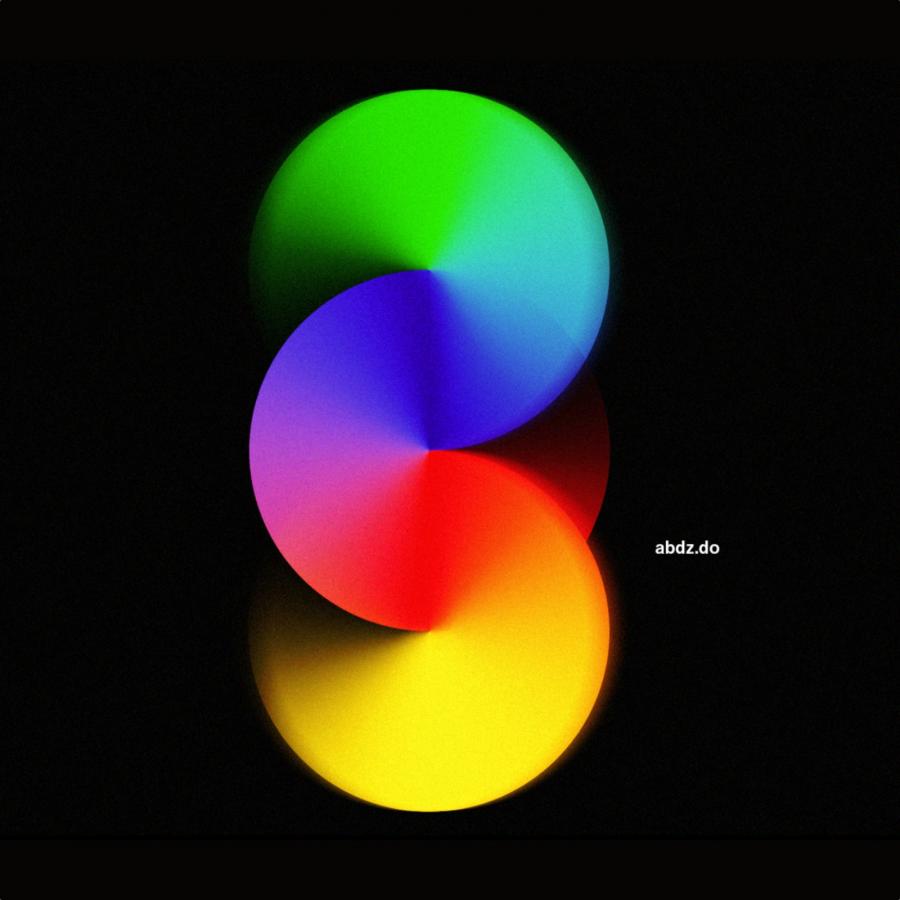
Digital LCD effects are very common but they still impress me especially in terms of light effects. The way the light gets blurry on the edges and super strong in the center is simply amazing.
Digital LCD effects are very common but they still impress me especially in terms of light effects. The way the light gets blurry on the edges and super strong in the center is simply amazing.


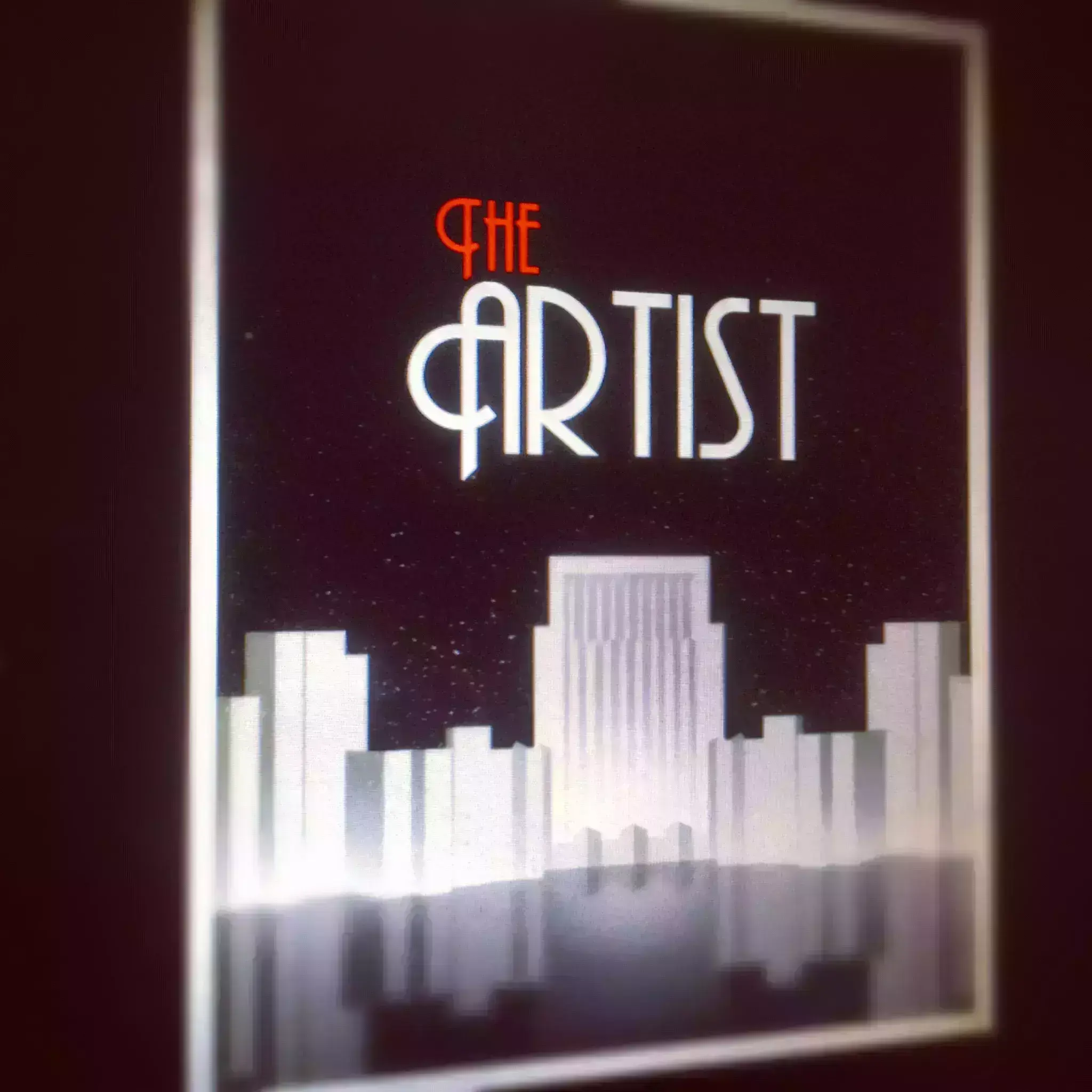
A few weeks ago I watched The Artist. Since the first time I saw and read about the movie, I got curious about it, especially because it was a black and white movie.
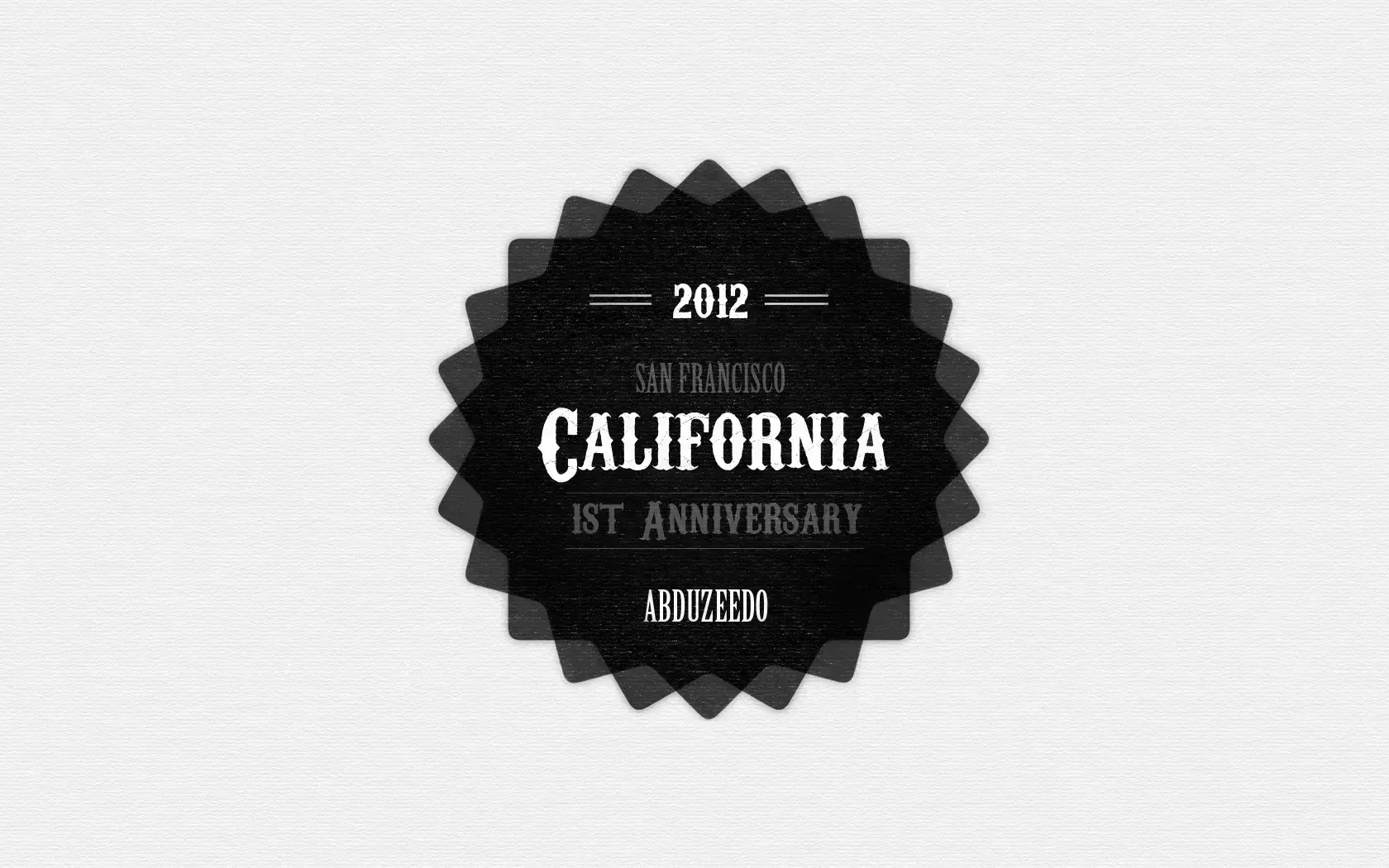
Last year we published a tutorial showing how to create a nice badge in Photoshop and Illustrator. Now we decided to do the same, or similar effect using Pixelmator and its new vector tools.
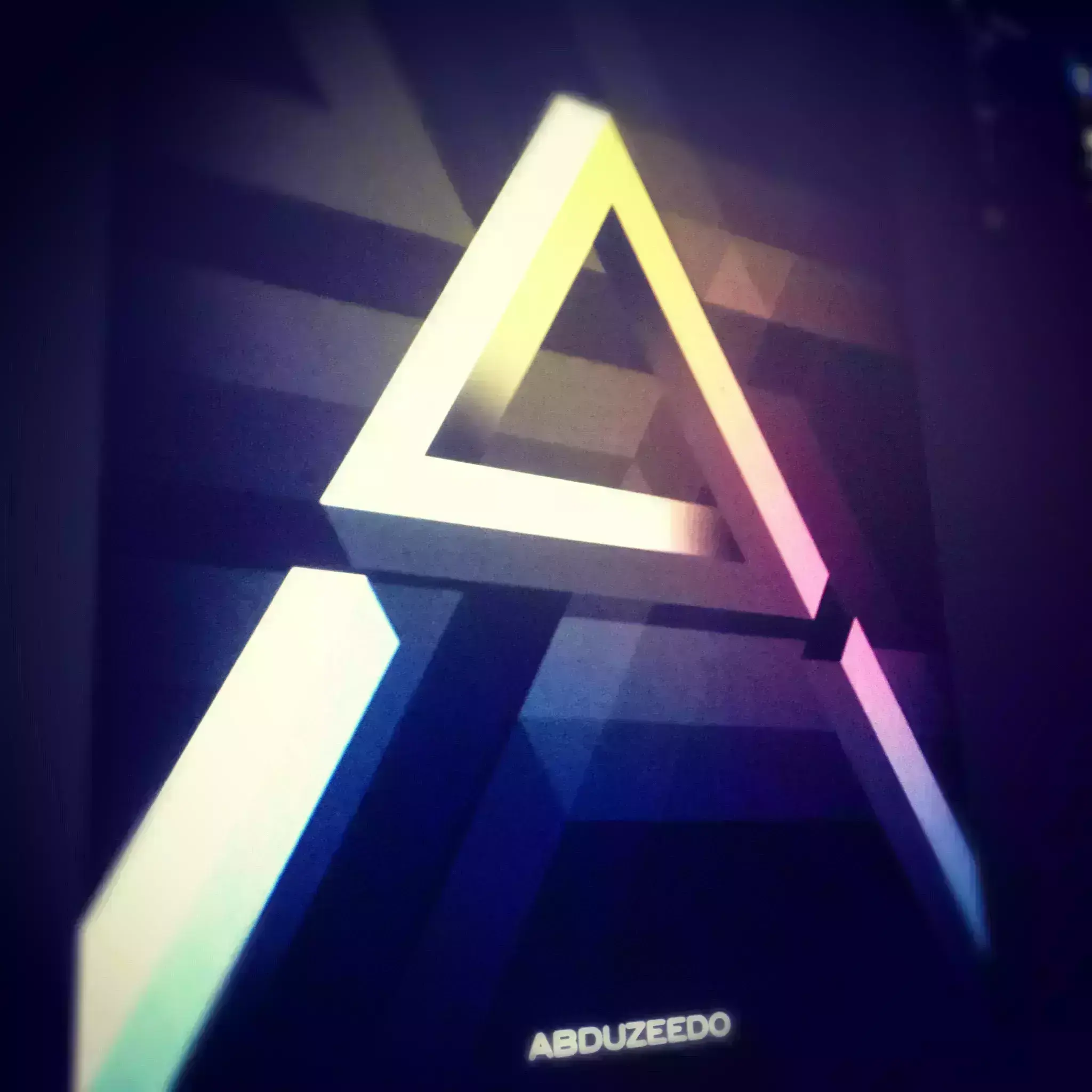
One of the new features of Pixelmator 2 is the vector tools. You can create primitve shapes like rectangles, triangles, ellipses and edit them like in Illustrator or using paths in Photoshop.
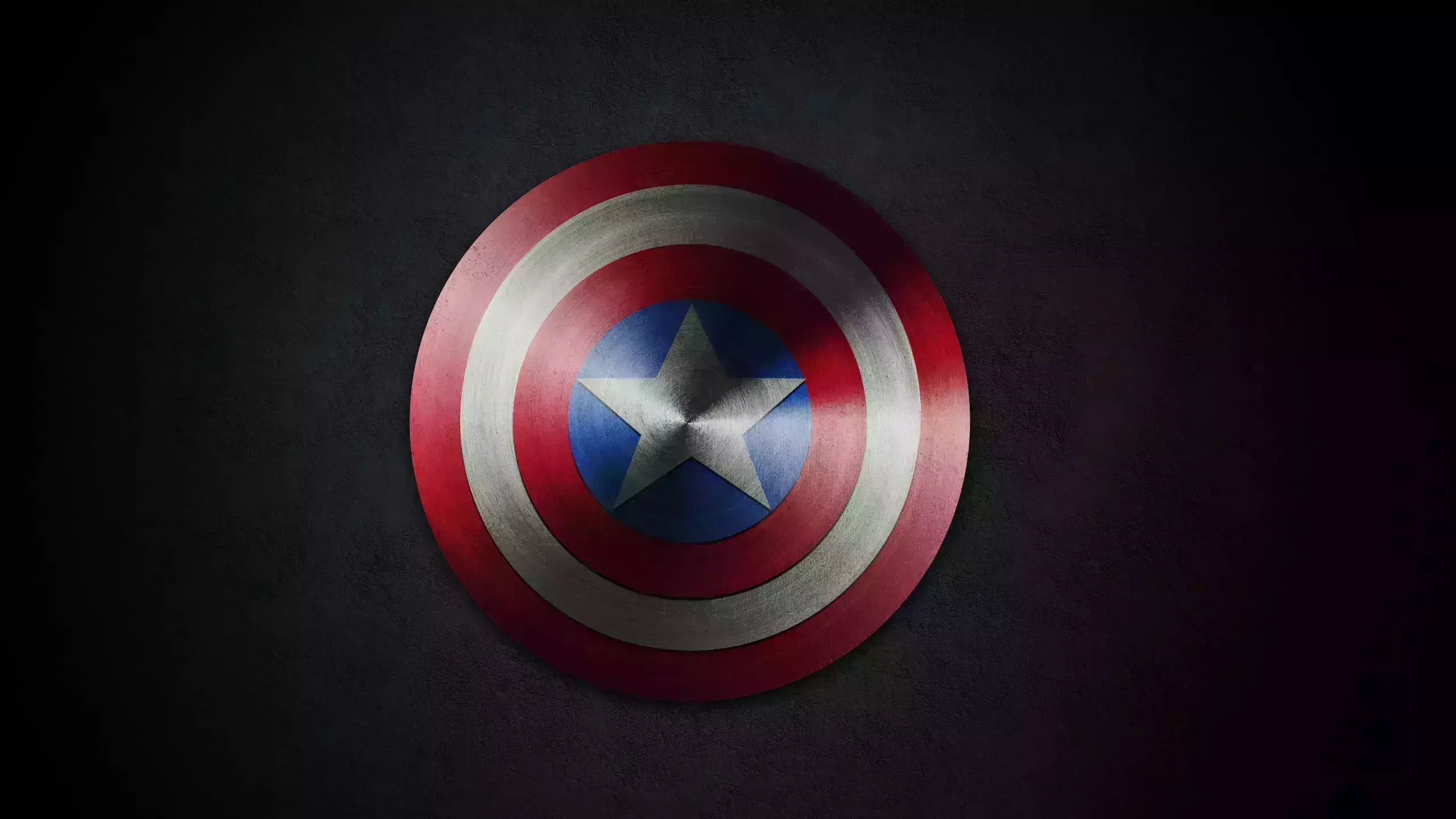
Super Bowl is always a great time to see some nice movie trailers and previews. One that caught my attention was for the new The Avengers movie.

Playing with text is one of the coolest things to exercise your skills with any software, at least in my opinion. You can try to make fire with the word fire or water effects with the word water.
Pixelmator is a really cool tool for image manipulations and editing.
A few weeks ago I was having my Maker's Mark and decided it was time to do the wax effect they have on their brand using Photoshop.
Vintage looking photography is super trendy especially with so many apps for Android and iPhone, apps like Instagram, Hipstmatic and so on.
It is been a while since the last time we published a Pixelmator tutorial and now with Pixelmator 2.0 out there and App of the Year we decided to show more love to this really cool tool.

For the first tutorial of 2012 we wanted to have a really good one and the most important thing a very easy one because our goal for this new year is to provide good tutorials with simple technique
Send your project to be featured on the blog. Follow the instruction on the template and good luck. Ah, make sure you add the images and credits that are due.