by abduzeedo
Learn how to create an analog print glitch with displacement maps and halftone effects in Pixelmator for 2026. Watch the design tutorial!
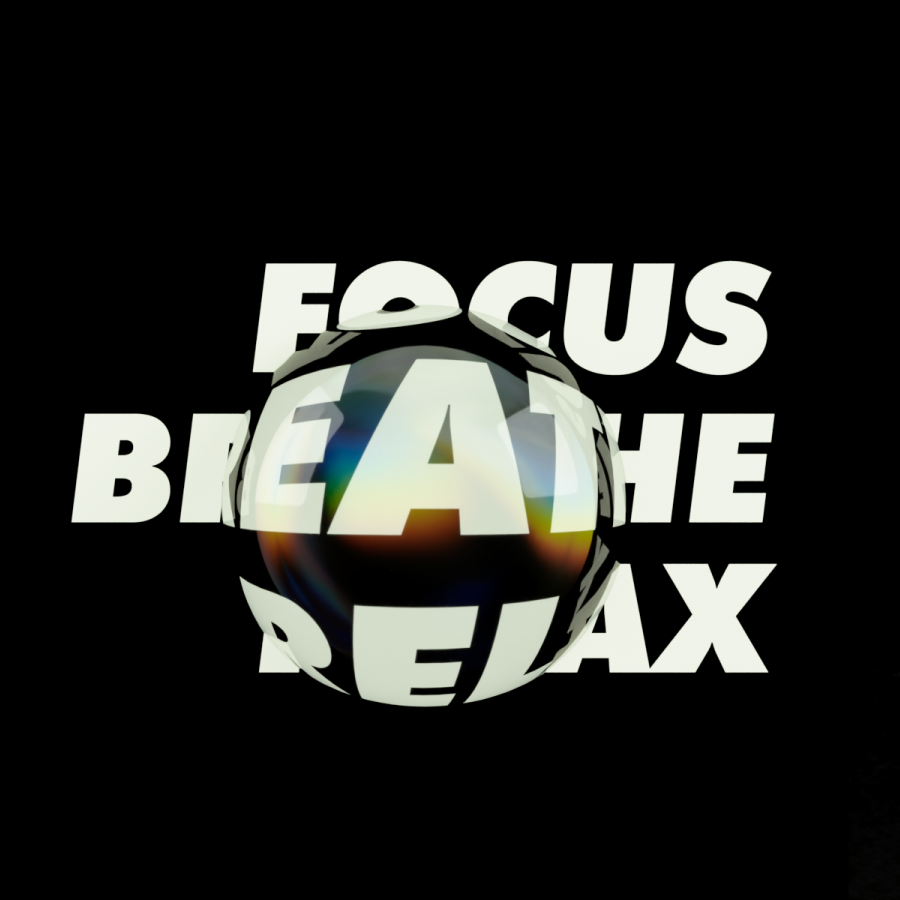
Happy New Year! To kick off 2026, I’ve put together a quick tutorial on a unique typography effect. We’re blending modern "fractal glass" distortion with a retro, 90s-inspired halftone print look—all using the power of Pixelmator.
The process is surprisingly simple:
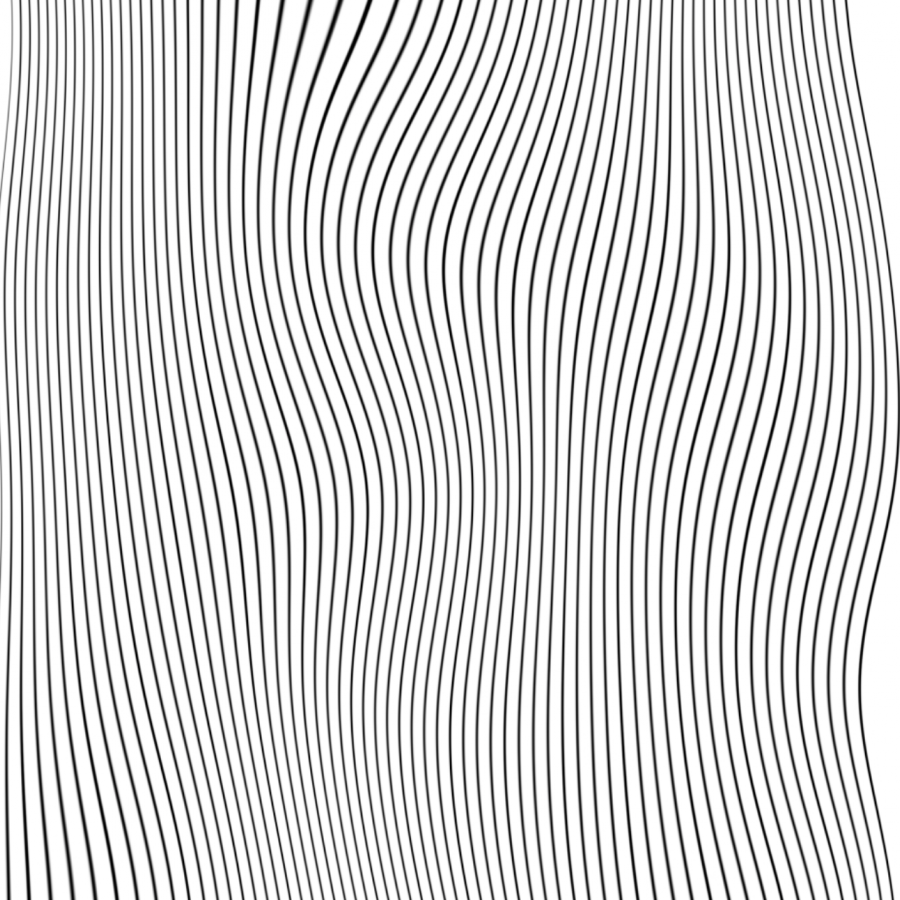
- The Displacement Map: Start by creating a simple black-and-white gradient rectangle. This serves as your map—black areas deform the text, while white areas remain stable, with grayscales handling the transition. Download my map here.
- The Details: Layer in some chromatic aberration and drop shadows for depth.
- The Finish: Group your layers and apply a Halftone effect to lock in that analog texture.
Pixelmator is incredibly fast, making it easy to experiment with these variations in real time. Check out the workflow in the video below!
Pixelmator video tutorial
Final image

Displacement map

Don't forget to subscribe to our new YouTube channel for more design experiments and updates!