by jeff
Adobe launches AI image editing in Photoshop and Firefly—letting creators describe edits, draw on images, and get step-by-step guidance in plain language.
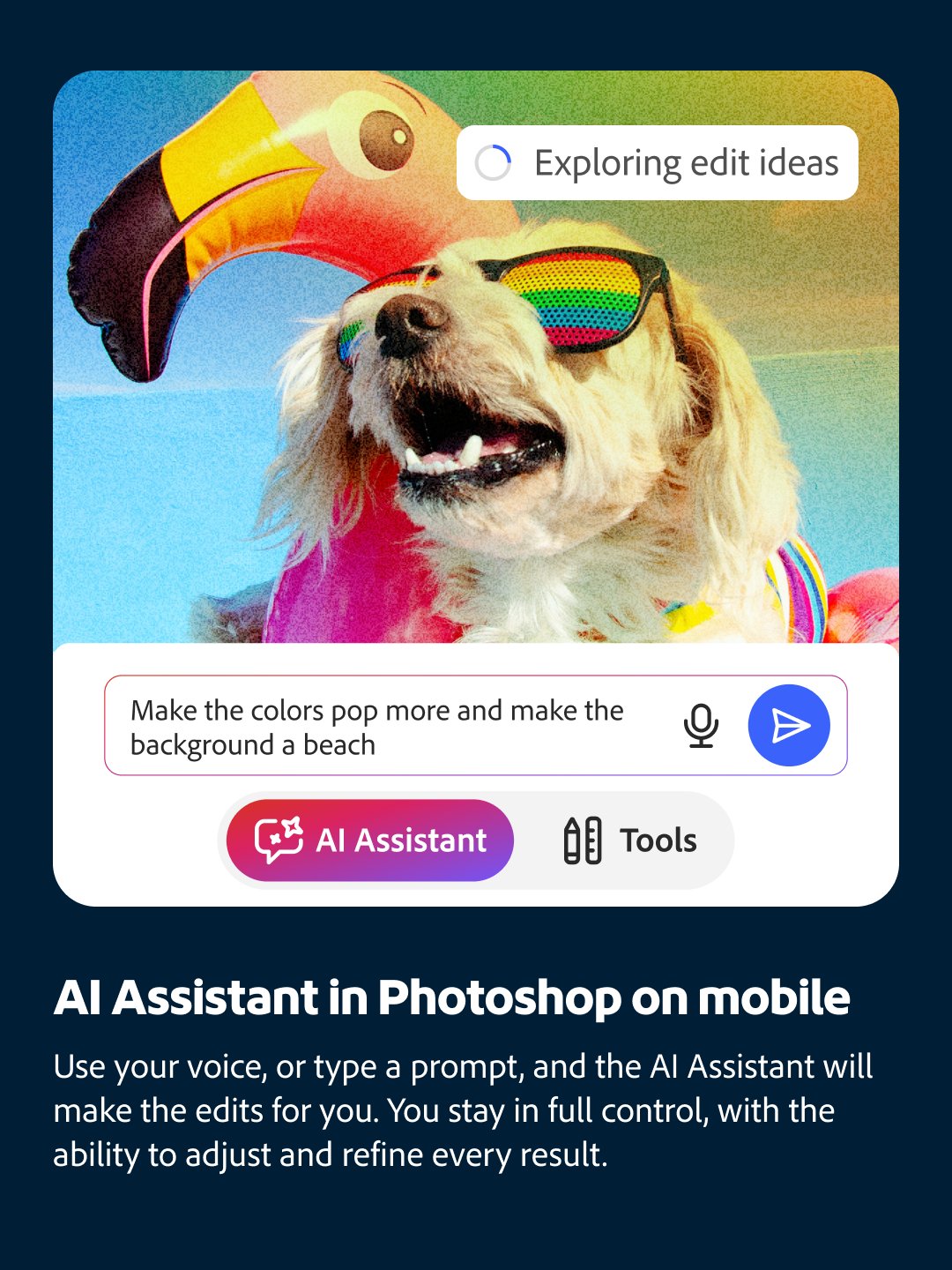
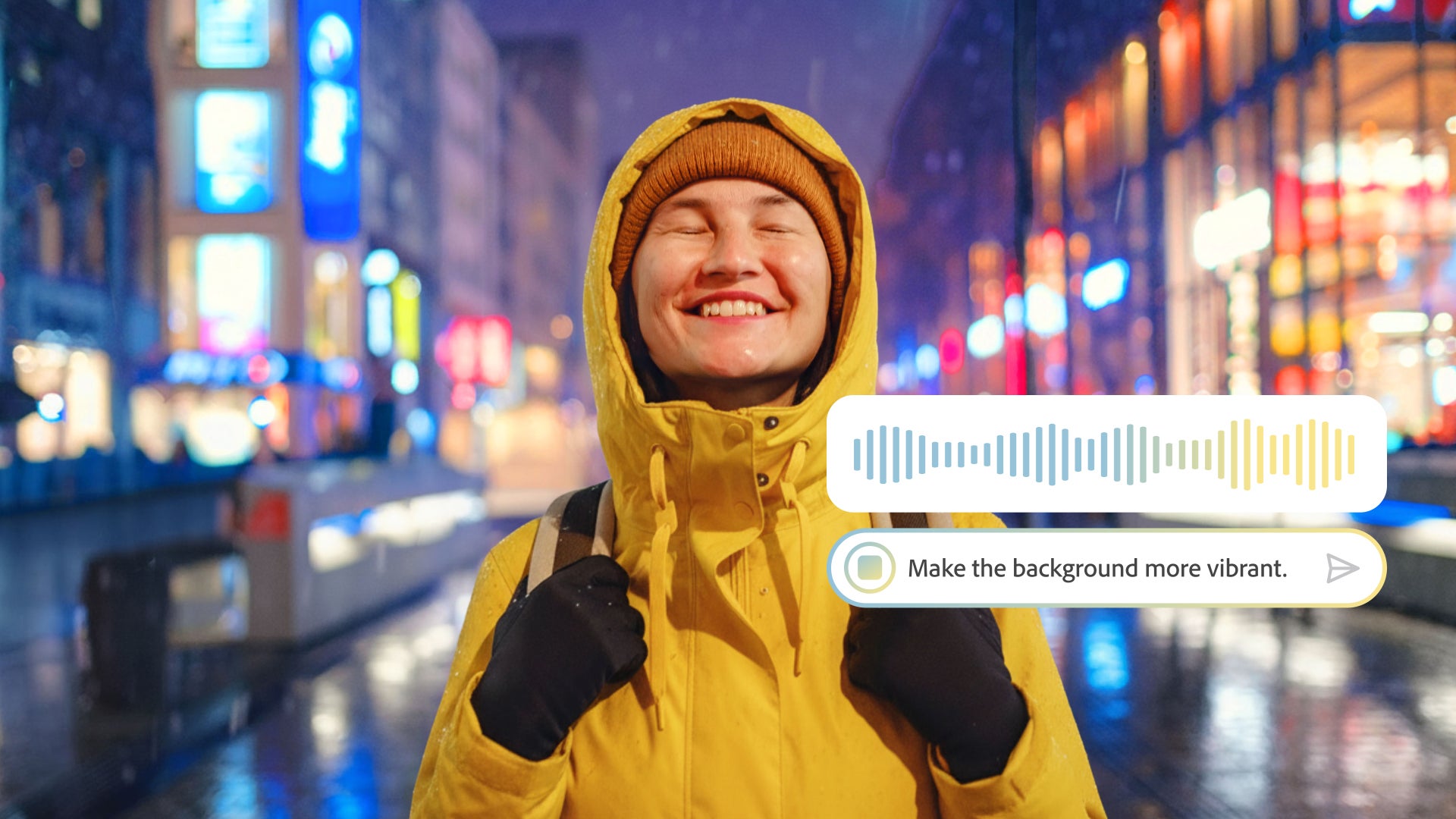
The two tools work in different contexts but share the same core idea. On the Photoshop side, AI Assistant is now in public beta on Photoshop web and mobile. It opens a chat panel where a creator types or speaks a request, and Photoshop executes the change automatically. A voice waveform UI sits at the bottom of the frame—a small signal that this is now a conversational tool, not a panel-and-slider one.
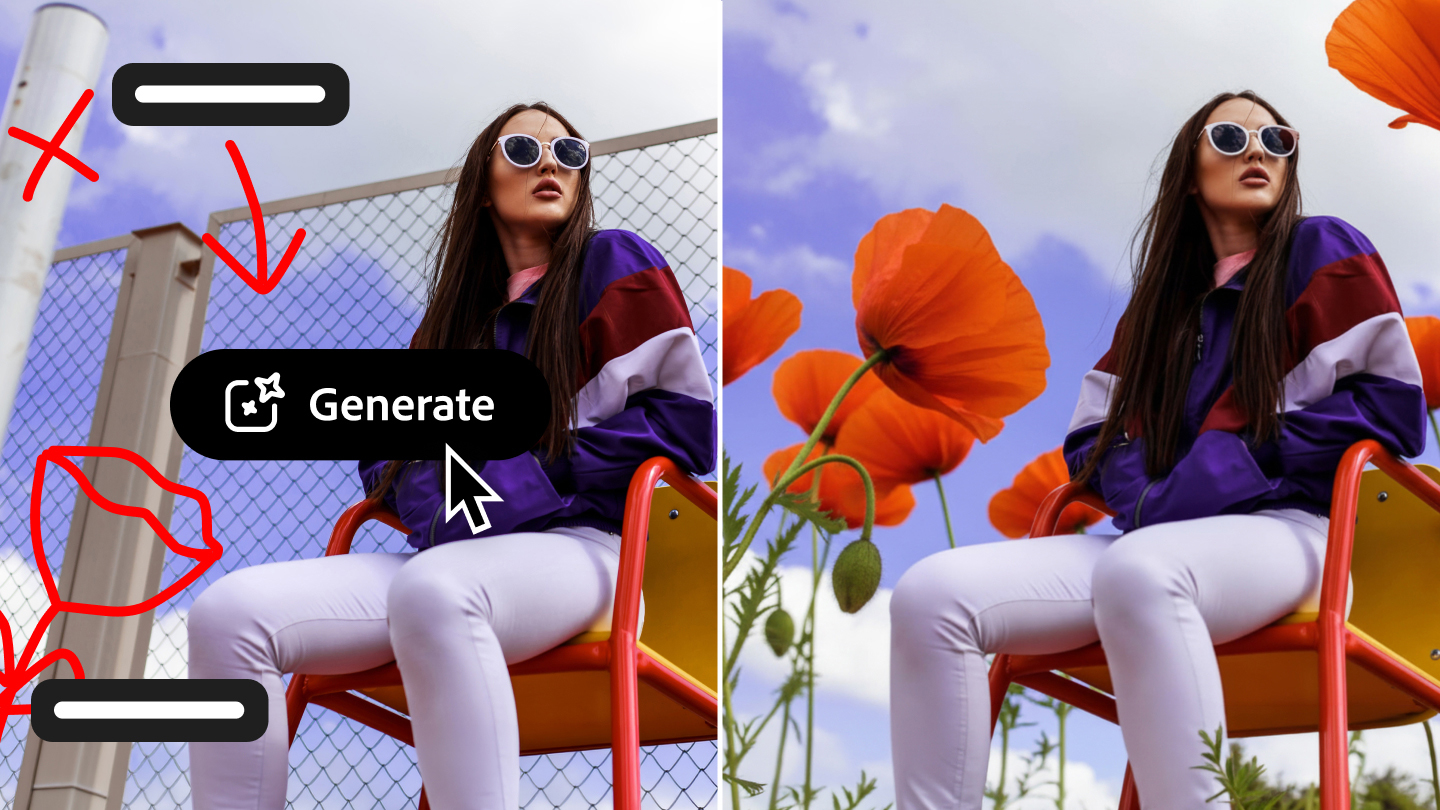
What makes this AI image editing approach more precise than a simple chatbot is AI Markup. The feature lets a creator draw directly on the image—arrows, circles, rough outlines—and pair marks with a text prompt. The before and after are sharp: a fenced urban playground on the left, a field of orange poppies on the right. The background replaces exactly where the annotations directed. That spatial targeting gives the AI a referent it otherwise wouldn't have—a drawn arrow carries more information than a phrase like "area behind the subject."
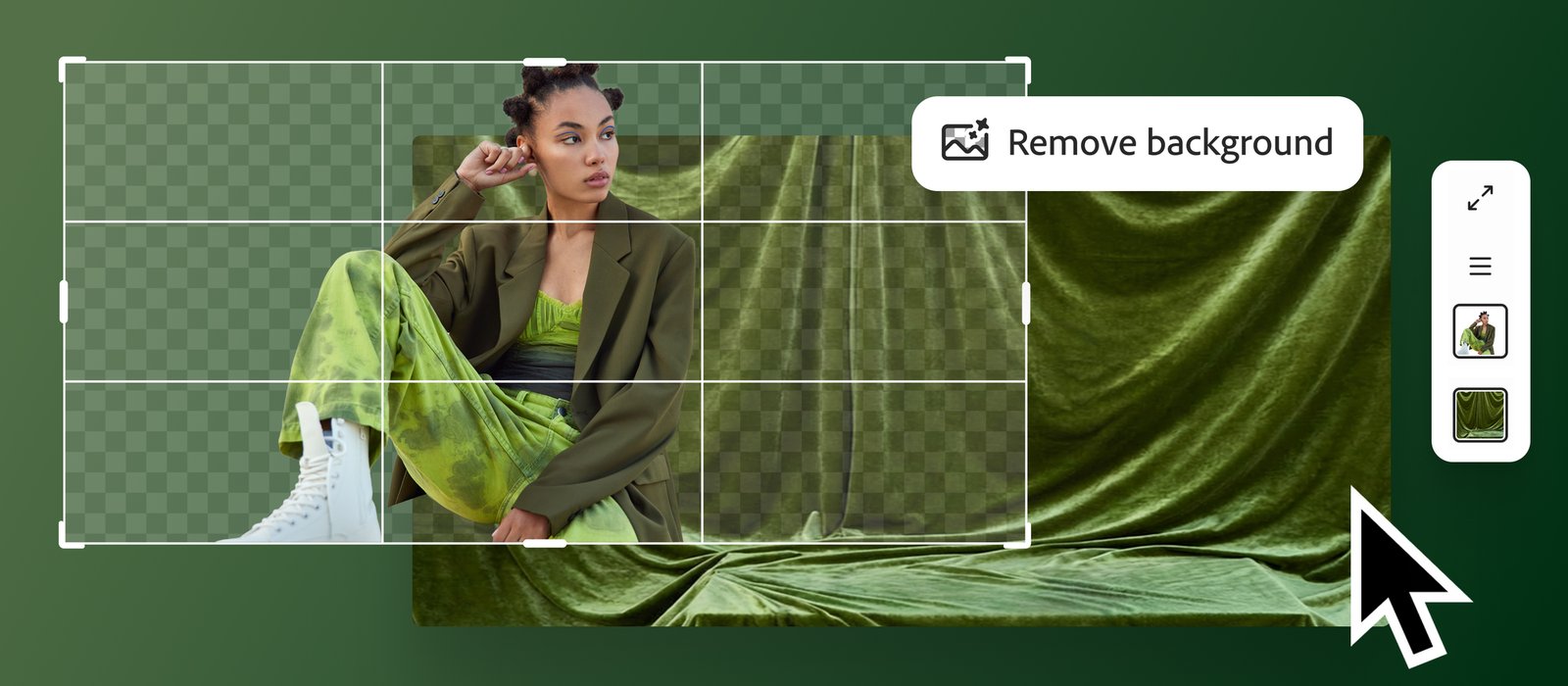
Adobe Firefly Image Editor covers Generative Fill, Generative Remove, Generative Expand, Generative Upscale, and Remove Background. In the press assets, a fashion shoot shows Remove Background mid-process: a checkerboard transparency grid expanding outward from the subject. A product still life—orange coffee bag, pink kettle, teal tile floor—shows Generative Remove isolating an object in a circle selection, ready to erase. Both images show these tools operating at the element level, not the full frame.

AI Image Editing Across Photoshop and Adobe Firefly
Adobe's positioning is that AI handles execution so the creator can focus on the creative decision. AI Assistant can also offer step-by-step guidance rather than just making the change—a mode that teaches while it works. The AI image editing features in Photoshop are in public beta now. Firefly's generative tools are live globally.
The Firefly Image Editor runs in browser with no Photoshop installation required, making it accessible to creators who work primarily in lightweight or web-based environments. Each tool in the suite targets a distinct editing task—background removal, object erasure, content expansion—rather than combining them into a single all-purpose prompt. That separation keeps the interface focused and reduces ambiguity when describing an edit.