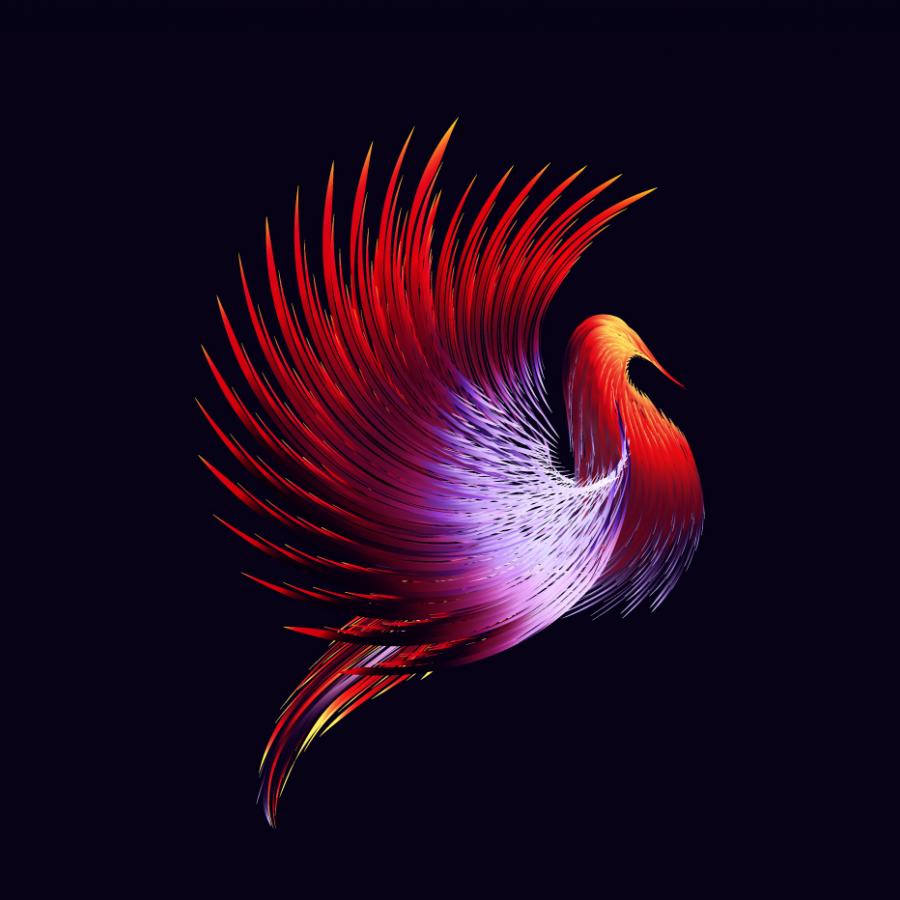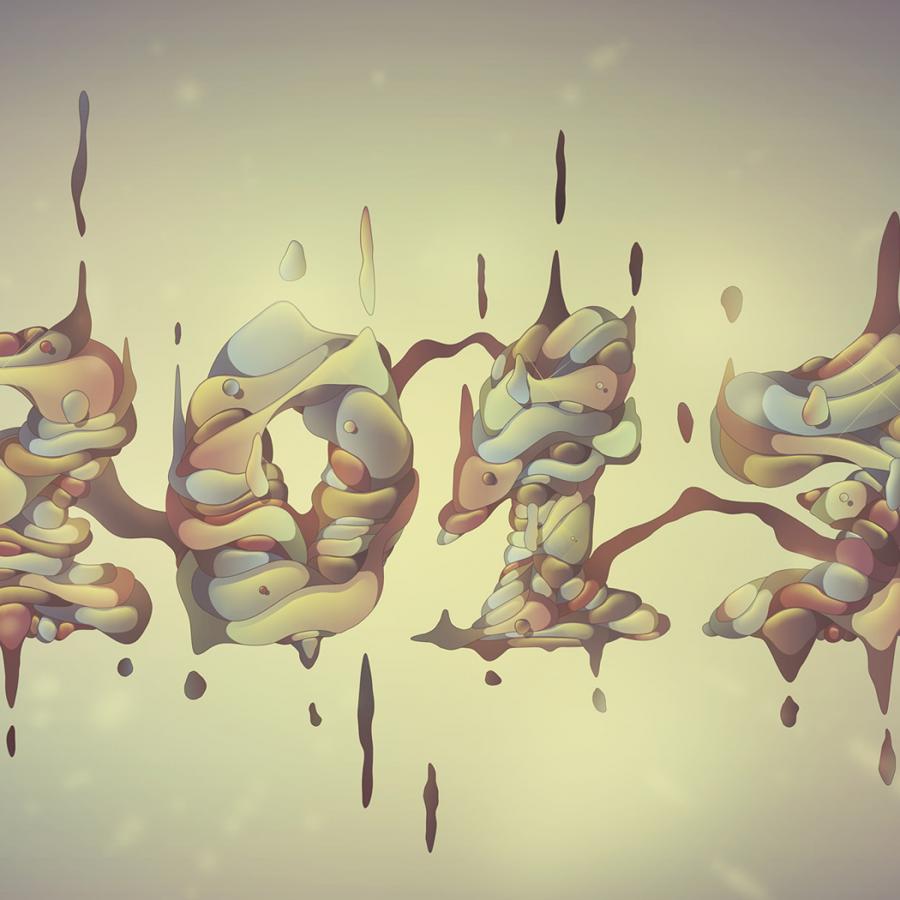
In this tutorial I will show 4 ways to create swirls in Illustrator, and by mixing them you will learn some very powerful techniques that will allow you to easily make tons of different styles of swirls and crazy sperm vectors.
In this post I will show you how we created the crazy Zagora's logo. I will skip the drawing parts, yes there were tons of drawings before going to the computer, because when they stole my computer and backups in 2006 they took all my photos of the drawings.
What do you get when Dr. Woohoo mashes up Adobe Illustrator CS3, Flickr and In The Mod: Color Analytics? A free swf Panel that runs inside AI CS3 that allows you to search Flickr & In The Mod, view the colors from each images or paintings you select and save them directly to the Swatches Panel in AI. More info + the download: inthemod.com/bps/?p=162
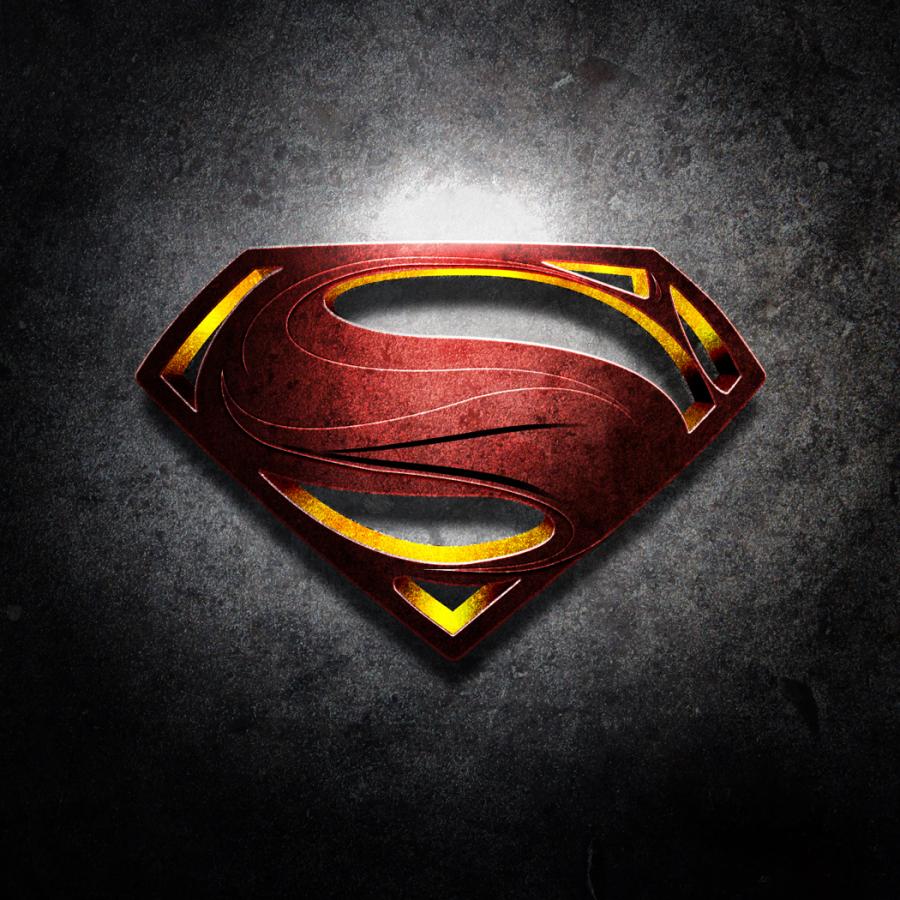
It’s always good when we find some things we thought we had lost. Last week I was checking some backup CDS and I found some old illustrations, which were from 2002-2003.
Some weeks ago, I saw some photos of the new FIAT 500 car. I was very impressed, I really liked the design, the accessories, and pretty much everything else. So I decided to vectorize it.
This week I had to create a new Business card for my company, ZEE, I have to say, this sort of work, like creating a business cards, is not as easy as some people think.
On this article I created a design inspired by the work of Nik Ainley. He’s one of my favorite Photoshop Masters and his work is really impressive.For this design I used the Displace filter in Photoshop.
Last week I had posted an article about Photoshop Masters, it was really good to see their works and how they used the tool to achieve those amazing effects.
A few weeks ago, Paulo published a really cool post about what he called “Light Graffiti”. I was completely blown away by the images and the crazy things they’re capable of doing just by taking pictures with a long exposure.