Featured Content
04342.
Super Cool Watercolor Effect in 10 steps in Photoshop
watercolor
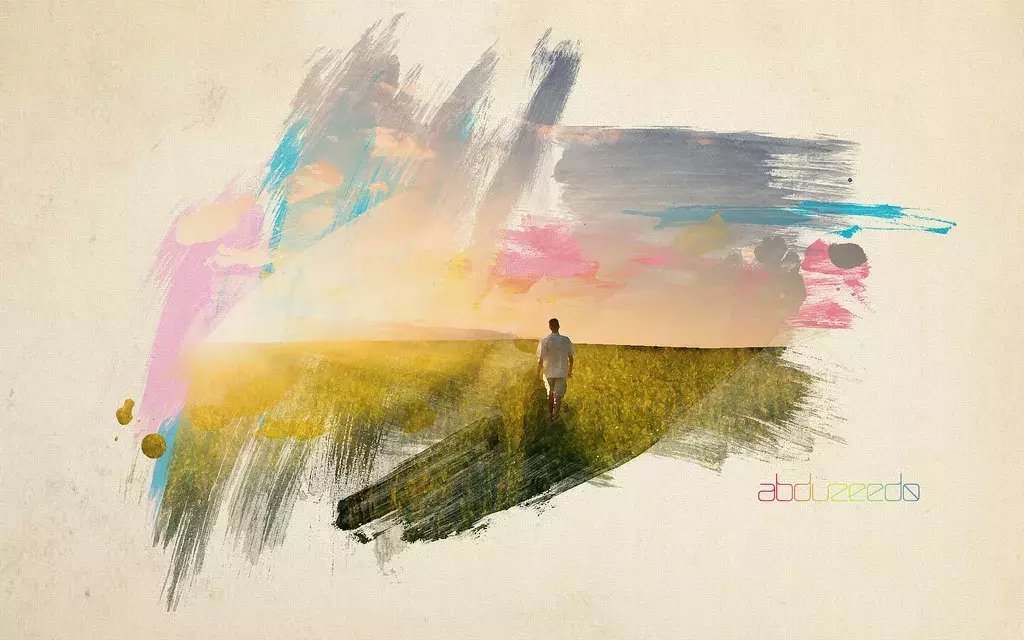
Last year I wrote a Photoshop tutorial for PSDTUTS showing how to create a very nice design using watercolor brushes. It was inspired by the work of guys such as Bruno Fujii, Margot Mace, Raphaël of My Dead Pony and Stina Person.
04343.
Criando um Ícone Incrível do Palm Pre no Fireworks
04344.
Tratamentos de Fotos Bizarros no Photoshop
04345.
Garota Cintilante no Pixelmator
04346.
Tutorial Básico para Colorir de Loleia
04347.
Texto de Carne no Photoshop
04348.
Meat Text Effect in Photoshop
illustrator
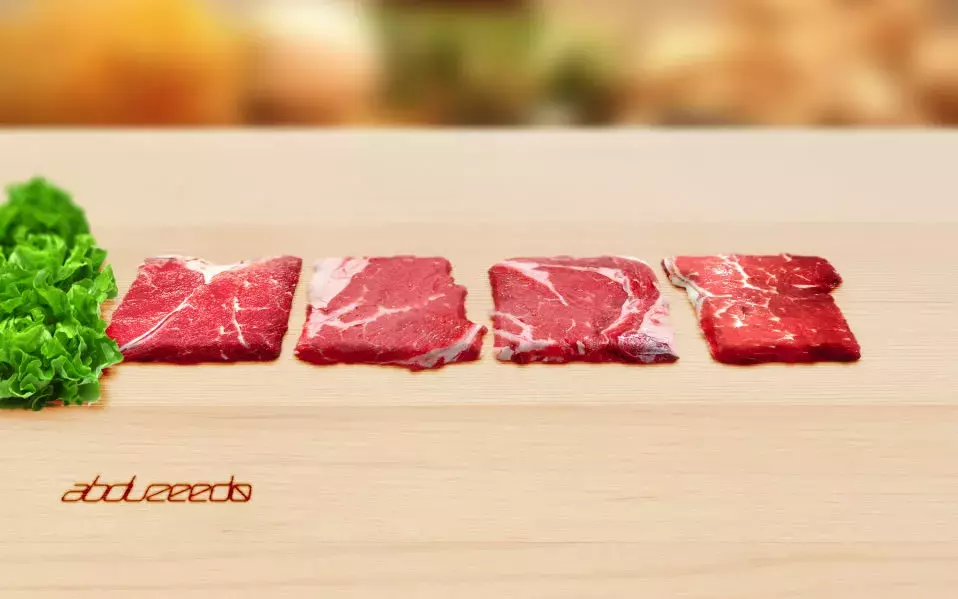
Last week I published a tutorial showing how to mix a custom font created in Illustrator with some stock photos of milk to create a nice effect. Now on this tutorial we will sort of repeat the technique but this time using stock photos of meat and add perspective to create a word made from beefs.
04349.
Texto de Água Incrivelmente Realista com Cinema 4D e Photoshop
04350.
Dicas Rápidas Photoshop #9: Usando as Actions do Photoshop
04351.
Swirl Mania no Illustrator & Photoshop
04352.
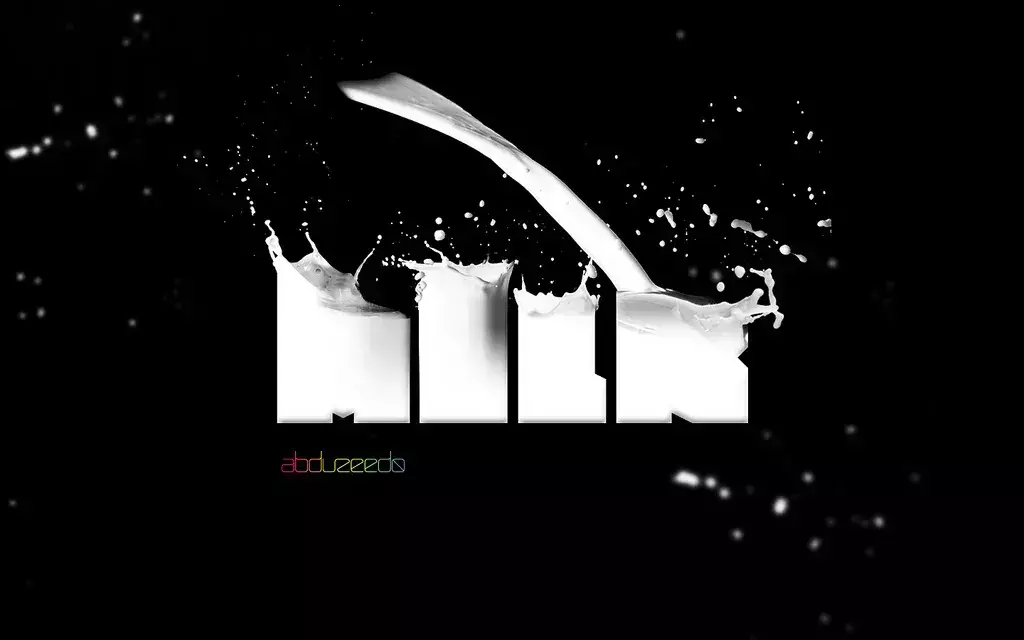
Awesome Milk Typography Effect in Photoshop
Typography
04353.
Dicas Rápidas Photoshop #8: Fazendo um Planeta
04354.
Dicas Rápidas de Photoshop #6: Texto com Nuvens
04355.
Photoshop Quick Tips #6: Cloudy Text
Typography
Last year I wrote a tutorial showing how to create clouds using Adobe Photoshop. However, I have received quite a few emails asking me how to create a text made with clouds.
04356.
30 Portraits Impressionantes por Calvin Hollywood
04357.
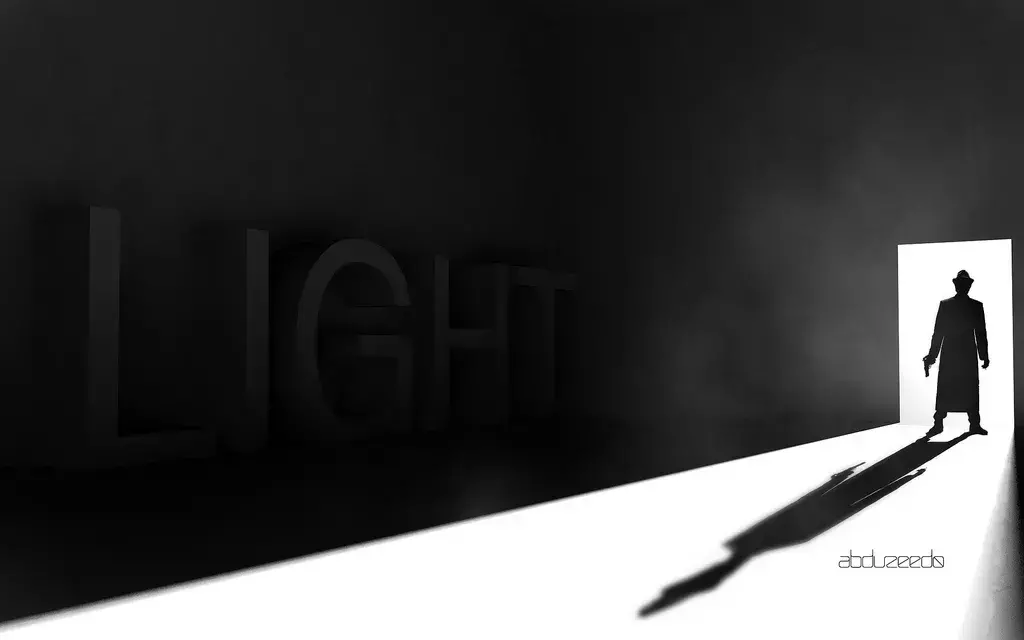
Stylish Light in Cinema 4D and Photoshop Tutorial
tutorial
Following my Cinema 4D tranining I started playing with lights and illumination. It's amazing what we can do using Global Illumination. We can turn a simple scene into a very realistic render with complex light and shadows. Also, I've used Adobe Photoshop to add some post production effects.