Featured Content
4582
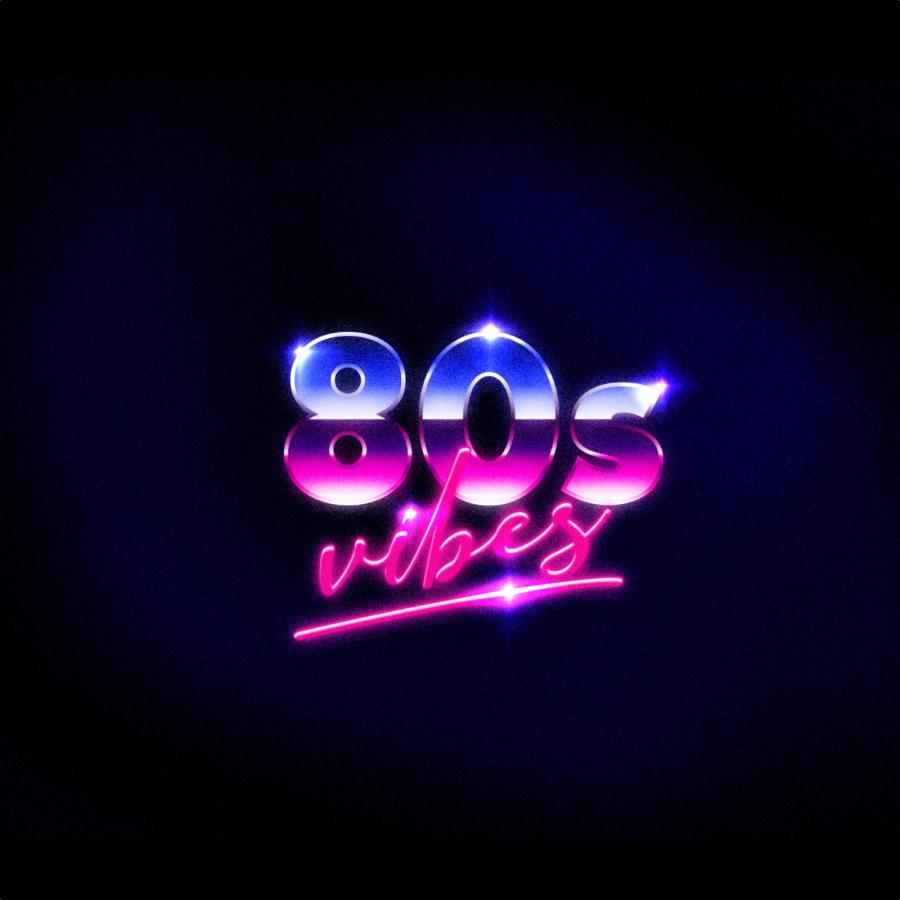
80's Style Text Effect in Pixelmator
tutorial
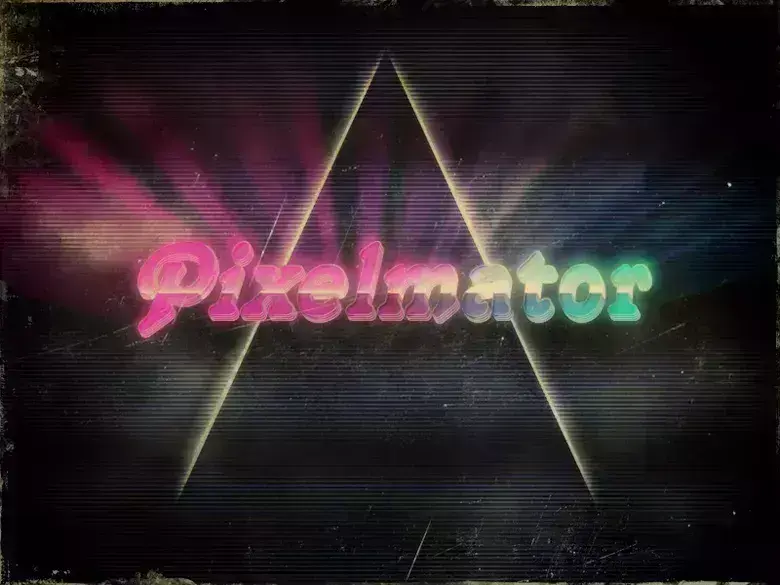
In this tutorial, I will show you how to create a very nice text effect inspired by the colors and some light effects used in the work of a great digital artist who uses the name Empire.
4583
Logo Zee no Illustrator
4584
Zee Logo in Illustrator
tutorial
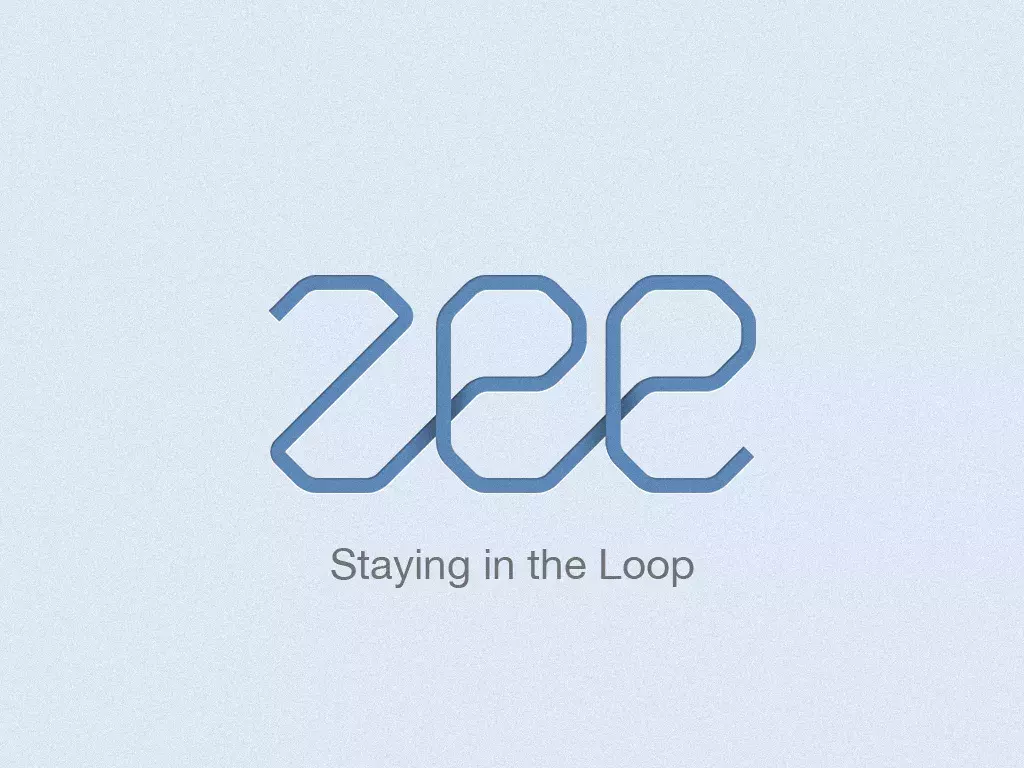
A few weeks ago we decided to redesign the Zee logo.
4585
Poster Retro Estiloso no Pixelmator
4586
Stylish Retro Poster in Pixelmator
tutorial

In this tutorial I will show you how to create a stylish retro poster using Pixelamator. We wil play with basic tools and primary colors to do that.
4587
Shiny Calligraphy Text Effect in Photoshop
Typography
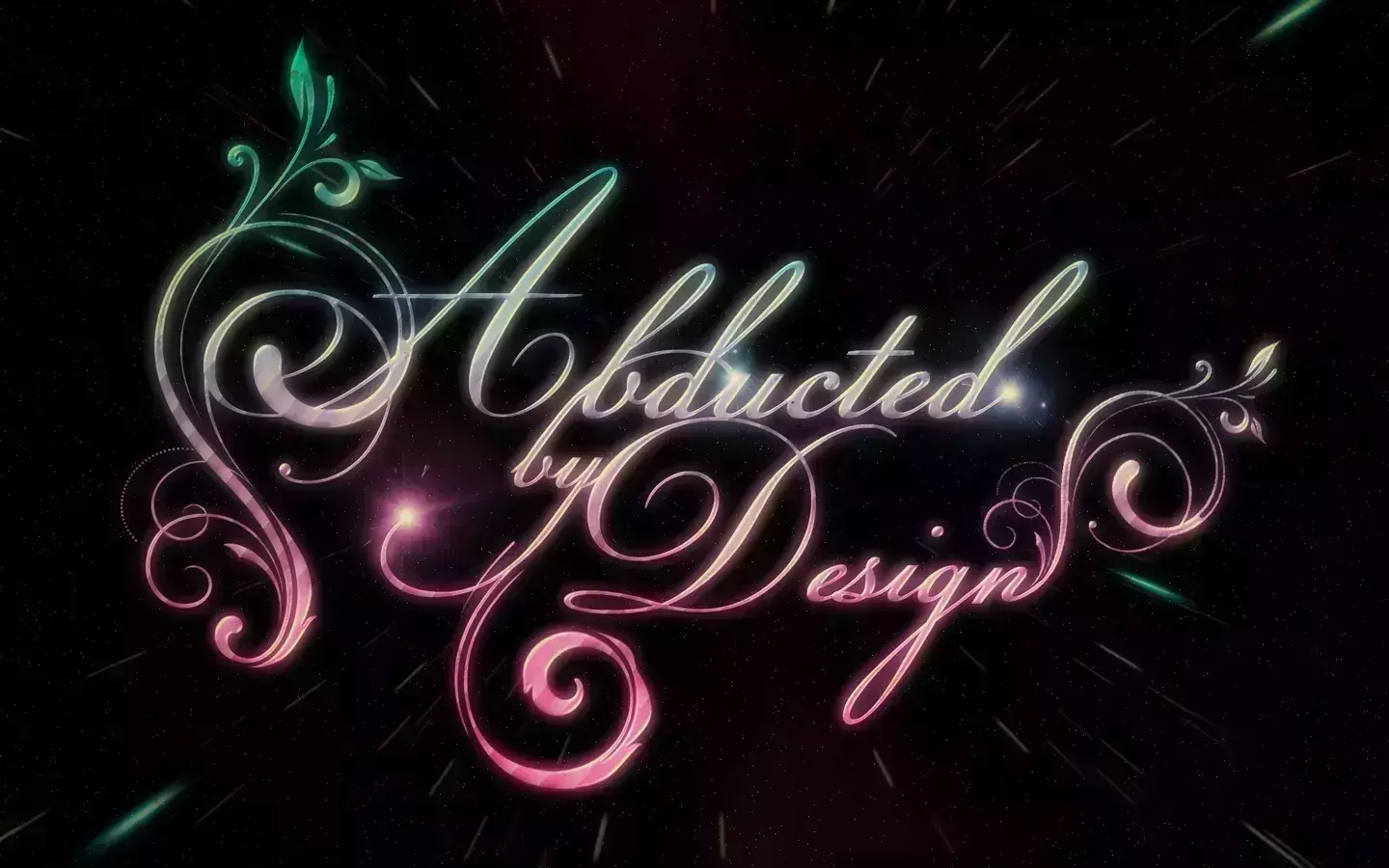
Last week I posted some articles about typography and received quite a few emails asking me to create a tutorial on text effects.
4588
Cena Espacial Fácil no Pixelmator
4589
Easy Space Scene in Pixelmator
tutorial
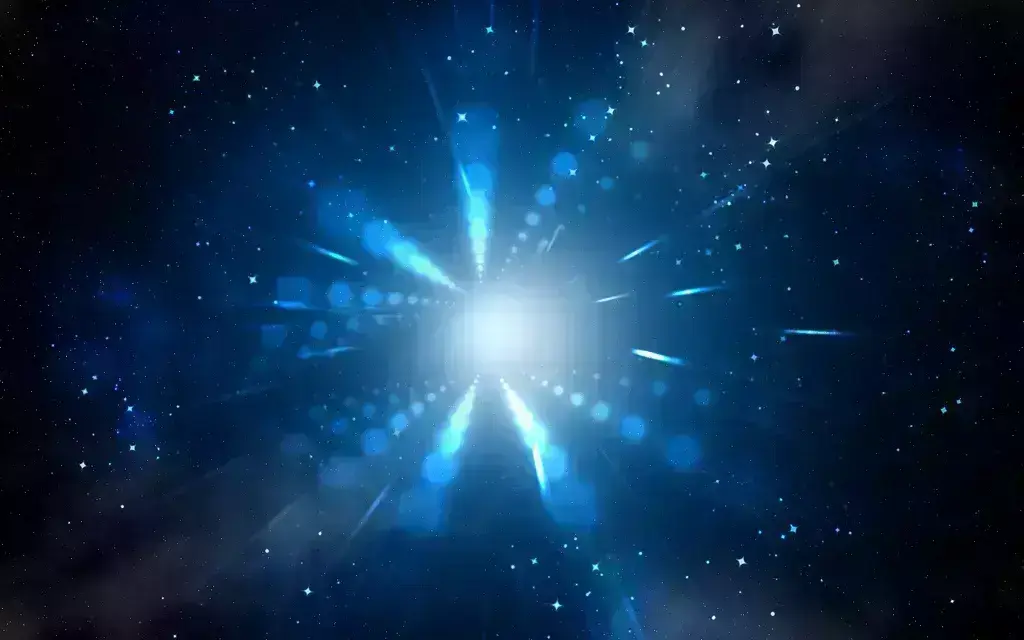
In this tutorial, I will show you how to create a space scene in Pixelmator without using a stock photo or special brush, just the ones that come with Pixelmator.
4590
Poster Retro Muito Legal em 10 Passos no Photoshop
4591
Super Cool Retro Poster in 10 Steps in Photoshop
Typography
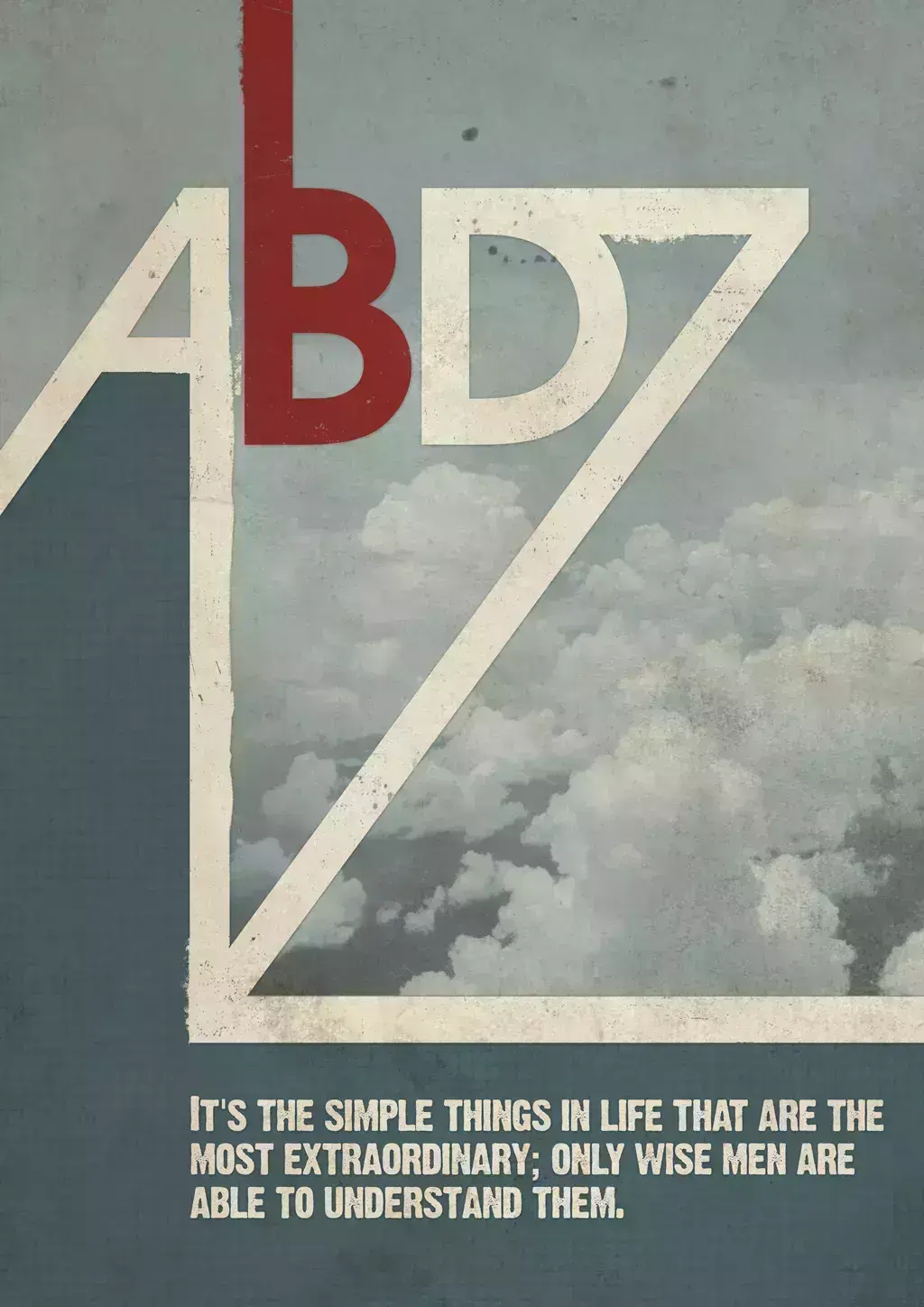
A couple of weeks ago Amanda (@amlight) published a few articles showing stylish posters and albums with a very retro style, very simple but at the same time really cool.
4592
Criando Fontes com Dobras Muito Legais
4593
Novo Ícone Quicktime no Photoshop
4594
New Quicktime Icon in Photoshop
tutorial
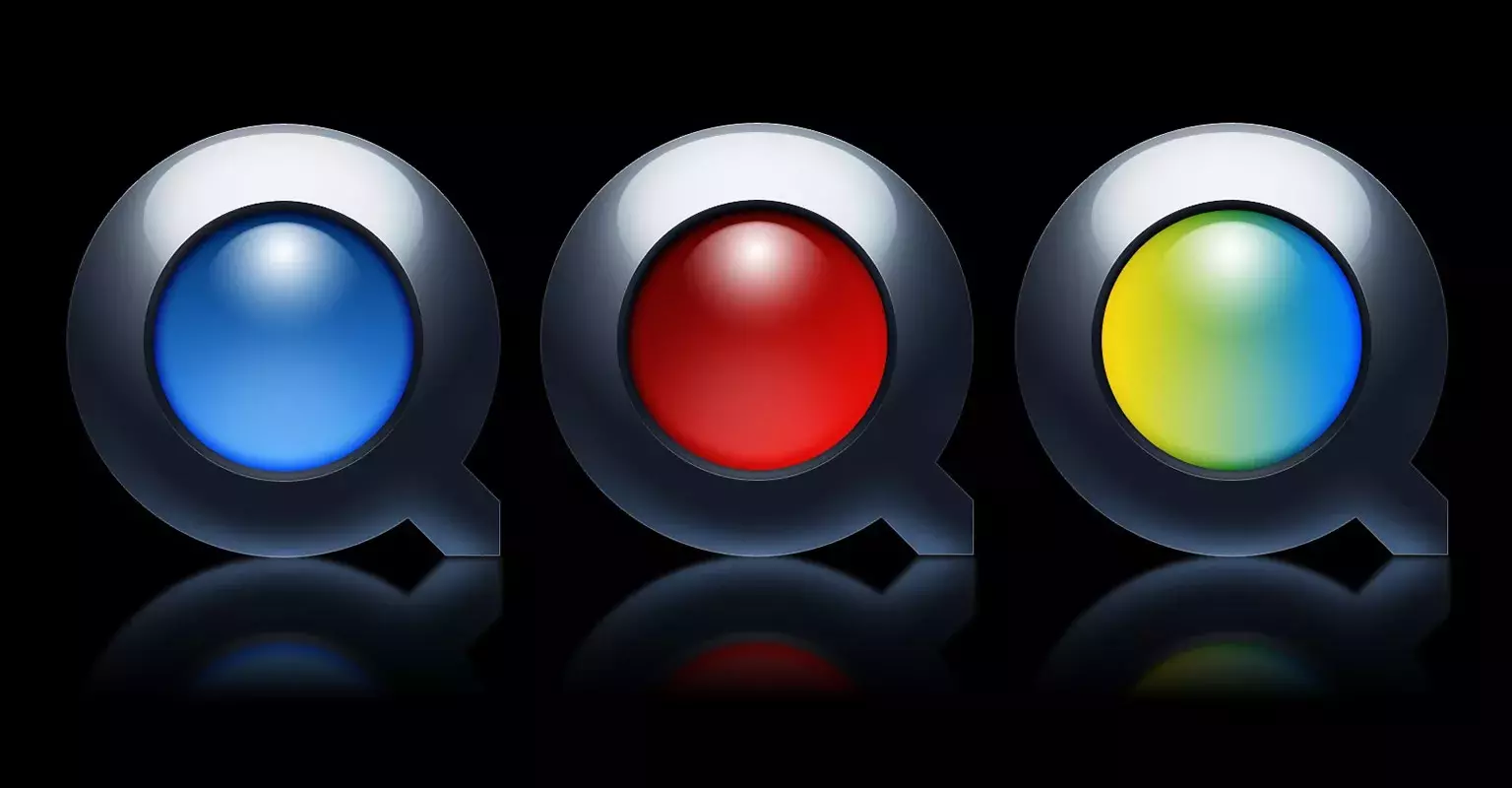
Apple is about to release their new version of Mac OS X, code-named as Snow Leopard. With this new release there will be a totally new version of Quicktime.
4595
Amazing Watercolor Effect in Pixelmator
tutorial
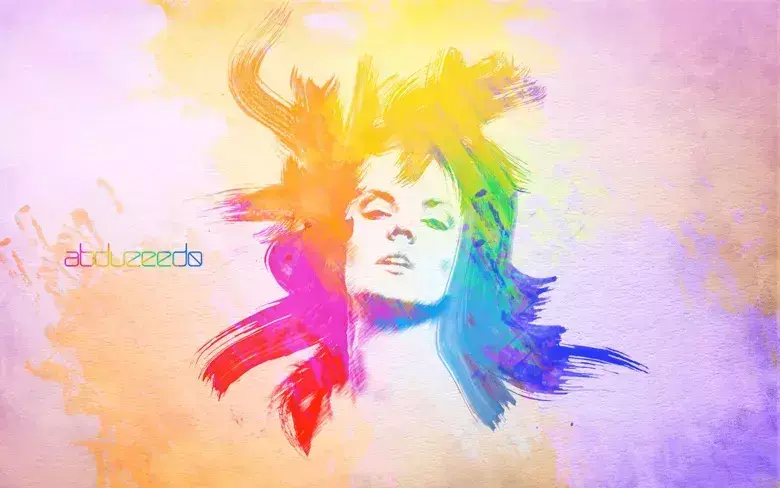
In this tutorial I will show you how to create a really cool effect using some watercolor brushes mixed with photos.
4596
Pintura Digital Fantástica feita no Photoshop e Corel Painter
4597
Criando uma Ilustração Super Detalhada - Passo a Passo com OwaikeO
4598
Texto Incrível em Estilo Video-Game no Photoshop
4599
Amazing Video-Game Text Style in Photoshop
Typography
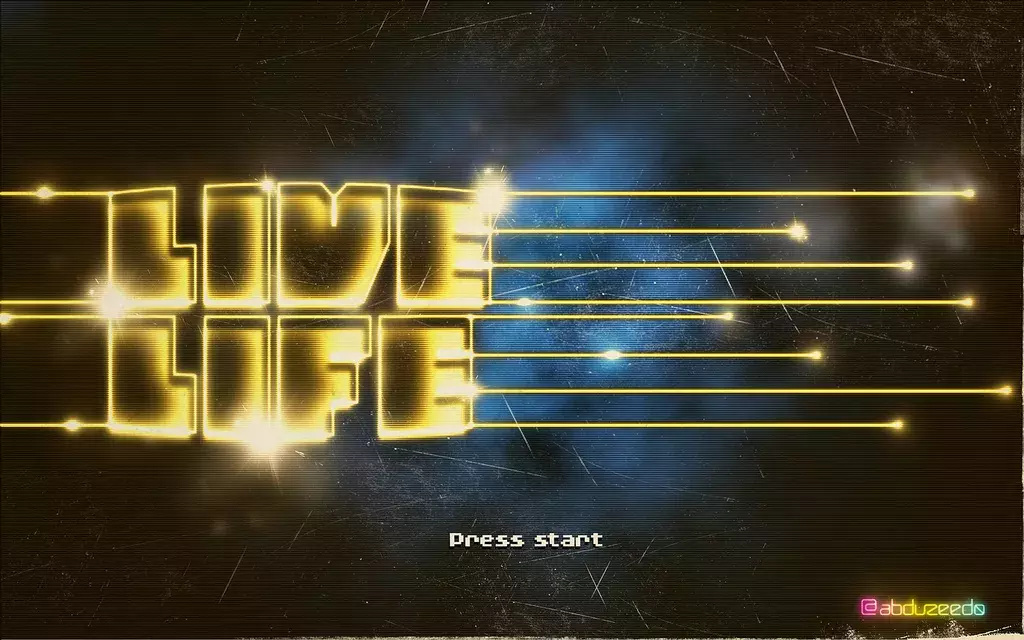
Following my series of tutorials on Retro effects, I will show you how to create a text effect in Photoshop based on the DVNO clip by Justice and of course some 8 and 16 bits video game opening screens. We will play basically with some basic filters like Gaussian Blur, also with Blend Modes to the light effects.
4600
Bases da Manipulação: Iluminação e Coloração
Tutorials

Get Featured
Send your project to be featured on the blog. Follow the instruction on the template and good luck. Ah, make sure you add the images and credits that are due.