Featured Content
4602
Retro Geometric Vectors in Space with Illustrator and Photoshop
tutorial
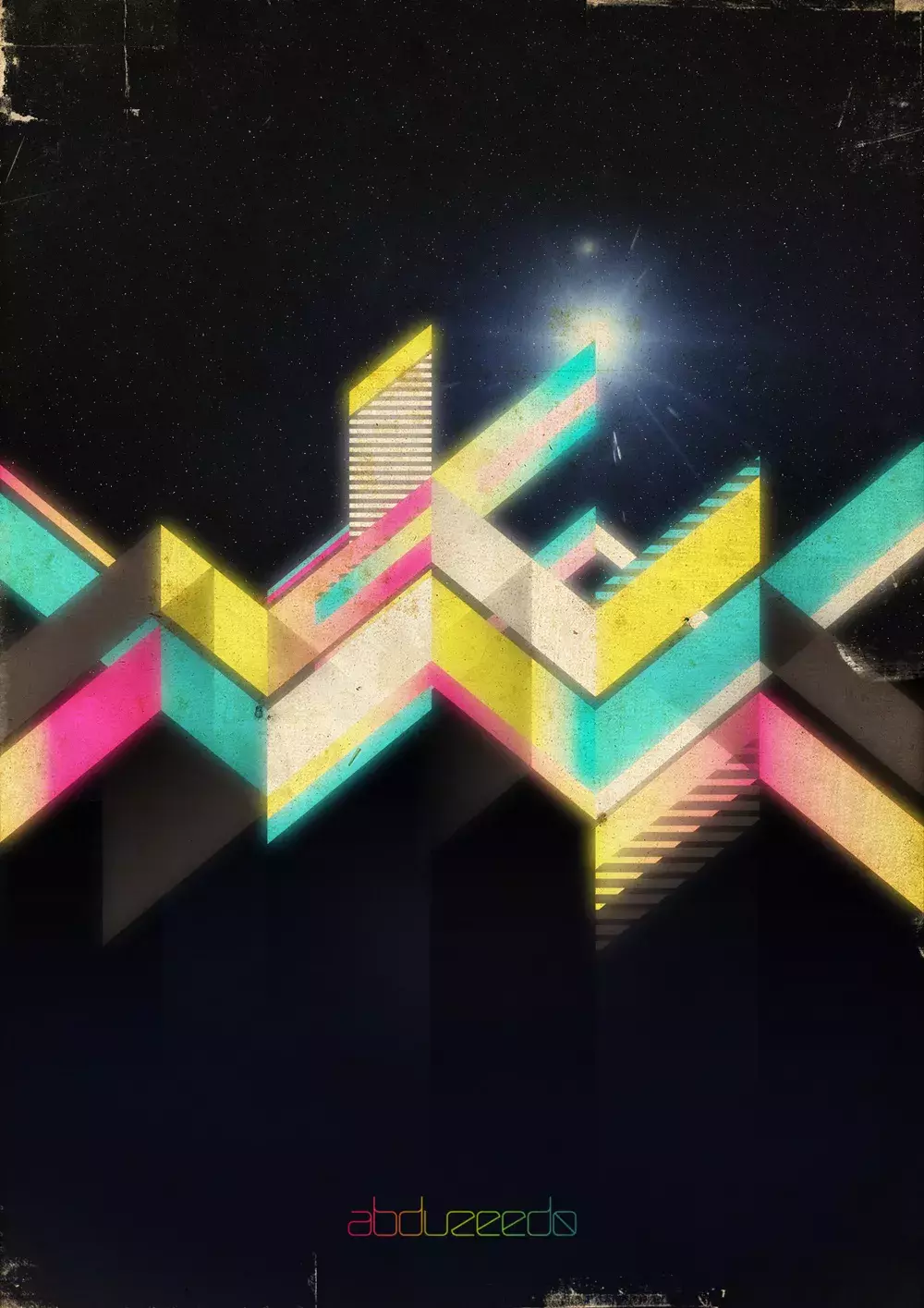
Last week I was talking to Aloa, one of the Abduzeedo writers, and he was showing me some images that he thought were cool for tutorials, one of those had this mix of vectors and gradients but ver
4603
Photoshop Quick Tips #3 - Enhancing Photos with High Pass Filter
tutorial
Following our series of quick tips, I will show you how to enhance a regular photo in Photoshop and make it look better. Of course you can change the presets in order to make it look more subtle, my idea was to exaggerate a bit. Also we will use the Shadows/Highlight adjustments showing how you can easily simulate a sort of HDR style.
4604
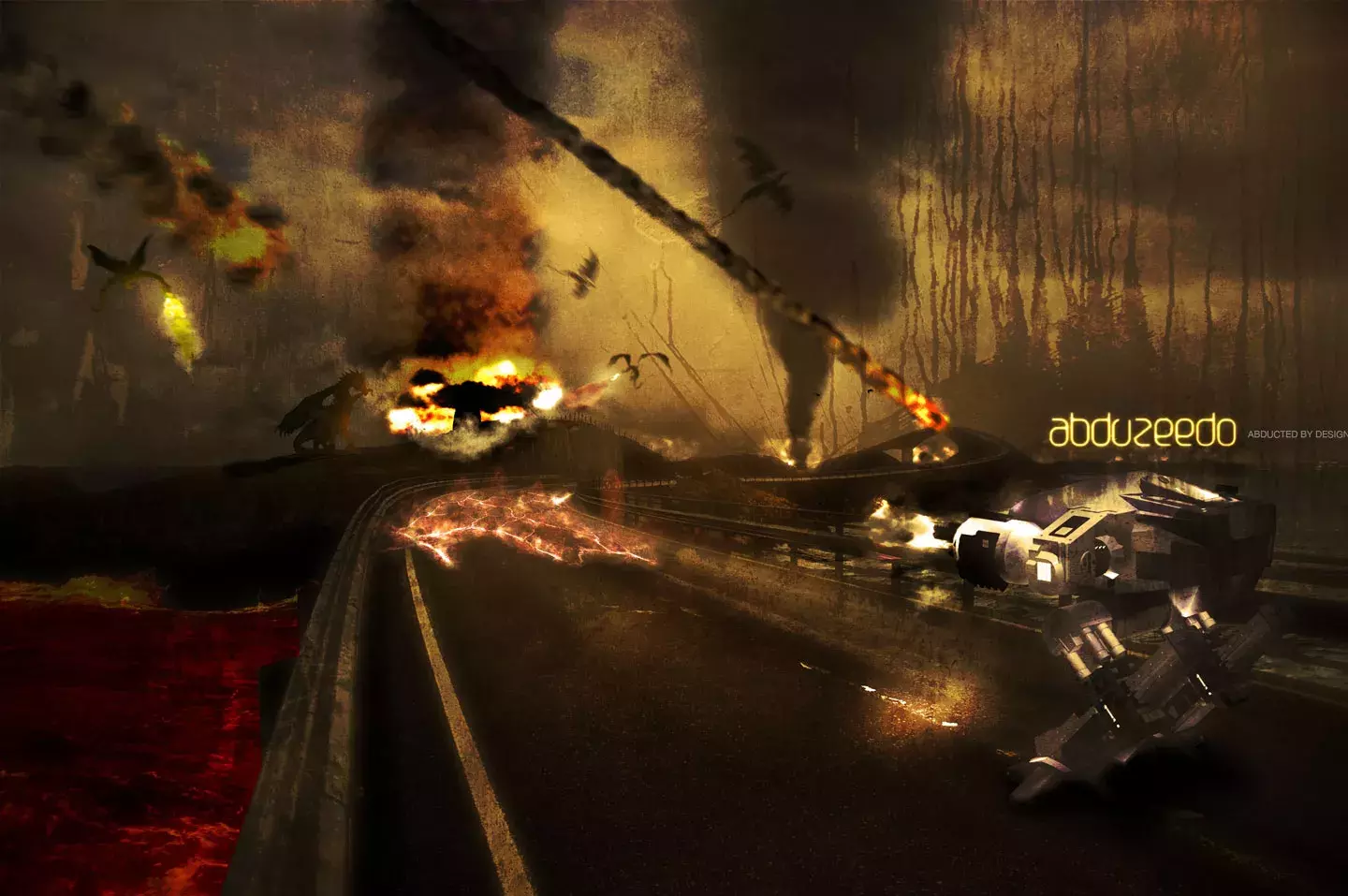
Stunning Dragons Attack in Photoshop with 3D Features
tutorial
Last year I was learning how to use the 3D features in Photoshop and I did an image mixing a 3D robot with a photography and some dragons in vector.
4605
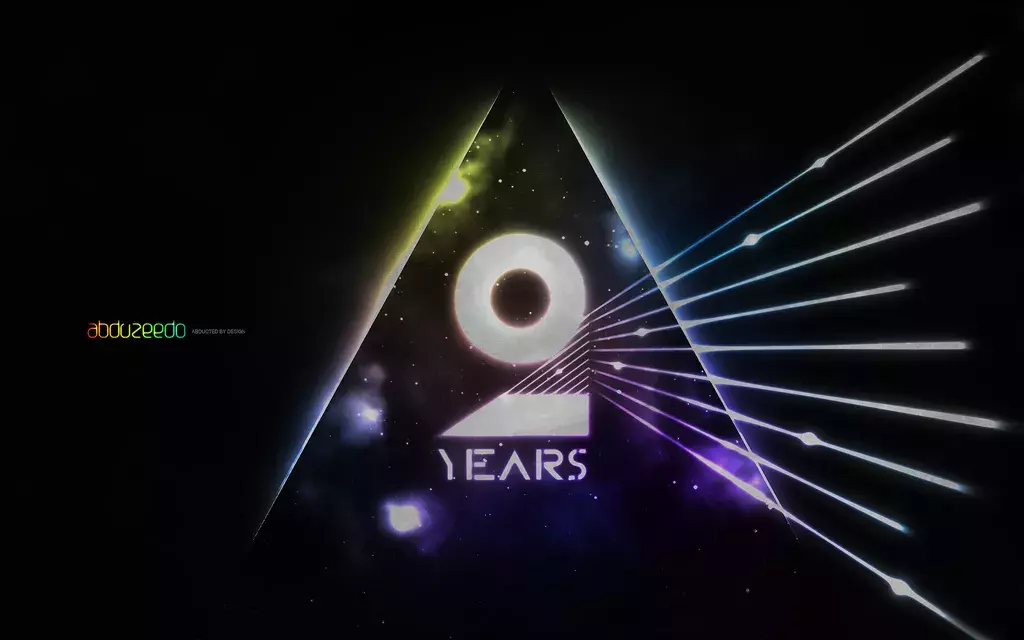
Abduzeedo 2 Years Art in Photoshop
tutorial
A few weeks ago I did a wallpaper for the Abduzeedo's second anniversary. It had a very 80's style from the colors to the theme that, of course, was space.
4606
New Year Creating a New Typeface in Illustrator
Typography
When I created the very first version of Abduzeedo I did a simple logo because I didn't have much time back in 2006, I wanted the blog up and running as faster as possible.
4607
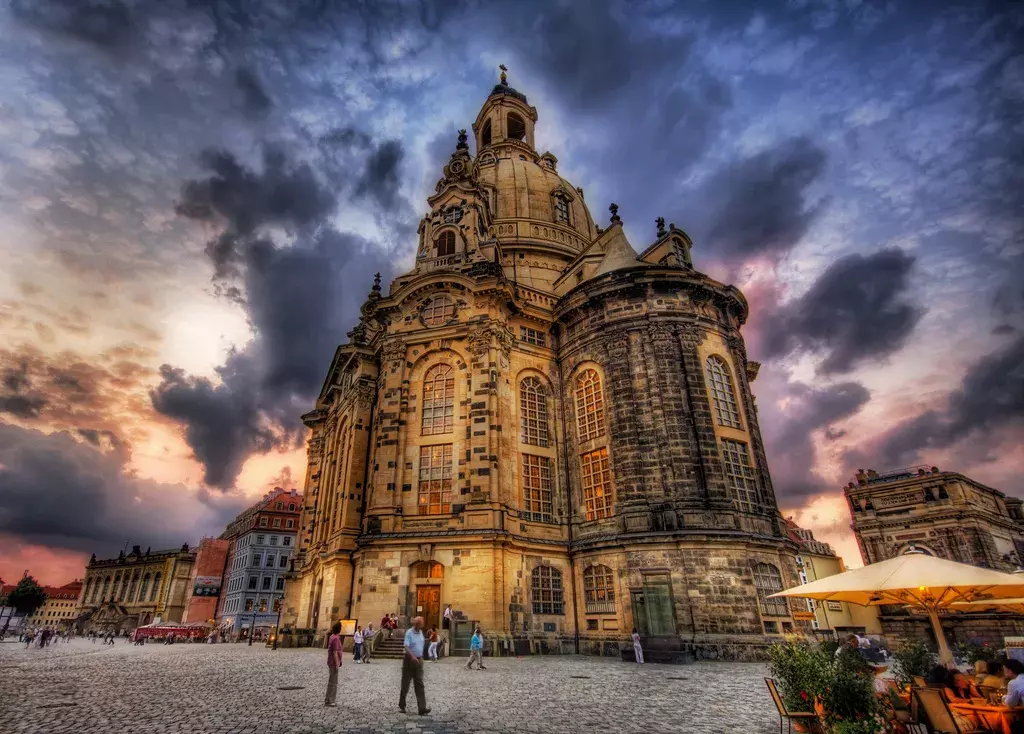
Really Cool Photo Art Tutorial
guest post
Hello everyone from Abduzeedo!If you are anything like me, you have this site in your regular reading list for inspiration.I've been so inspired by so many things here, that I thought it would be good to share a few things back with the world.I talked to the very nice Fabio here at Abduzeedo, and he thought a light version of my photo art tutorial would be fun for a guest post.
Trey Ratcliff - www.stuckincustoms.com
4608
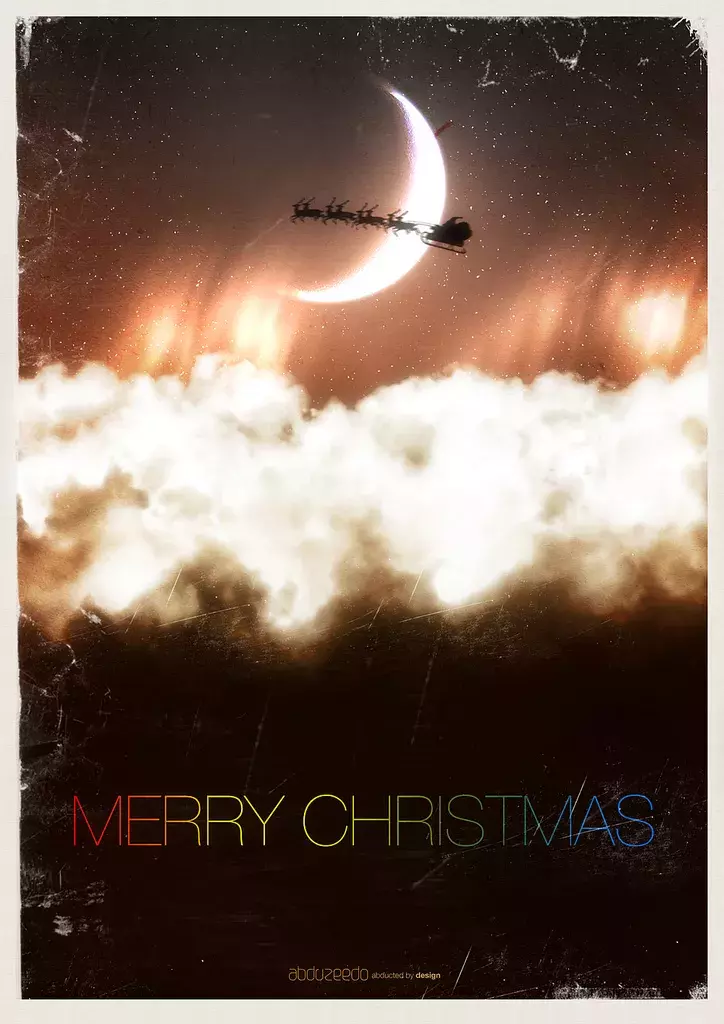
Beautiful Fluffy Clouds in Photoshop - Christmas Tutorial
tutorial
A few days ago I was watching a movie and I saw the Dreamworks logo. It's very well known and incredibly beautiful; that little kid sitting on the moon fishing.
4609
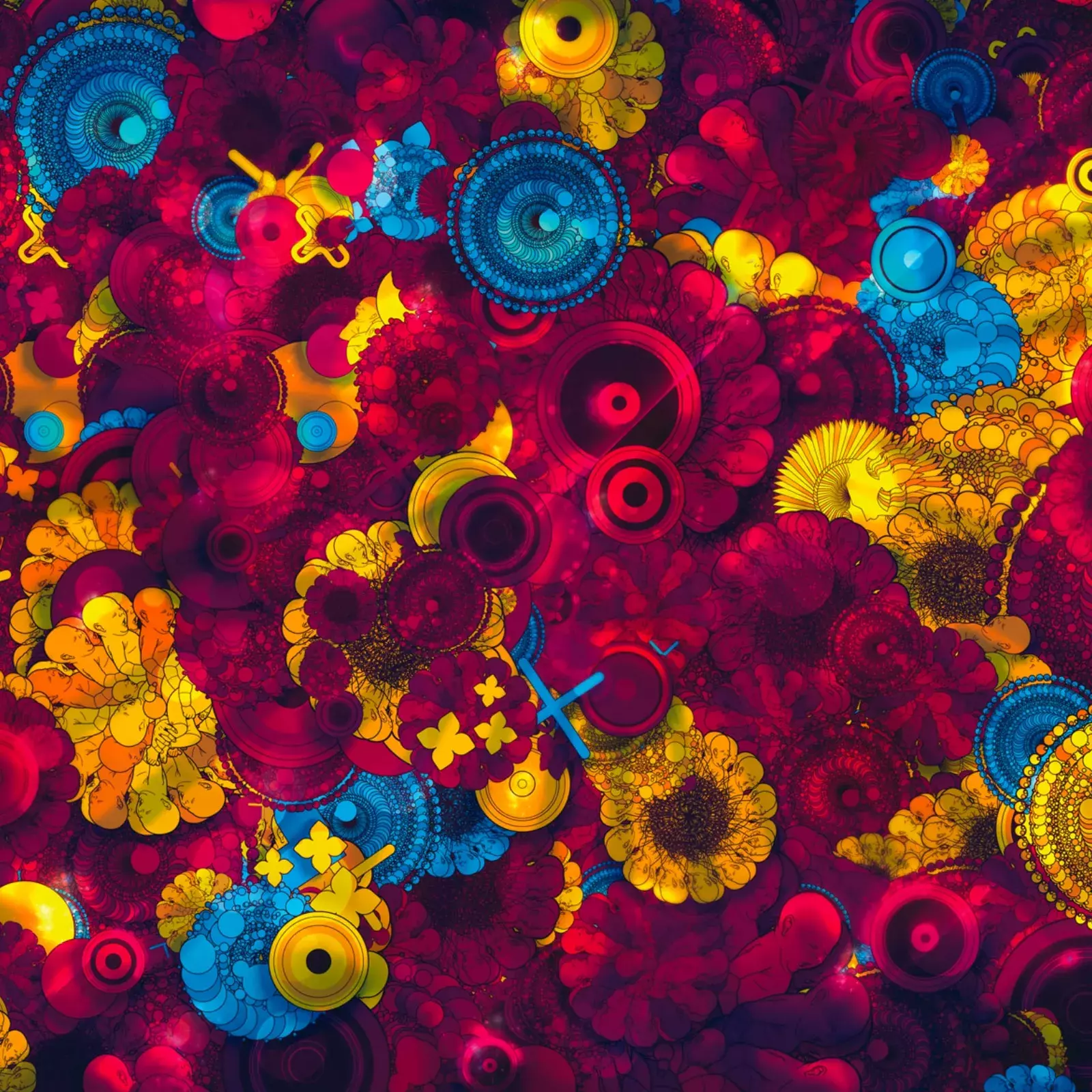
Psychedelic Life Tutorial by Guilherme Marconi
design
This week we have the honor to publish a tutorial from Guilherme Marconi, one of our favorite digital artists out there, and we can say owner of a very unique style
4610
Awesome Light Effects in Fireworks inspired by the James White's O series
tutorial
I'm sure that pretty much everyone of you guys loves the art of James White, at least, we here over at abduzeedo do.
4611
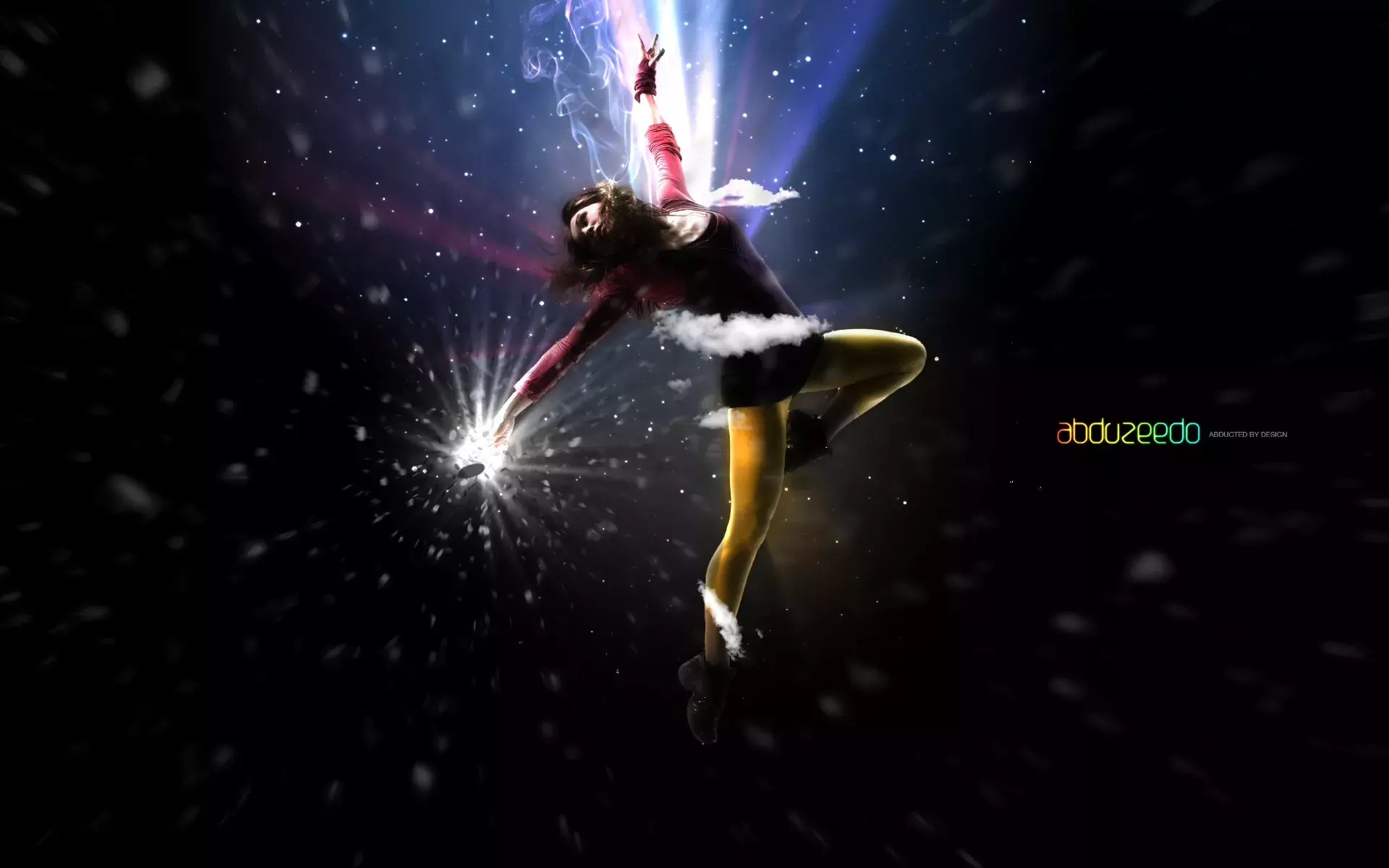
Flying Girl in Photoshop
tutorial
A few weeks ago I published a tutorial called Girl in Tempo.
4612
Super Cool Abstract Vectors in Illustrator and Photoshop
vector
One of the best tools in Illustrator in my opinion is the Blend Tool. There are so many things we can do with the blend tool, mixing shapes, replacing the Spine path to create crazy forms.
4613
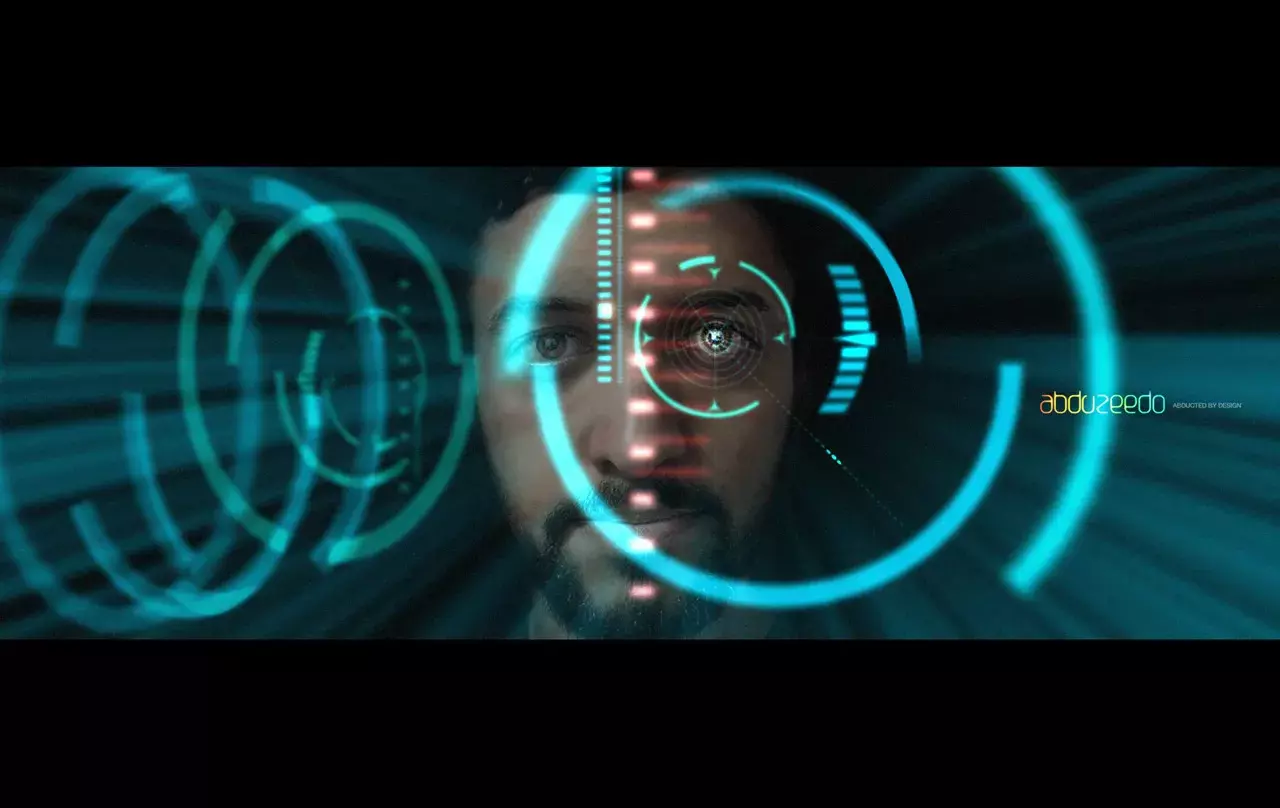
Iron Man View Interface Effect in Photoshop
tutorial
Last weekend I was watching the Iron Man movie and I was blown away by some of the effects I saw.
4614
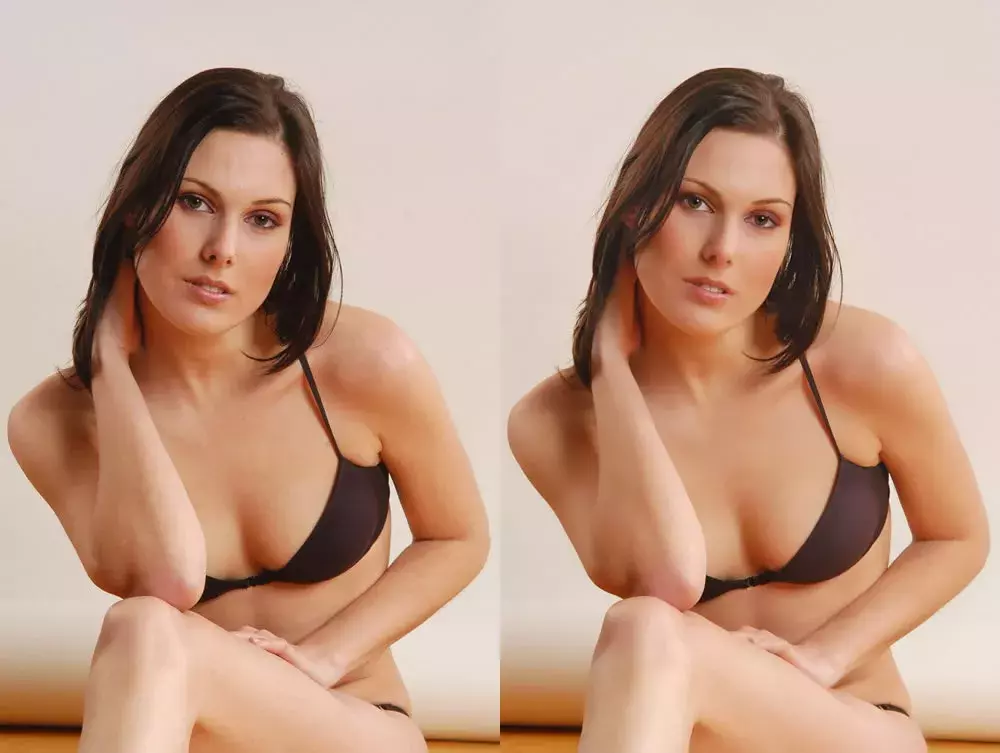
Really Cool Digital Make up in Photoshop in 10 min
tutorial
Why use real make up if you can do a digital make up and make the skin look pretty and smooth.
4615
Girl in Tempo Tutorial - 1 Copy Pixelmator Giveway
tutorial
In this tutorial I will show you how I created the Girl in Tempo Image.
4616
Awesome digital bokeh effect in Photoshop
tutorial
Our last Wallpaper of the Week was an image I had created using Pixelmator, and I really liked the outcome.

4617
Abstract Wallpaper in Pixelmator - 2 copies of Pixelmator giveaway
tutorial
Following our series of Pixelmator tutorials, this week we will show you how to create an abstract wallpaper using the Quartz Composer filters.
4618
Abduzeedo Job Board banner em Fireworks
4619
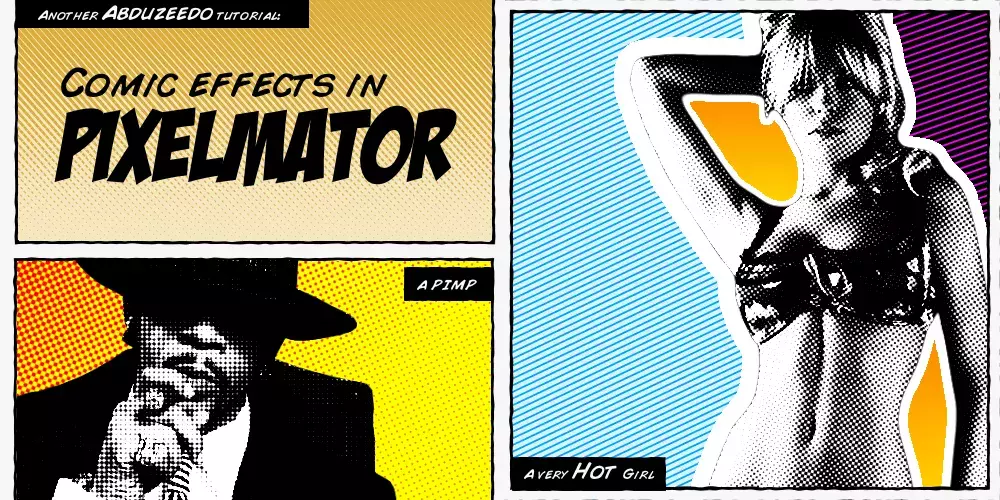
Comic Style effect in Pixelmator
tutorial
I know it's been quite awhile since the last time I published a Pixelmator tutorial, but the wait is over.
4620
Create an amazing Ad in Photoshop
tutorial
I'm a really fan of Peter Jaworowski aka The Hejz, I even wrote a tutorial for
Tutorials
Get Featured
Send your project to be featured on the blog. Follow the instruction on the template and good luck. Ah, make sure you add the images and credits that are due.