






tutorialListThumbs

Rad Pattern in Illustrator that Makes you Dizzy

Rad Pattern in Illustrator that Makes you Dizzy

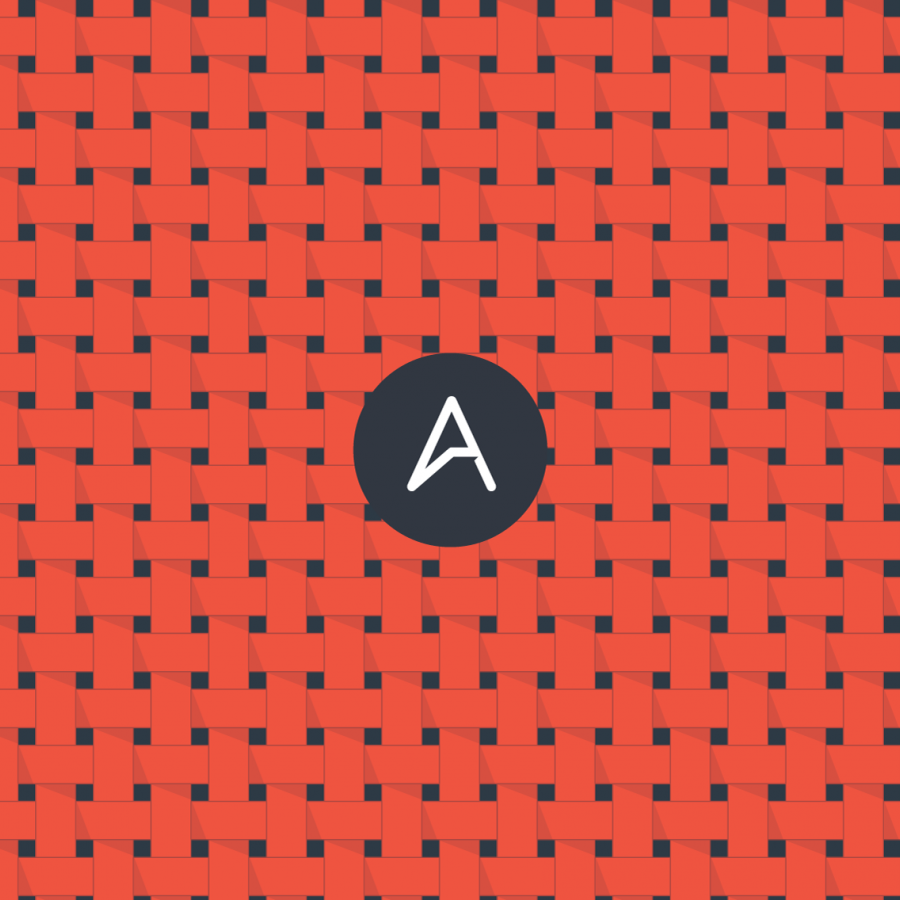
Yesterday I was checking a book I have about skateboard decks design called New Skateboard Graphics. It's a super cool book and we have even given a copy away here on Abduzeedo. So while I was flipping through the pages I found this beautiful design that was a crazy pattern. It was a deck from Element, and I decided to try to do that in Illustrator.
Very Easy Heroes Eclipse in Photoshop

Very Easy Heroes Eclipse in Photoshop

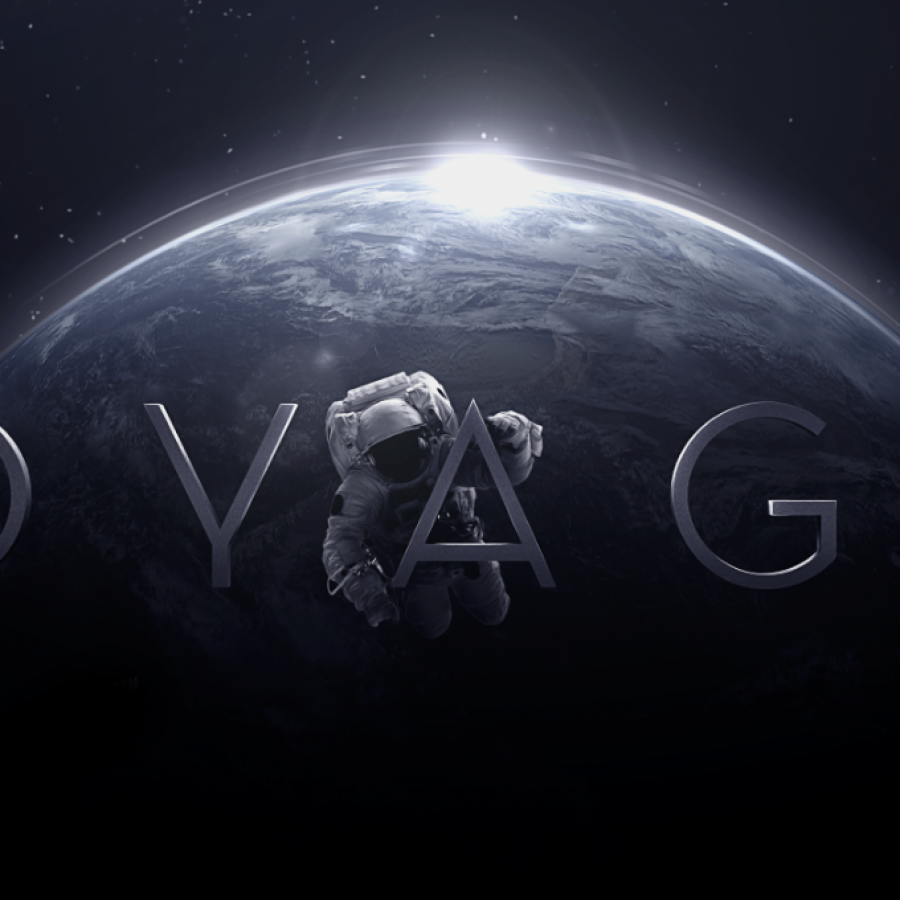
The new season of Heroes is on and it's really good. While I was watching the last episode I saw the opening credits and I thought to myself, why I haven't done that effect yet. So I decided to create the Heroes eclipse effect in Photoshop with a litle extra retro style. So in this tutorial I will show you how to create a nice eclipse effect using only Photoshop. We will add a texture in the end just to give that retro feel to the image.
Super Easy Neon Style in Photoshop

Super Easy Neon Style in Photoshop

This past Friday was the Abduzeedo meetup here in my hometown of Porto Alegre. It was really cool, we had a lot of fun and a lot of beers! When I was leaving I noticed the neon sign outside the pub and it really inspired me to create a tutorial on how to acheive that type of effect in Photoshop. In this tutorial I will show you how to create a nice light effect in Photoshop. We will use Layer Styles and Blend Modes to simulate a neon text effect.
80's Style Text Effect in Pixelmator

80's Style Text Effect in Pixelmator

In this tutorial, I will show you how to create a very nice text effect inspired by the colors and some light effects used in the work of a great digital artist who uses the name Empire. His work can be seen at empireisok.com. Step 1 Open Pixelmator and create a new document; I used 800×600 pixels. Then with the Gradient Tool (G), fill the background layer with a gradient using black and dark grey.
Zee Logo in Illustrator

Zee Logo in Illustrator

A few weeks ago we decided to redesign the Zee logo. When companies redesign their logos, that means, most of the time, that they are changing something in their business, it can be a new strategy, new products, etc... But it's pretty much sure that something is new behind the logo. In our case it's not different, we've changed our business model and decided to create a new logo.
Stylish Retro Poster in Pixelmator

Stylish Retro Poster in Pixelmator

In this tutorial I will show you how to create a stylish retro poster using Pixelamator. We wil play with basic tools and primary colors to do that. The inspiration is from old posters and of course, the master of the De Stijl Piet Mondrian. This tutorial was originally written for the Pixelmator Learn site, you can see more tutorials I wrote for Pixelmator at http://www.pixelmator.com/learn/
Shiny Calligraphy Text Effect in Photoshop

Shiny Calligraphy Text Effect in Photoshop

Last week I posted some articles about typography and received quite a few emails asking me to create a tutorial on text effects. So I decided to play a bit with Photoshop to create a nice sort of 3D effect using a calligraphy font and a lot of Layer Styles. The effect is really simple and we will take a look at how to create patterns and light effects with Blend Modes. Step 1
Photography Quick Tips: Old Film Style Photos

Photography Quick Tips: Desaturated Film Style Photos

Lately I've been getting a lot of photography how-to questions so I decided to start a series of posts called "Photography Quick Tips" where I'll share with you guys some short and simple steps to achieving the effects of your choice.
Stylish Light Effect in Photoshop

Stylish Light Effect in Photoshop

One of the most popular tutorials I have writen is the Sparkling Hot Girl in Photoshop. It was a very straightforward technique on how to create some nice light effects mixed with a hot girl. Everything over a dark background. Since then I have received emails asking me how to create light effects over white or light backgrounds. So I decided to try some ideas and create an image mixing a photo of a girl with some light effects.
Easy Space Scene in Pixelmator

Easy Space Scene in Pixelmator

In this tutorial, I will show you how to create a space scene in Pixelmator without using a stock photo or special brush, just the ones that come with Pixelmator. We will play with some filters and blending as well. The whole effect will not take you more than 20 minutes, and the end result is really impressive, very inspired on the Snow Leopard space theme design of the CD box. This tutorial was originally written for the Pixelmator Learn site, you can see more tutorials I wrote for Pixelmator at http://www.pixelmator.com/learn/

Icon Ads Wall

  • Openjobs - Oportunidades de Emprego para Profissionais de Talento
  • Zee - Irrezeestível Design Digital
  • Tradd.us - Contextual Translator
  • DesignFlavr, Inspirational Art and Design served daily
  • Signalnoise.com | The art of James White
  • Alberto Seveso - Illustrator
  • Description: Award Winning Portfolio and blog of Web Developer Anthony Woods

Do you want to advertise here?